Get access and sign in
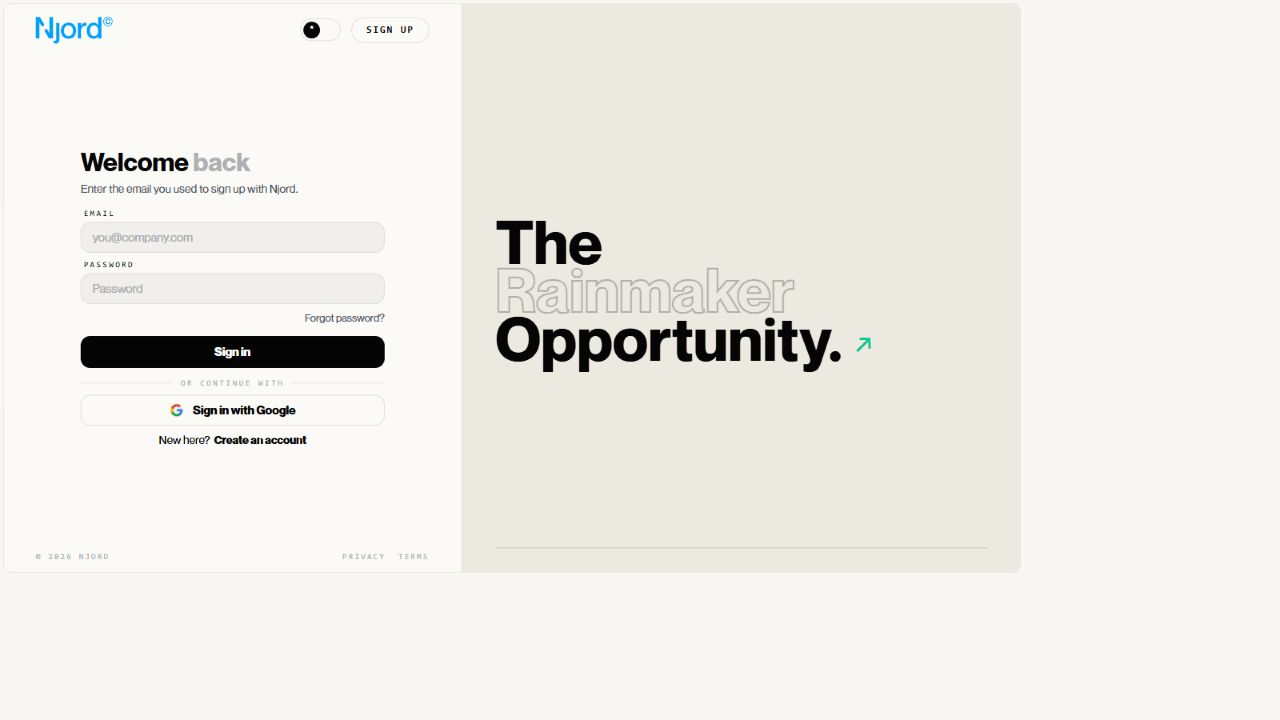
Get access and sign in
Use the work email your organization invited to DOE. Your team may ask you to use a DOE password, Google or its company sign-in service.
Image guide: the sign-in page provides email and password fields, Google and company sign-in options, and a password reset link.
Choose your sign-in method
| Your situation | Guide to follow |
|---|---|
| You have an invitation and need to create an account | Create and verify your account |
| You already have a DOE password | Sign in with email, password and a code |
| Your team uses Google | Sign in with Google |
| Your team uses its own company login | Sign in with company SSO |
| You forgot your DOE password | Reset your password |
SSO means single sign-on: you use your company's login to enter DOE. Your company manages that password and any additional security checks.
After signing in
DOE opens your workspace when your account has access. If you are new, you may first need to complete your profile.
Signing in confirms who you are. Workspace membership determines which team data you can open. If sign-in succeeds but your workspace is missing, follow workspace access problems.
Get help with a sign-in problem
Use fix sign-in problems for a rejected password, missing code or incorrect Google account.
When asking your admin for help, include your work email, the sign-in option you chose and the message you see. Keep passwords and security codes private.