Sign in with email, password and code
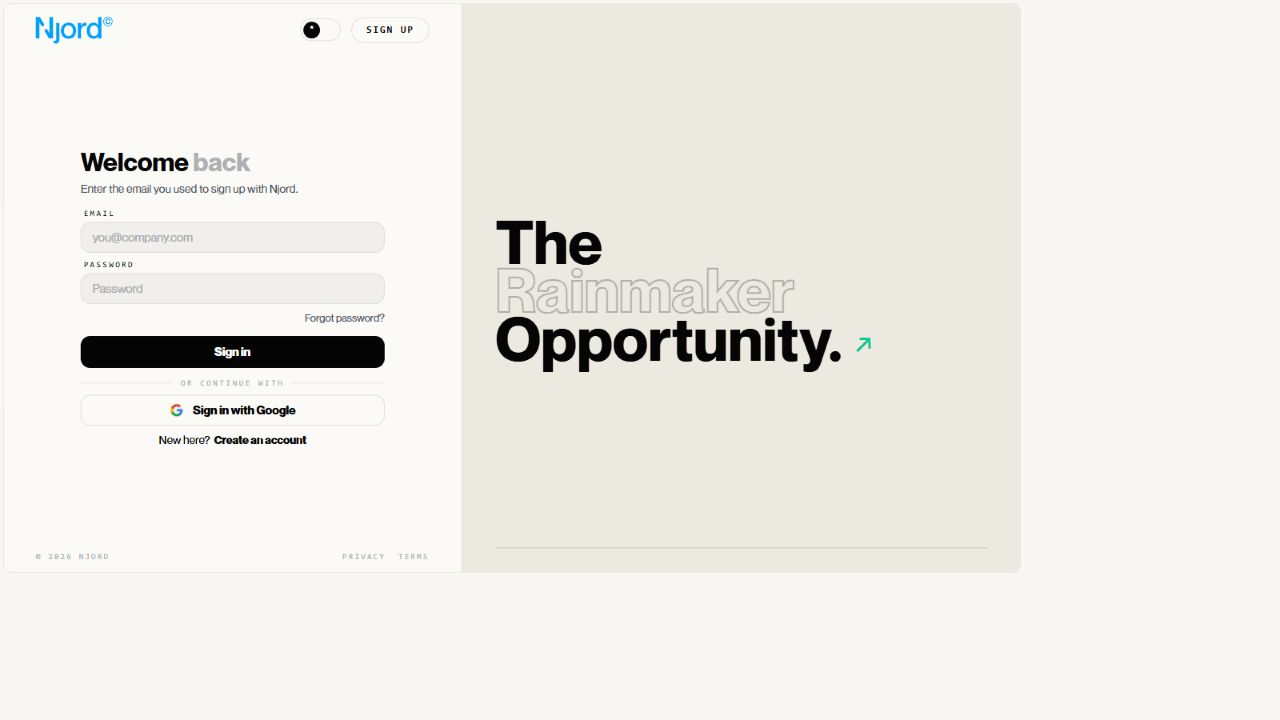
Sign in with email, password and code
Use this page when you already have a DOE password and want to sign in with your work email.
Before you sign in
Make sure:
- your DOE account is already verified,
- you are using the invited work email,
- you are using your DOE password, not your Google or company SSO password,
- you can open the mailbox connected to your DOE account.
Sign in
- Open the DOE sign-in page.
- Enter your work email.
- Enter your DOE password.
- Choose
Sign in. - Enter the security code sent to your email when DOE asks for it.
If the password is wrong, use Forgot password? to reset your DOE password.
Why DOE asks for a security code
DOE email and password accounts use an emailed security code as the default second sign-in step. This extra check helps protect the account even if someone else learns the password.
Immediately after you verify a new account, DOE may continue that short setup session without asking for another code. Later email and password sign-ins require the emailed code by default.

Use the newest code from your email. If you request another code, ignore the old one. If the code still fails, check that you are signing in with the right email address.
When to use a different button
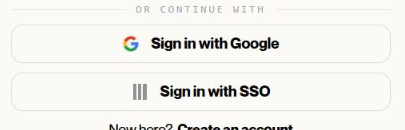
| If your organization gave you this instruction | Use this |
|---|---|
| Use Google | Sign in with Google |
| Use company SSO | Sign in with SSO |
| Use a DOE password | Email and password |
Google or your company controls the password and any MFA used on those external accounts. Password reset in DOE changes only a DOE password.
After sign-in
DOE opens your workspace automatically when possible. If you belong to more than one workspace, choose the workspace you want to enter.
If sign-in succeeds but the workspace is missing, the issue is usually workspace membership, not your password.
If sign-in does not work
| What you see | What to do |
|---|---|
| Invalid email or password | Check the email spelling, then reset your DOE password if needed. |
| Security code invalid | Use the newest code or request a new one. |
| Google or SSO account expected | Go back and choose the method your organization told you to use. |
| No workspace after sign-in | Ask your DOE workspace admin to check membership and role access. |