Reset your DOE password
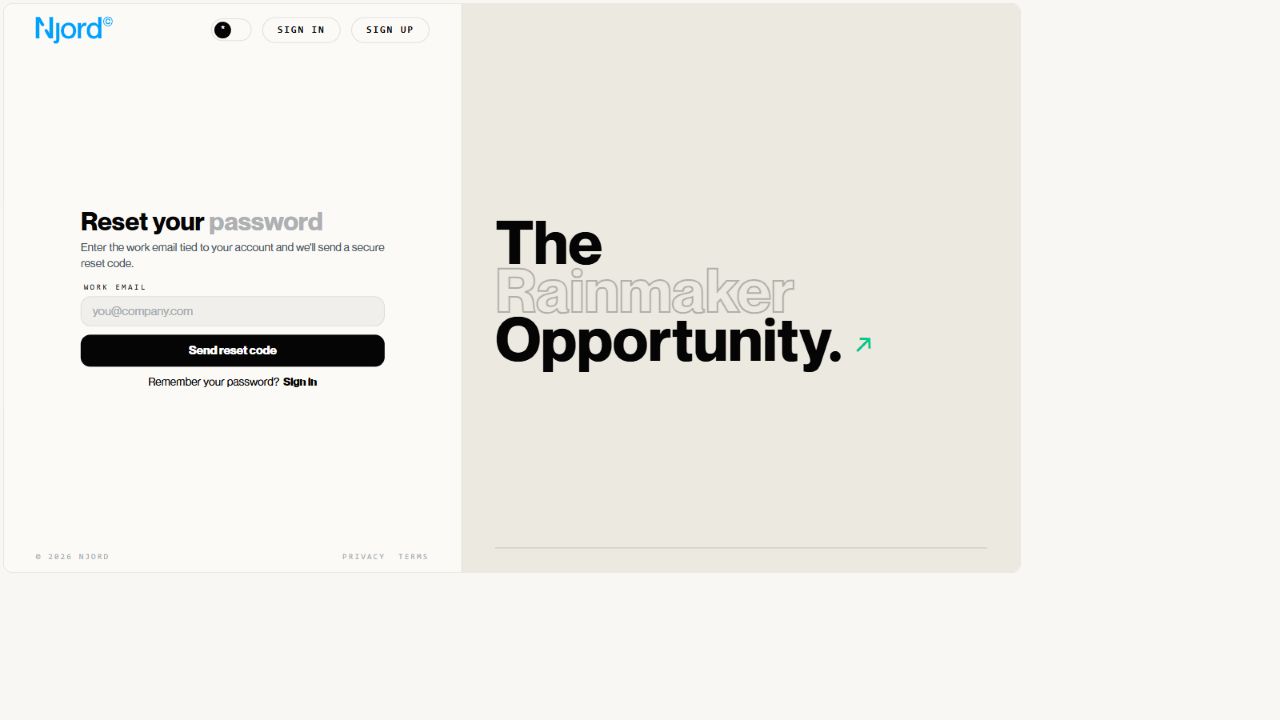
Reset your DOE password
Use this page when you sign in with a DOE password and cannot remember it.
Password reset is only for DOE email/password accounts. It does not reset a Google password or a company SSO password.
Request A Reset
- Open the DOE sign-in page.
- Choose
Forgot password?. - Enter the work email for your DOE account.
- Submit the request.
- Keep the reset screen open.
DOE sends a secure code to that email address when the account can be reset.
Choose A New Password
- Open the newest reset email from DOE.
- Copy the secure code.
- Enter the code on the reset screen.
- Enter your new password.
- Confirm the new password.
- Submit the change.
Your new password must be at least 8 characters and include an uppercase letter, a lowercase letter, a number and a symbol.
After Reset
Sign in again with your work email and the new DOE password. Other browser sessions may ask you to sign in again.
If The Reset Does Not Work
| Problem | What to do |
|---|---|
| No email arrives | Check spam, confirm the email spelling and request a new code. |
| Code fails | Use the newest code only. |
| Email is not recognized | Confirm that the invited account uses email/password sign-in. |
| Your organization uses Google or SSO | Reset the password with Google or your company identity system. |