Knowledge
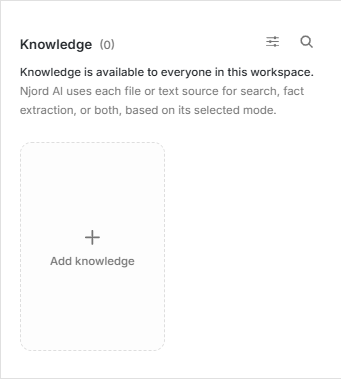
Knowledge
Knowledge is source material Njord AI should be able to work from. Add a file, note or public website when you want Njord AI to search it, cite it or suggest facts for a person to review.
Image guide: Knowledge is shared with the workspace. Add knowledge starts a new source.
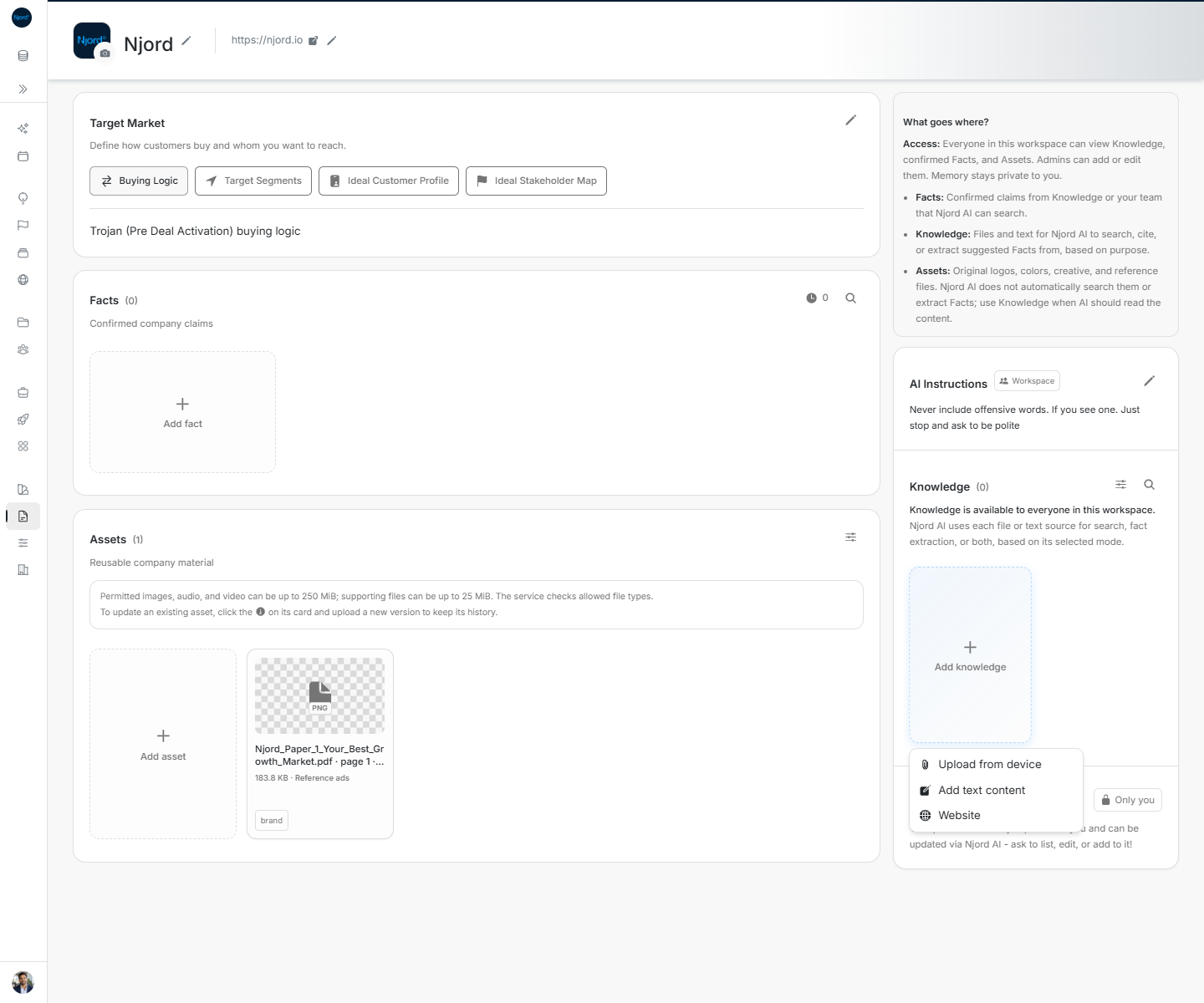
Image guide: Add Knowledge by uploading a file, adding text or reviewing a public website.
Where it sits in DOE: Our company > Context > Knowledge.
Start with the purpose
DOE asks how the source should be used.
| Purpose | Choose it when |
|---|---|
| Search | Njord AI should find and cite passages from the source. An FAQ or product guide is a good example. |
| Facts extraction | You want suggested claims to review, but do not need Njord AI to search the source itself. |
| Both | You want searchable passages and suggested facts from the same source. |
Suggested facts do not become trusted Facts by themselves. Someone must review them first.
Add Knowledge
- Choose Add knowledge.
- Select Upload from device, Add text content or Website.
- Give the source a clear title.
- Choose Search, Facts extraction or Both.
- Add a useful type, description or tags when they will help someone find it later.
- Submit the source and wait until it is ready.
If processing fails, open the item and retry. Do not upload several copies of the same source while the first one is still being prepared.
Search what the workspace knows
Use Search Knowledge when you want to find an answer inside the saved sources. Write the question or phrase, then narrow the results by document type or tag when the list is broad.
Njord AI can search sources saved for Search or Both when they are relevant. This does not mean the whole source is placed into every answer.
When a question must use one particular source, open Njord AI > Add to message > Use workspace context > Reference knowledge and select it. The selection applies to the next message only, so choose it again for a follow-up that must use the same source.
Choose Knowledge instead of Assets
Use Knowledge when the words inside a file matter. Use Assets when the original file is kept for people to preview, download or reuse but Njord AI should not read it automatically. Brand documents can be stored in Brand and important written guidance can also be added to Knowledge when it should be searchable.
Review and remove sources carefully
Open a source to update its title, description, type or tags. Share the DOE link with someone who has workspace access, or download the original when available.
Before removing a source used for Facts extraction or Both, check the warning. Removing it can also remove facts created from that source. Keep a source when those facts still need to remain connected to it.