Selection and bulk actions
Selection and bulk actions
Selection mode is used when you want to act on one or more accounts from the table. It is separate from filtering: filters decide which rows are visible, while selection decides which visible rows you want to update or act on.
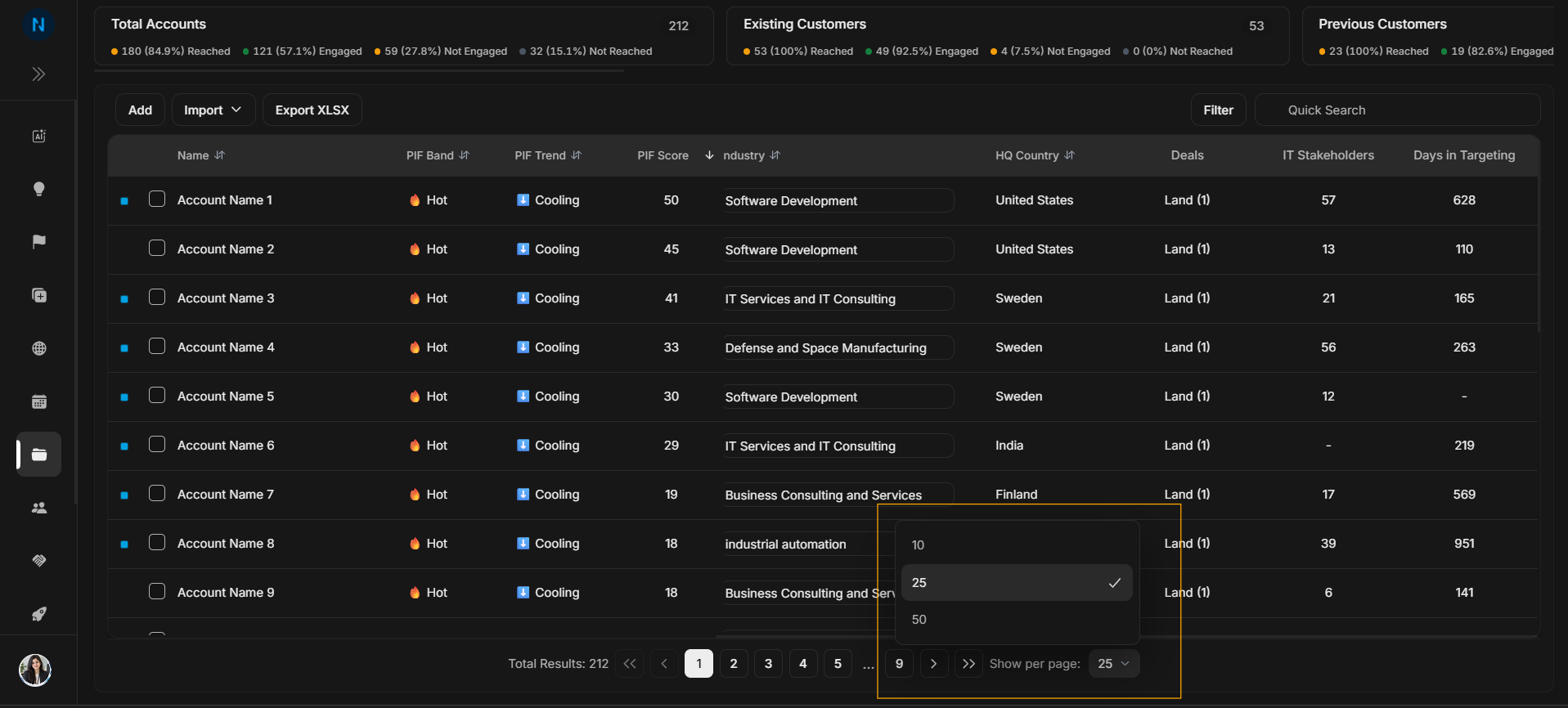
Image guide: The screenshot shows selected rows and the bulk-action toolbar state. Check the selected count before applying any bulk action.
When to use selection
Use row selection when you need to:
- select accounts for a bulk update,
- prepare selected accounts for an export or CRM action,
- apply an action only to specific visible rows,
- confirm a small working set after filtering.
Step by step
- Use filters or search first if you need to narrow the table.
- Select the account checkboxes for the rows you want.
- Confirm the selected count.
- Choose the relevant bulk action.
- Clear selection when you are done.
Avoid this mistake
Do not assume all filtered accounts are selected. Filtering narrows the list; selection chooses exact rows from that list.