Confirm a stakeholder’s identity and company
Confirm a stakeholder’s identity and company
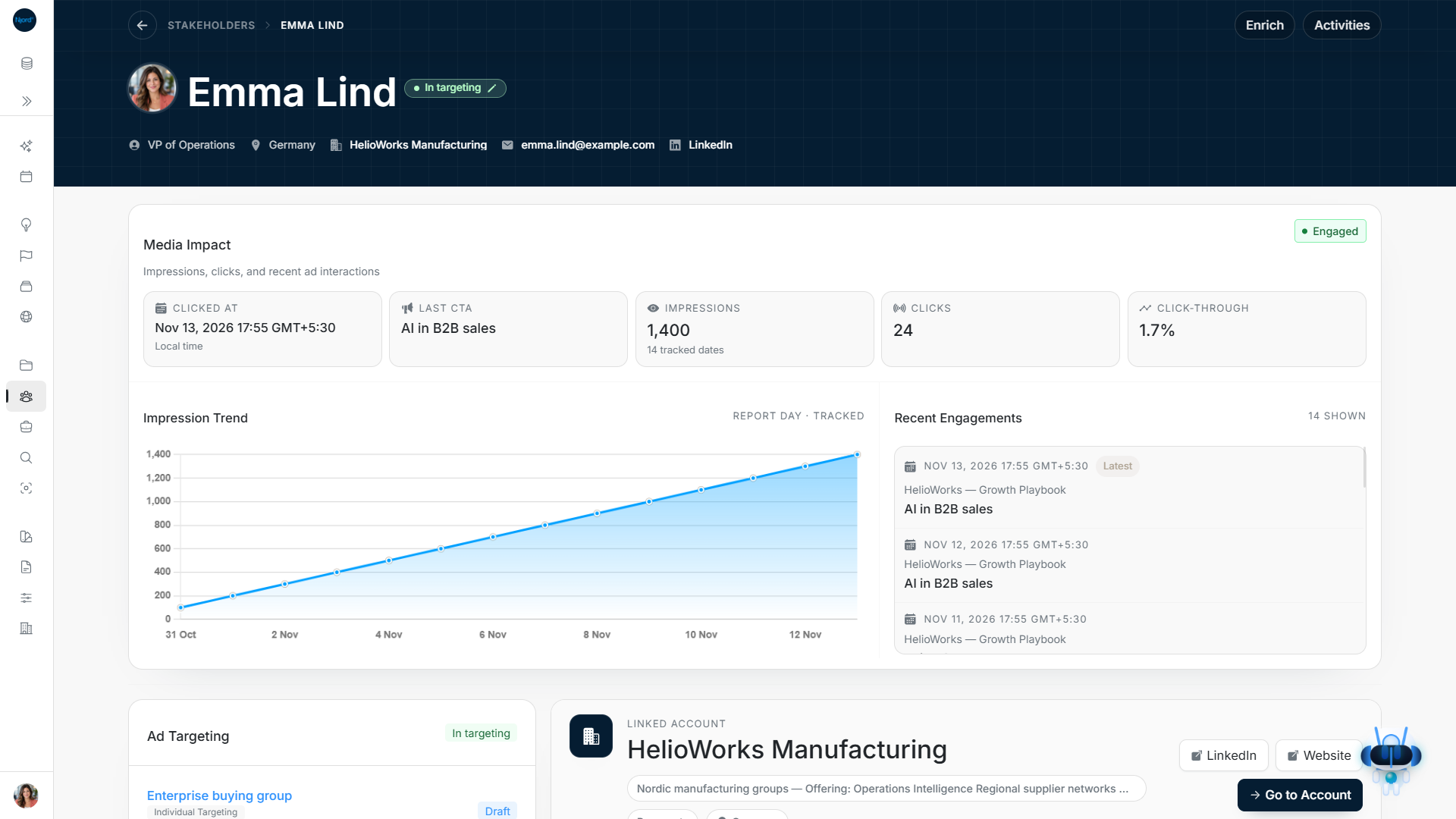
The Stakeholder header identifies the person before you review media, profile fields, deals, events, targeting, or activities.
Header identity
Read the person's name, Position, Location and linked Account together. Similar names can belong to different companies. Use Enrich for a researched profile comparison and Activities for recorded history; these header actions do not themselves save changes.
Targeting is maintained in Ad Targeting, above Profile, through Edit memberships. Current status comes from Active stakeholder Audiences. The former direct targeting pencil/flag editor is no longer the way to add or exclude a person.
Image guide: Emma Lind is the VP of Operations at HelioWorks Manufacturing. Compare the portrait, full name, company and emma.lind@example.com before opening her other details.
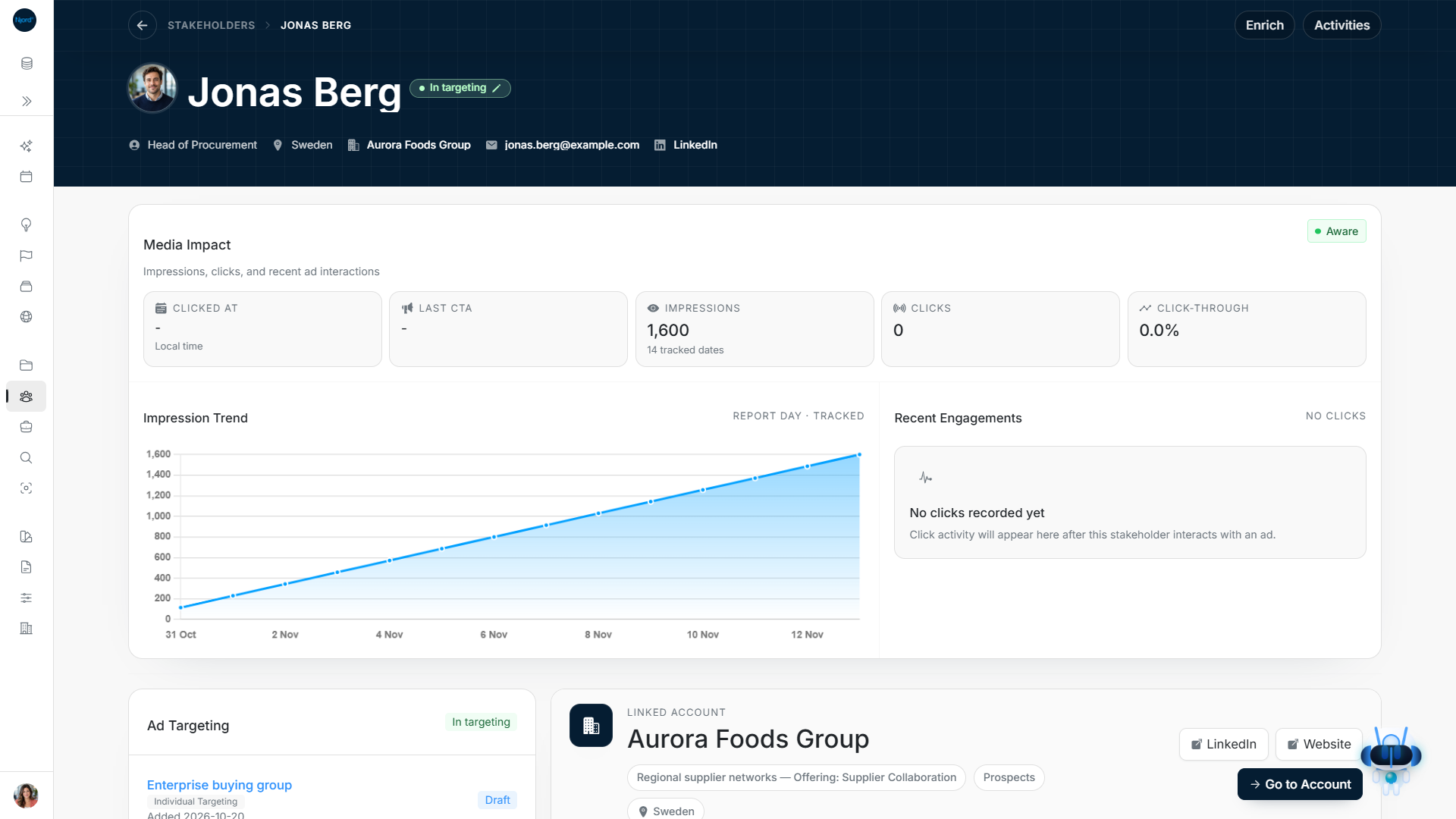
Image guide: Jonas Berg is the Head of Procurement at Aurora Foods Group. His portrait appears beside his full name, and jonas.berg@example.com appears beside the company. These sample records are shown on the normal WorqApp profile pages.
Contact fields
Check the saved Email and LinkedIn identity before outreach. Use the available copy action for an address and the external-link action for a profile. A missing value is a reason to inspect Profile or use Enrich, rather than assuming it belongs to a similarly named person.
The linked company's Segments are maintained on the Account. The person's independent Buying roles is edited under Profile below Position. Neither field changes Audience membership.
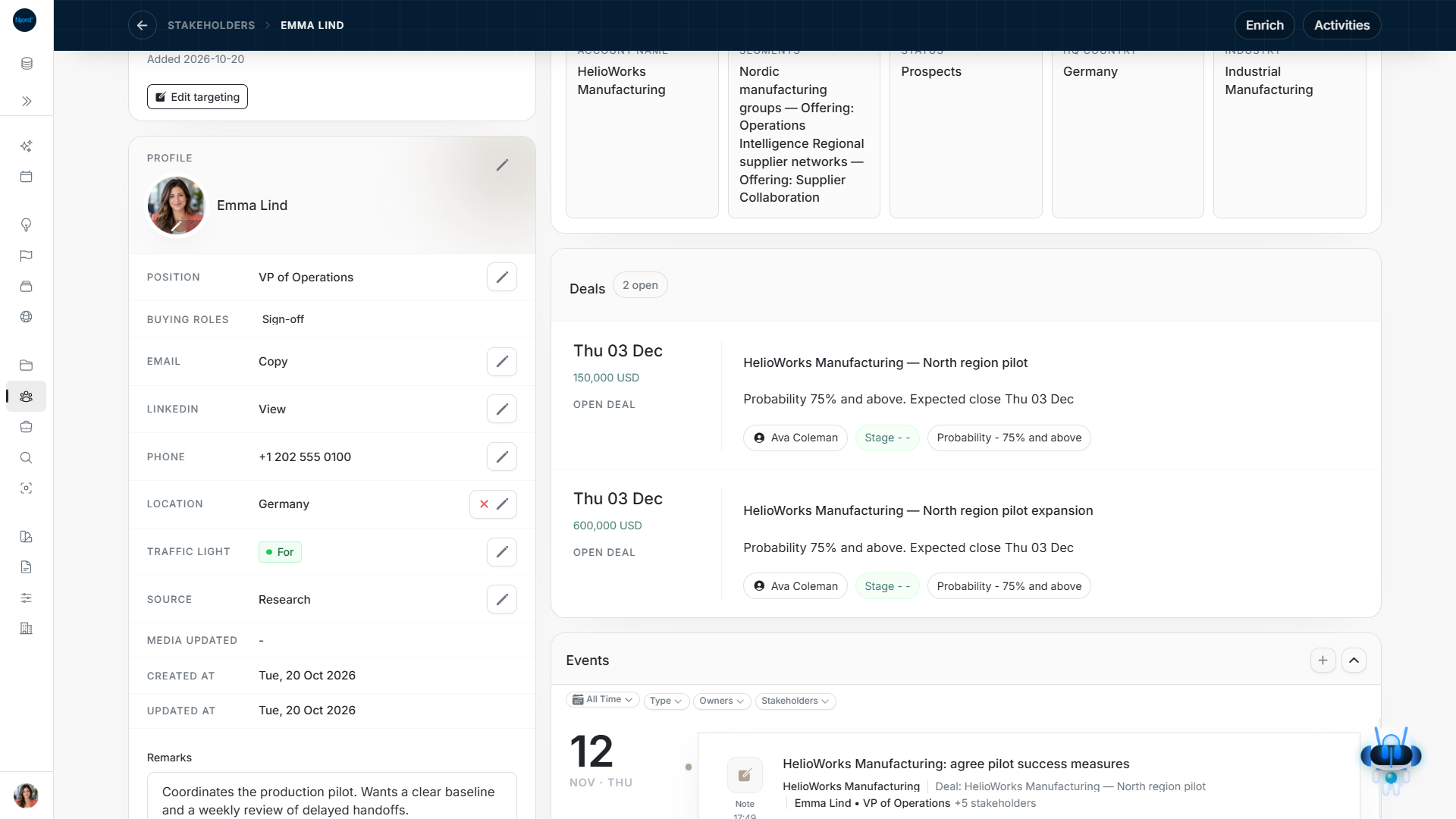
Image guide: This fictional profile shows Emma’s position, buying role and contact fields. Use the edit control beside the field you need.
Safe pattern
- Confirm the stakeholder name.
- Confirm position and location.
- Confirm the linked account.
- Check email and LinkedIn.
- Check targeting state.
- Continue to Media Impact or Profile only after identity is clear.