Stakeholder linked account
Stakeholder linked account
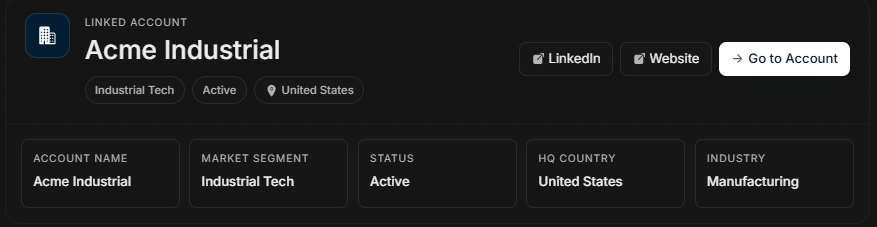
Linked Account explains the company context behind the stakeholder.
Linked Account card
Image guide: This screenshot belongs to Linked Account. It shows account name, market segment, status, HQ country, industry, LinkedIn, website, and Go to Account.
When to use it
Use Linked Account when the question is about the company rather than the person. If the stakeholder looks engaged but you need account fit, account status, website, industry, or HQ context, start here before going to the full account page.
Step-by-step
- Confirm the linked account name.
- Check market segment and status.
- Review HQ country and industry.
- Use LinkedIn or Website if you need external context.
- Use Go to Account when company-level details are needed.