Stakeholder header actions
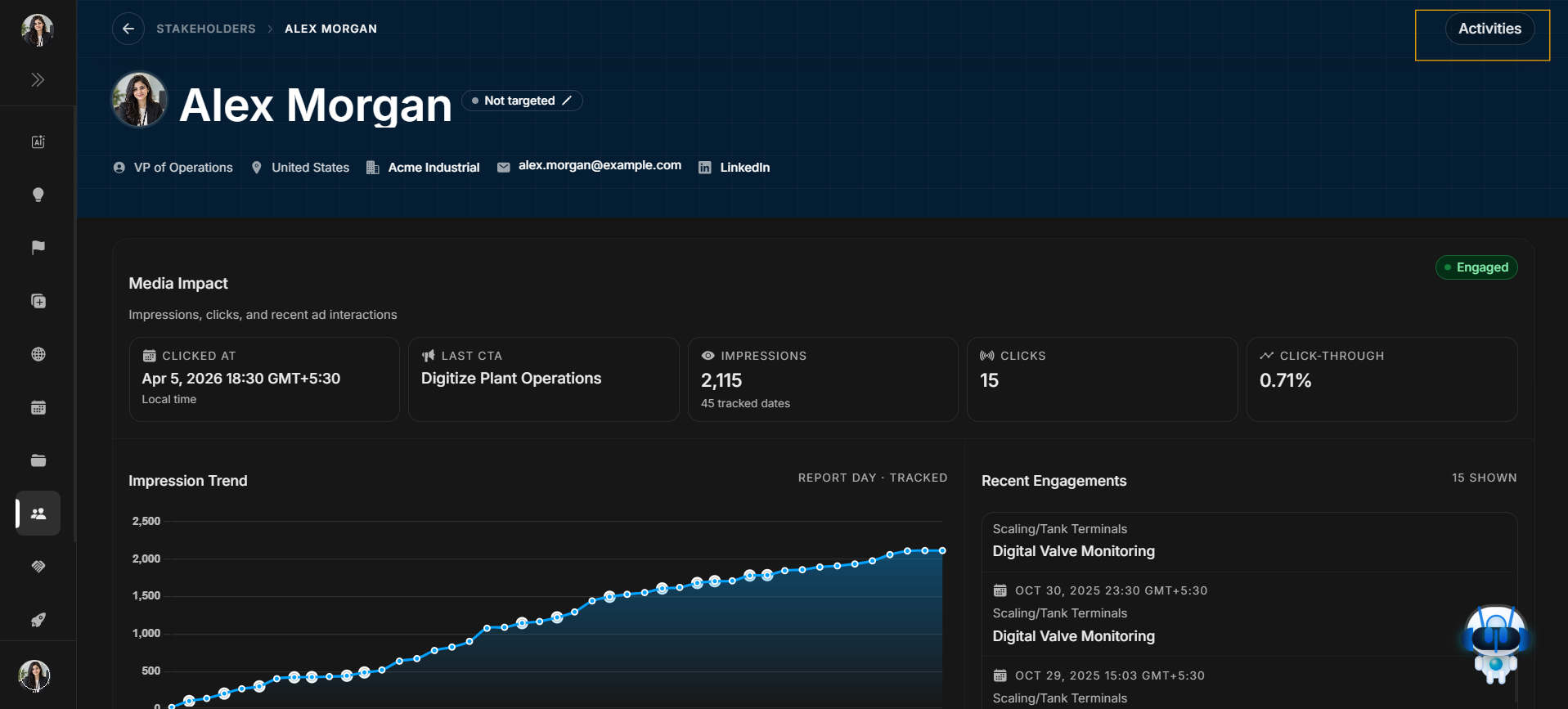
Stakeholder header actions
Header actions are the controls at the top of Stakeholder Detail. This article only covers the header action entry point. The drawer and filter screenshots live in the Activities article.
Activities action
Image guide: This screenshot belongs to Header actions. The highlighted Activities button opens the stakeholder activity drawer. Use it after confirming the stakeholder identity.
What this action is for
Use Activities when you need change history: targeting changes, CRM changes, creation records, type changes, traffic-light changes, or field edits.
What happens next
After clicking Activities, continue to the Activities article for the drawer, filter button, and filter modal.