Open, share and refresh a stakeholder
Open, share and refresh a stakeholder
Use the breadcrumb and back control to confirm where you are before making changes.
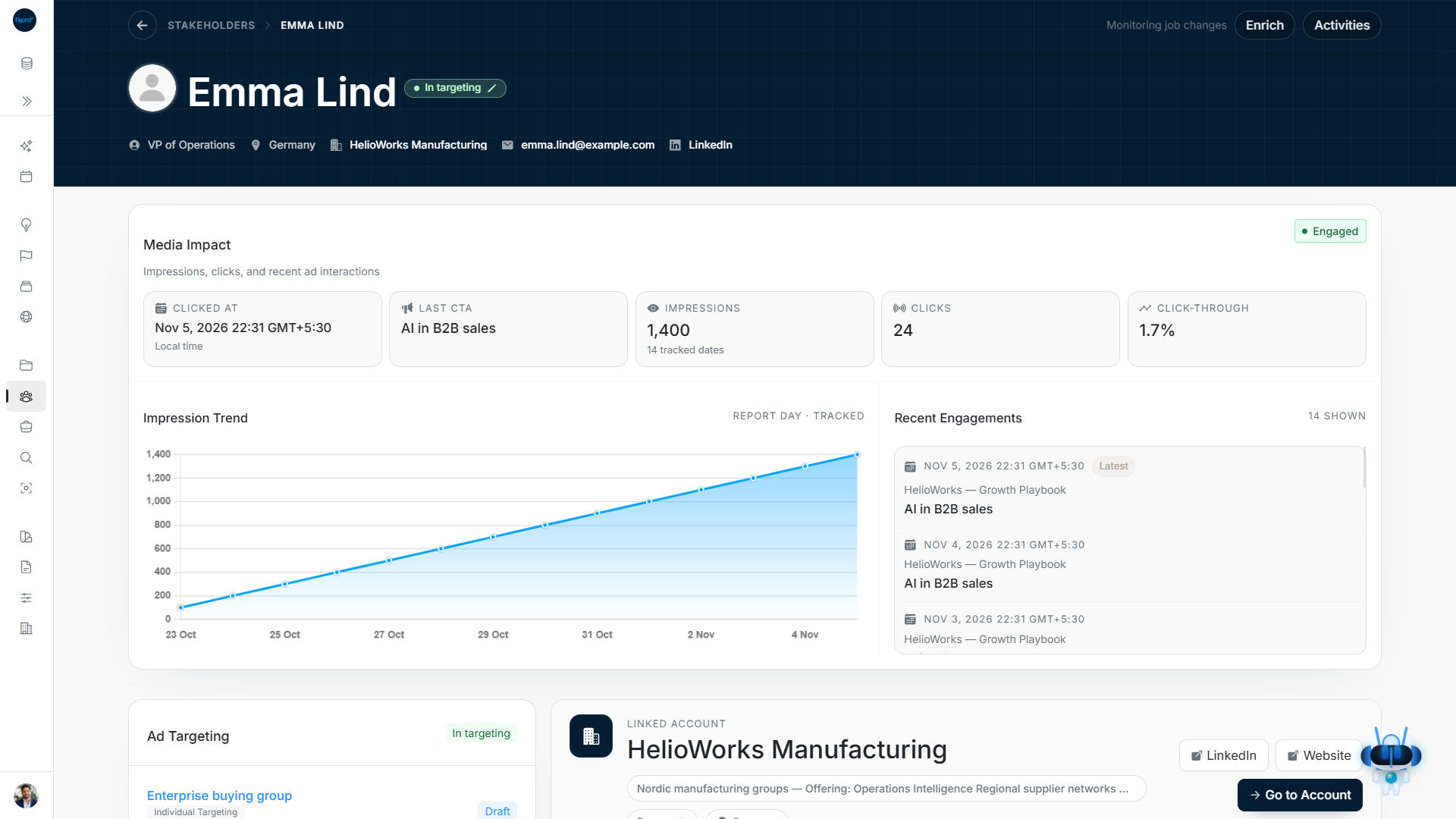
Confirm the page location
Read Stakeholders and the person's name in the breadcrumb. Confirm the linked company in the header or Linked Account card before editing. Use the product's back control to return to the preceding list context when available; opening a profile from an Account or Deal can have a different origin from the standalone Stakeholders page.
After a saved edit or Enrich approval, inspect the refreshed values. Refreshing a page is not a way to save an unsent field draft. If a previous write had an uncertain response, read the current record before repeating it.
Safe pattern
- Confirm the breadcrumb says Stakeholders.
- Confirm the stakeholder name beside it.
- Use the product back control to return to the originating list when available.
- Continue to the header identity before changing anything.