Stakeholder Details overview
Stakeholder Details overview
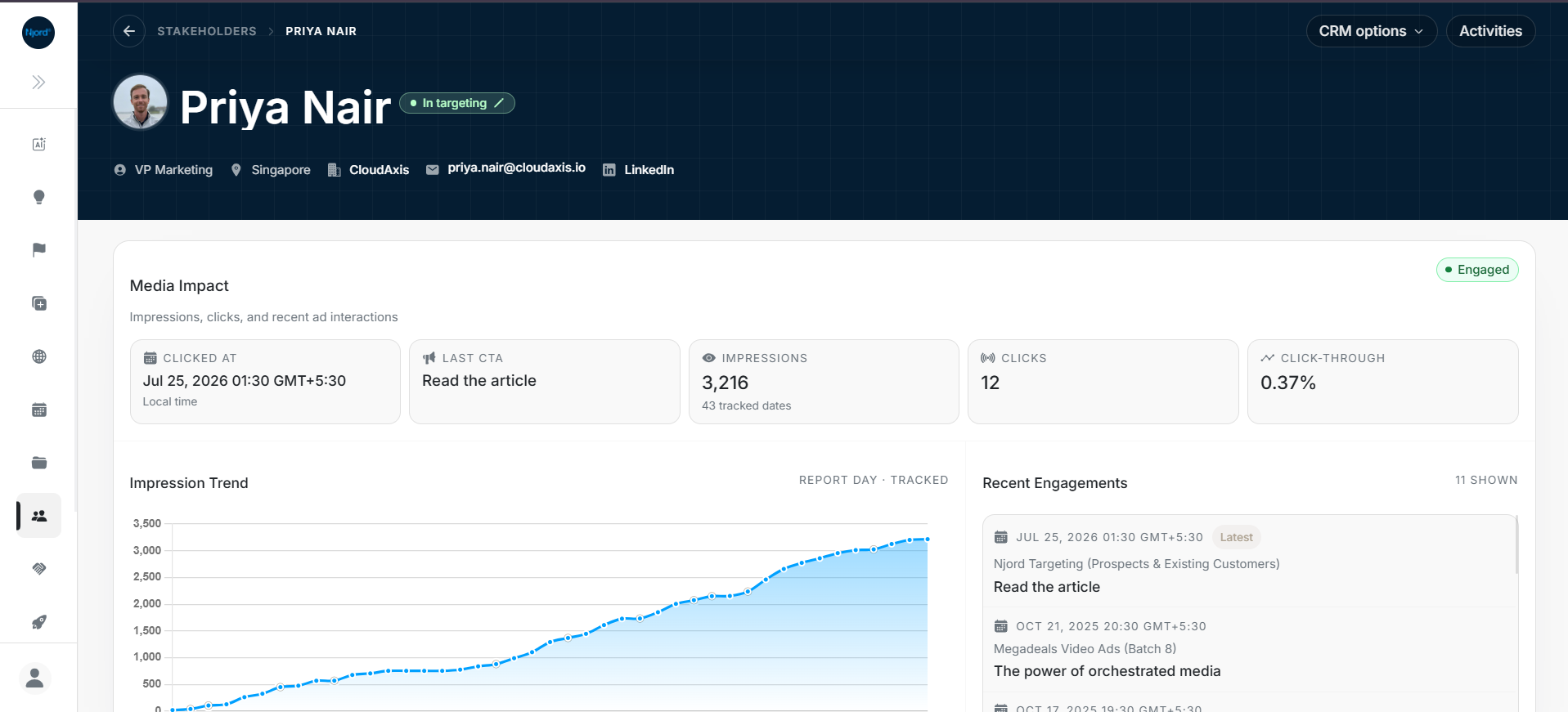
Open Stakeholder Details when the list row does not provide enough context. The page brings together person identity, media impact, profile fields, linked account context, activities, targeting, events, and deals.
The top area confirms the stakeholder identity and current targeting state. The first card explains media impact and recent engagement.
Page Areas
| Area | What it shows |
|---|---|
| Header | Name, title, location, account, email, LinkedIn, targeting state, CRM actions, and Activities. |
| Media Impact | Clicked date, last CTA, impressions, clicks, click-through, trend, and recent engagements. |
| Profile | Editable person details and metadata. |
| Linked Account | Company context and Go to Account action. |
| Ad Targeting | Current targeting state, start/end dates, and owners. |
| Events | Timeline activity connected to the stakeholder. |
| Deals | Opportunities associated with the stakeholder. |
| Activities | Change history and audit-style updates. |
Header Checks
- Confirm you opened the intended stakeholder.
- Check the role, location, account, email, and LinkedIn action.
- Check the In targeting pill before making targeting assumptions.
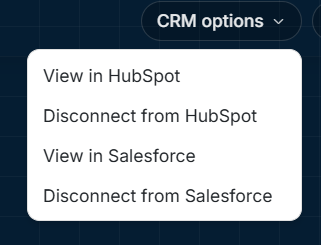
- Use Salesforce options to open the mapped CRM contact or disconnect the CRM mapping.
- Open Activities when you need to explain recent edits.
Best First Pass
- Read the header identity.
- Review Media Impact.
- Check Profile and Linked Account for data quality.
- Review Ad Targeting if the stakeholder is in a campaign workflow.
- Check Events and Deals for commercial context.