Delete one or more stakeholder records
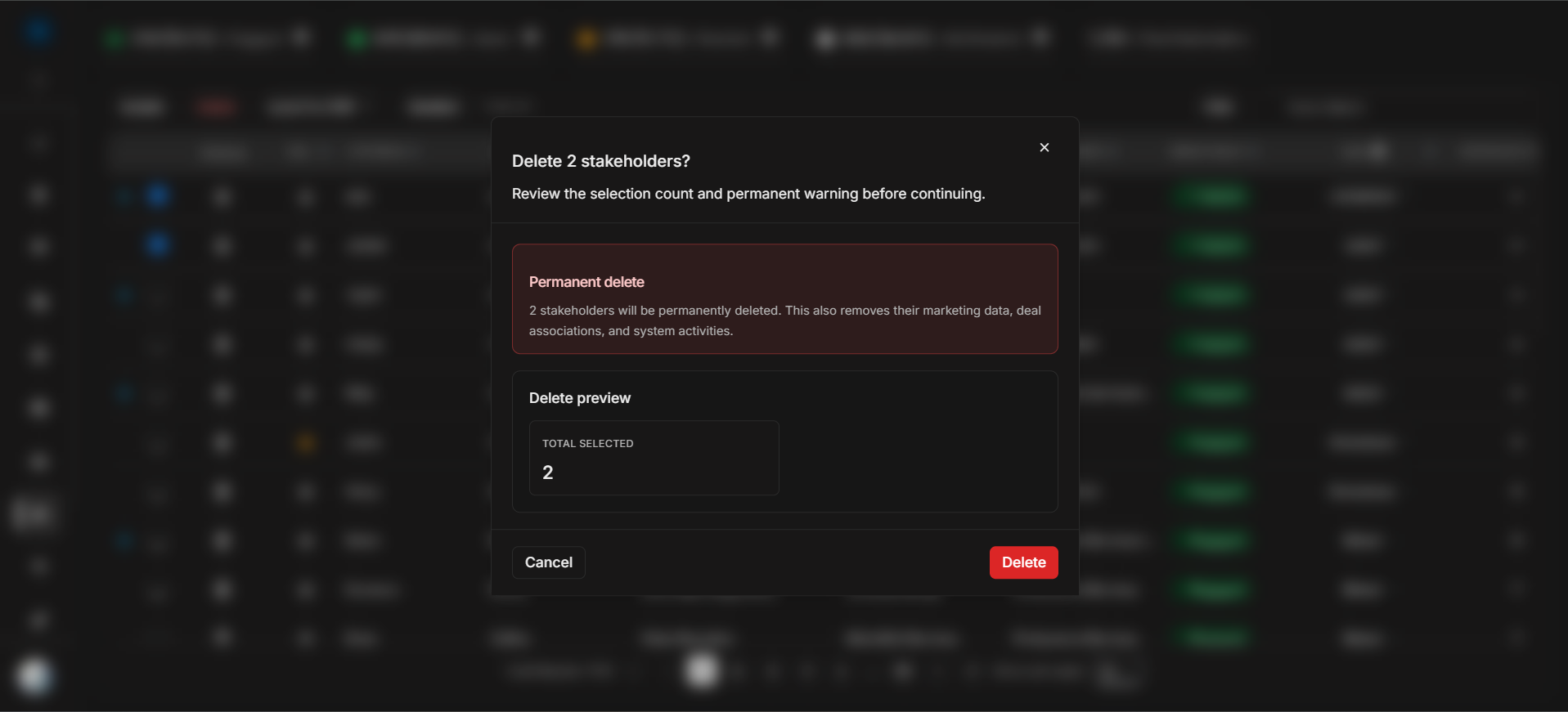
Delete one or more stakeholder records
Use Delete in the Stakeholders selection toolbar when a saved contact should be removed from the workspace. For a contact you want to keep, use Remove members from an audience or remove their deal association as appropriate.
Select and confirm
- Find the person in Stakeholders and check their company. You can also work from a Manage Stakeholders table that supports record deletion.
- Select the intended rows and check the selection count. Use the toolbar’s Delete action.
- Read Delete N stakeholders? and review the names. The confirmation says deletion is permanent and also removes marketing data, deal associations, and system activities for the selected people. Choose Cancel if the selection includes someone you want to keep.
- Choose Delete to submit the confirmed selection.
Check the outcome
Read Total selected, Succeeded and Failed in the delete result. If DOE shows Completed with failures, check the individual reasons and refresh the list. Retry only records you still intend to remove. Closing the result leaves completed deletions in effect.