Target market
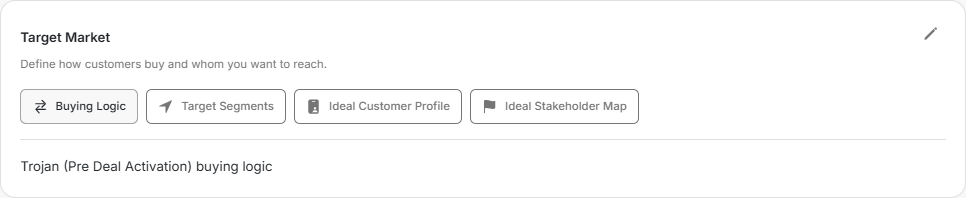
Target market
Target Market explains who you want to reach and how those buyers make a decision. It gives the team and Njord AI a shared answer before work begins.
Image guide: Buying Logic describes how customers evaluate, approve and buy from you.
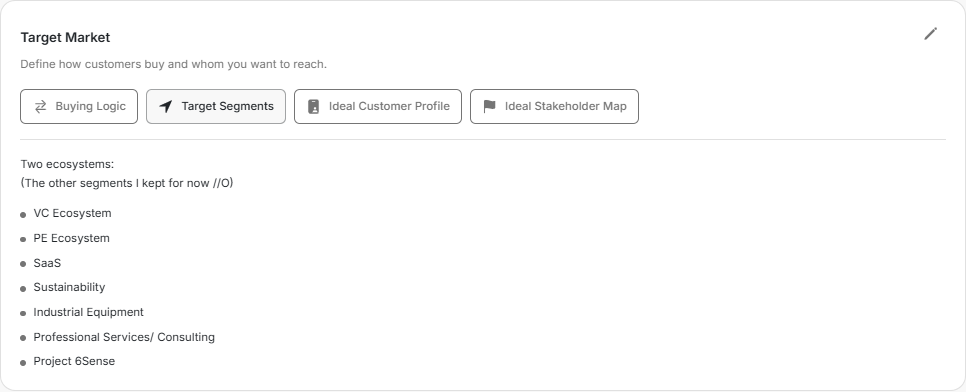
Image guide: Target Segments names the groups of companies you want to reach.
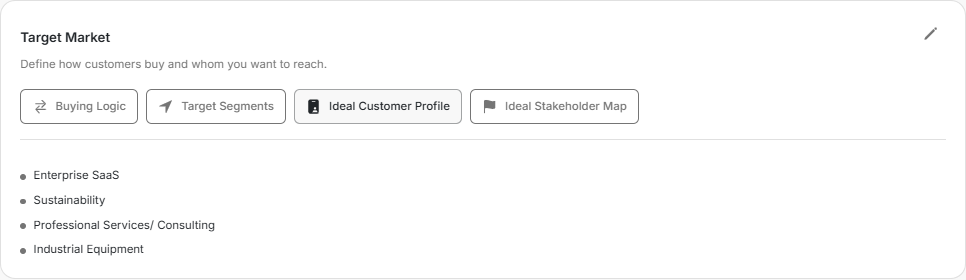
Image guide: Ideal Customer Profile describes the companies that are the best fit.
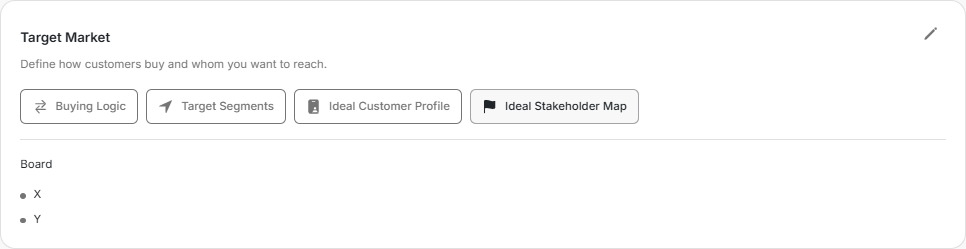
Image guide: Ideal Stakeholder Map describes the people involved in the buying process.
Where it sits in DOE: Our company > Context > Target Market.
Build the shared picture
| Part | Question it should answer |
|---|---|
| Buying Logic | How do customers discover, evaluate, approve and buy this kind of solution? |
| Target Segments | Which groups of companies are we trying to reach? |
| Ideal Customer Profile | What makes a company a strong fit for us? |
| Ideal Stakeholder Map | Which people influence, evaluate, use or approve the purchase? |
Add Buying Logic
- Choose Buying Logic.
- Choose Add Buying Logic, or the pencil when text already exists.
- Describe the real path: who becomes involved, what they compare, who can approve and what commonly slows the decision.
- Save and read it as if you had just joined the team.
Keep it practical. A short, honest description is more useful than a polished sales statement.
Add the market, company and people
- Choose Target Segments, Ideal Customer Profile or Ideal Stakeholder Map.
- Use the add control when it is empty, or the pencil when it already has content.
- Write one clear statement.
- Add the values that make it specific, such as industries, company traits or job roles.
- Remove anything that is only a wish and not a real target.
- Save before moving to another part.
Keep it useful
Update Target Market when the offer, region or buying group changes. Avoid filling every possible segment or job title. The purpose is to help people recognise a good fit and understand the buying group, not to describe every company in the market.