Fix Brand and Context access or loading problems
Fix Brand and Context access or loading problems
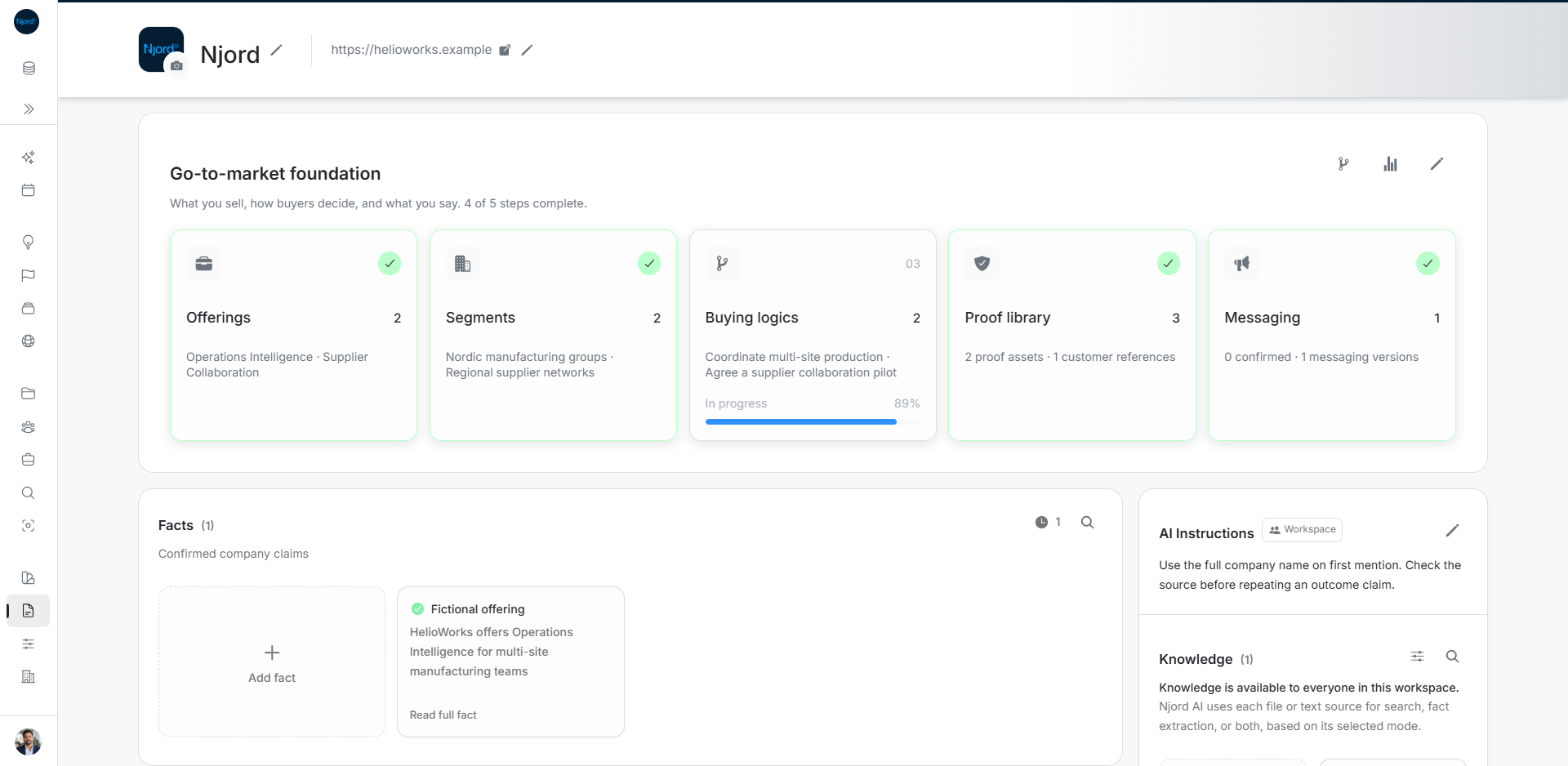
Brand and Context are shared workspace pages. Use these checks when a section, editor, upload option or result is unavailable.
Check workspace and editing access
- Confirm the selected workspace in the side menu. A link to an Asset or company source belongs to its workspace.
- Joined workspace members can read Brand and Context. Admins and Client admins manage the saved material.
- Read-only members may see the content without its upload, pencil, review, delete or save controls. Ask the workspace admin to make the change if you do not manage company context.
Check availability and retry
Some functionality depends on the workspace's available services and catalog. Read disabled-control explanations. If an Asset type, Fact category or document type catalog fails to load, use the displayed retry action; do not substitute guessed categories. Source-link Fonts only appear when supported.
Keep successful content visible while a list refreshes. Use Load more to include older records. Distinguish an empty filtered result from a loading error, and clear narrow filters before deciding a record is absent.
Check the right result location
Knowledge Search and Search Facts are separate. A Facts extraction source can produce pending suggestions without searchable passages. A manual Fact is directly confirmed, while extracted suggestions require review. Assets store reusable material and do not become searchable Knowledge merely by uploading.
Brand document review and website review both require you to choose what to save. Unconfirmed Brand suggestions and discarded website results do not become saved Assets or Facts. File versions belong to file-backed Assets; Colors and source-link Fonts have editable details instead.
Report a reproducible issue
Record the workspace, section, action, visible error and whether you can view or edit other company material. Include the file format and size for upload problems. This helps the admin distinguish permissions, unavailable functionality, processing failures and a missing record.