Reference ads
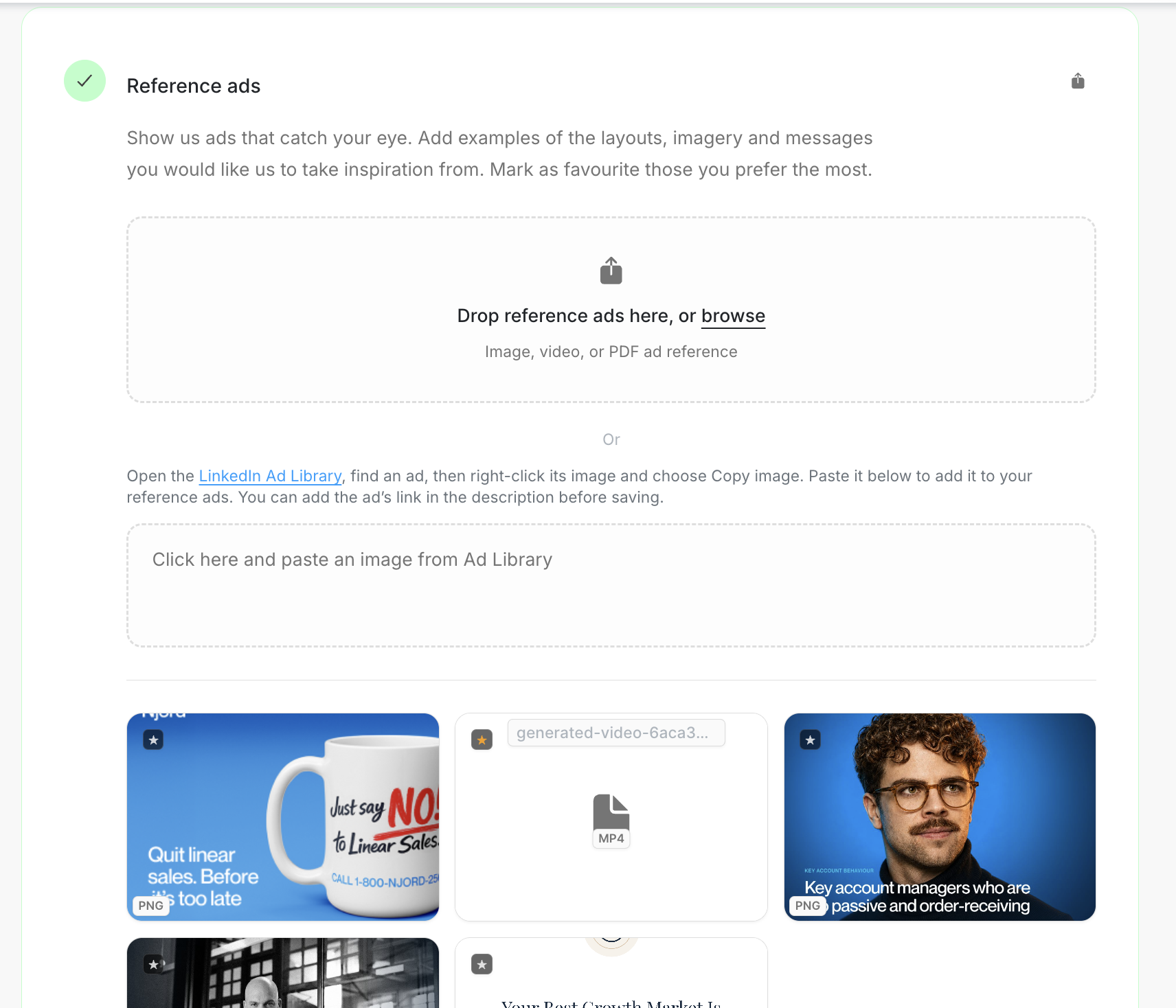
Reference ads
Reference ads show the creative direction you want Njord and the team to understand. Save examples because of a specific layout, image, headline or message—not simply because the ad was nearby.
Image guide: Add a file or paste an image from Ad Library. A saved example appears below the upload area.

Where it sits in DOE: Our company > Brand > Reference ads.
Add an example
Use either route:
- Drop a file when the image or video is already on your computer.
- Choose Paste an image from Ad Library when the example is open in LinkedIn Ad Library.
After it appears, add a short note about what is worth learning from: the crop, the amount of copy, the headline, the offer or the visual rhythm.
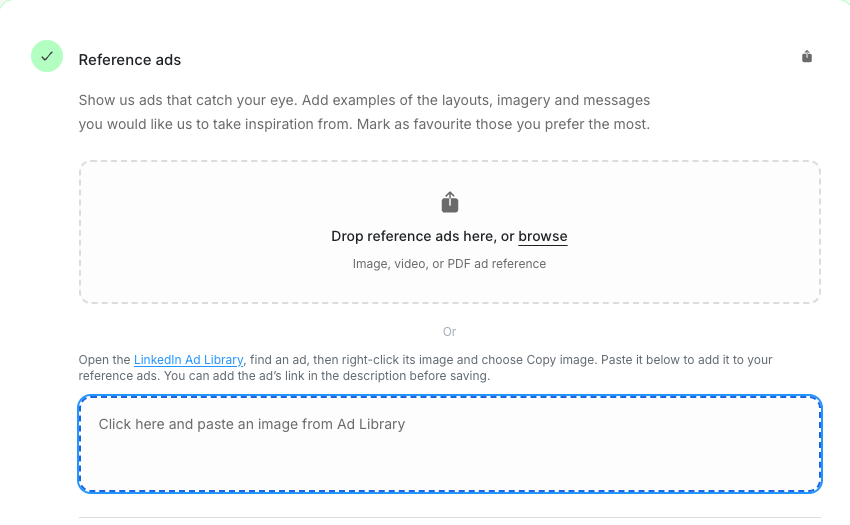
Image guide: Click the paste area, then paste the image copied from LinkedIn Ad Library.
Mark the strongest examples
Use the star to mark the examples you prefer most. A small set of clear favourites gives better direction than a large folder of almost-right ads.
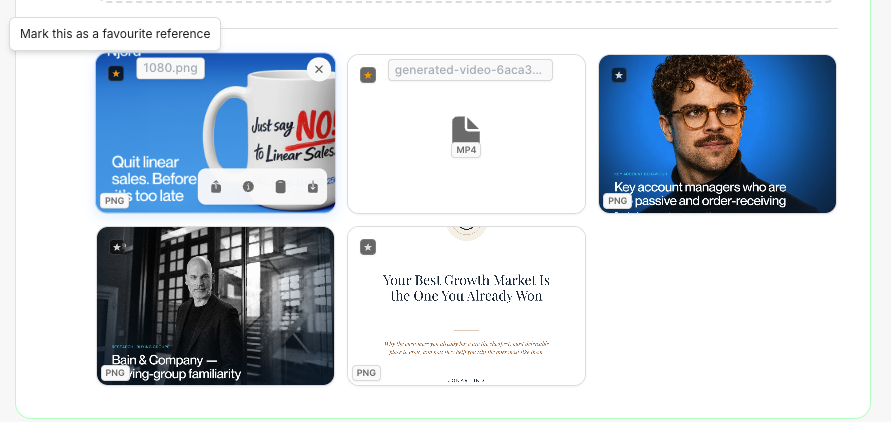
Image guide: Mark a saved example as a favourite, or use the same control to remove it from favourites.
Keep an example when you would be happy to repeat something about it. Remove it when it belongs to an old offer, no longer feels like the brand or cannot be explained.
Reference ads are inspiration. Open Ad Library when you need the live campaign, full ad or performance details.
Keep the collection current
One ad completes the step, but several distinct examples may explain the direction better. Review favourites when the brand or campaign approach changes. Add a new file version when the creative changes but should remain the same reference.