Your Rainmakers
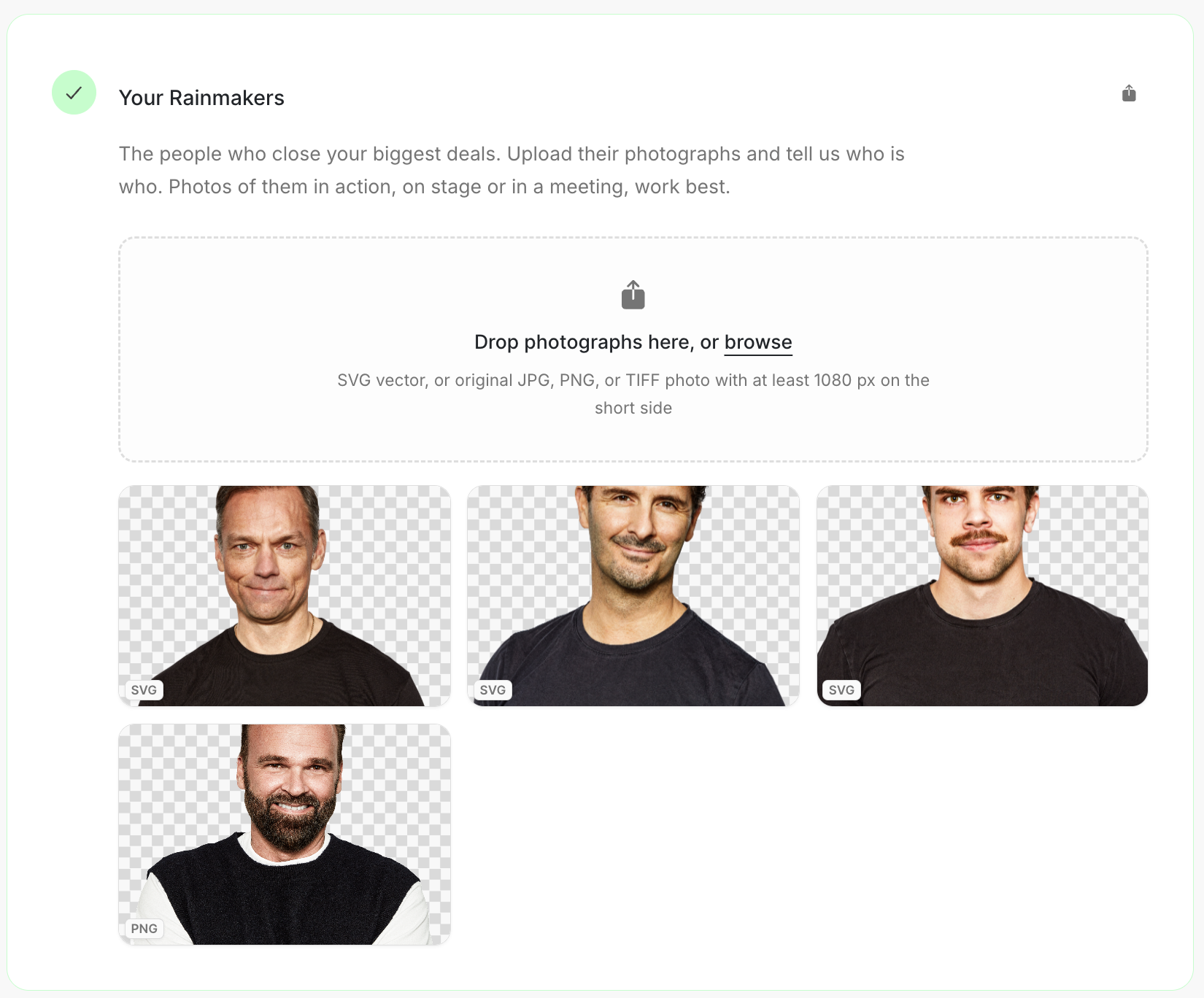
Your Rainmakers
Rainmakers are the people who close your biggest deals. Add photographs that help the team show the real people behind the company.
Image guide: Drop photographs in the Rainmakers step or browse for them. The page recommends a clear, high-resolution image.
Where it sits in DOE: Our company > Brand > Your Rainmakers.
Choose photographs with a purpose
Photos of Rainmakers in action work best: on stage, in a meeting or talking with a customer. A clear portrait is useful too. Choose images the company has permission to use.
| Useful | Less useful |
|---|---|
| The person is easy to recognise. | The face is too small or hidden. |
| The setting feels like their real work. | The image is a logo, slide or product shot. |
| The team knows who is in the picture. | Several people appear and nobody is identified. |
| The image is current and approved. | The image is old or was copied without permission. |
Add a photograph
- Drop the photographs in the upload area, or browse for them.
- Open each saved image and check the crop and quality.
- Add a clear title or note that identifies the person.
- Remove an image that is out of date, unclear or shows the wrong person.
One photograph is enough to complete the step. Add the rest when you have images you would genuinely use.
Use the link beside the step title when someone else owns the approved photo library. The link opens the Rainmakers step for a teammate who already has access to the workspace.