Find and use the current logo, colors and fonts
Find and use the current logo, colors and fonts
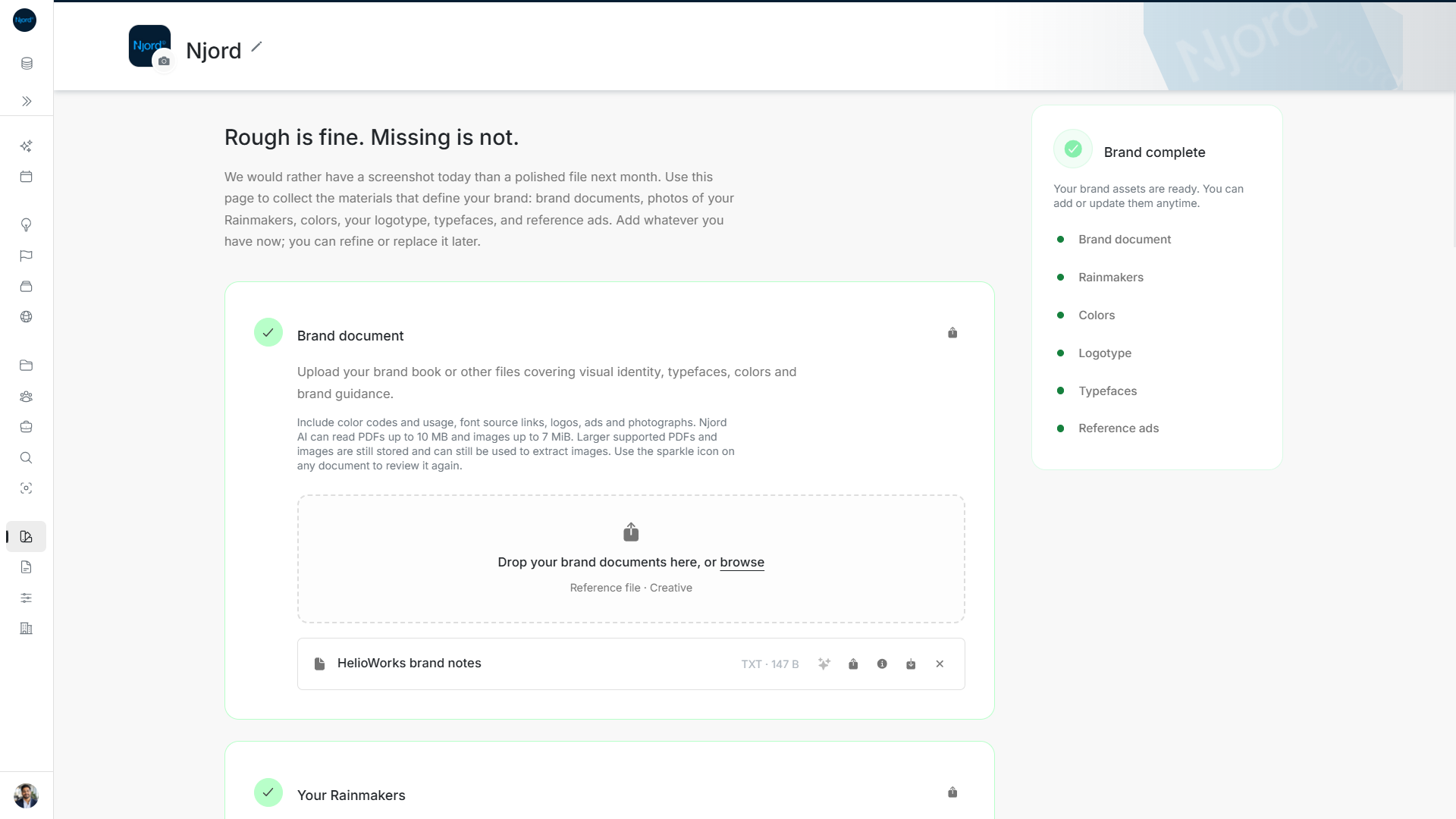
Open Our company → Brand when you need to make something that should look and sound like your company. All joined members can read Brand. Admins and Client Admins can update the shared material.
Find what you need
| You need | Where to look |
|---|---|
| Rules for using the brand | Brand document. Open the current guide and look for guidance on logo placement, colors, photography or tone. |
| A logo for a deck, ad or web page | Logotype. Open the asset, check its usage notes with the information icon, and download the original file in its saved format. |
| The company’s colors or fonts | Colors for saved colors and their descriptions. Typefaces for saved font files or a link to the team’s font source. |
| A teammate’s approved photo | Rainmakers. Check the person’s name and asset description before choosing a photo. |
| A starting point for a layout or creative brief | Reference ads. Check examples and favorites for ideas the team already uses. |
Pick the right version
Open the file’s information icon to read the description, tags and File versions. The ordinary preview opens the current file. Open a specific row in File versions when you need to check an older version. For an SVG logo or another file you need at full quality, choose Download for the original.
For a customer deck, check the brand document for background rules, download the logo that fits your slide, and use Typefaces to find the saved heading font. If the item is missing or has an unclear description, share the Brand step link and tell the admin exactly what you need.
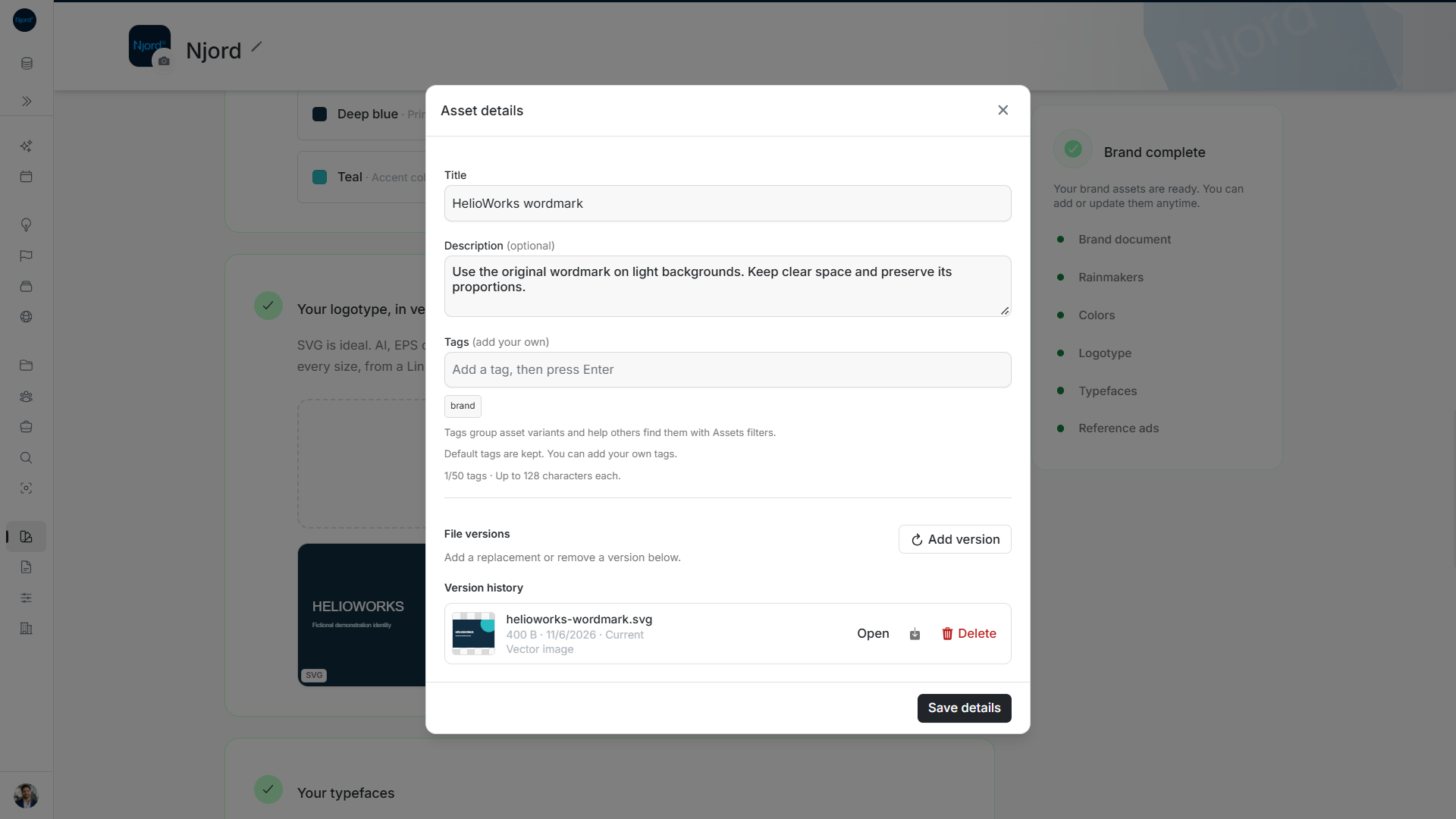
Image guide: Open View details on a saved logo. Read the usage guidance, find the current file and use the download control on the version you need.