Search accounts
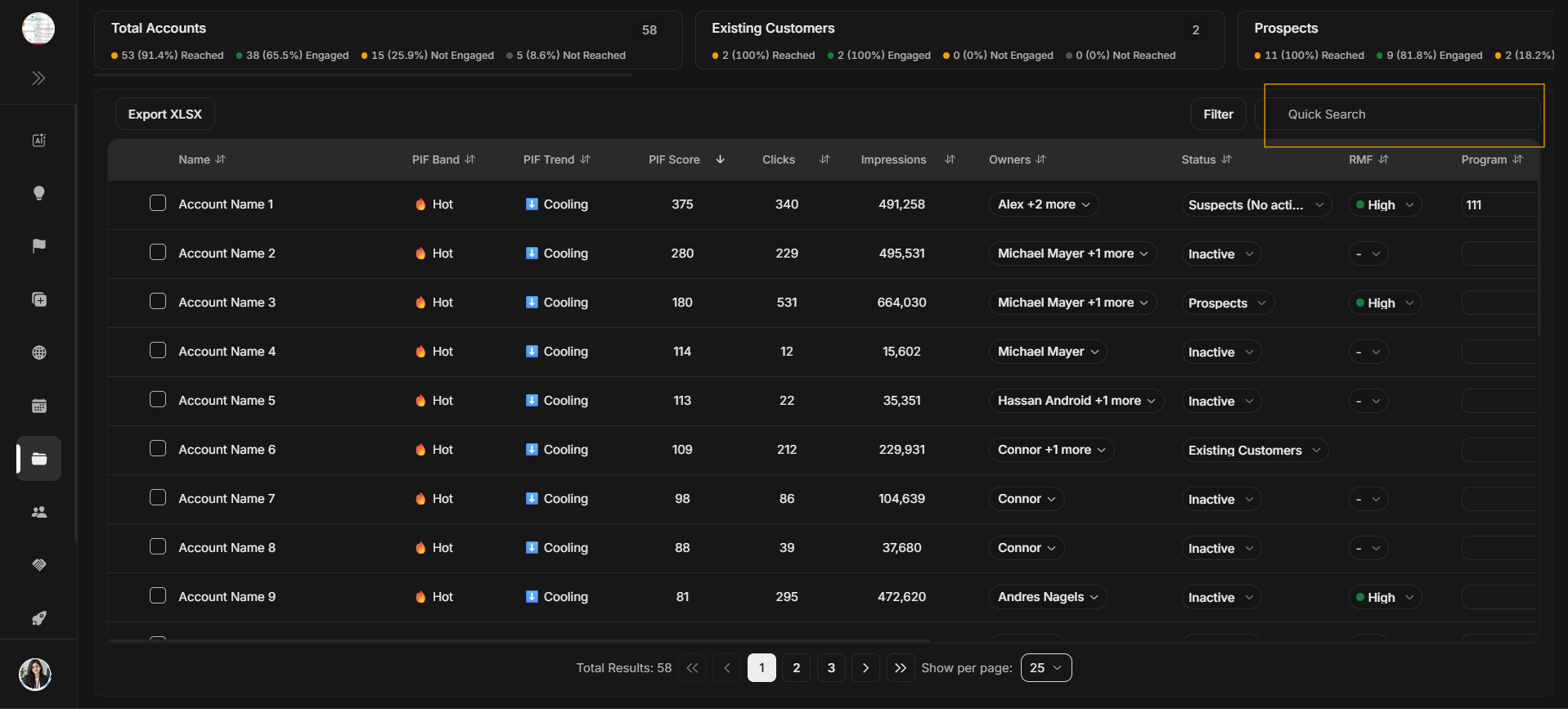
Search accounts
Use Quick Search when you already know the account name or text you want to find.
Image guide: The highlighted Quick Search field searches the Accounts table by typed text.
What search is good at
Quick Search is the fastest way to find a known company when you already have part of the name or another searchable text value. It is not the best tool for building a campaign segment because it does not explain why rows match a business condition.
If search returns too many rows, add more of the company name. If it returns no rows, clear the search and try a filter or a shorter text fragment.
Step-by-step
- Click Quick Search.
- Type the account name or part of the name.
- Review the matching rows.
- Clear the search text before moving to a different task.
Search versus filter
| Use Quick Search when | Use Filter when |
|---|---|
| You know the account name. | You need a segment, status, owner, country, PIF, or RMF. |
| You need a quick lookup. | You need a structured group of accounts. |