Account summary cards
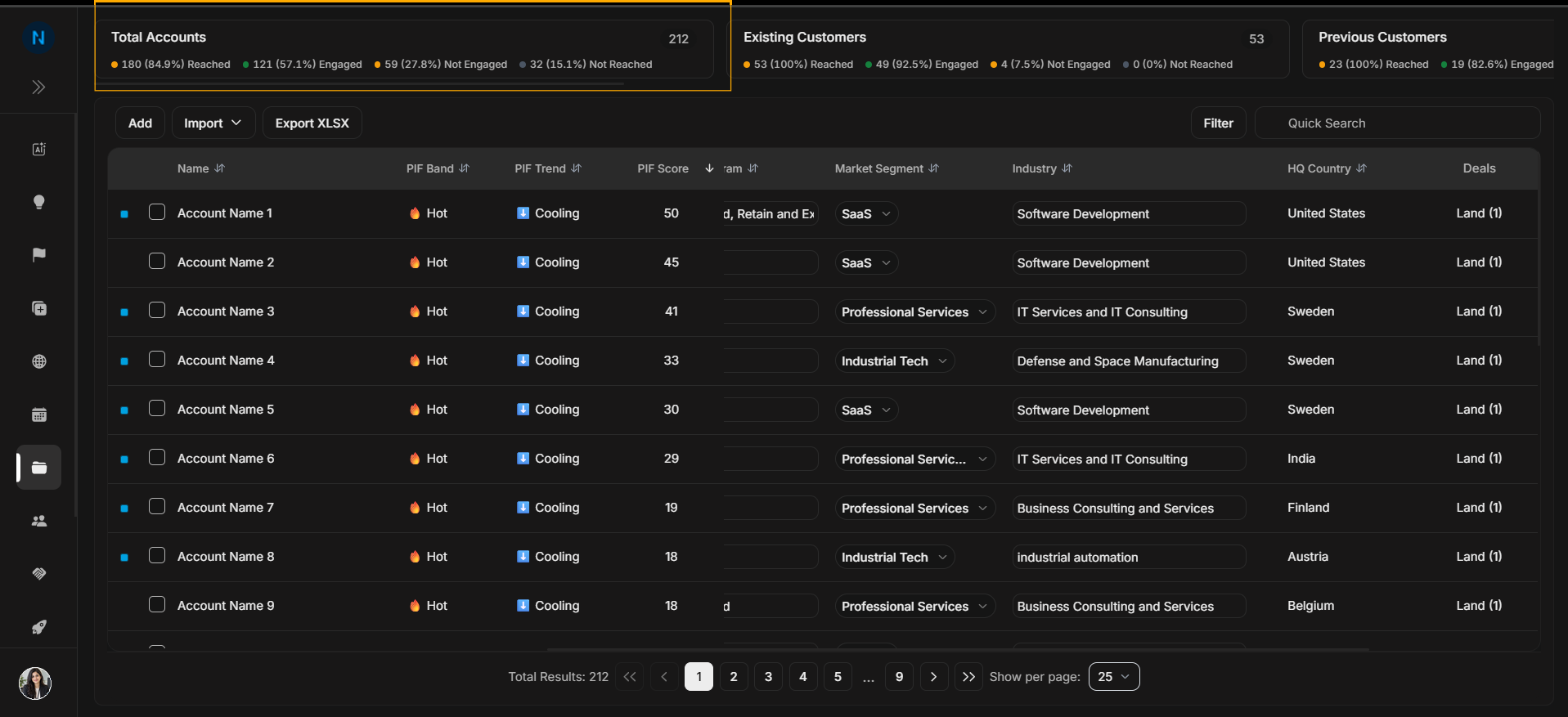
Account summary cards
Summary cards sit above the Accounts table. They help you understand account groups before you search, filter, or open individual rows.
Image guide: Total Accounts shows the complete visible account base and the reached, engaged, not engaged, and not reached breakdown.
Customer cards
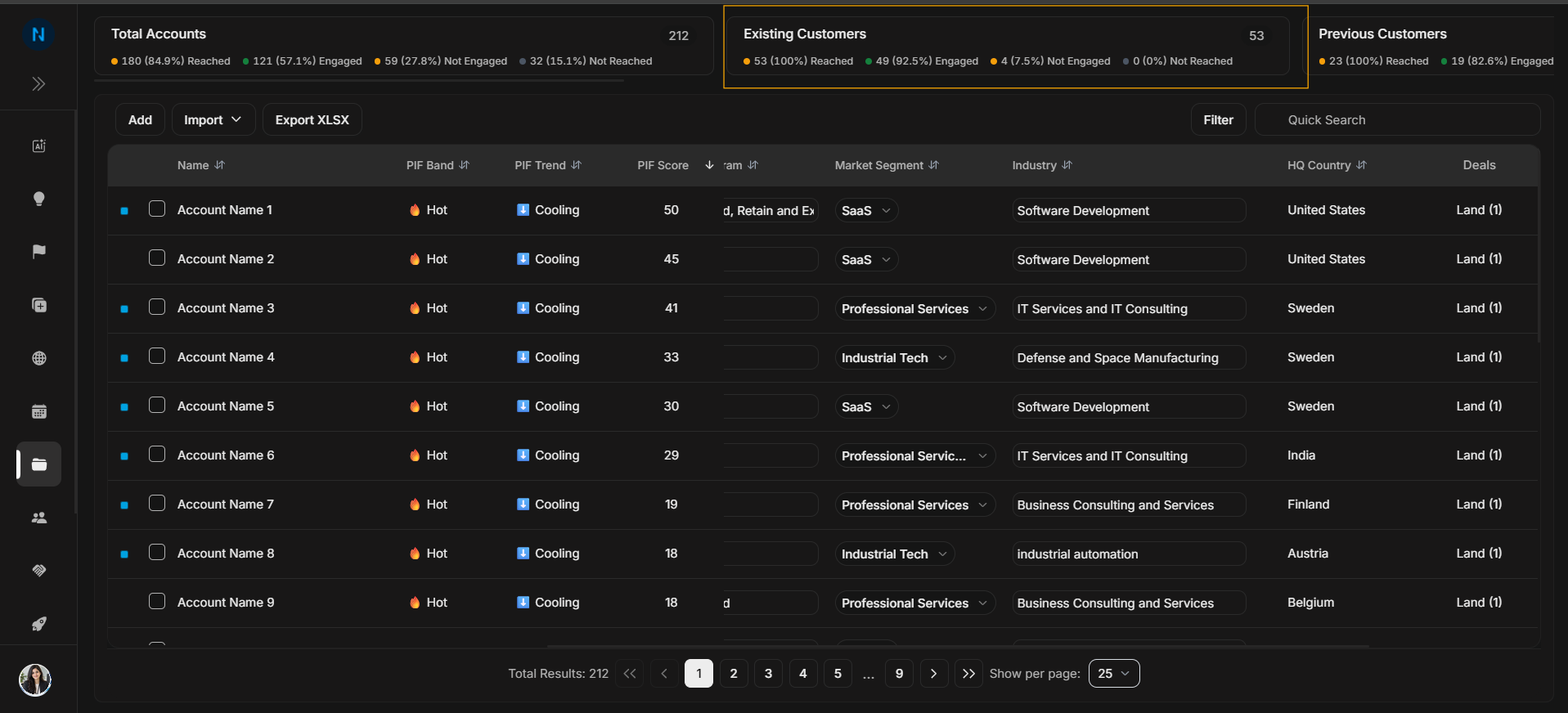
Image guide: Existing Customers separates active customers from prospects, suspects, partners, and inactive accounts.
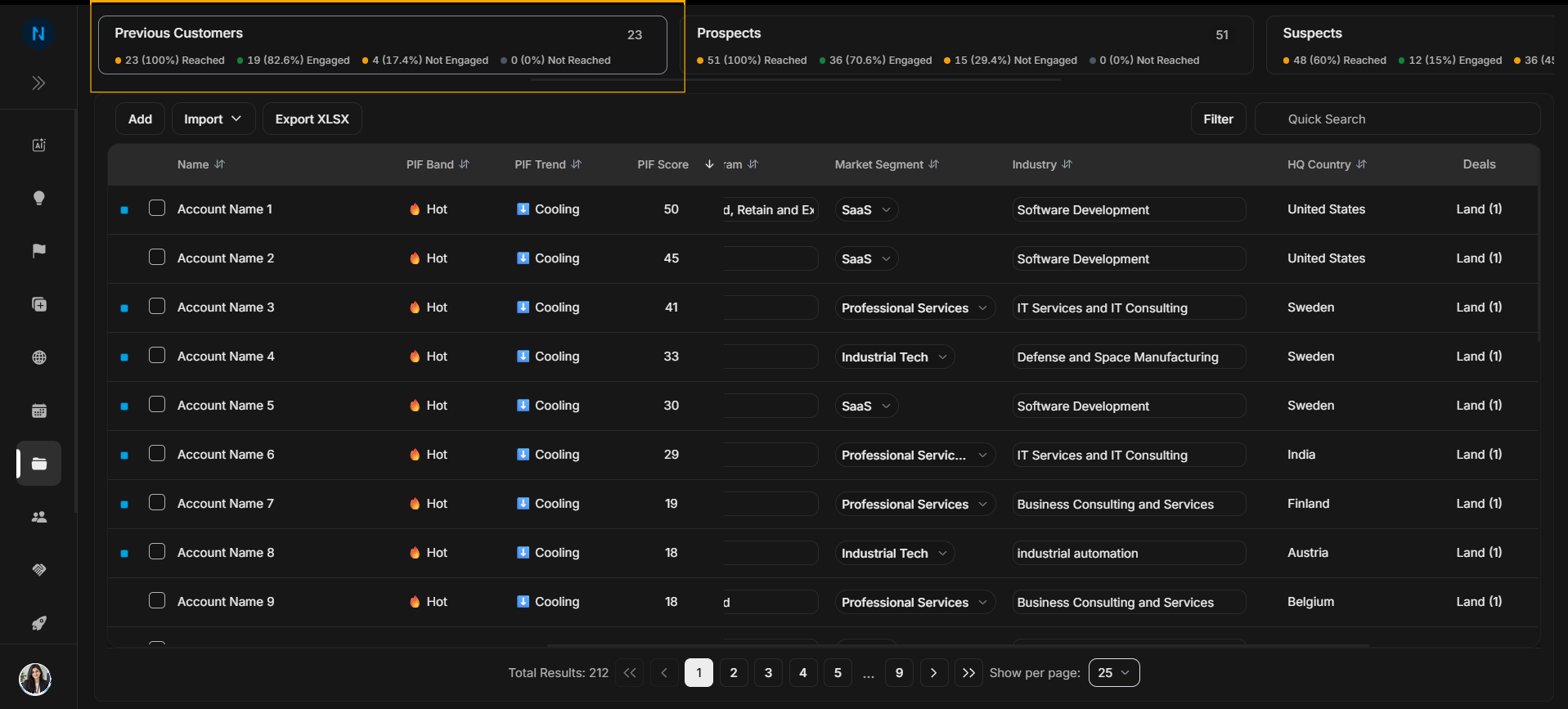
Image guide: Previous Customers keeps past customers visible without mixing them into active customer work.
Prospecting cards
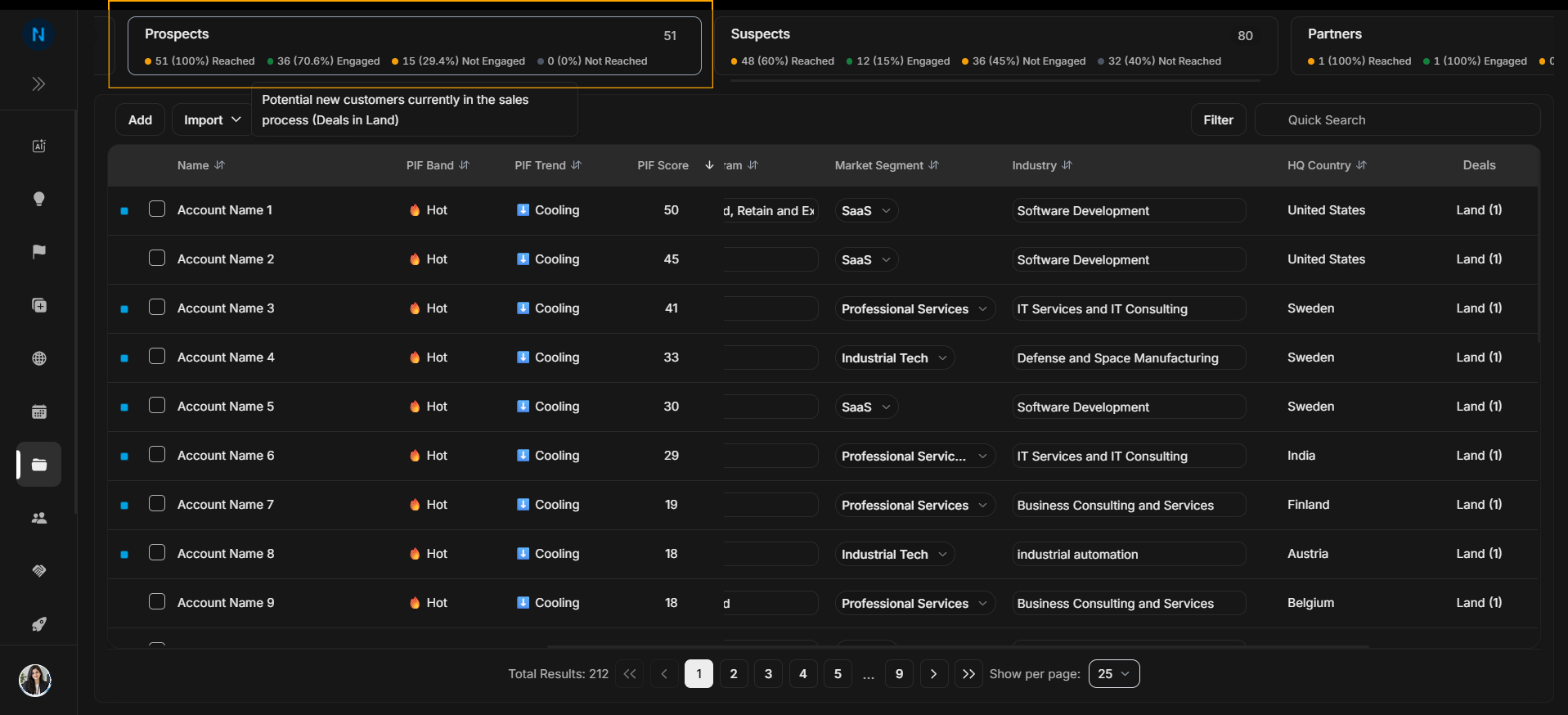
Image guide: Prospects is the active selling or expansion audience.
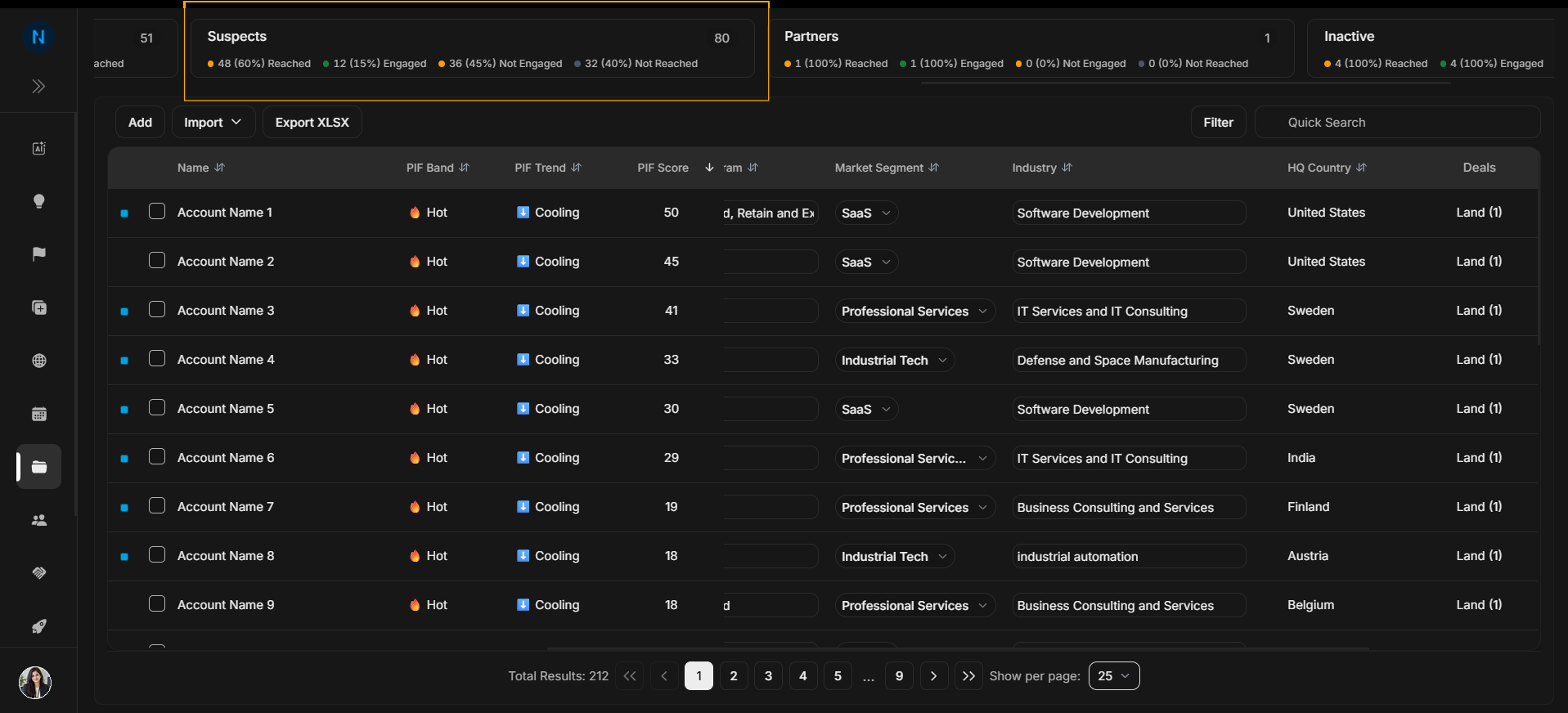
Image guide: Suspects are earlier-stage or less qualified accounts.
Other account groups
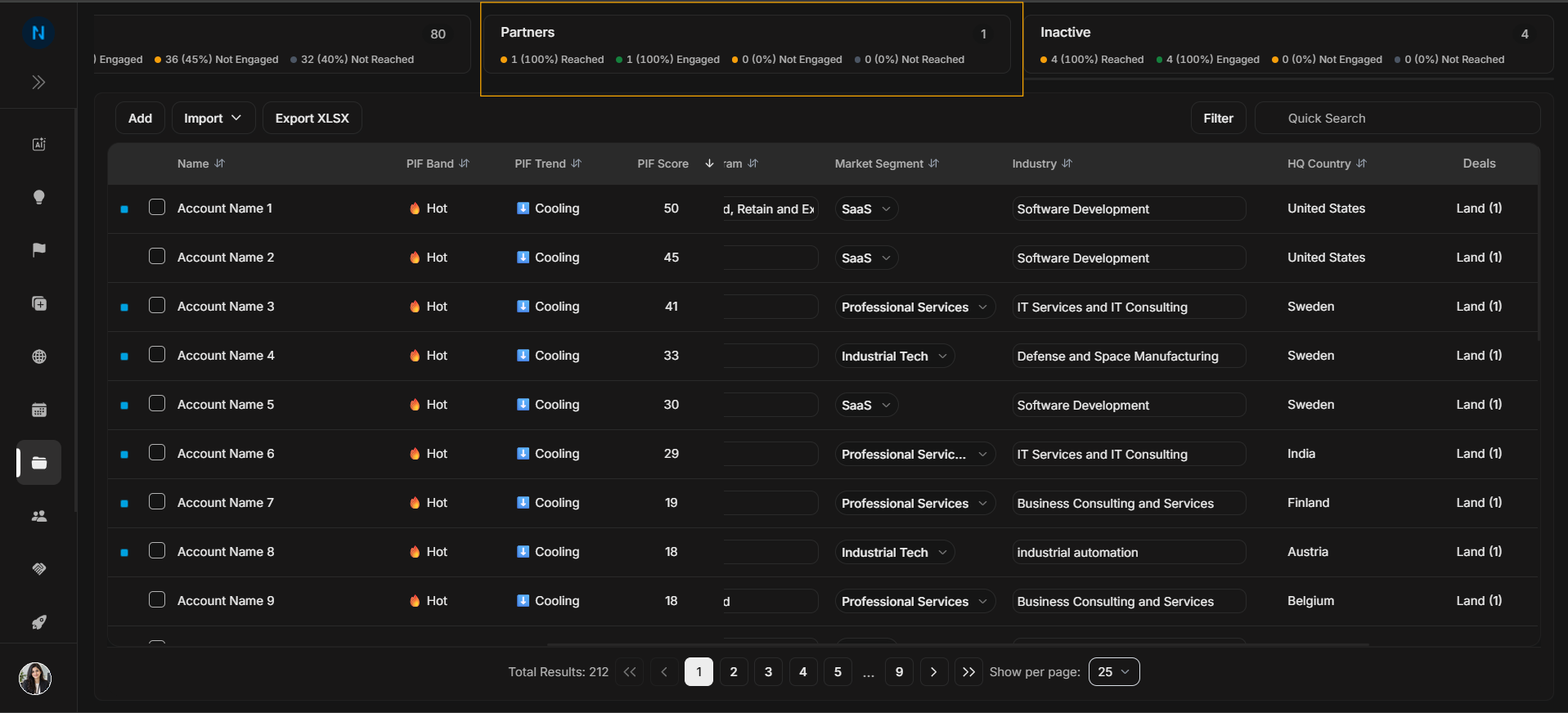
Image guide: Partners are separated because they are not normally handled like buyer accounts.
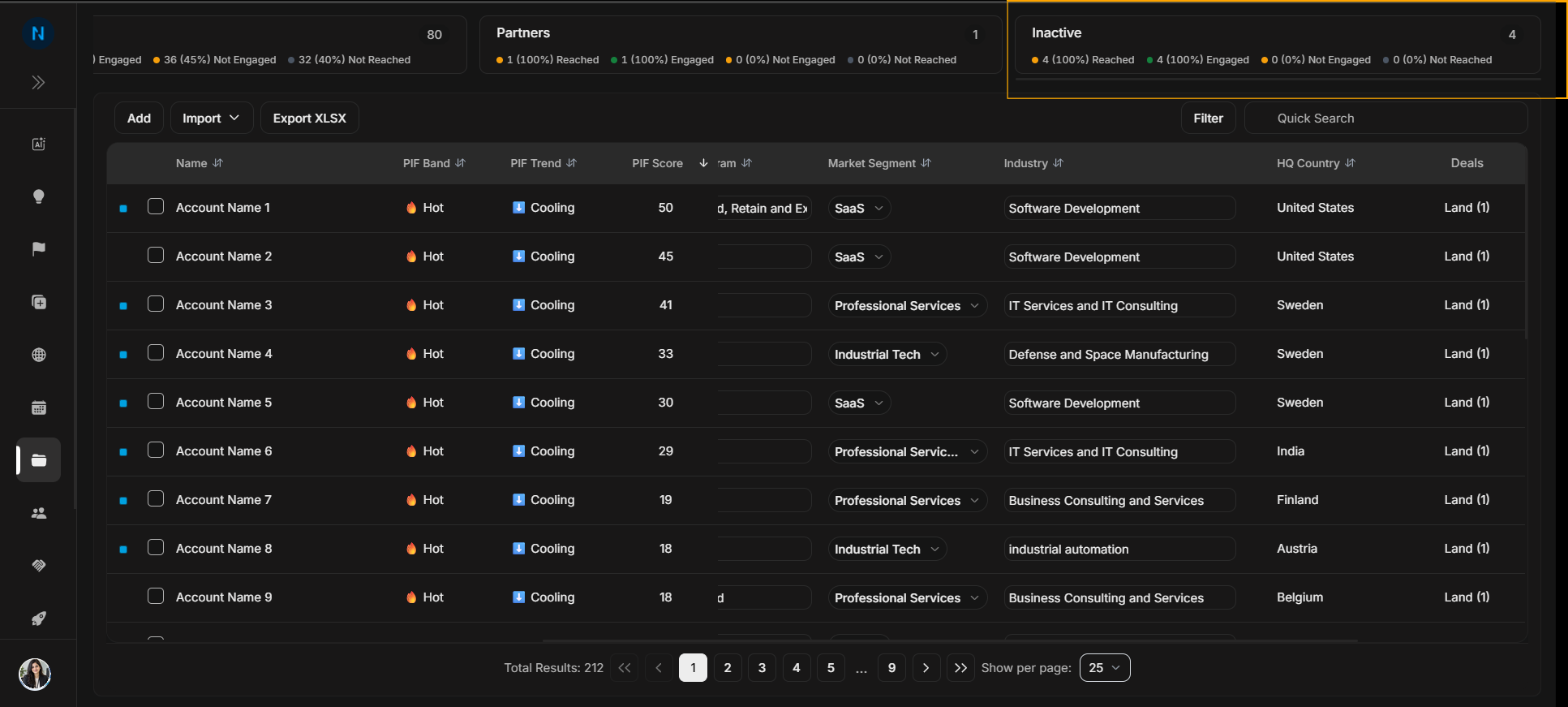
Image guide: Inactive accounts should be reviewed before outreach, targeting, or reporting decisions.
How to read the counts
The cards are not separate pages; they are shortcuts into account groups. Use them to understand the shape of the account base before narrowing the table. For example, a high Total Accounts number tells you the workspace has breadth, while the lifecycle cards tell you whether the work is mainly customer management, prospecting, partner tracking, or cleanup.
Reached, engaged, not engaged, and not reached counts help explain media and outreach coverage. If a card looks unexpectedly high or low, open that group and use filters or search to inspect the underlying rows.
How to use cards
- Read Total Accounts first.
- Choose a lifecycle card only when you want that group.
- Then use Quick Search or Filter if you need more precision.
- Return to Total Accounts when you want the broad list again.