Export accounts
Export accounts
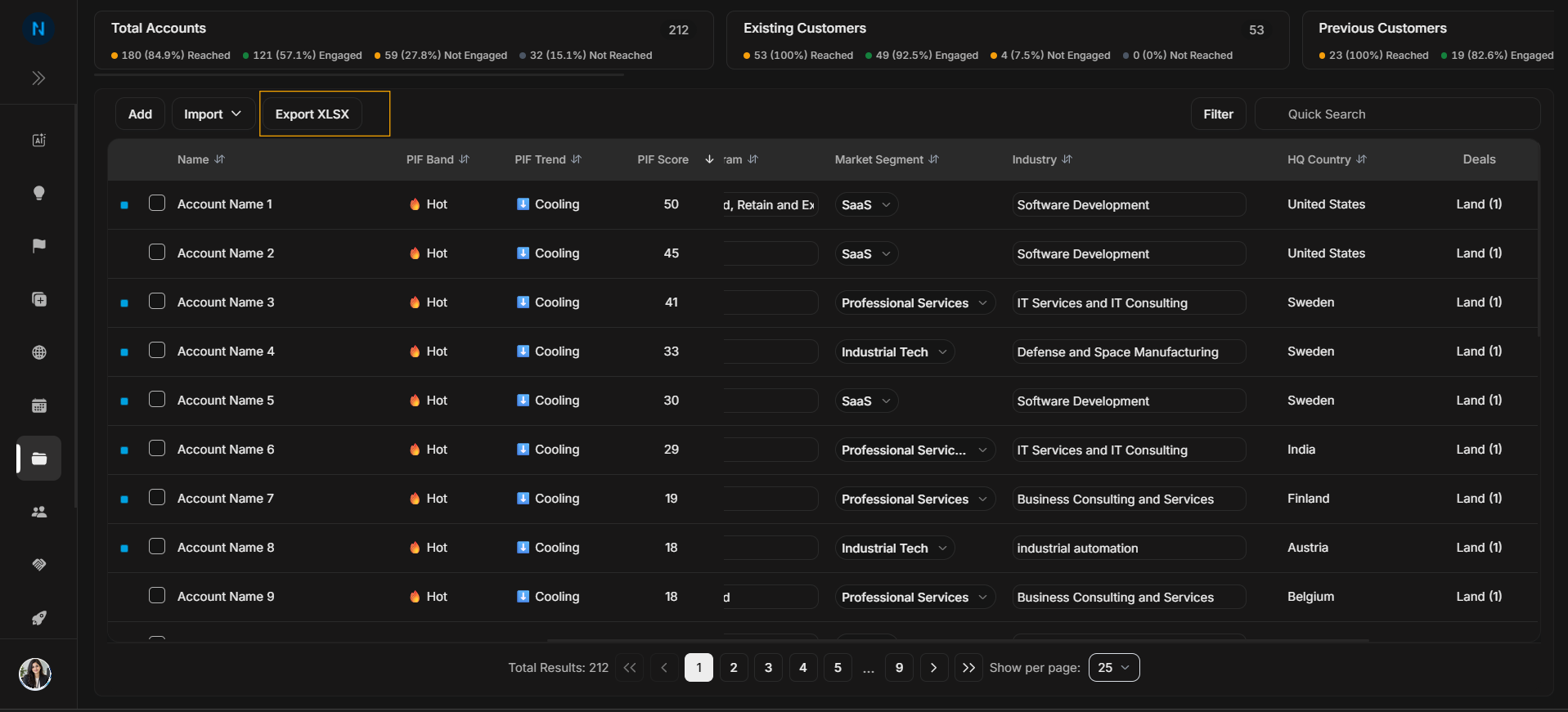
Use Export XLSX when you need a spreadsheet copy of account data.
Image guide: The Export XLSX button is in the top action row. It downloads account data for spreadsheet review.
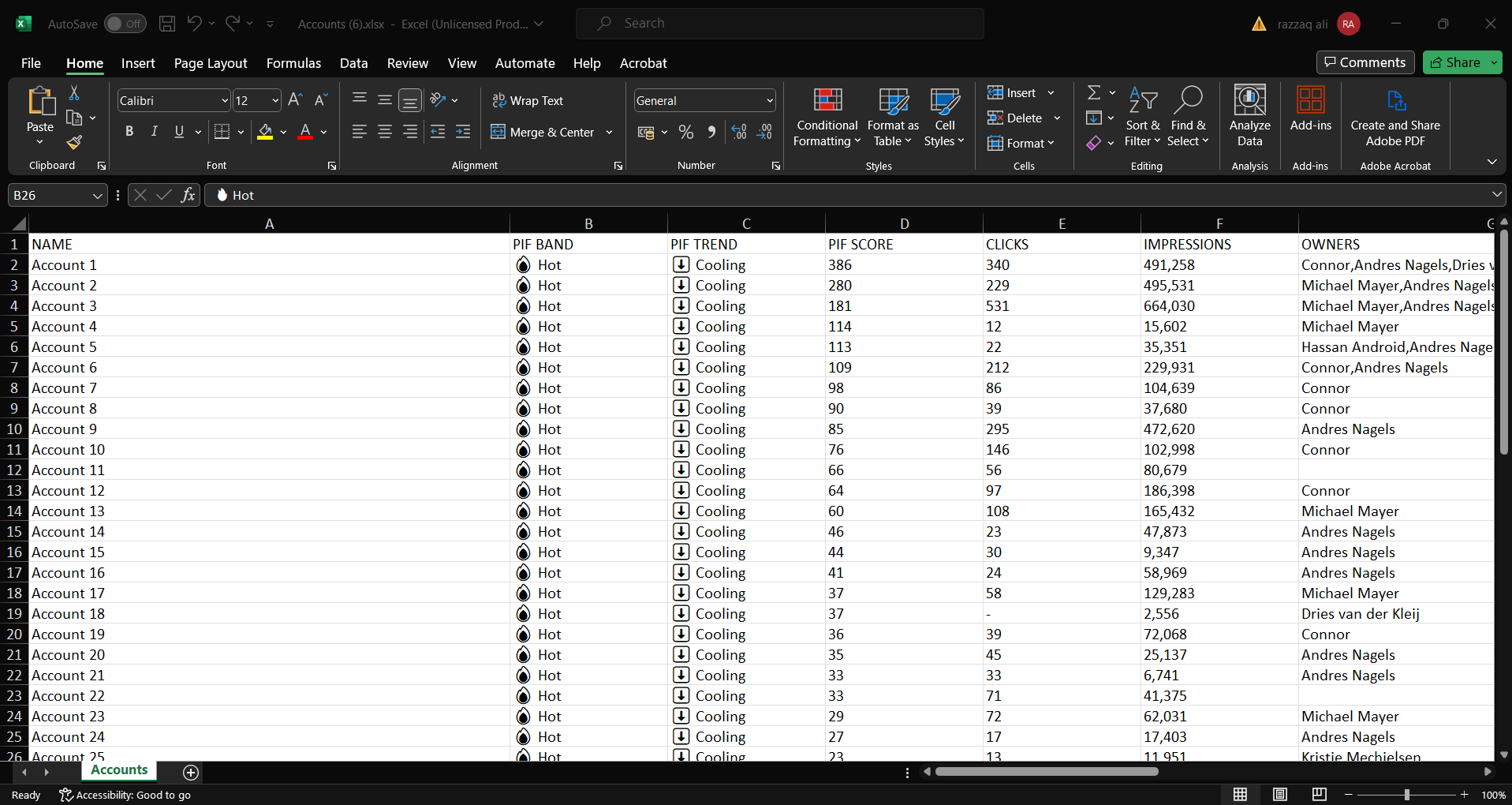
Image guide: The exported file contains account rows and fields that can be reviewed outside DOE.
When export is useful
Export is for review, reporting, QA, or sharing account data with a team outside the live DOE table. It is especially useful after applying filters, because the spreadsheet can represent the exact segment being discussed.
Remember that exported files become snapshots. If account data changes later in DOE, the downloaded spreadsheet will not update automatically.
Step-by-step
- Apply filters first if you only need a specific segment.
- Select Export XLSX.
- Open the downloaded spreadsheet.
- Check that the exported rows match the account set you expected.
Important
Export does not change account data. It only downloads a copy.