Search stakeholders
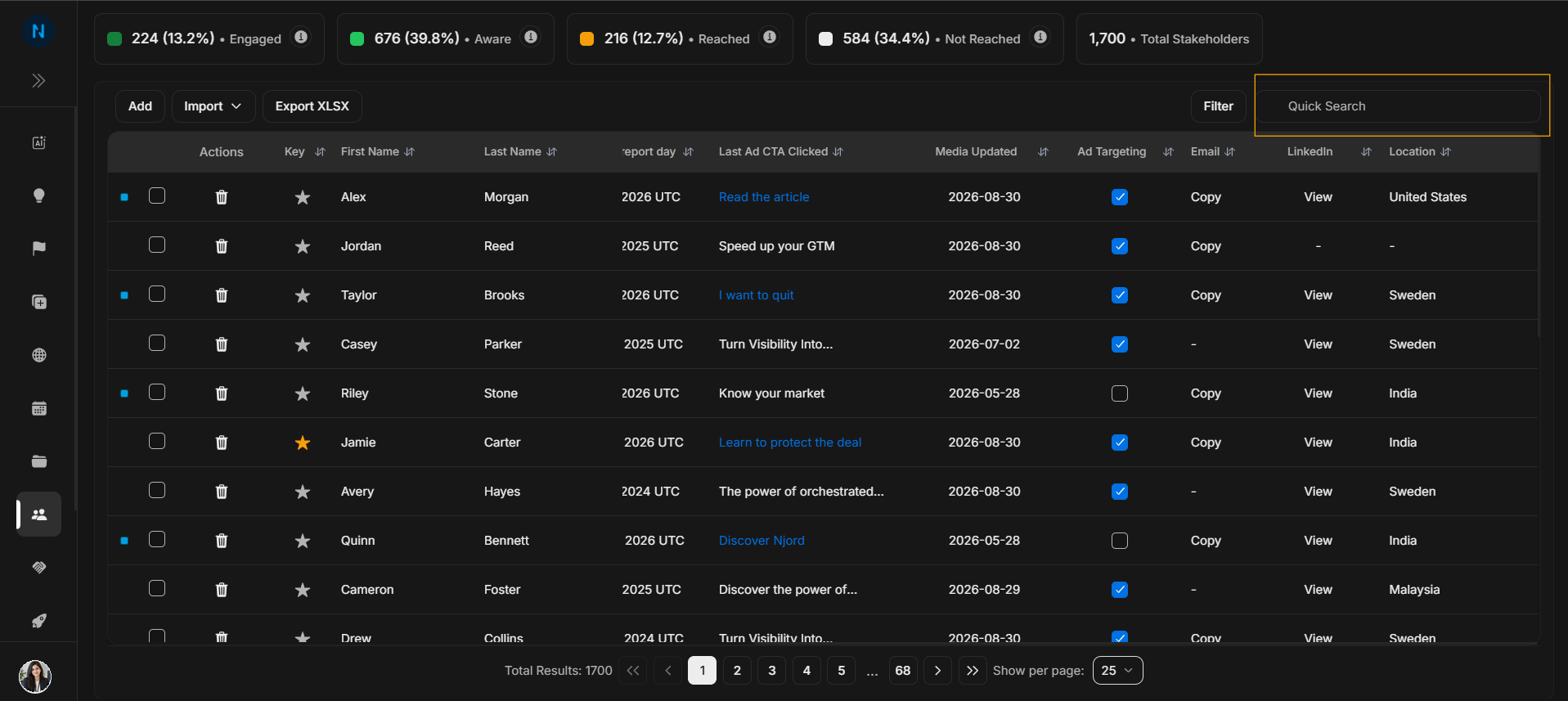
Search stakeholders
Use Quick Search when the user already knows the stakeholder, account, position, or text fragment they want.
Search the table
Image guide: Quick Search narrows the visible table by typed text. It is the fastest path when the user knows part of the person name, account name, position, or other searchable value.
Search tips
If search returns too many rows, type more specific text. If search returns no rows, clear the search and try a shorter fragment or a structured filter.
Step-by-step
- Click Quick Search.
- Type the stakeholder name, account, position, or text fragment.
- Review matching rows.
- Clear the search text before moving to a different task.