Stakeholder table columns
Stakeholder table columns
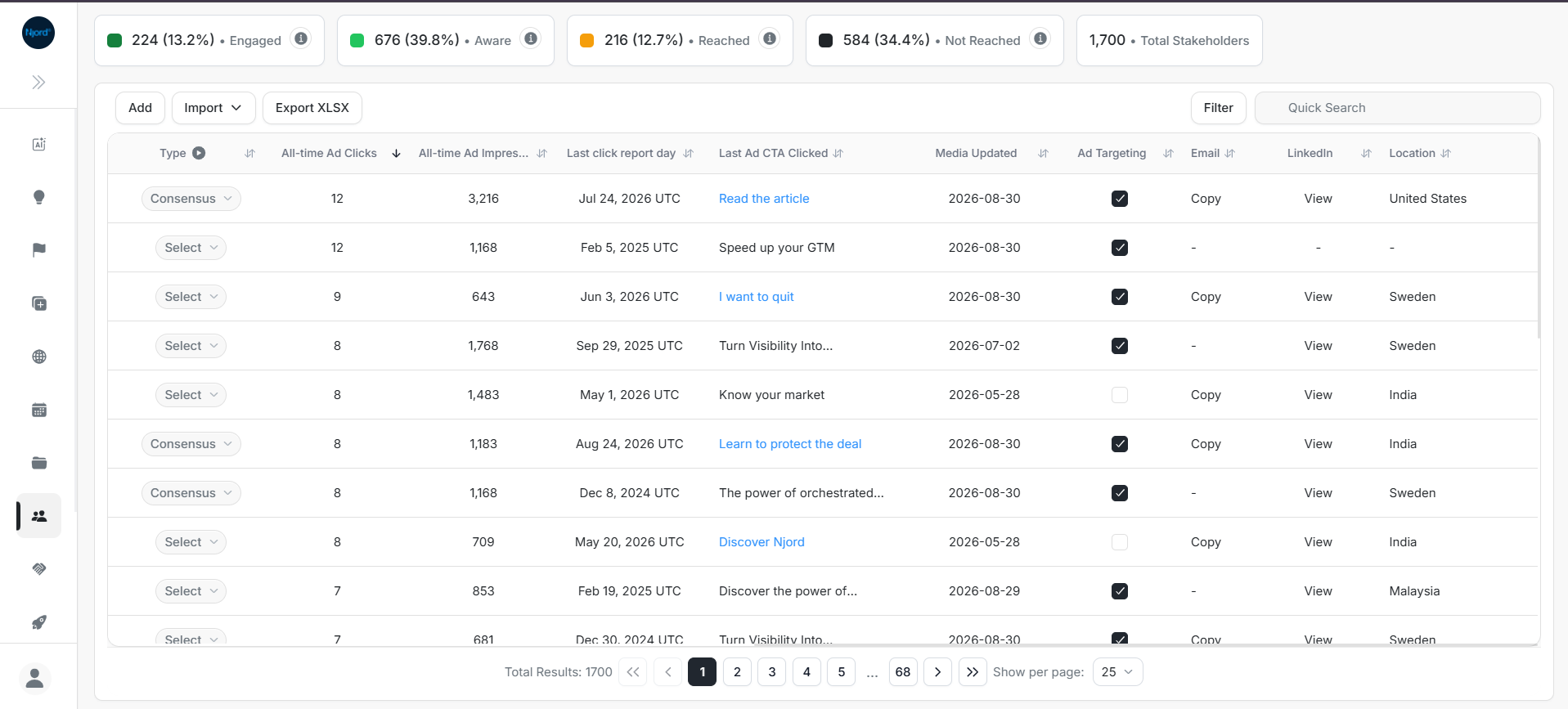
The Stakeholders table combines identity, account context, targeting, engagement, and ownership fields. Use it left to right, and scroll horizontally when columns are hidden.
Table overview
Image guide: Start with the visible columns. Confirm the stakeholder identity and account before interpreting engagement or taking action.
Core identity columns
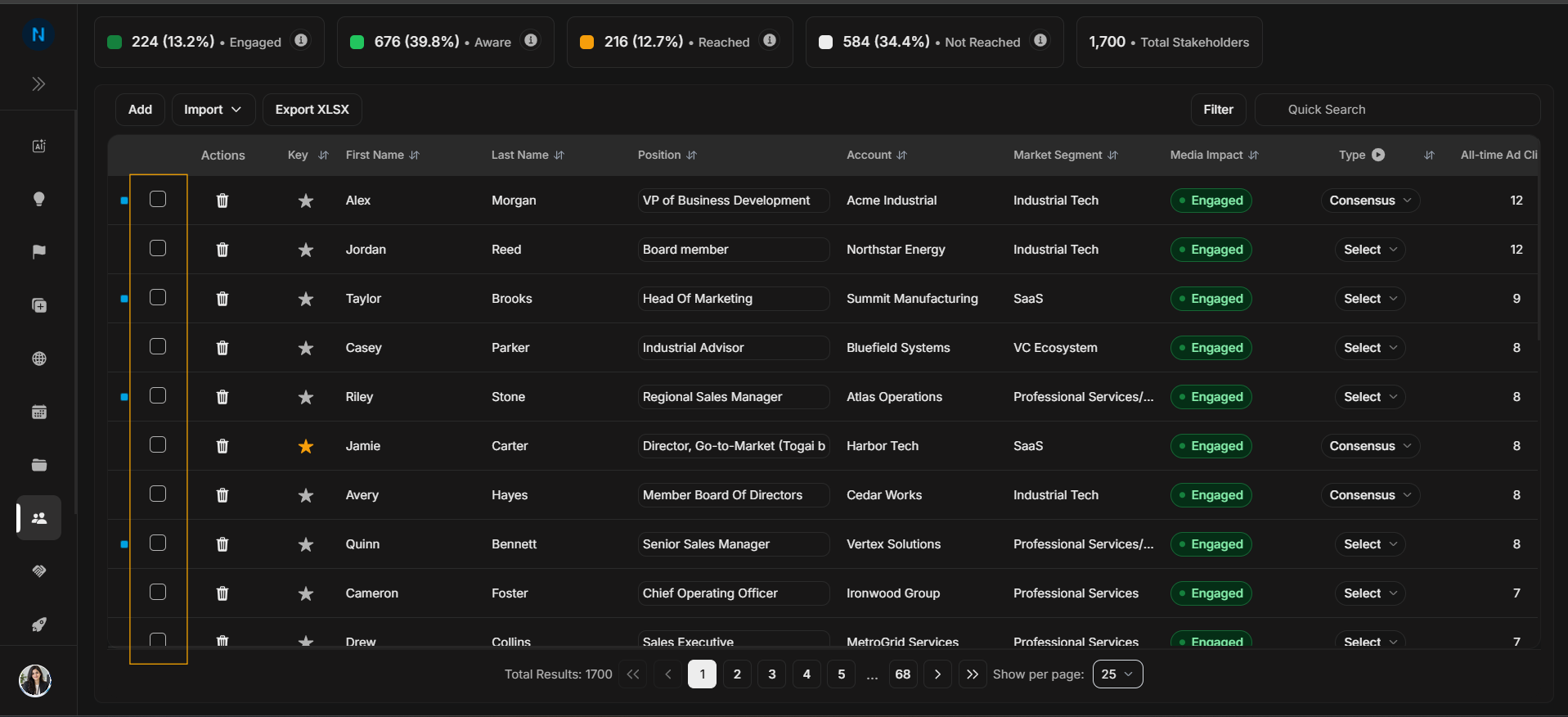
Image guide: Actions contains selection and row-level controls. Use it carefully because it can affect one row or a selected group.
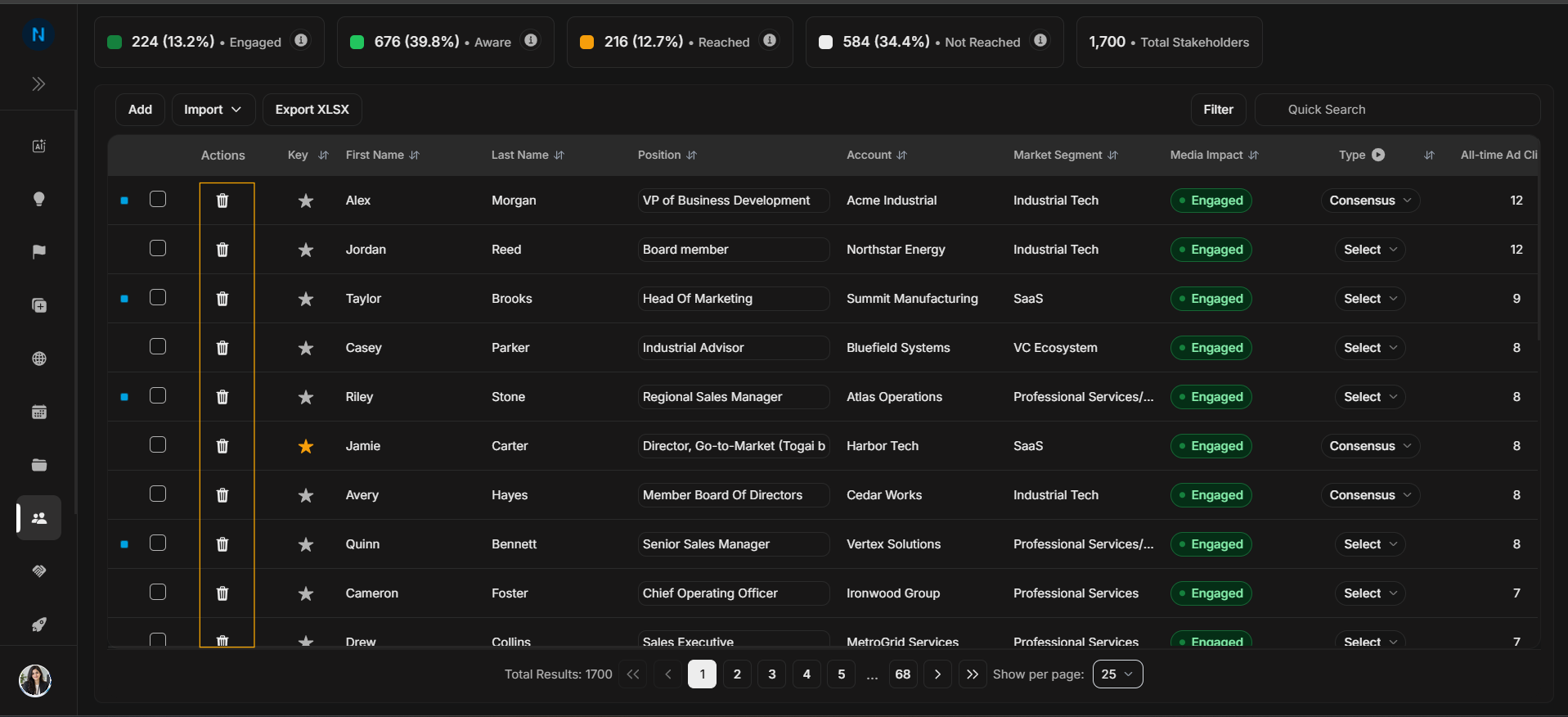
Image guide: Key marks priority stakeholders. Use it to recognize important people in the buying group.
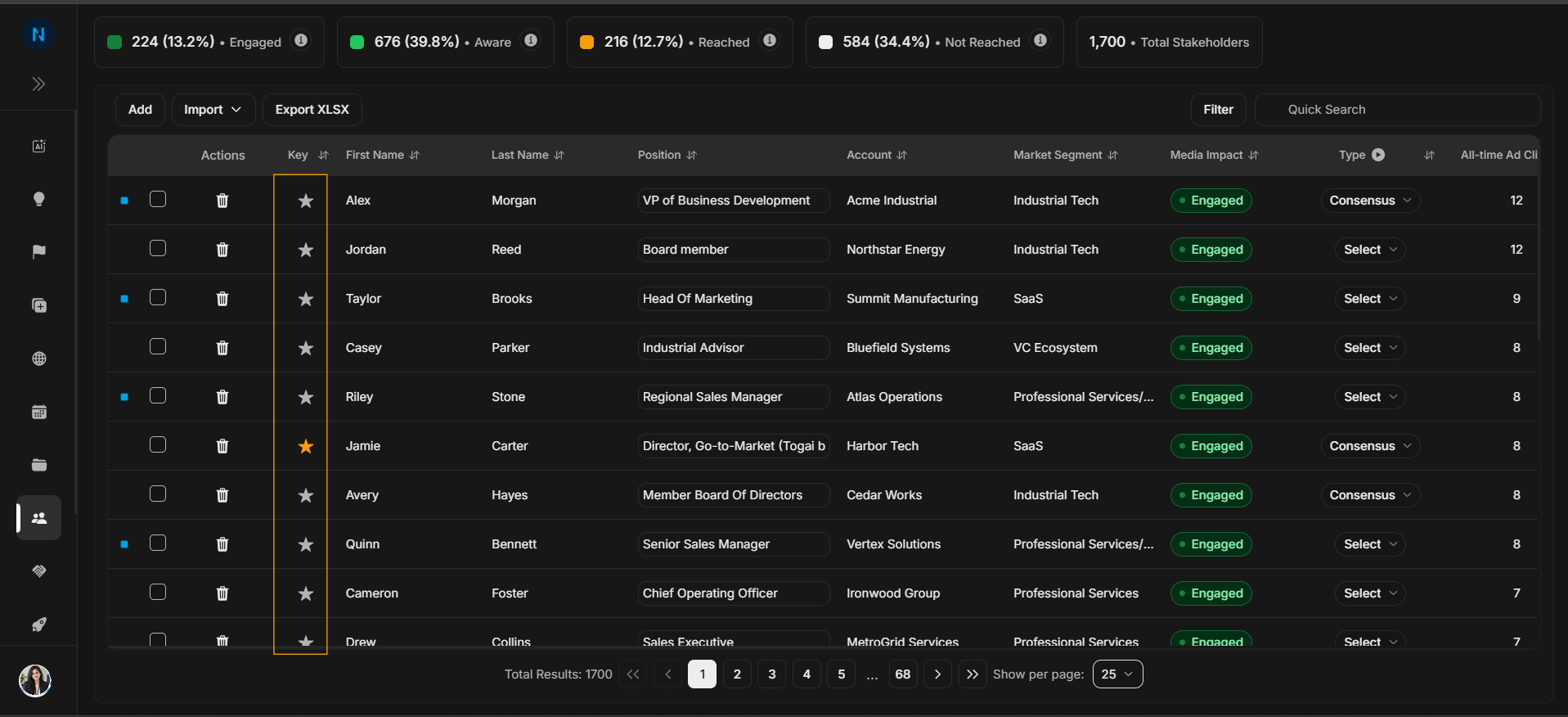
Image guide: First Name helps identify and open the correct stakeholder record.
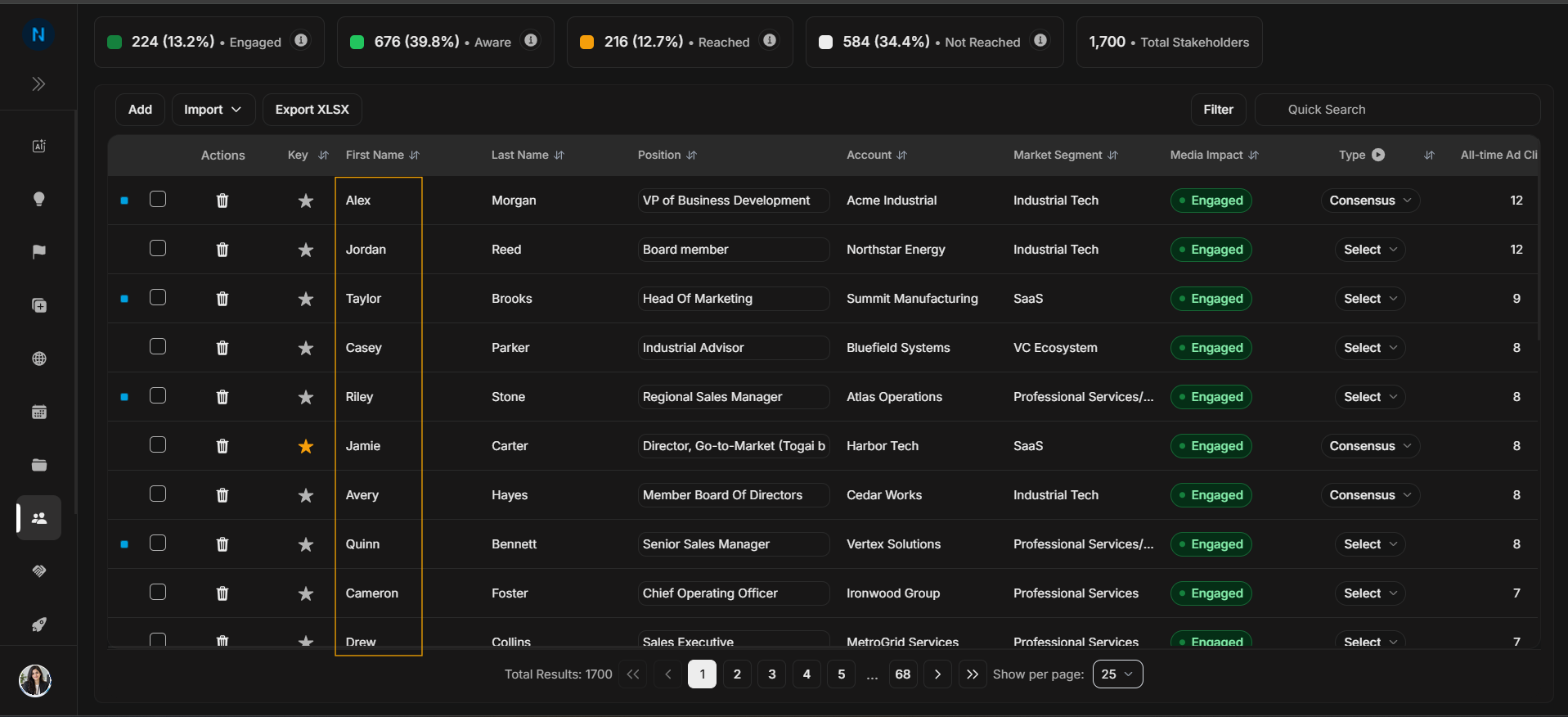
Image guide: Last Name completes the person identity. Check first and last name together before editing.
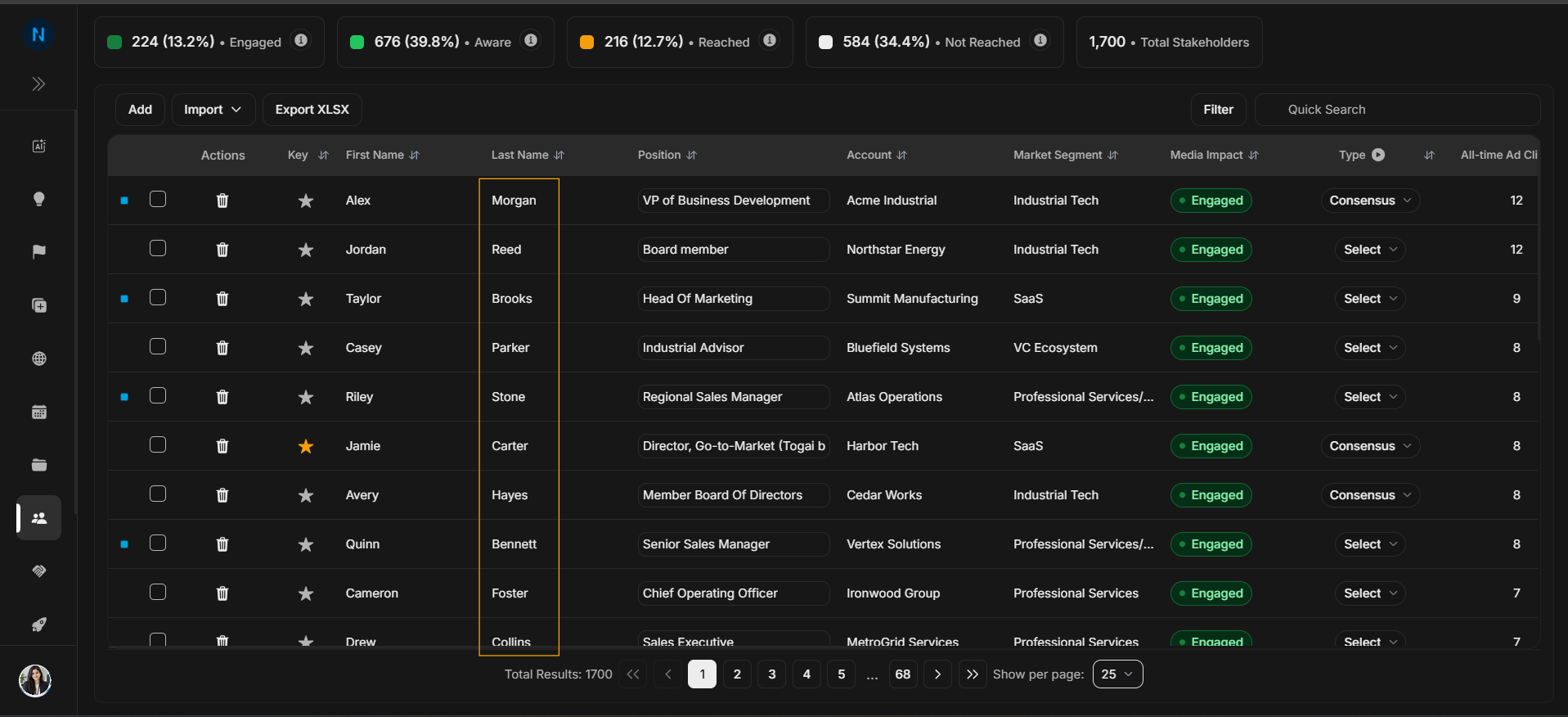
Image guide: Position explains role and seniority. Use it when deciding whether the stakeholder is a buyer, influencer, or technical contact.
Account context columns
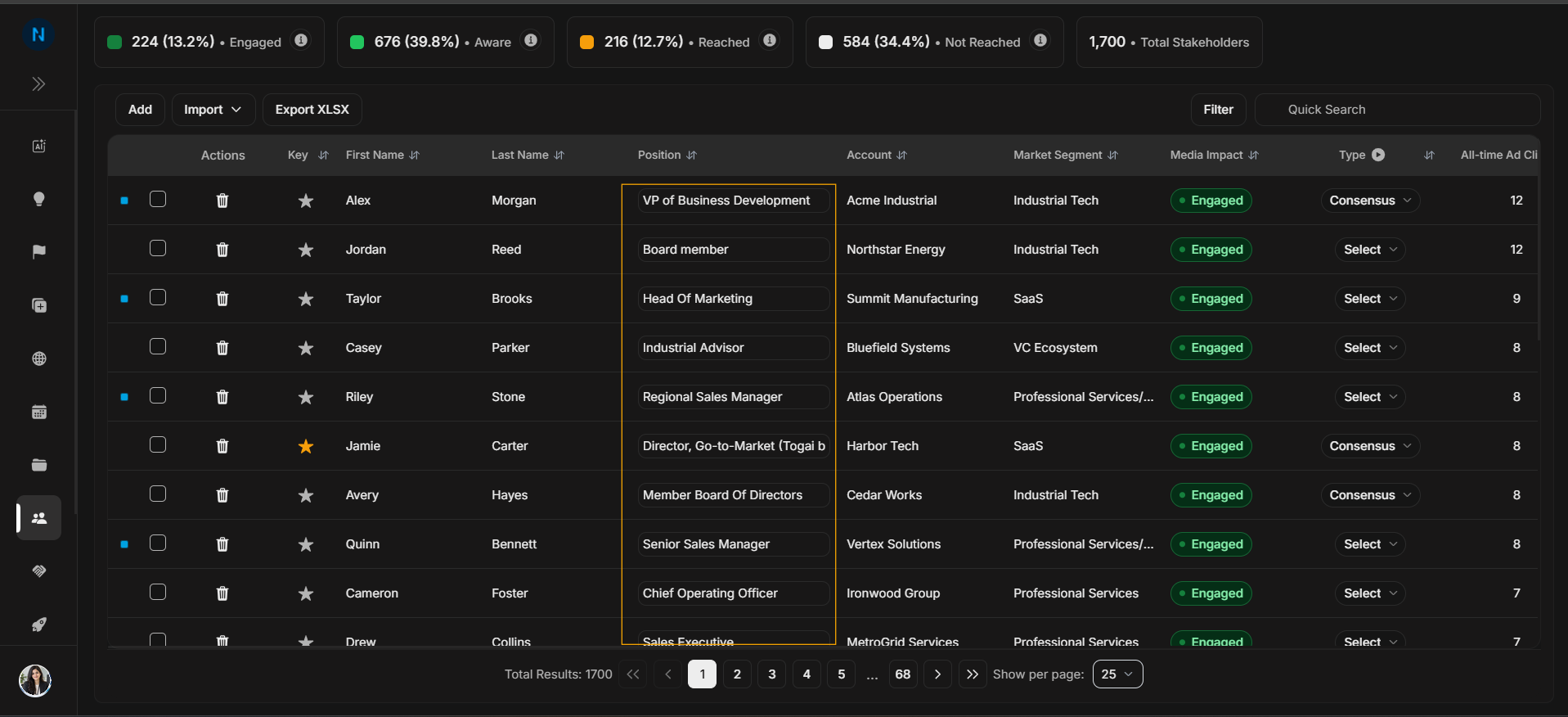
Image guide: Account links the stakeholder to the company. Confirm it before exporting, targeting, or opening details.
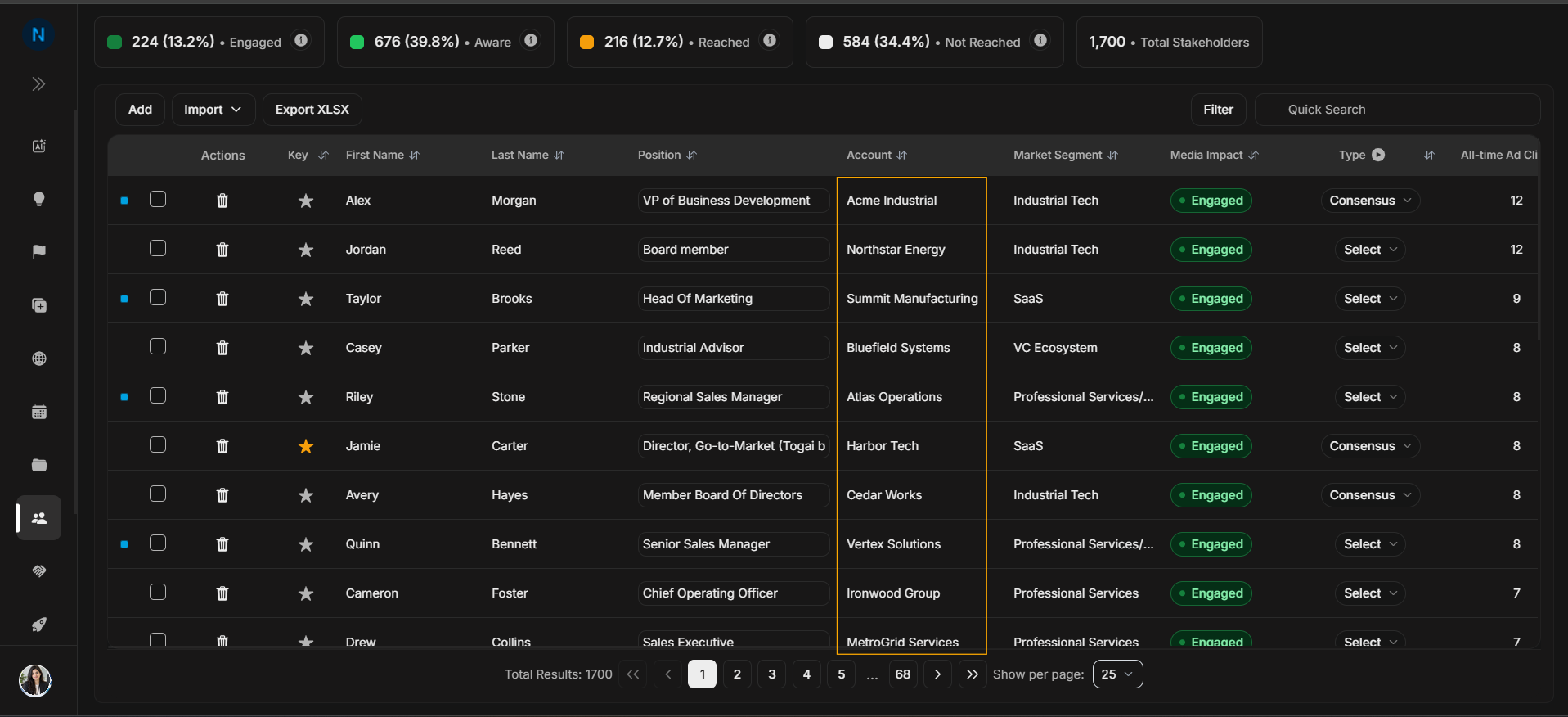
Image guide: Market Segment helps compare stakeholders by account segment.
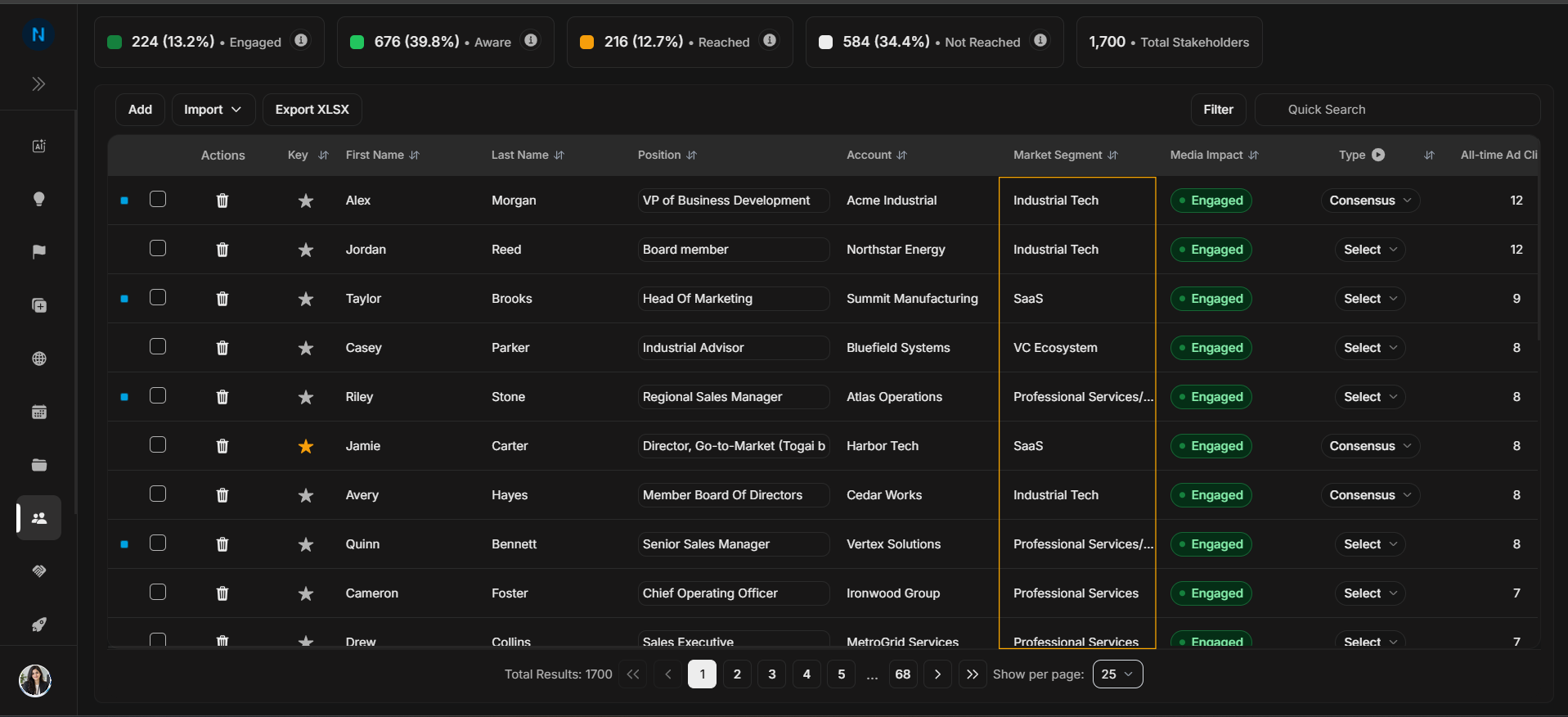
Image guide: Media Impact summarizes engagement state. Use it together with the summary cards.
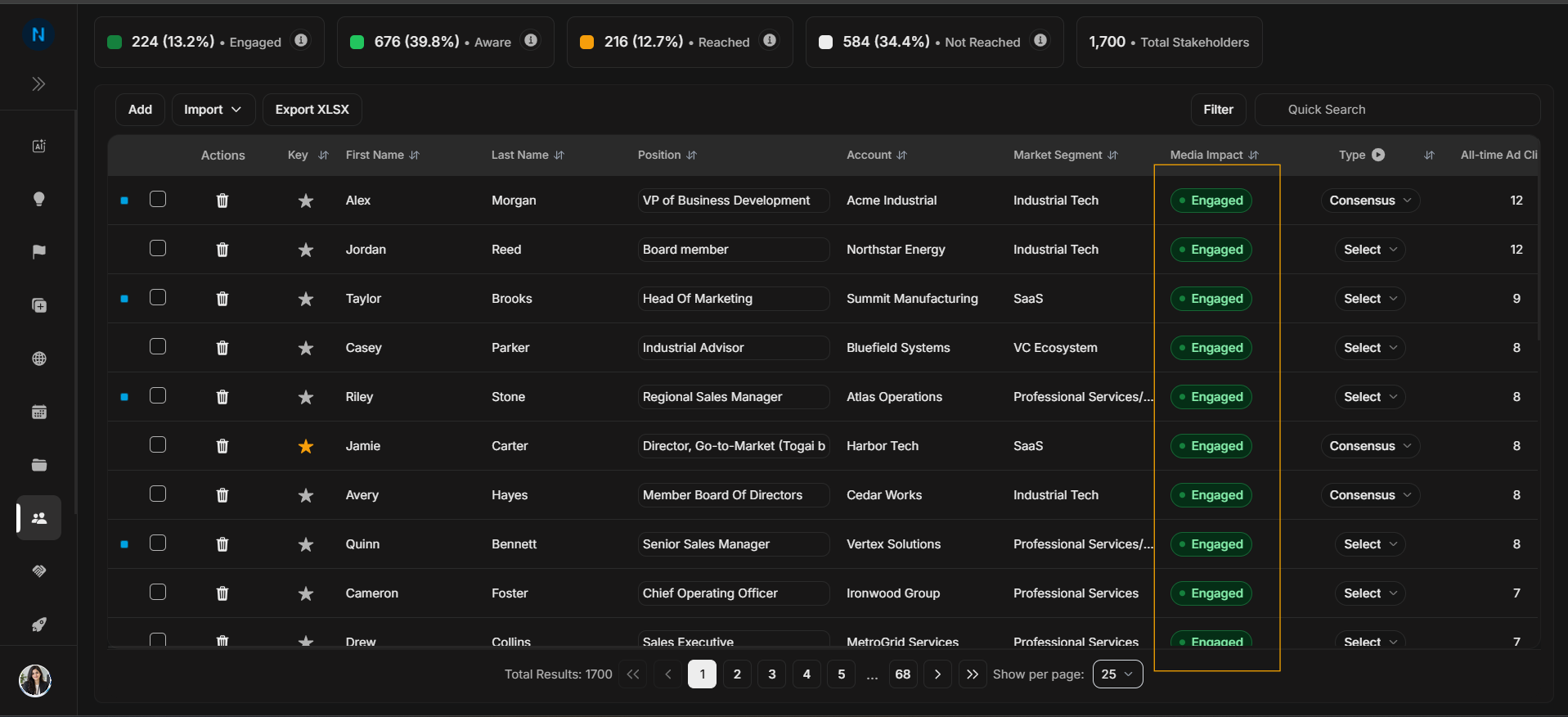
Image guide: Targeting shows whether the stakeholder is included in targeting workflows.
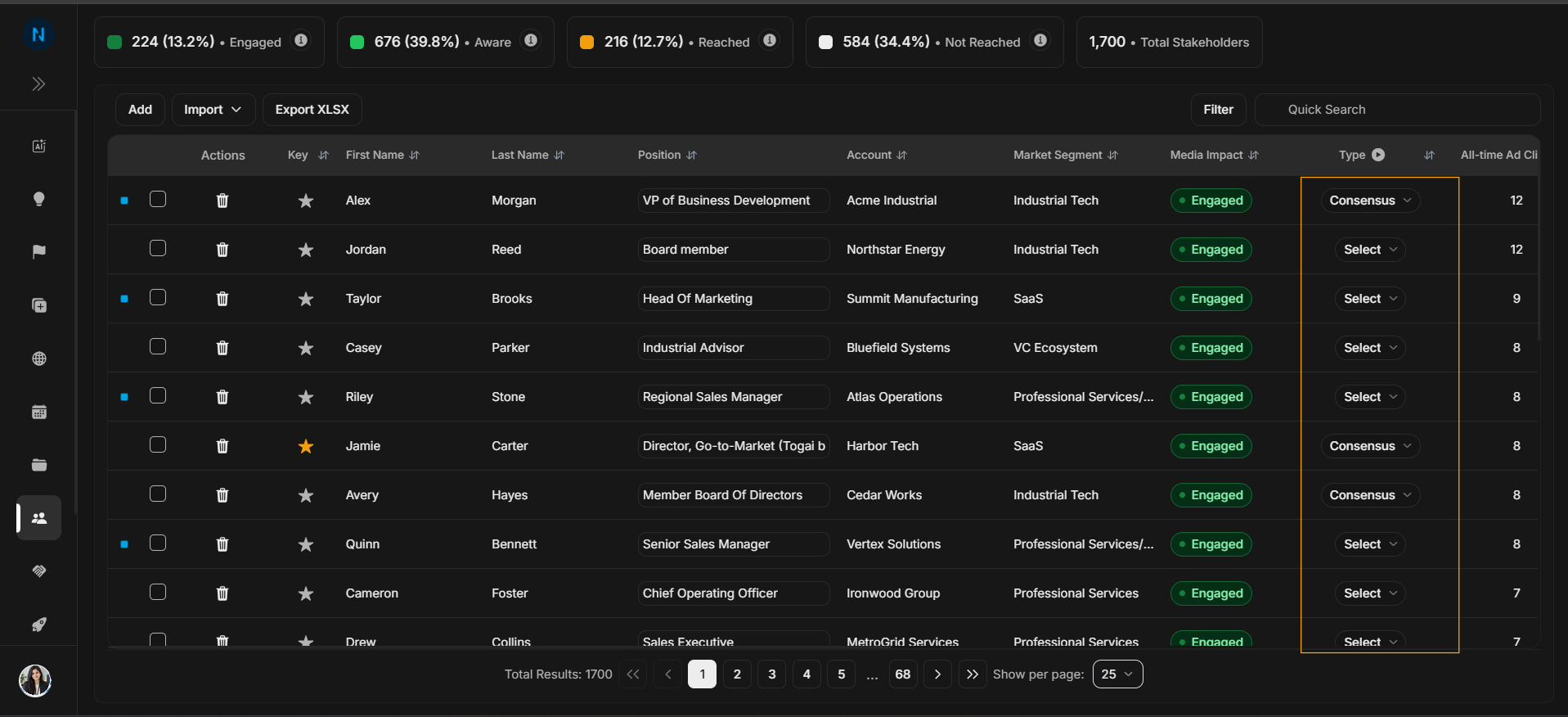
Image guide: Source explains where the stakeholder record came from.
Engagement and audit columns
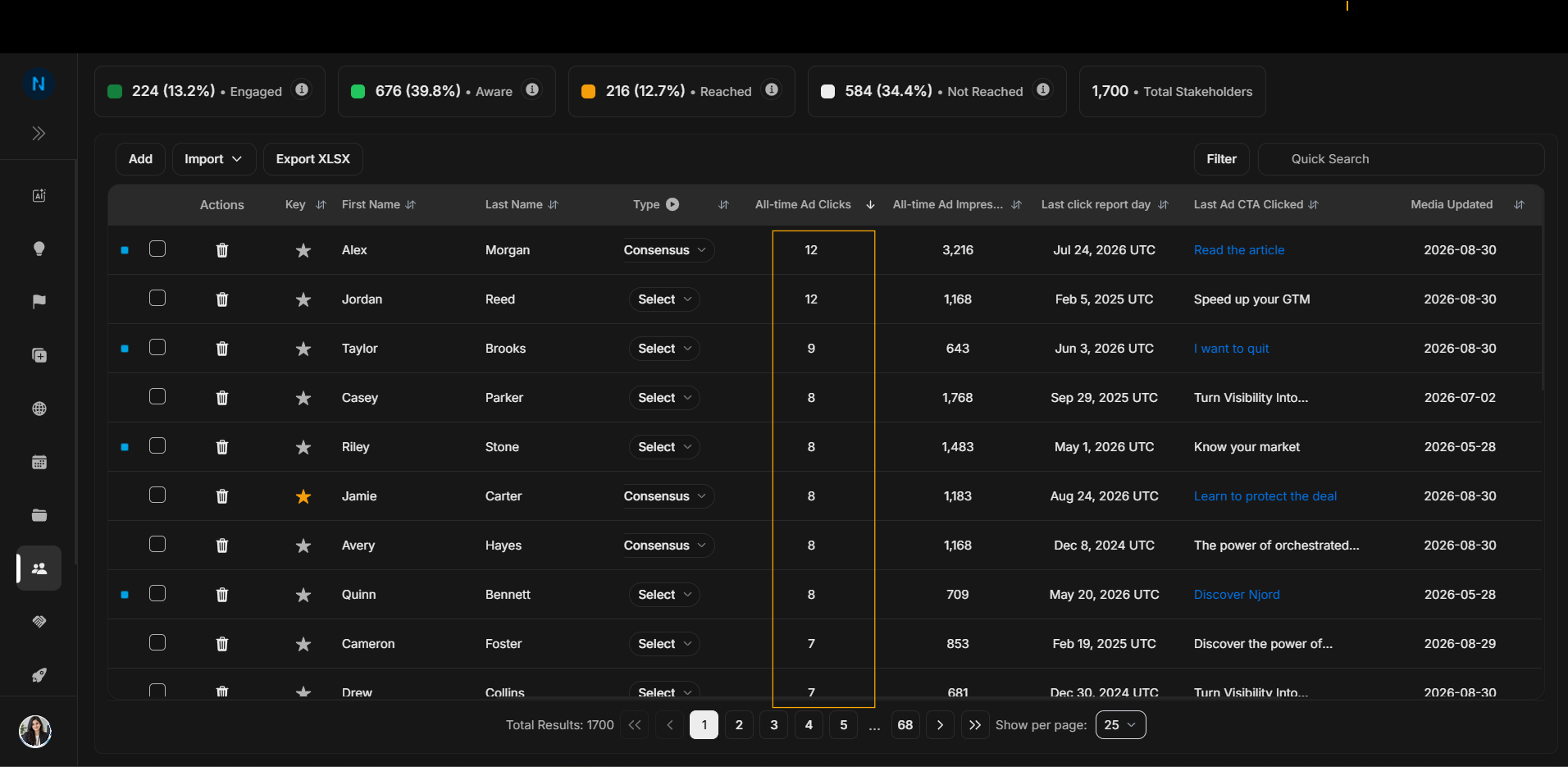
Image guide: All-time ad clicks helps compare engagement volume.
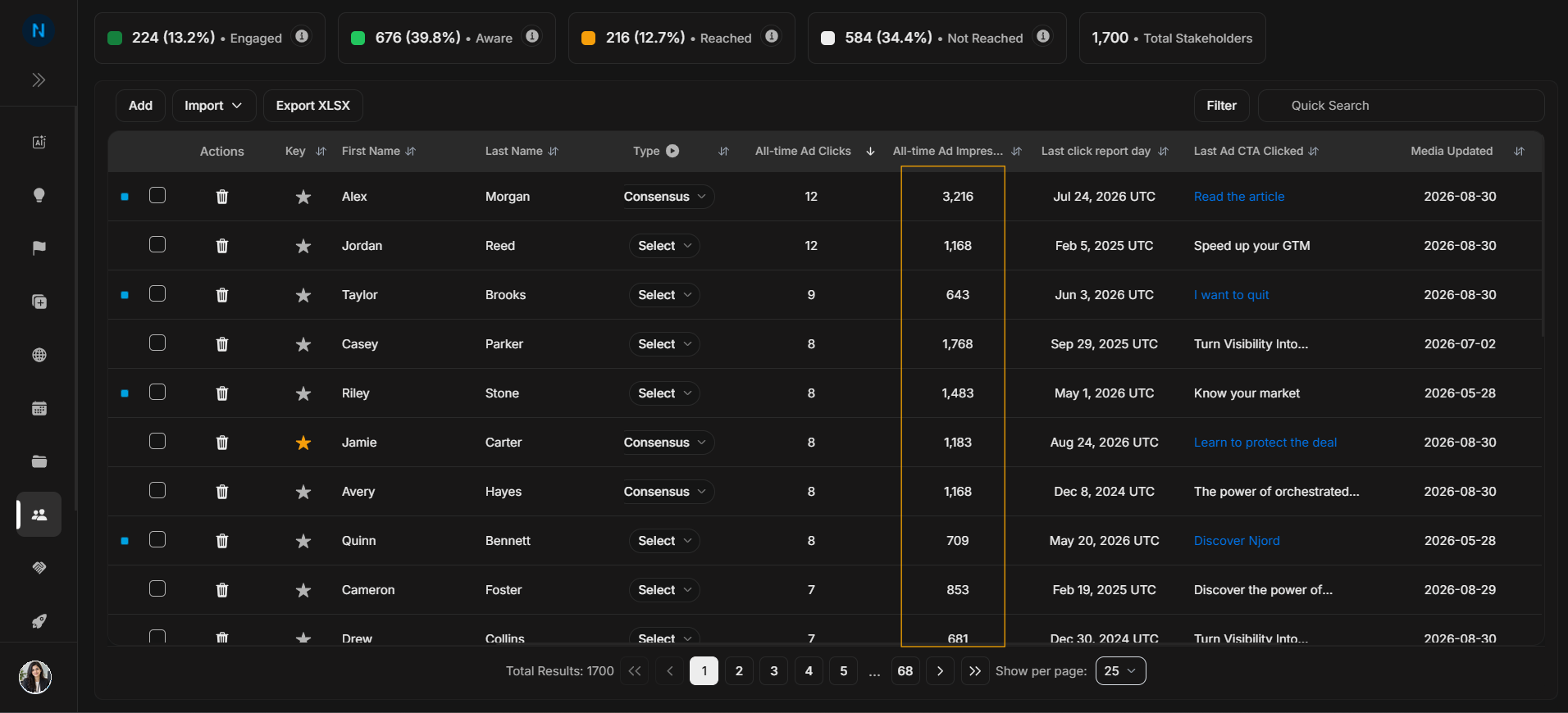
Image guide: CTR helps interpret ad engagement rate, not just click count.
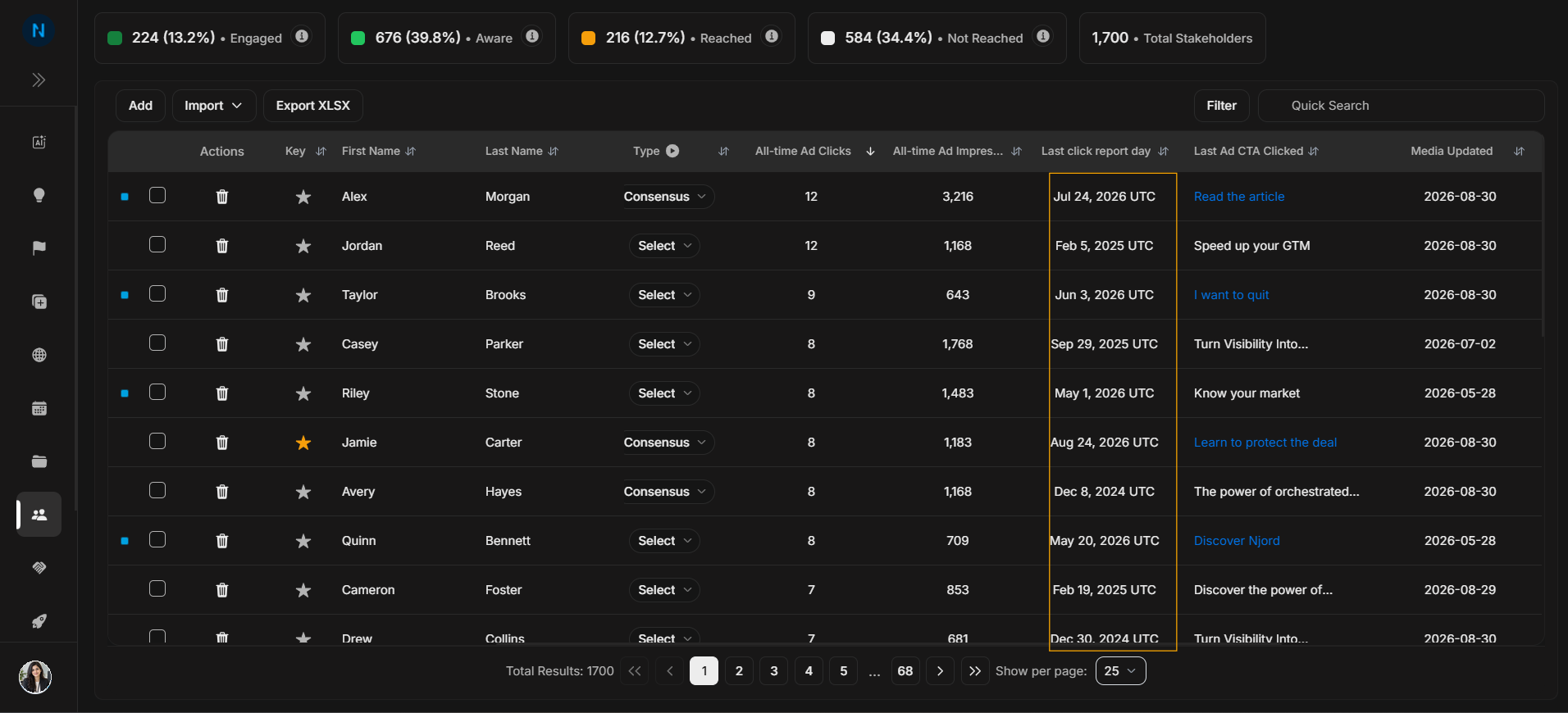
Image guide: Last click report day shows recency of engagement.
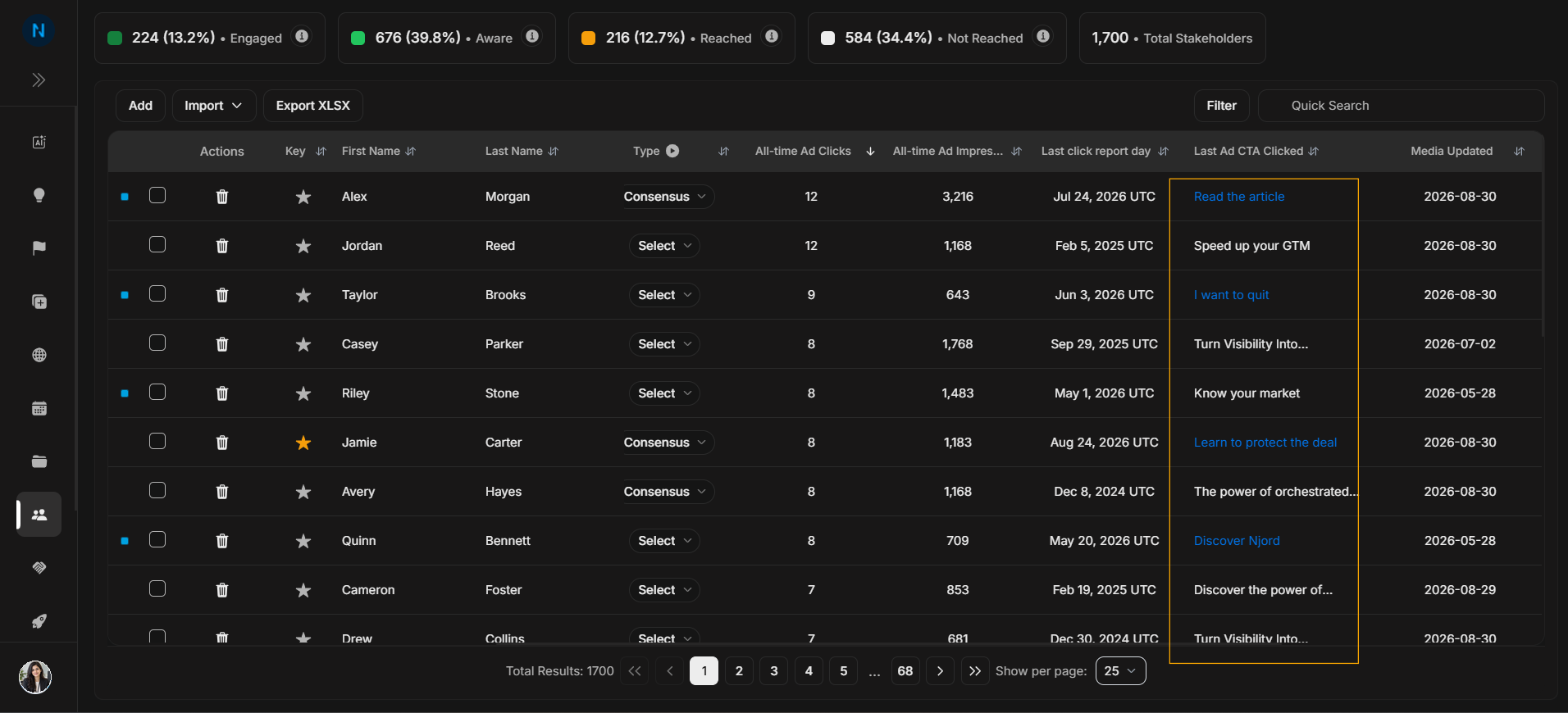
Image guide: Last ad CTA clicked identifies the creative or call-to-action behind engagement.
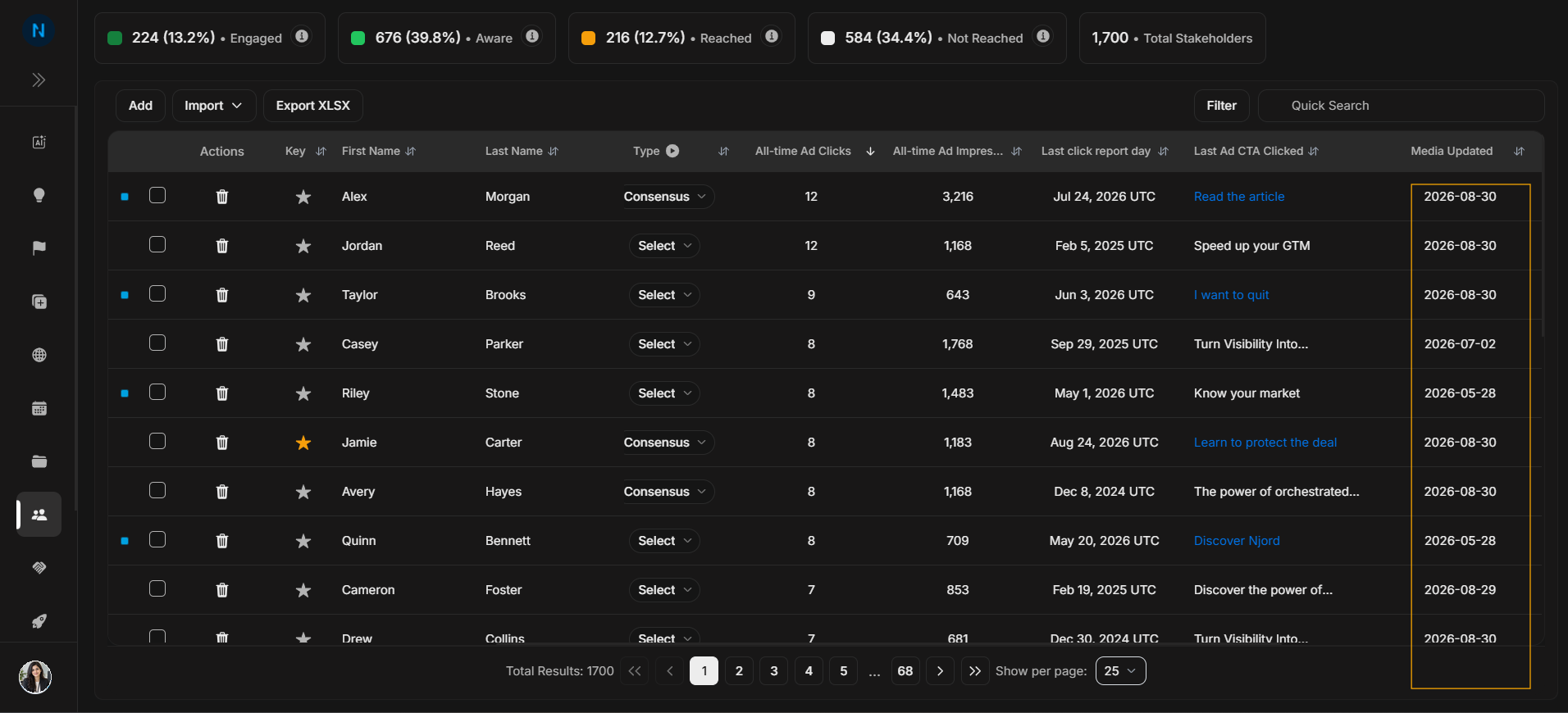
Image guide: Created and updated dates help audit freshness.
Role and ownership columns
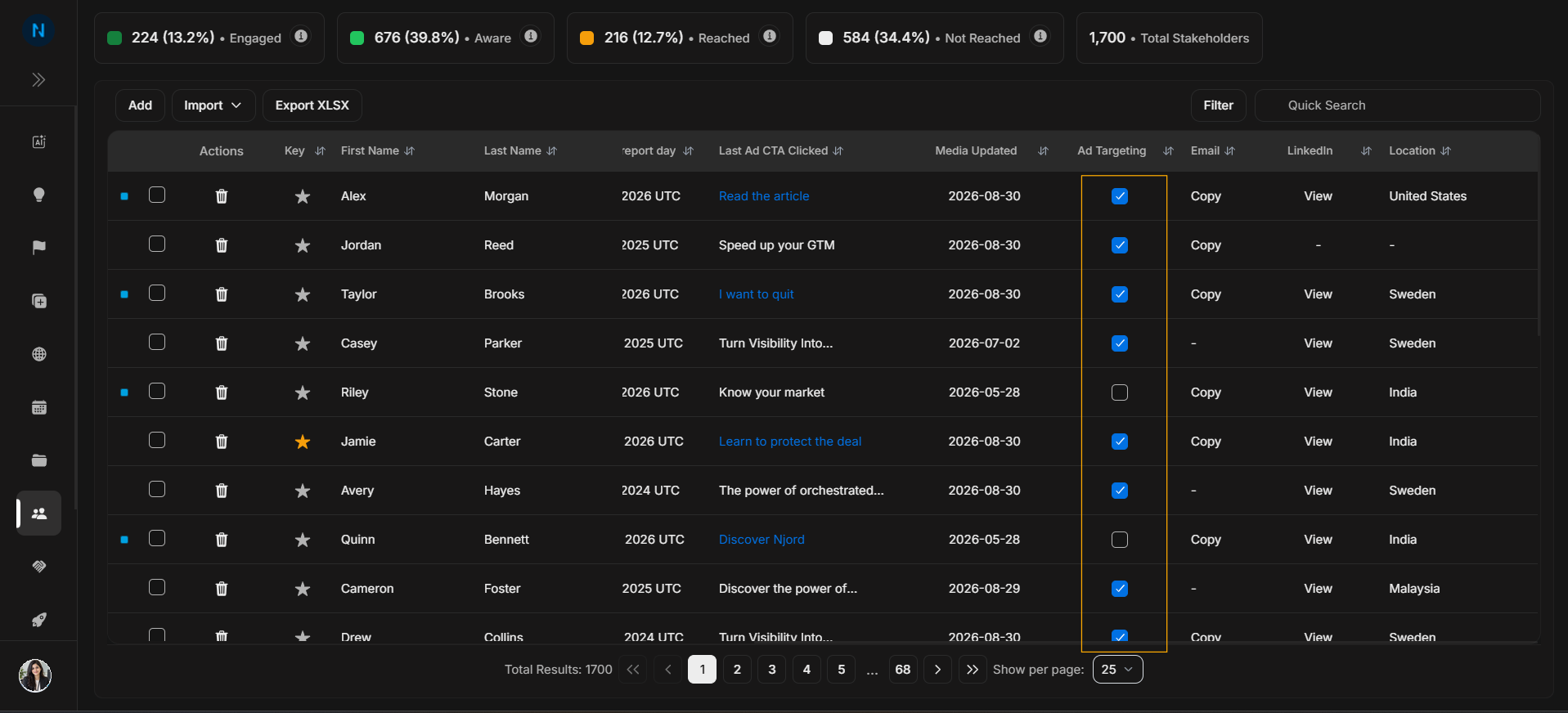
Image guide: Type describes the stakeholder's buying-committee role where available.
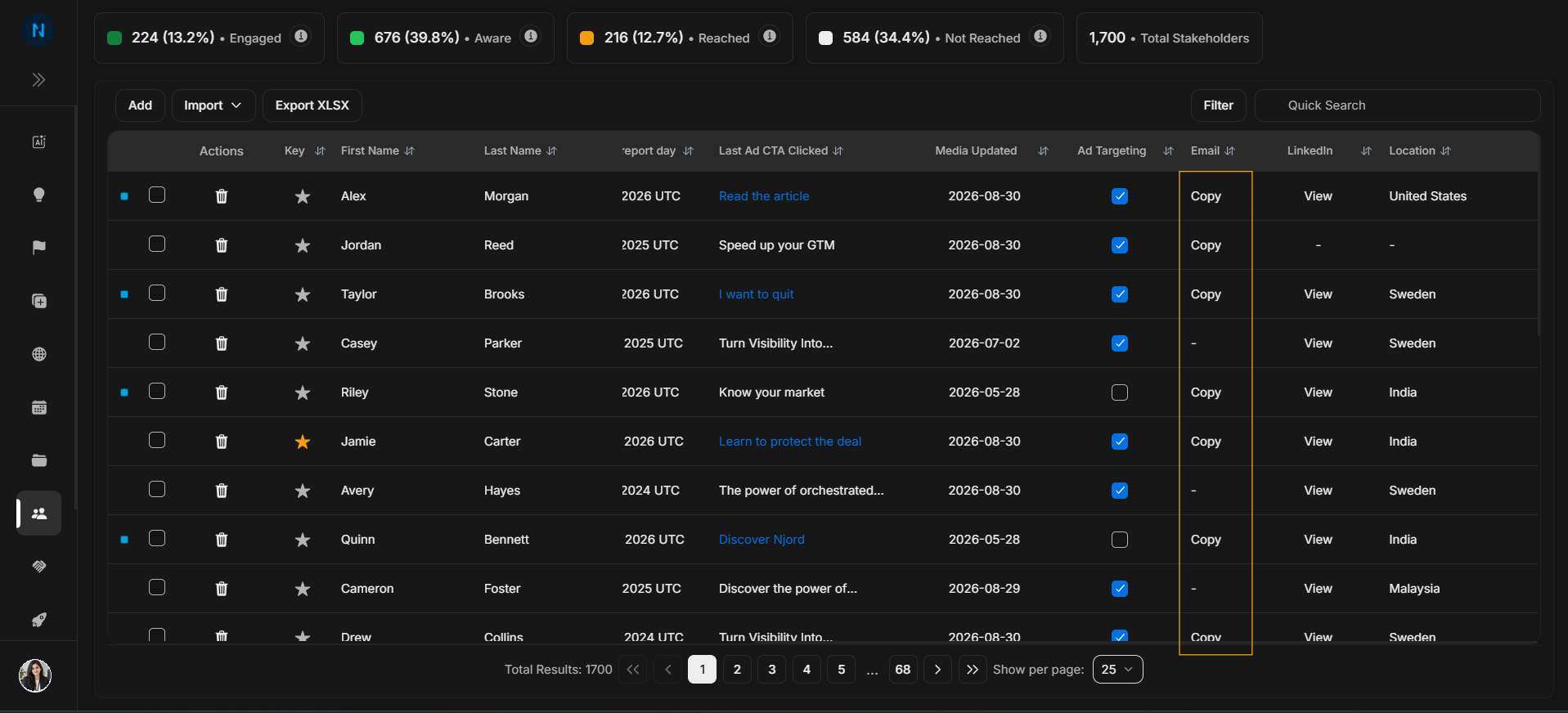
Image guide: Role gives another way to understand the person's function.
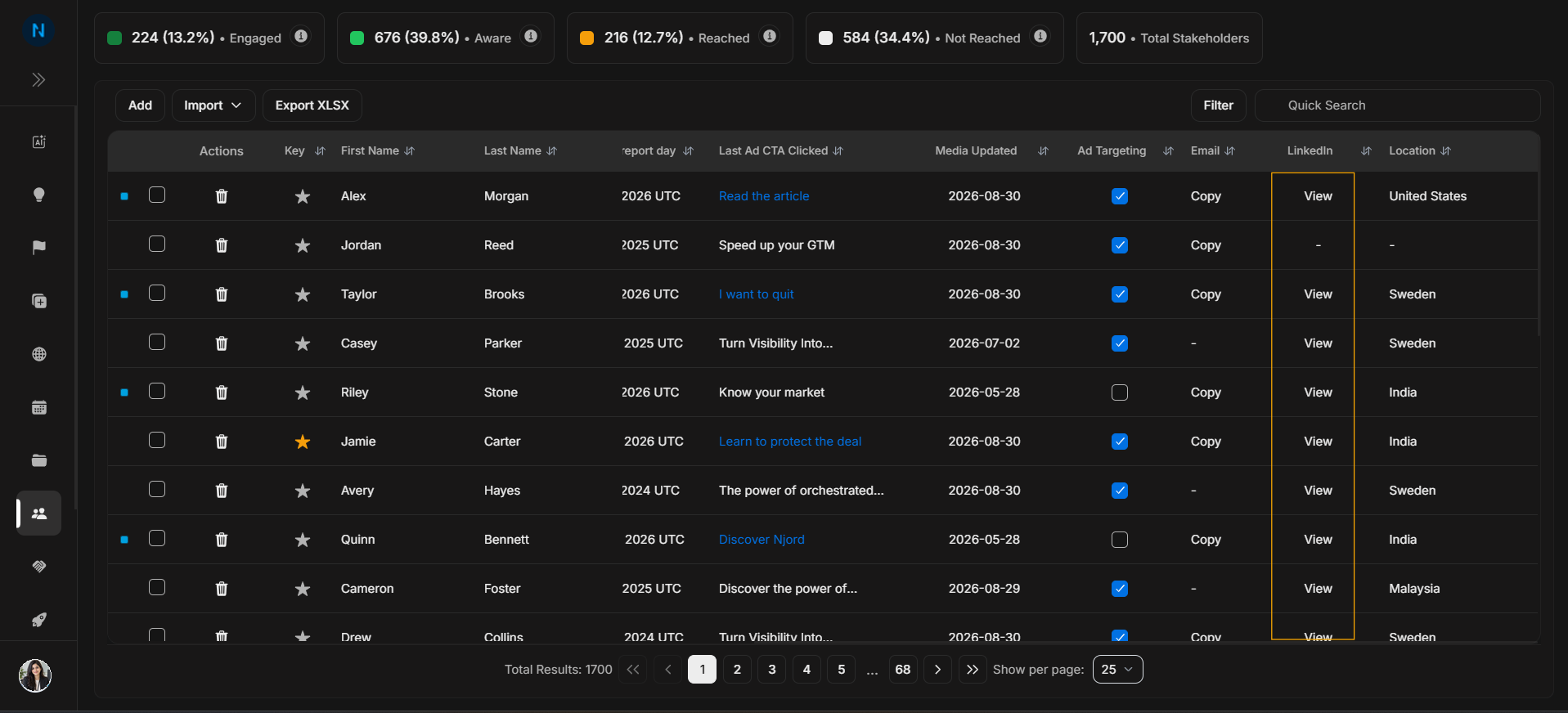
Image guide: Owner shows who is responsible for the stakeholder.
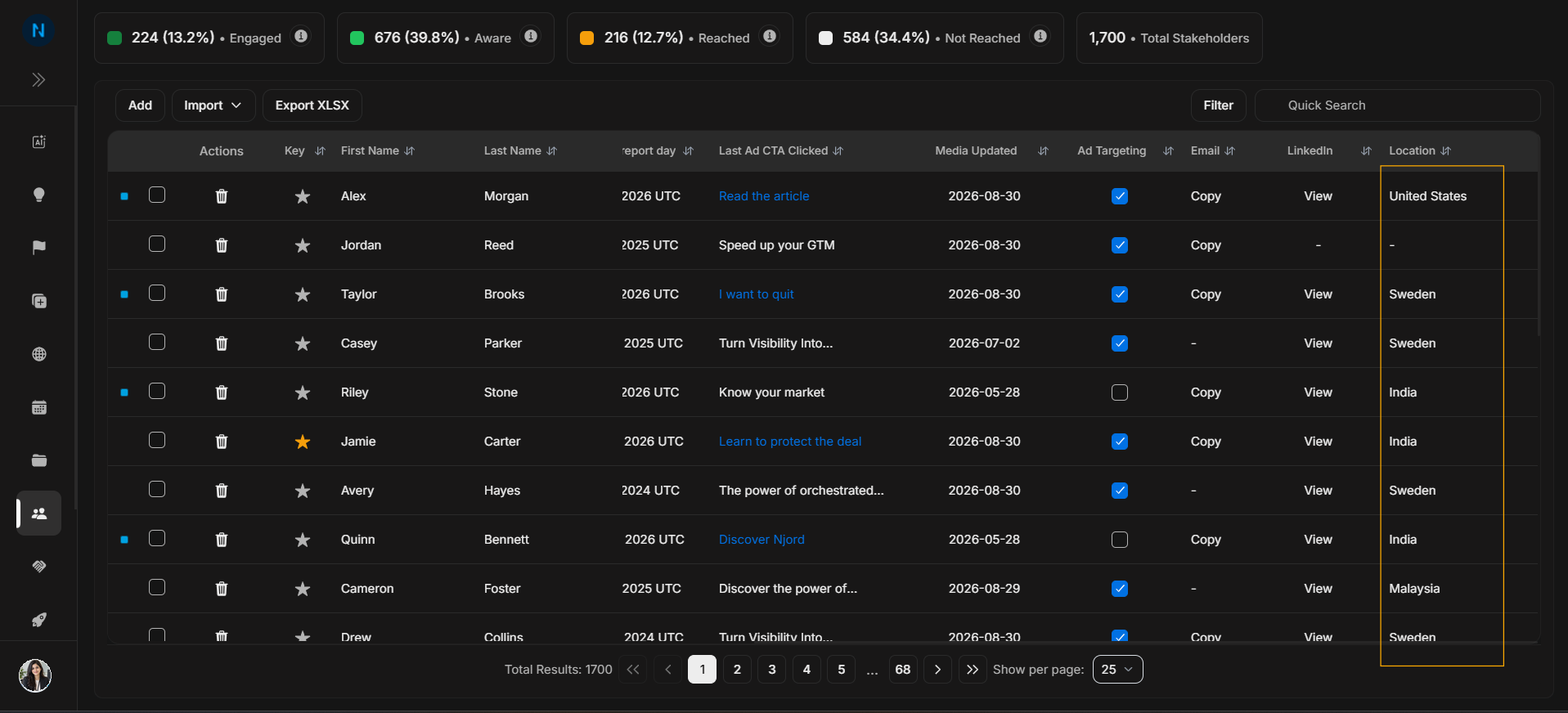
Image guide: The far-right columns contain additional fields and action context. Scroll to this side when reviewing full stakeholder status.
Safe reading pattern
- Confirm person identity.
- Confirm account.
- Read role, media impact, and targeting.
- Check engagement and recency.
- Use row actions only after the row is confirmed.