Import stakeholders
Import stakeholders
Use Import when stakeholder data should come from a file or connected CRM instead of being typed one record at a time.
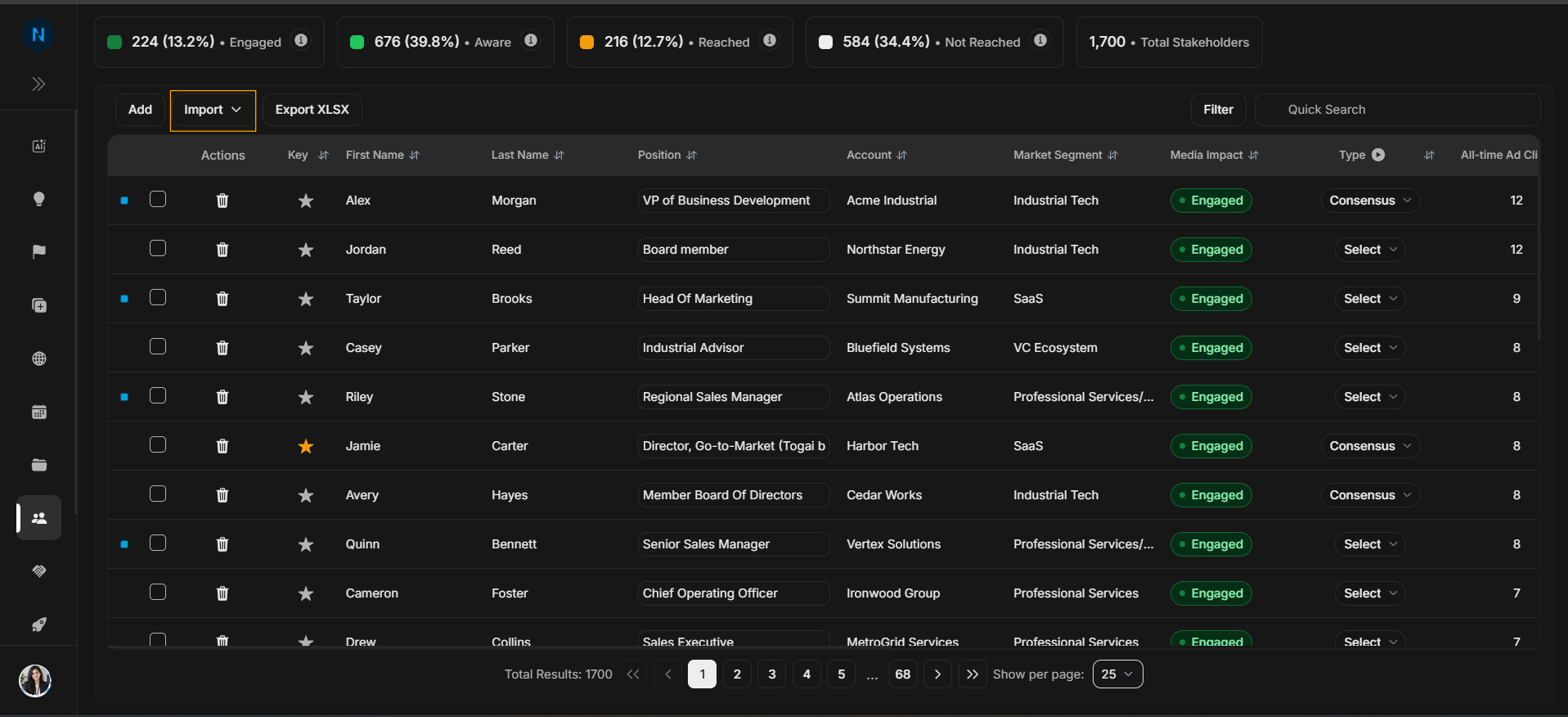
Open Import
Image guide: The Import button sits beside Add. Use it for multiple stakeholders or for data that already exists in another system.
Choose import source
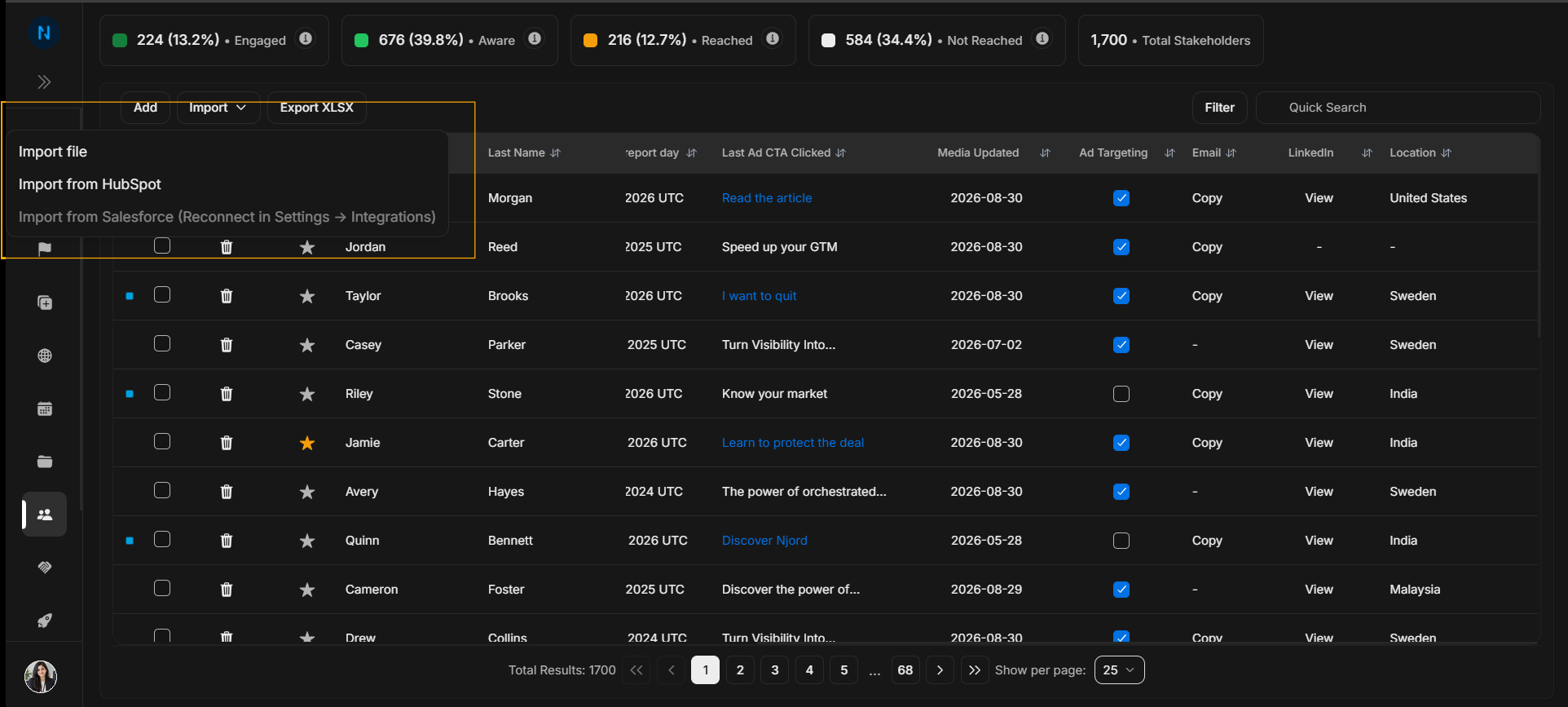
Image guide: The menu can show file import and CRM import options such as HubSpot. Choose the source that matches where the stakeholder data currently lives.
Before importing
Check that the source data uses consistent account names, first names, last names, positions, emails, locations, LinkedIn URLs, and source values. After import, search for sample stakeholders and confirm required fields before assuming the entire import is clean.
Step-by-step
- Select Import.
- Choose file import or a CRM source.
- Follow the import flow for that source.
- Review warnings or missing fields.
- Return to the table and search for imported people.