Stakeholders pagination
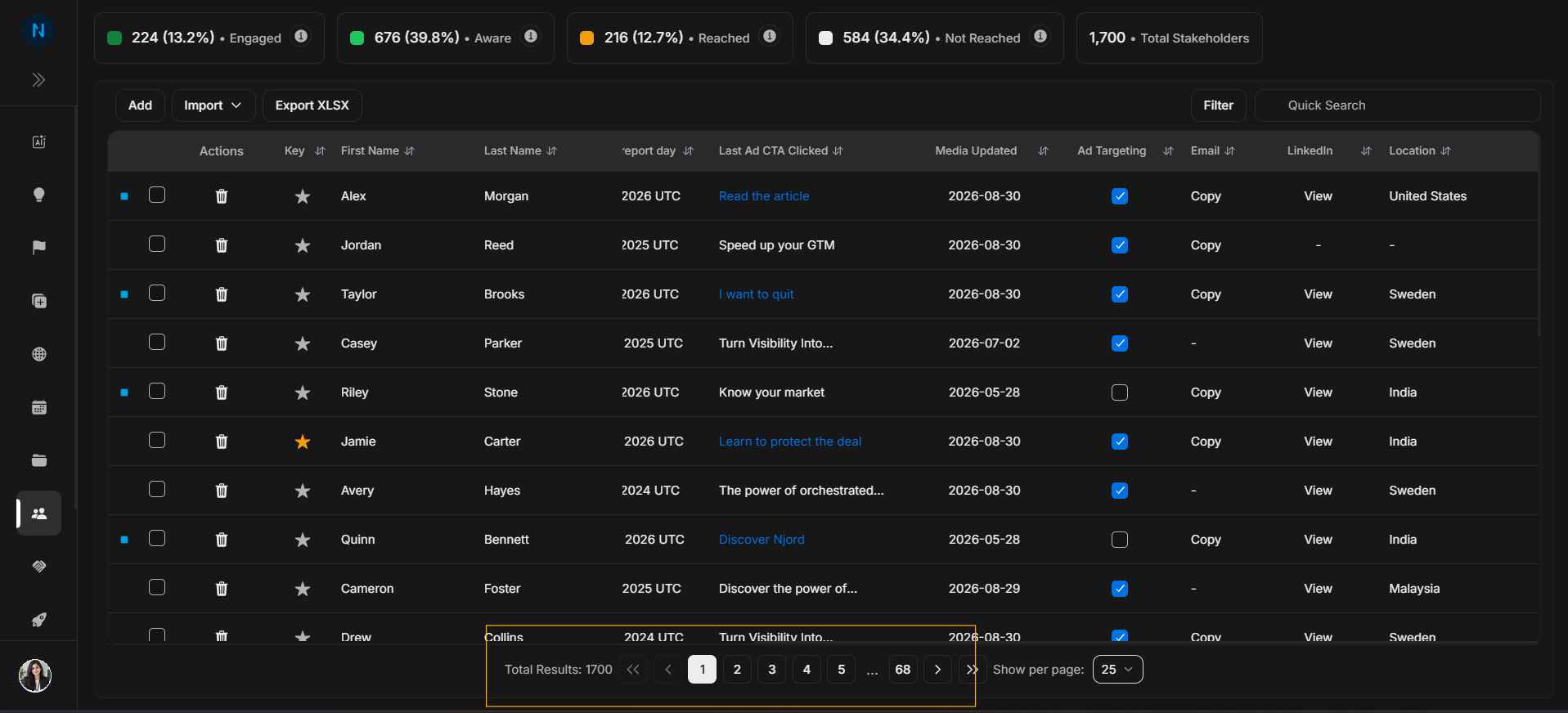
Stakeholders pagination
Use pagination when the Stakeholders table has more rows than can fit on one page.
Pagination controls
Image guide: Pagination controls move through the visible result set. They do not change stakeholder data; they only change which rows are shown.
Rows per page
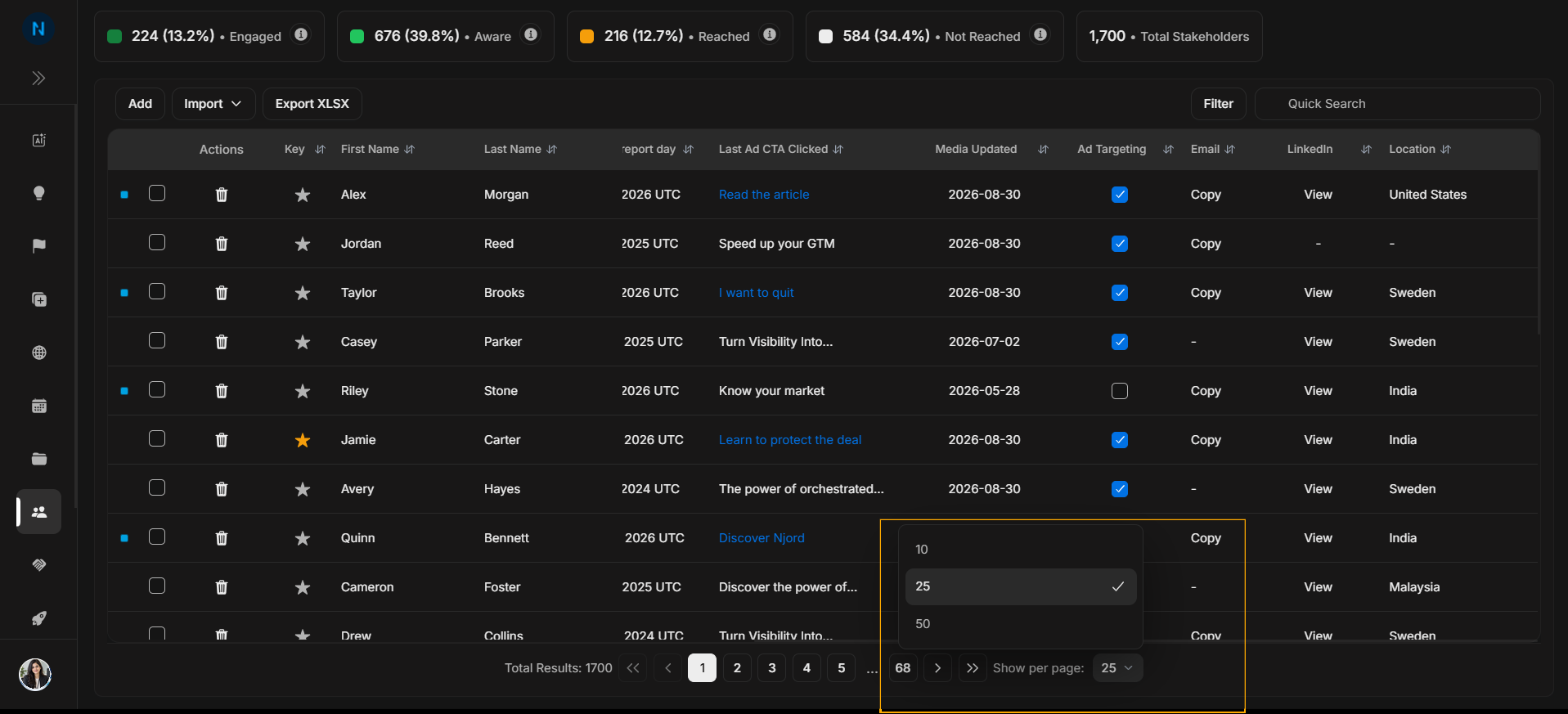
Image guide: Rows per page changes how many stakeholders appear at once. Use a smaller page size for focused review and a larger one for scanning.
If a stakeholder is missing
Check search text, filters, and pagination before assuming the stakeholder does not exist. The person may be on another page, or the current filters may be hiding them.
What the controls mean
| Control | Meaning |
|---|---|
| Total Results | Number of stakeholders matching the current view. |
| Page numbers | Move directly to a page. |
| Previous and next | Move one page at a time. |
| Show per page | Change how many rows appear on each page. |