Quick Win missing forecast data
Quick Win missing forecast data
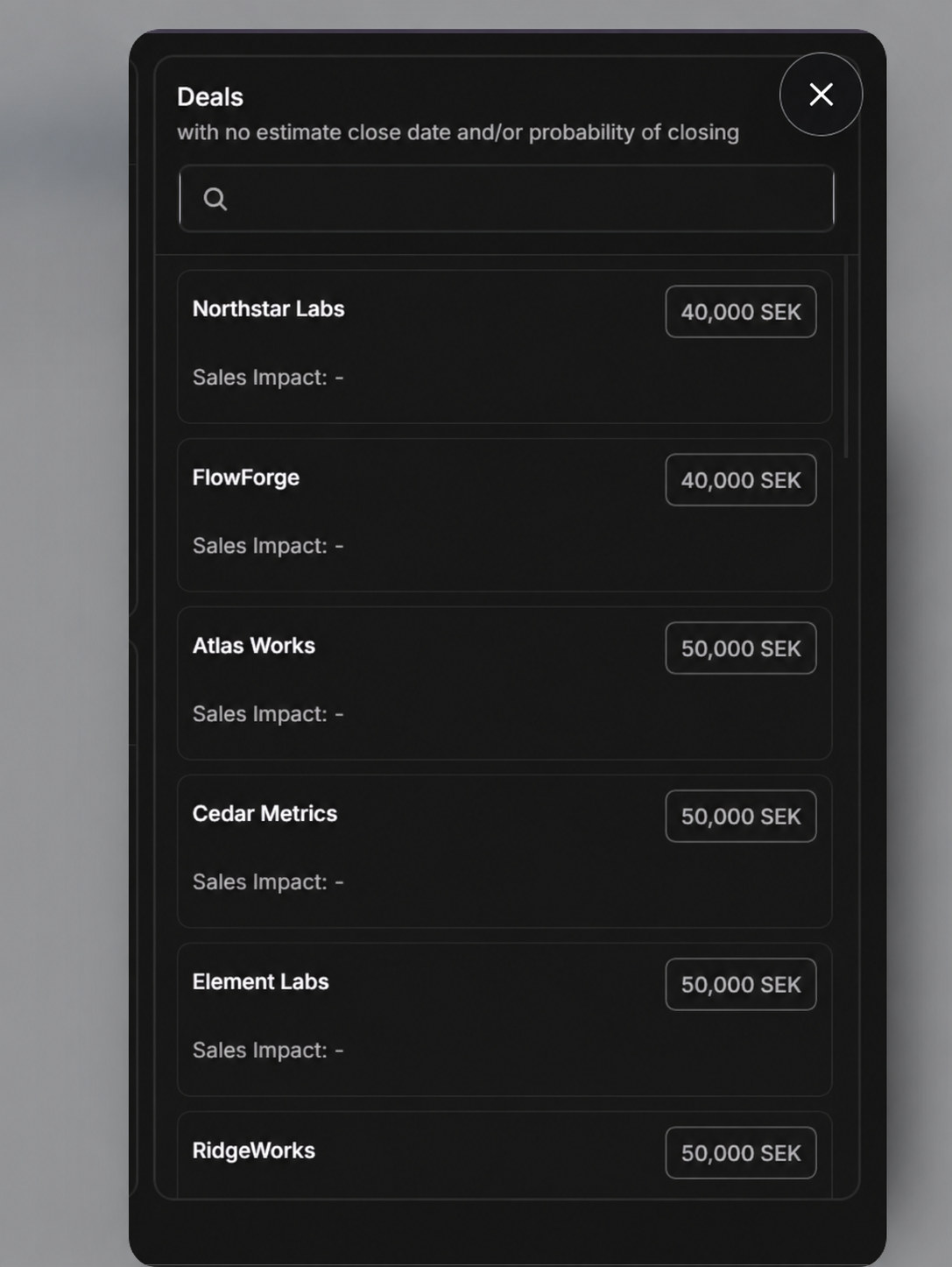
The Deals rail on the right side of Quick Win lists opportunities that cannot be placed on the board because forecast data is incomplete.
Why A Deal Appears In The Rail
The rail title says:
Deals with no estimate close date and/or probability of closing
That means the deal is missing one or both of the fields needed to place it in a probability and timing zone.
What The Rail Shows
| Field | Meaning |
|---|---|
| Search | Finds a deal inside the missing-data list. |
| Deal name | Opportunity that needs forecast cleanup. |
| Deal value | Value and currency where available. |
| Sales Impact | Sales impact value, or - when not present. |
Cleanup Workflow
- Search for the deal if the rail is long.
- Open the card or deal preview.
- Check whether Probability Of Closing is missing.
- Check whether Estimate Close Date is missing.
- Update the missing field on the full deal page.
- Return to Quick Win and confirm the deal moved into the expected zone.
If A Deal Is Missing From Both The Board And Rail
Quick Win focuses on active pipeline stages and follows the current owner scope. Check My data versus Workspace, then open Deals and confirm the opportunity's program and stage. A Deal Activation, closed, disqualified, or otherwise out-of-scope deal may not appear in the Quick Win board or cleanup rail.
If A Deal Stays In The Rail
| Symptom | What to check |
|---|---|
| Deal still appears in rail | One required forecast field may still be blank. |
| Deal disappears from all views | Confirm the deal type and access from Deals directly. |
| Search does not find a deal | Clear the rail search and check the main Deals page. |
| Value looks wrong | Open the full deal page and check Deal Value. |