AI section
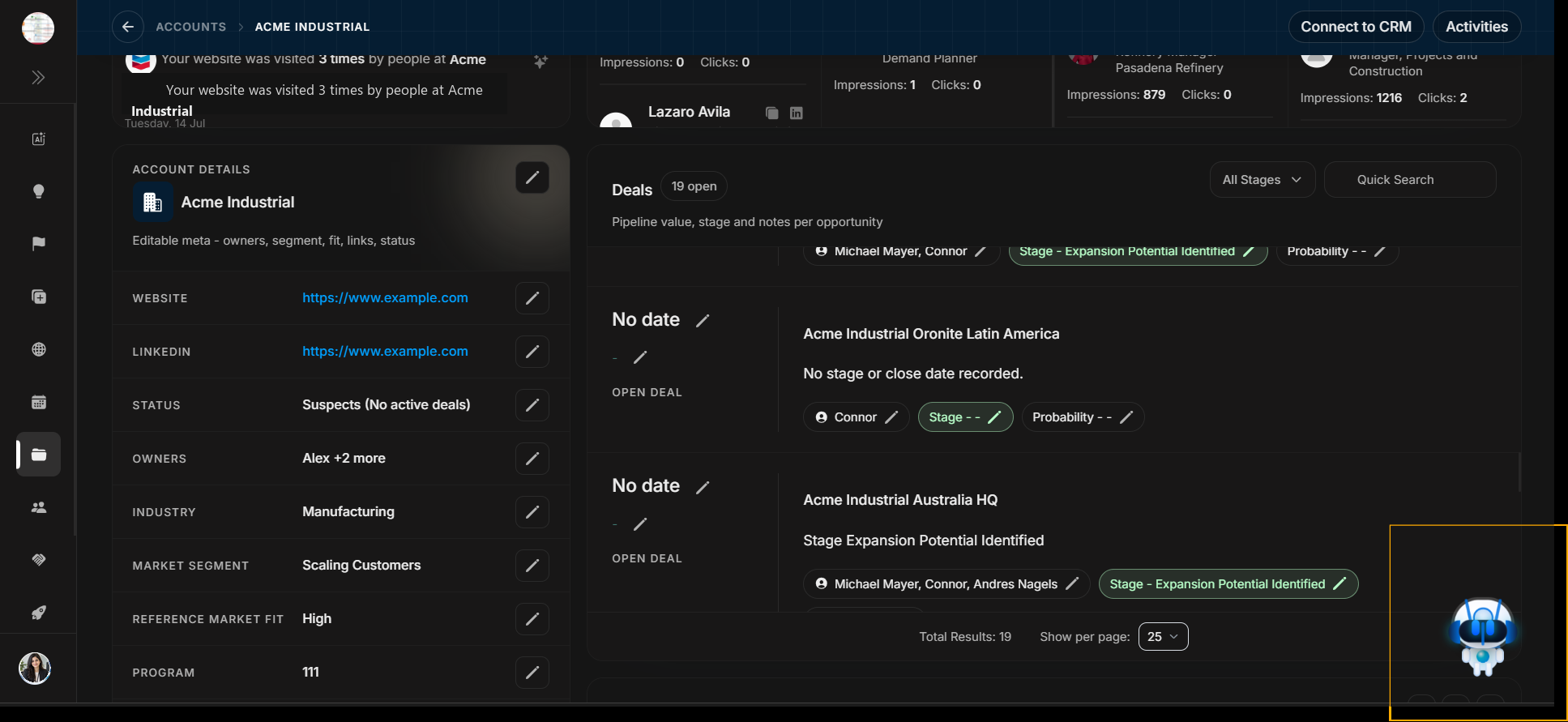
AI section
The AI section helps summarize one opportunity and turn visible deal evidence into a practical next step. Use it after the user has reviewed the deal header, PIF, Signals, Deal Details, stakeholder coverage, checklist, Events, Manage Stakeholders, and Activities.
Open AI from the deal page
Image guide: The deal page remains visible behind the AI panel. This keeps the conversation connected to the selected record.
Ask a deal-aware question
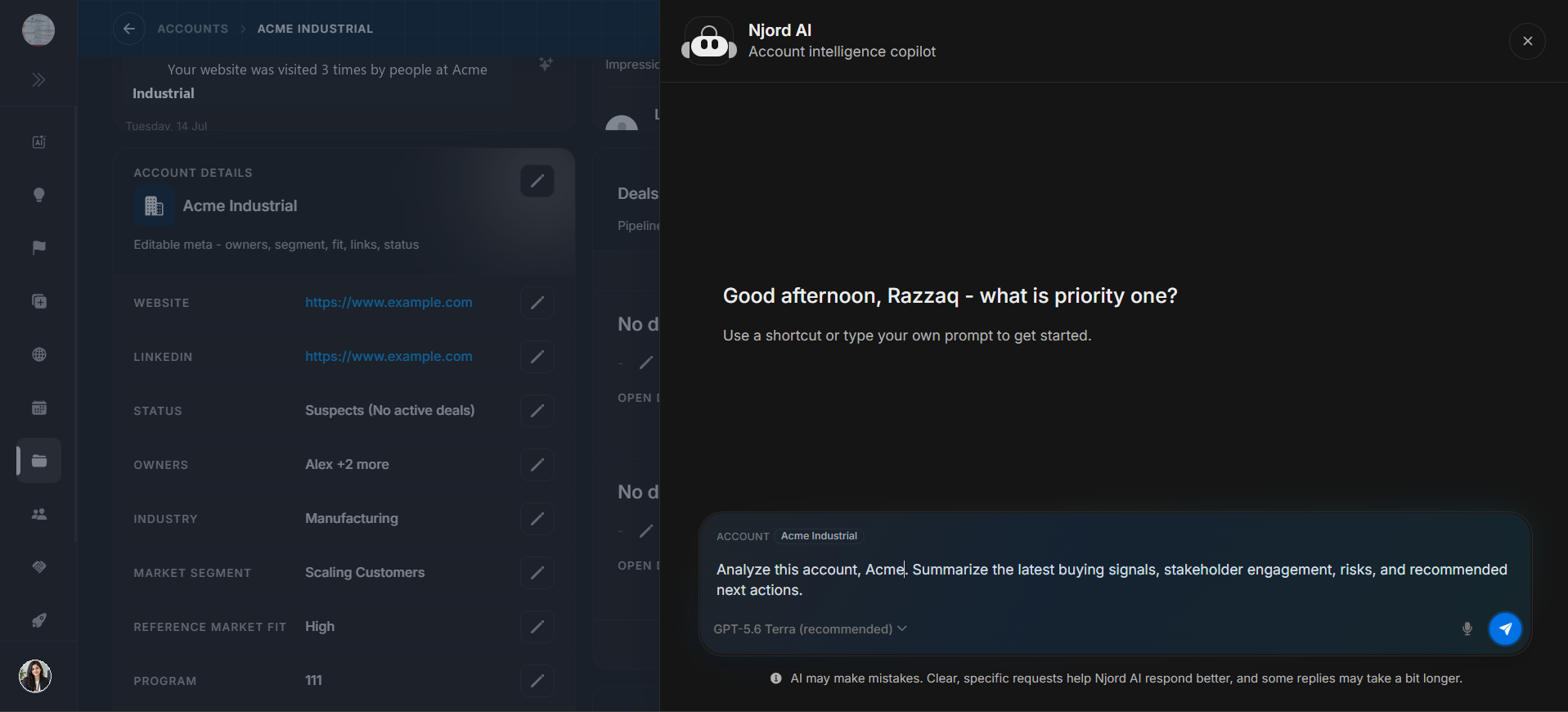
Image guide: Ask for a deal summary, risks, buying-committee readout, next action, or meeting prep. Mention the deal name and what decision the user is trying to make.
Choose model and send
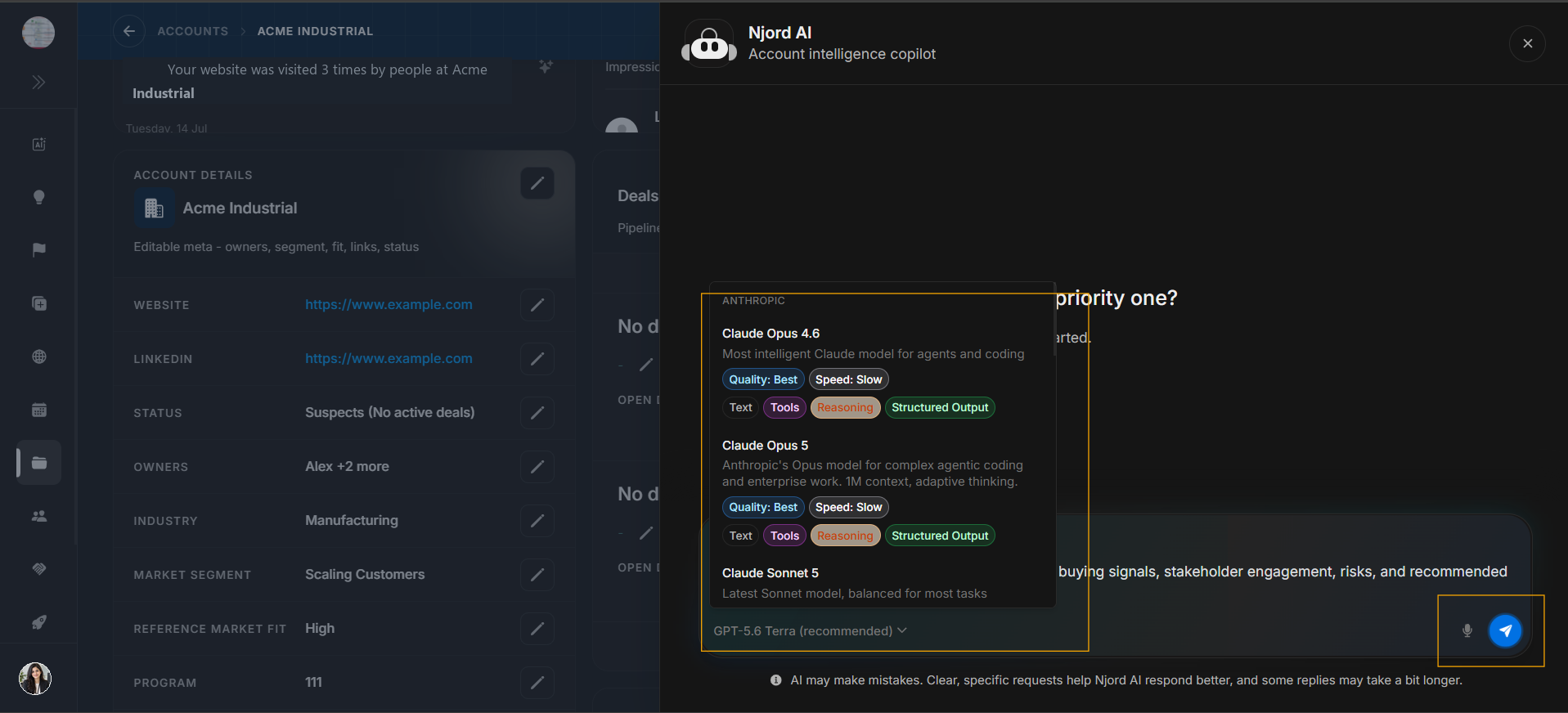
Image guide: Choose the model and send only after the prompt clearly references the deal context.
Wait for response
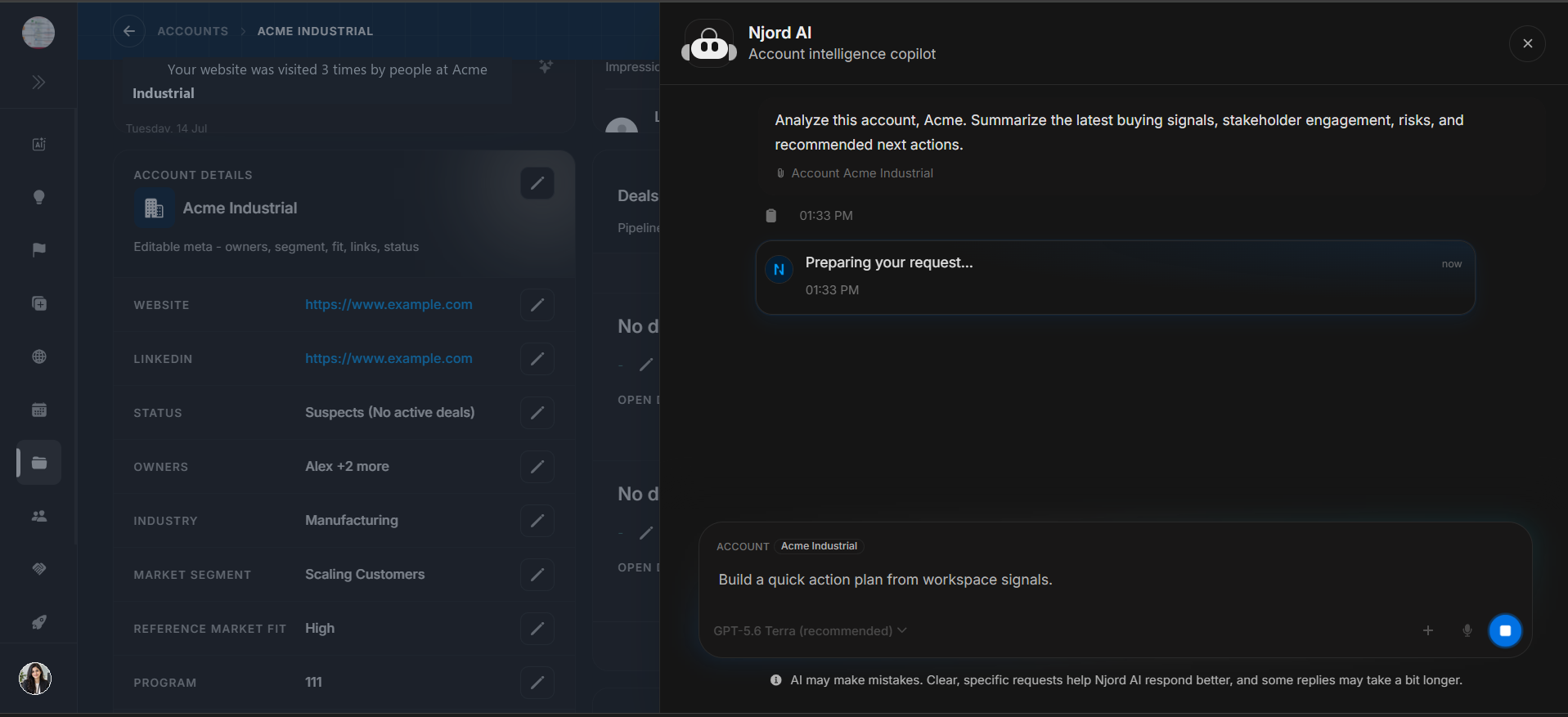
Image guide: Use the response as a guided summary, then verify important points against the Deal Detail page.
Useful prompts
| Need | Example prompt |
|---|---|
| Fast deal summary | Summarize this deal's current state, main risks, and next best action. |
| Stakeholder readout | Which stakeholders look engaged, missing, supportive, or risky? |
| Forecast review | What evidence supports or weakens the current stage and probability? |
| Meeting prep | Turn this deal's signals, events, and checklist into a short prep note. |
| Next action | Based on the visible deal evidence, what should the owner do next? |
Safe AI journey
- Confirm the deal name, linked account, stage, probability, and owner.
- Review PIF, Signals, Deal Details, Stakeholder maps, Checklist, Events, and Activities.
- Open the AI section from the deal page.
- Ask a specific deal question instead of a broad generic prompt.
- Verify AI output against the page before updating data or taking action.