Deal signals and ad preview
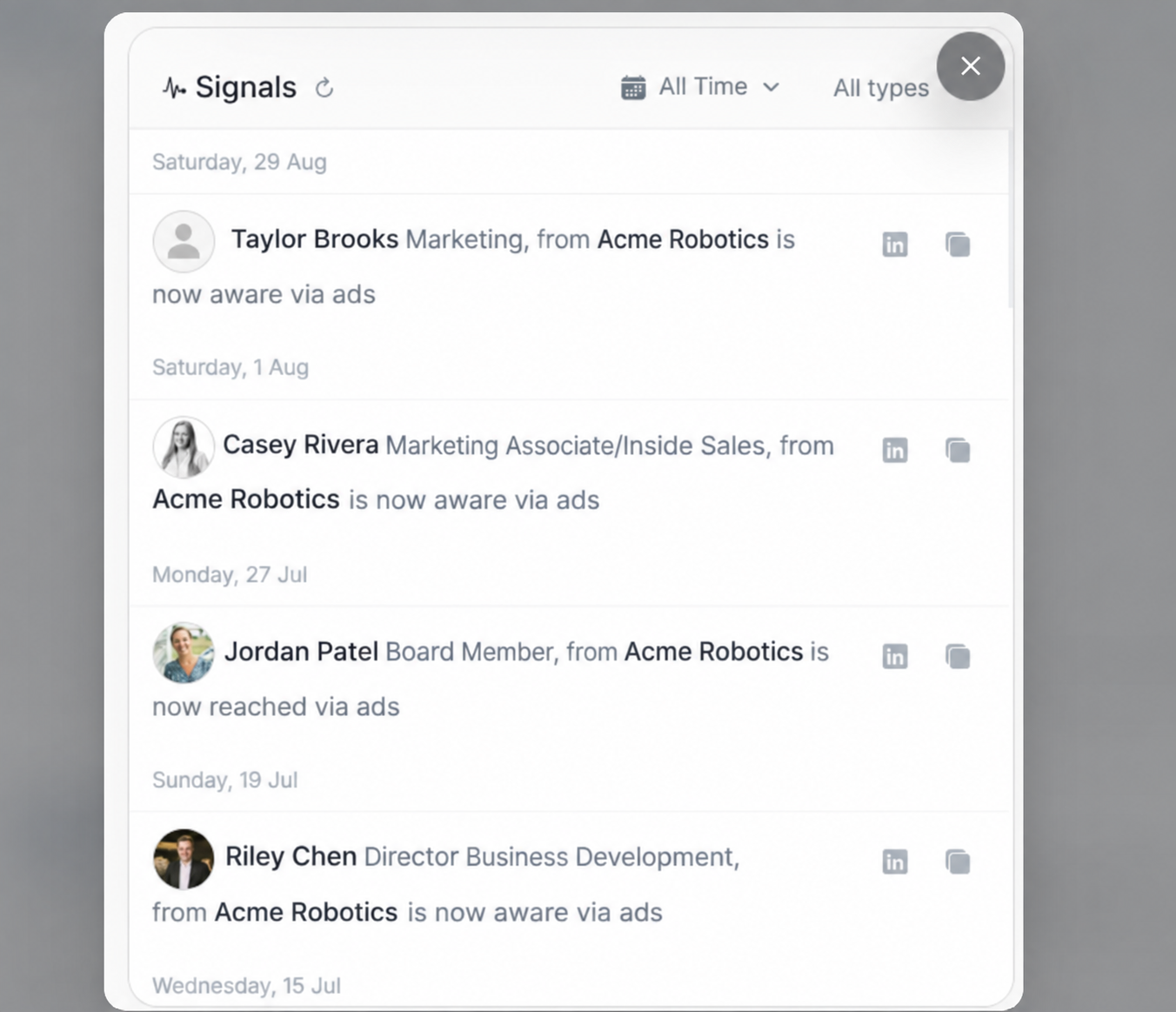
Deal signals and ad preview
Signals explain what recent account or stakeholder behavior supports the deal. Use them before changing forecast status or preparing outreach.
Signal Feed
The feed shows dated activity rows, stakeholder identity, role/account context, the CTA or content clicked, and quick action icons.
Use the feed to answer:
- Who engaged?
- What did they click or trigger?
- When did it happen?
- Does the engagement support the current stage or probability?
Date And Type Filters
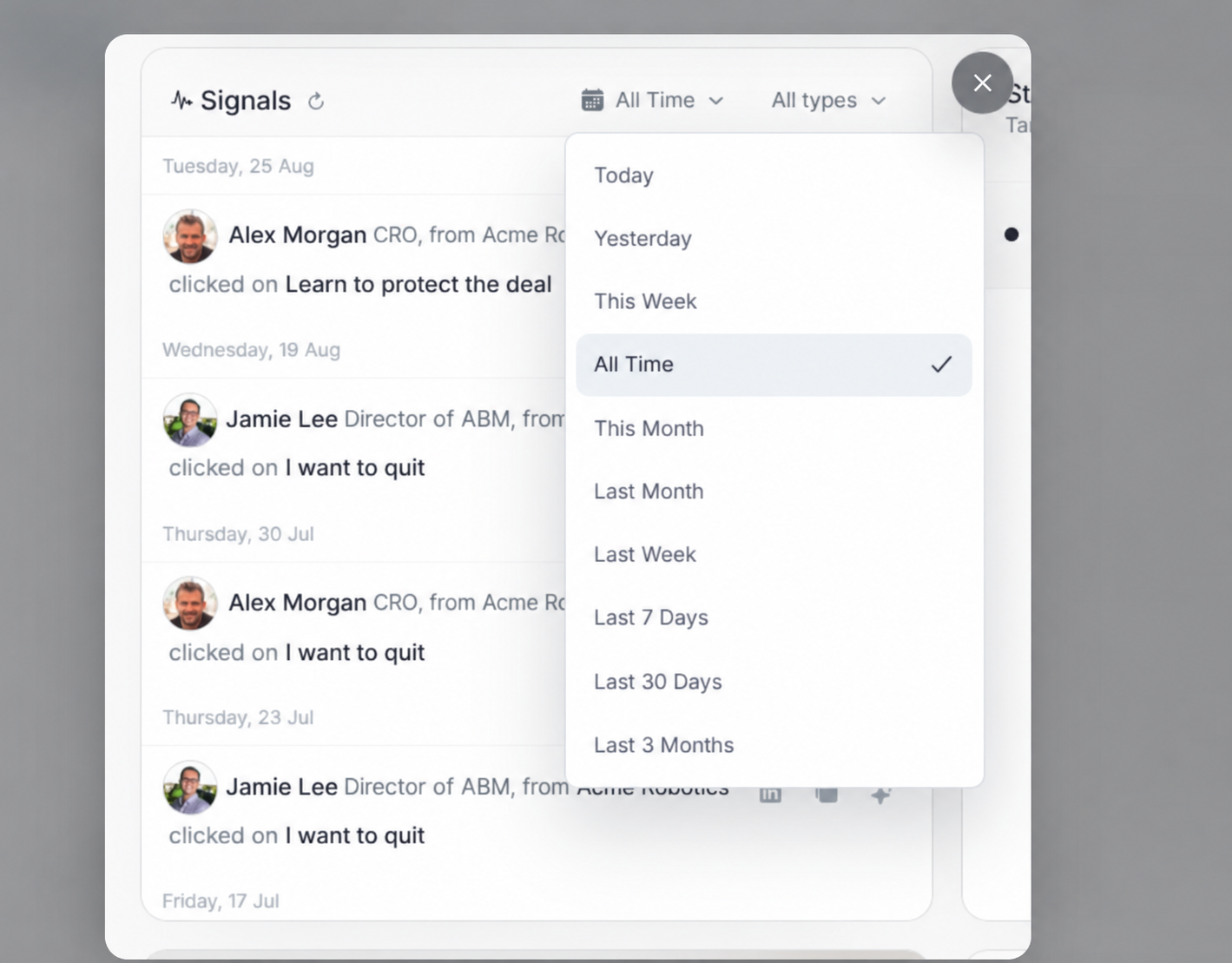
Date filters include Today, Yesterday, This Week, All Time, This Month, Last Month, Last Week, Last 7 Days, Last 30 Days, and Last 3 Months.
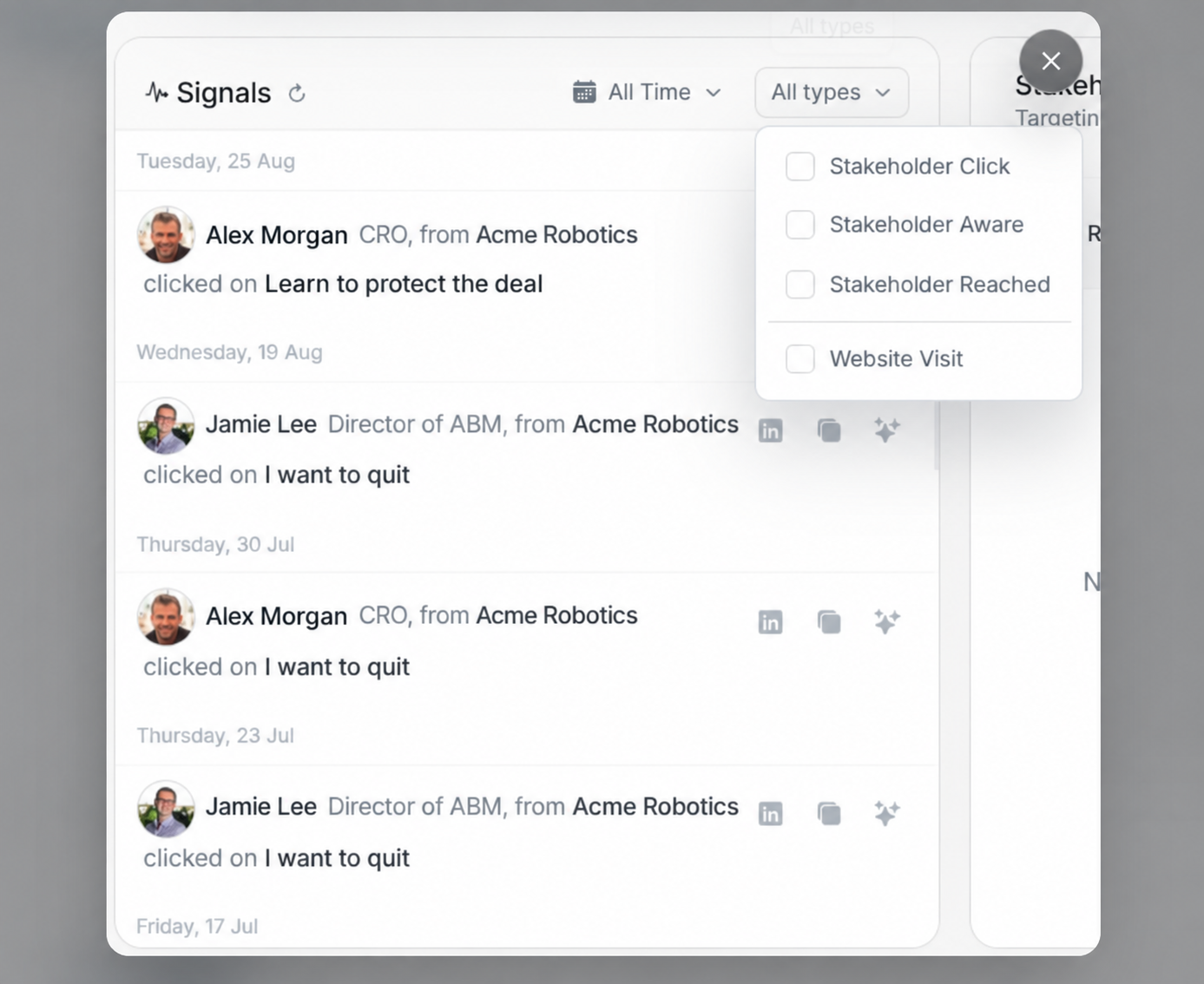
Type filters include Stakeholder Click, Stakeholder Aware, Stakeholder Reached, and Website Visit.
Ad Preview
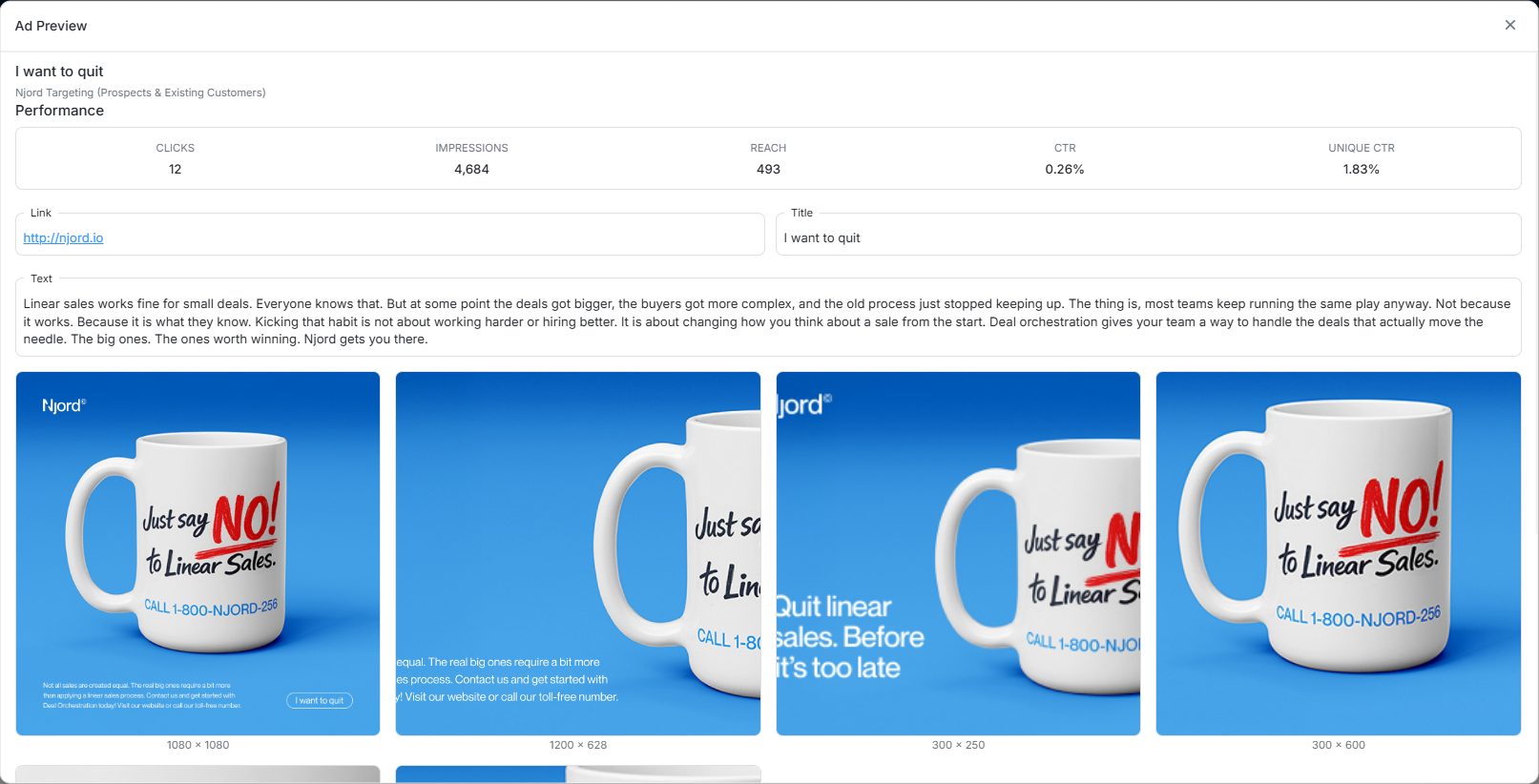
The ad preview dialog shows:
| Area | Meaning |
|---|---|
| Performance | Clicks, impressions, reach, CTR, and unique CTR. |
| Link | Landing page or CTA URL. |
| Title | Ad/content title. |
| Text | Copy used in the ad. |
| Creative | Available image sizes and rendered assets. |
Open the preview when a signal needs evidence behind it.