Deal events and activities
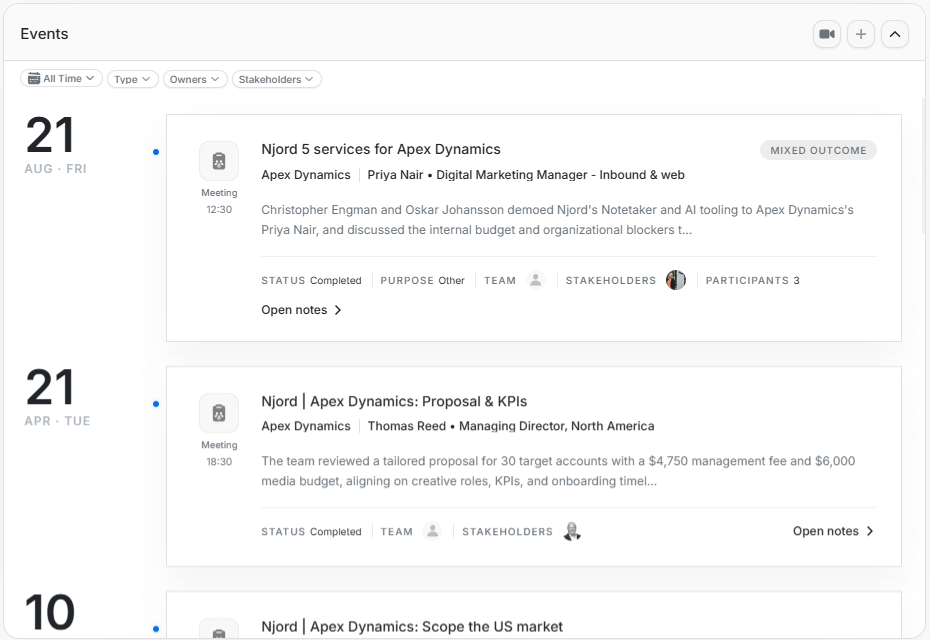
Deal events and activities
Use Events for meetings and notes connected to the deal. Use Activities for the audit trail of deal changes.
Events
Events are shown as a timeline with date, meeting type, title, account, stakeholders, summary, status, purpose, team, participants, and Open notes.
Create Event
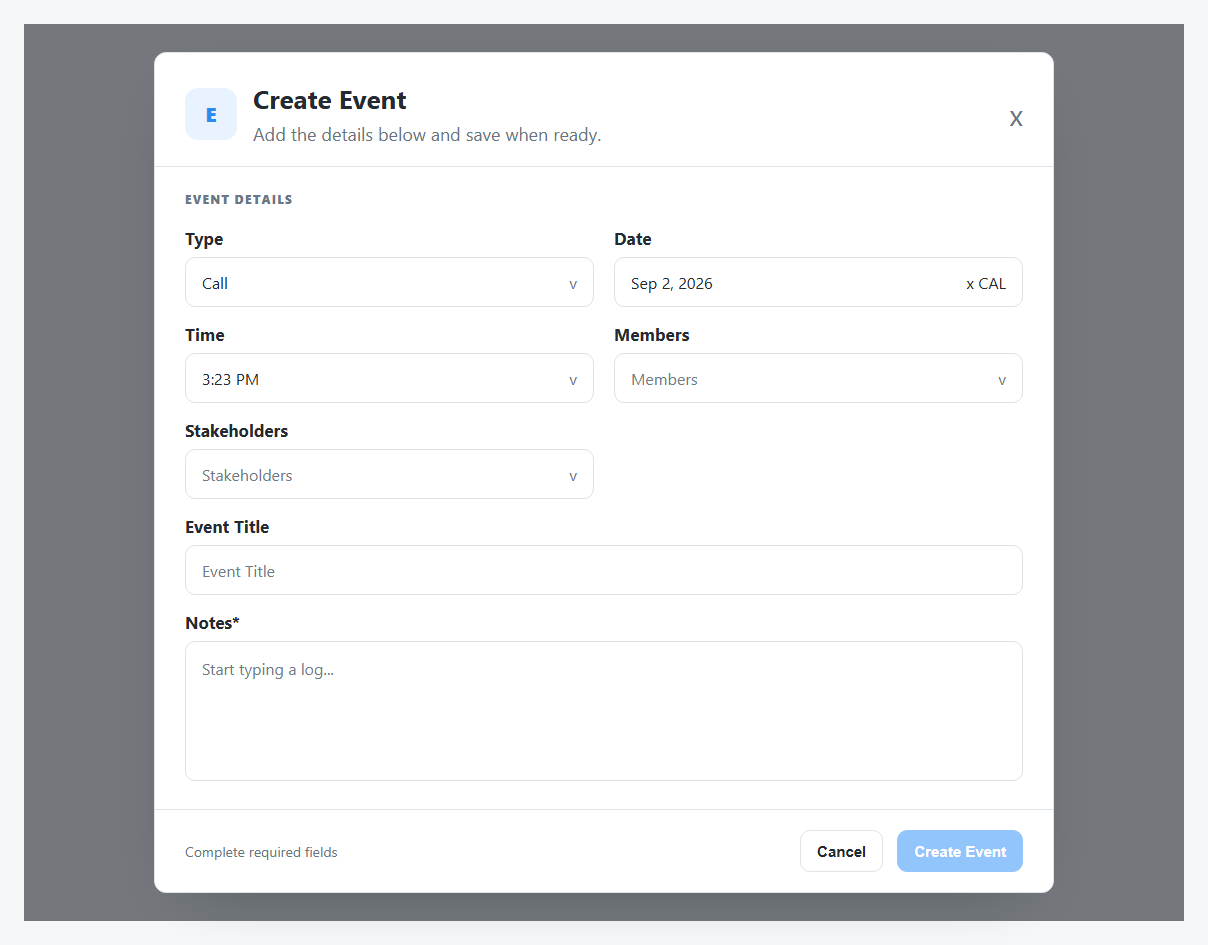
Create Event collects type, date, time, members, stakeholders, event title, and required notes. The Create Event button stays disabled until required fields are complete.
Event Filters
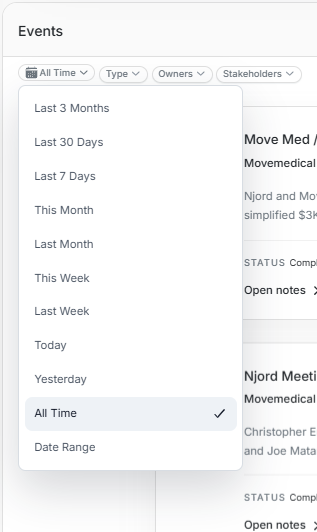
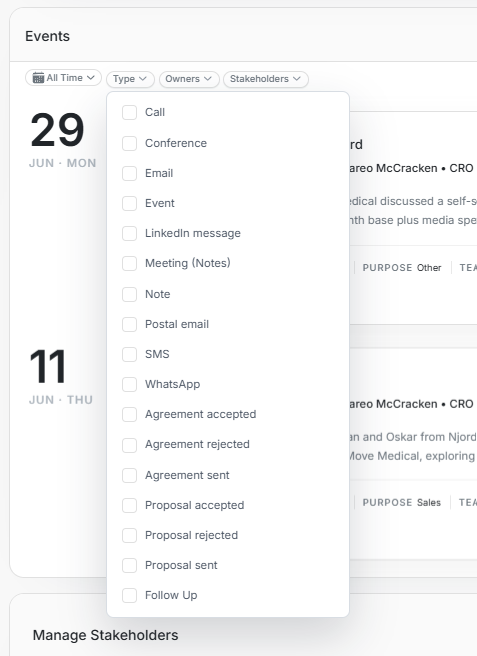
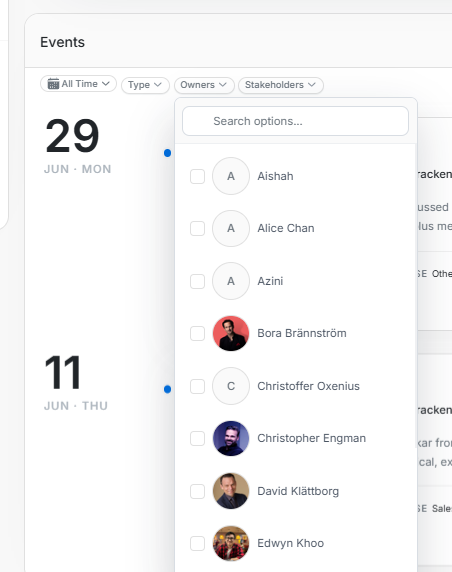
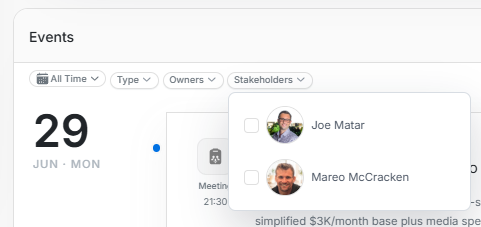
Use event filters to narrow by date range, event type, owners, or stakeholders. Clear filters before assuming meeting history is missing.
Activities
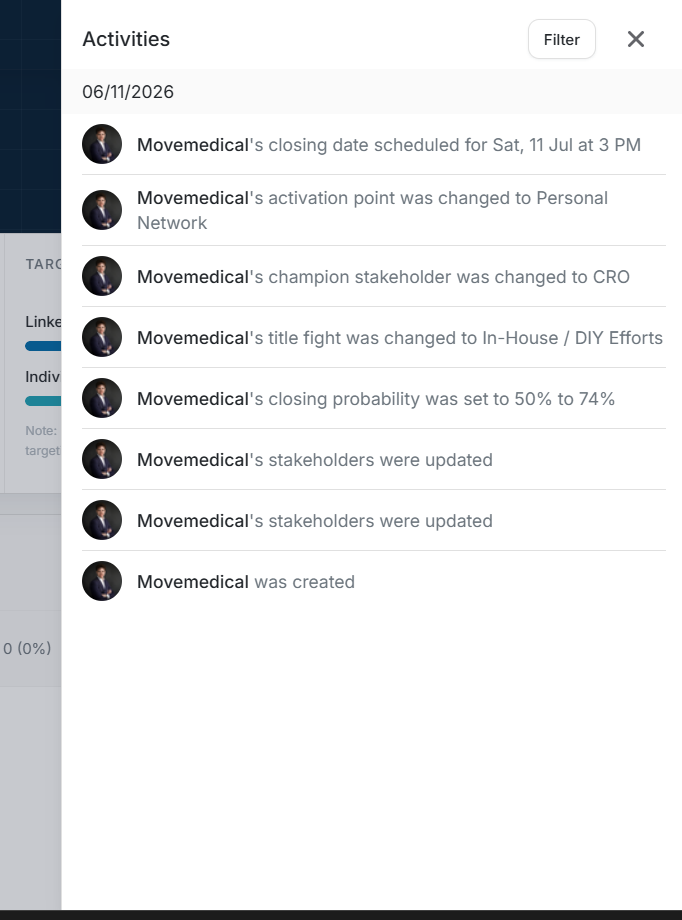
The Activities drawer shows dated changes such as deal creation, stakeholder updates, activation-point changes, champion stakeholder changes, title-fight changes, close-date changes, and probability changes.
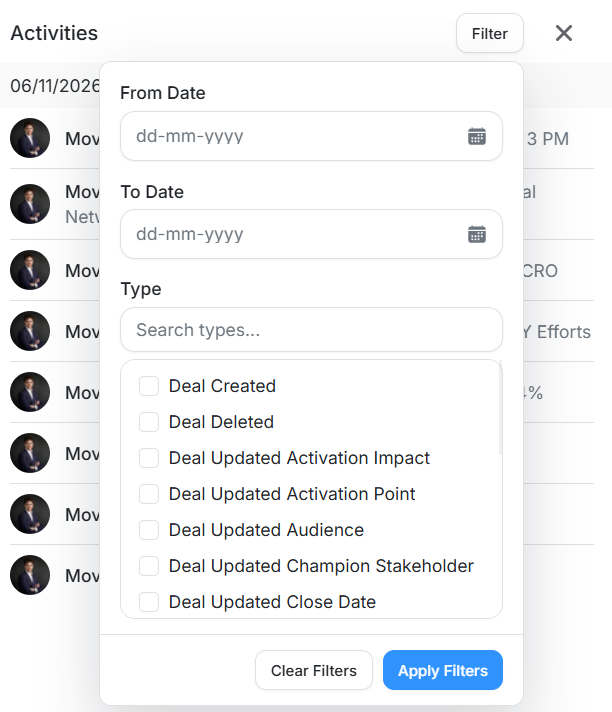
Activity filters support From Date, To Date, and Type. Use them when auditing who changed what and when.