Deal activities
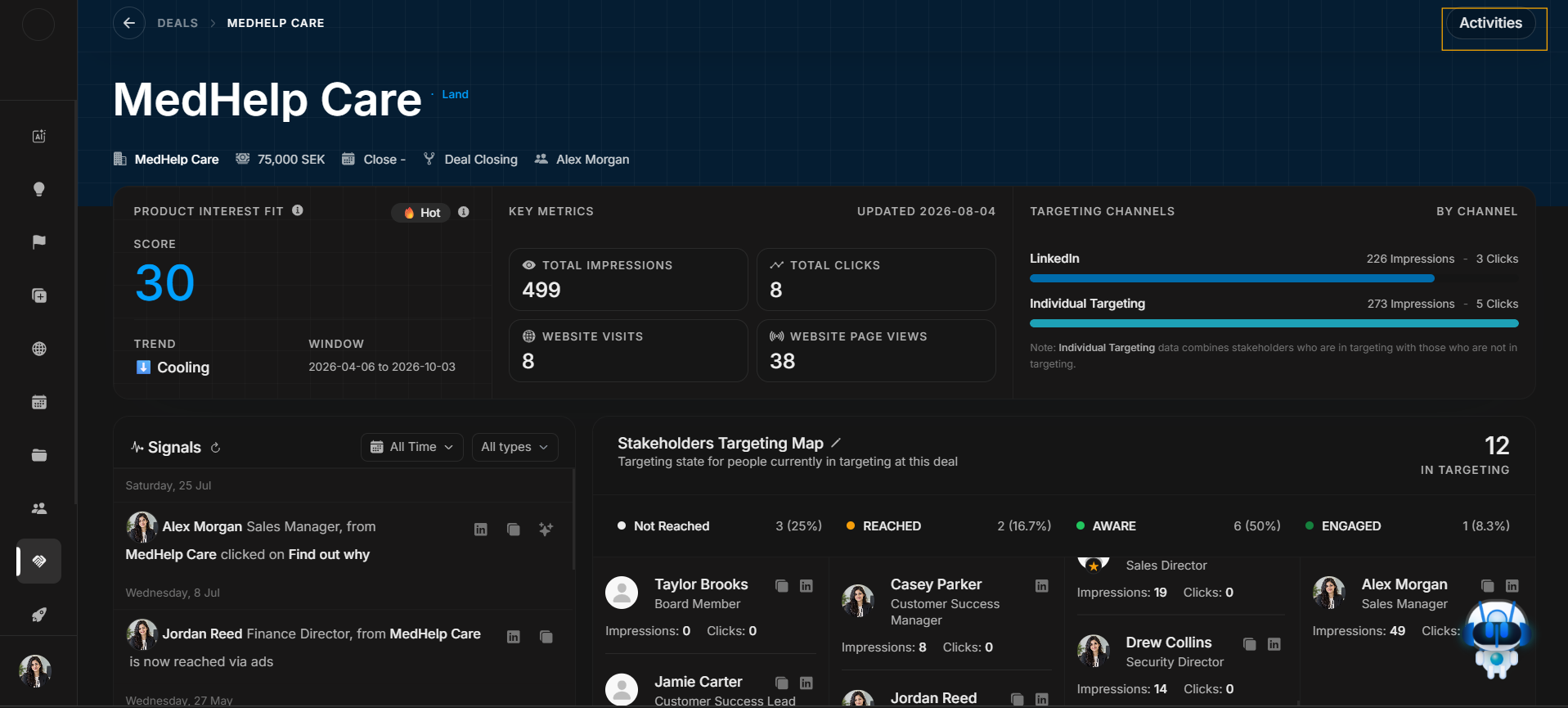
Deal activities
Activities show the audit trail of record changes on a deal. Use it when the user asks what changed, who changed it, or when it changed.
Open from the header first
Image guide: The Activities journey starts from the highlighted header button.
Read the opened drawer
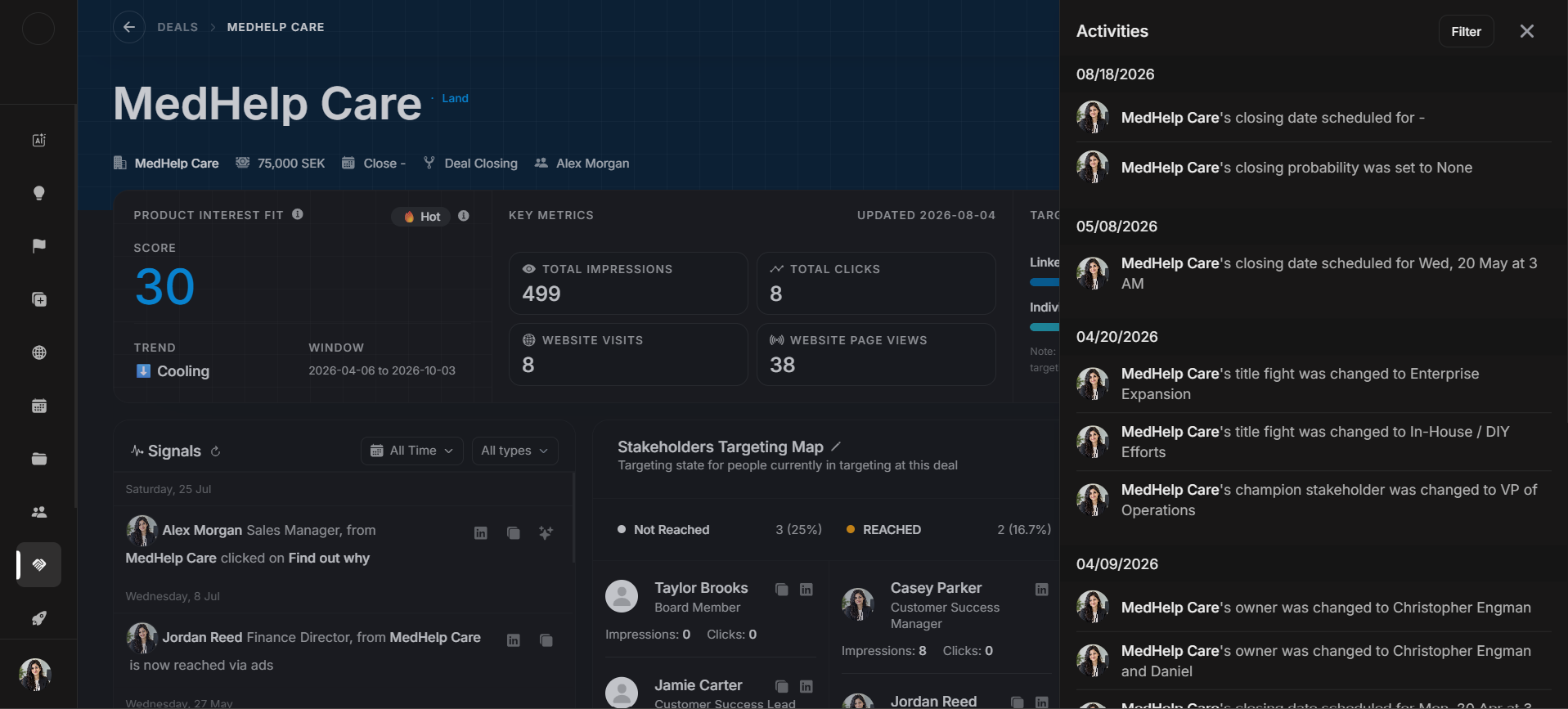
Image guide: The drawer lists dated deal changes. Read newest records first, then move backward.
Filter activity history
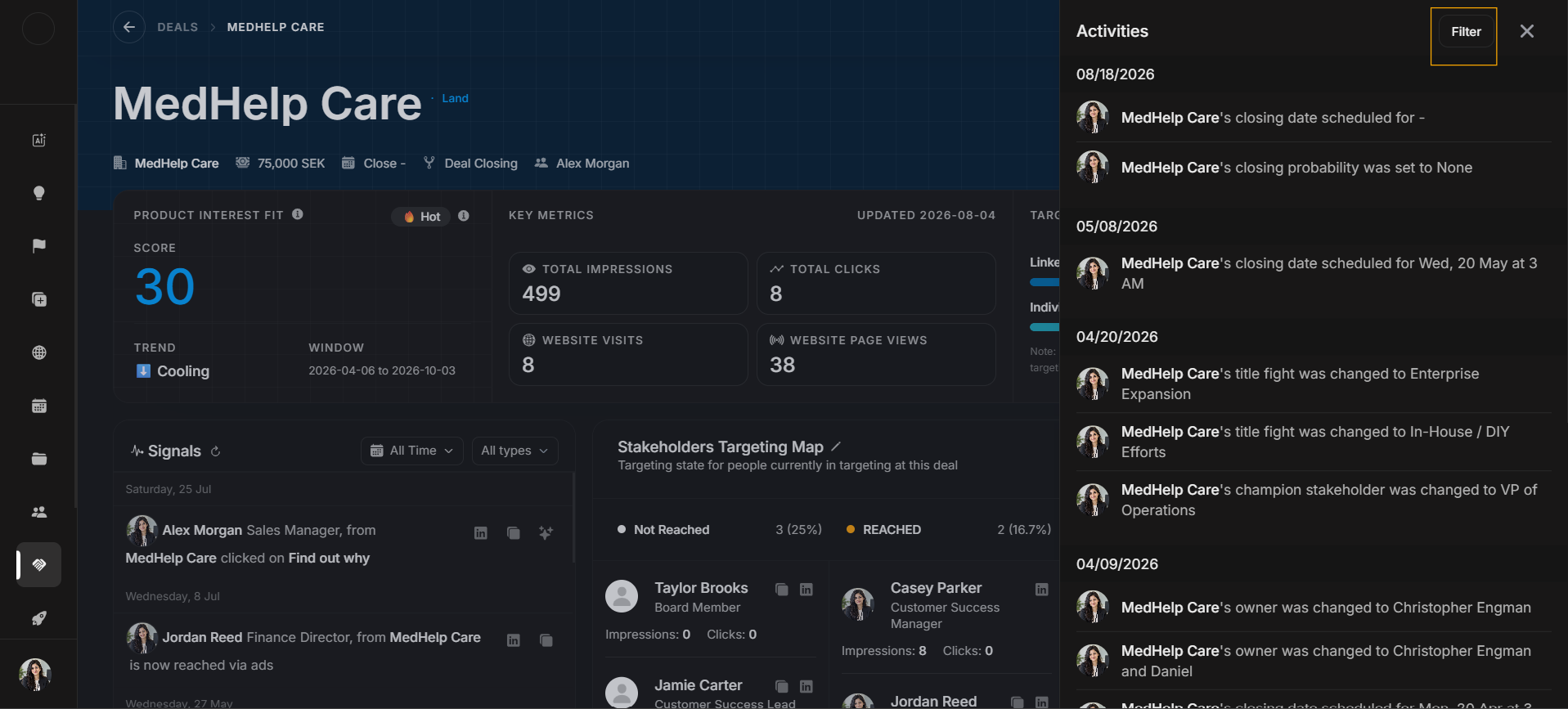
Image guide: Use Filter only after the drawer is open and too broad to scan manually.
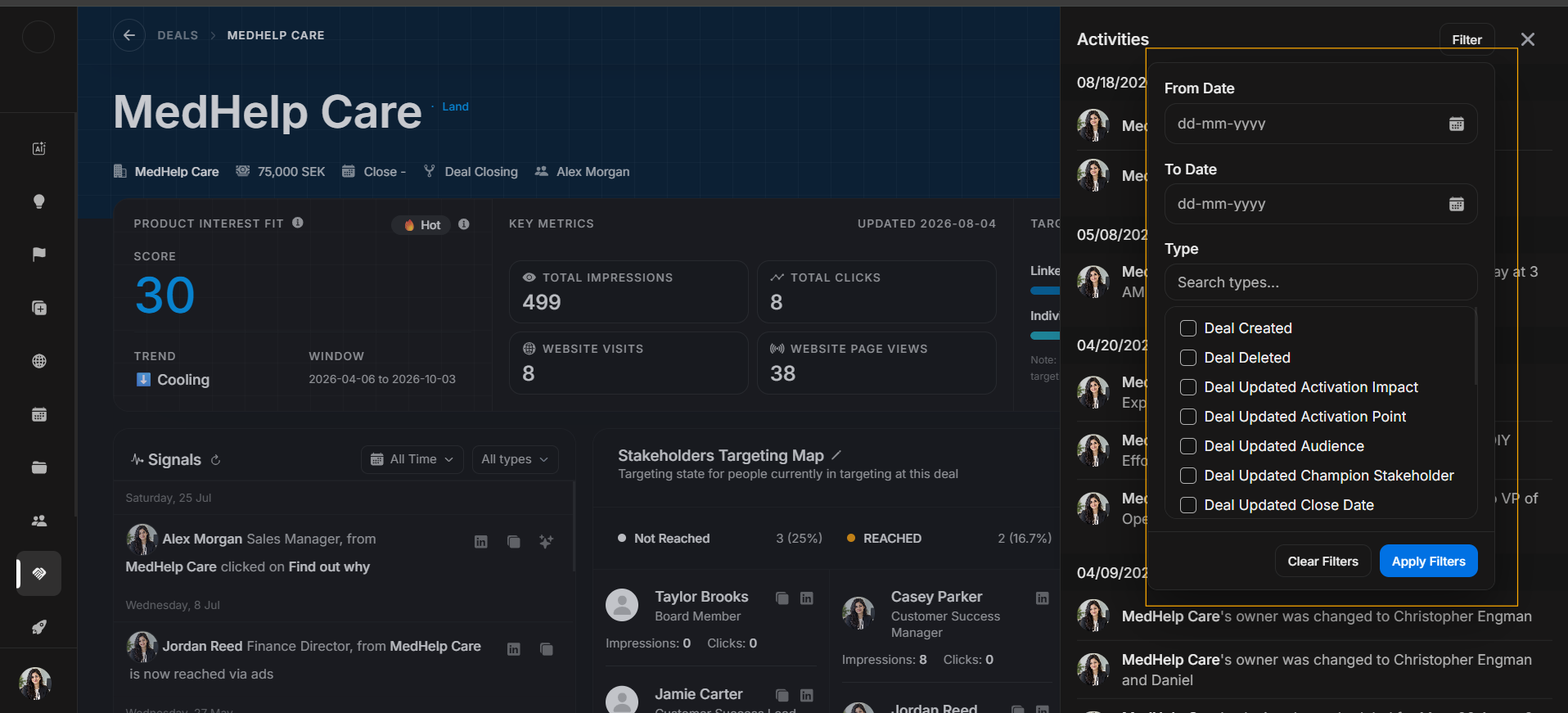
Image guide: The filter panel narrows history by date or activity type. Apply filters for a specific audit question, then clear them before starting a different question.
What Activities can explain
Activities can explain changes to owner, stage, probability, close date, value, title fight, champion stakeholder, stakeholder assignment, and other deal fields.
Review pattern
- Open Activities from the deal header.
- Scan newest records first.
- Filter only when the drawer is too broad.
- Compare the activity record with current Deal Details.
- Clear filters before closing the drawer.