Your typefaces
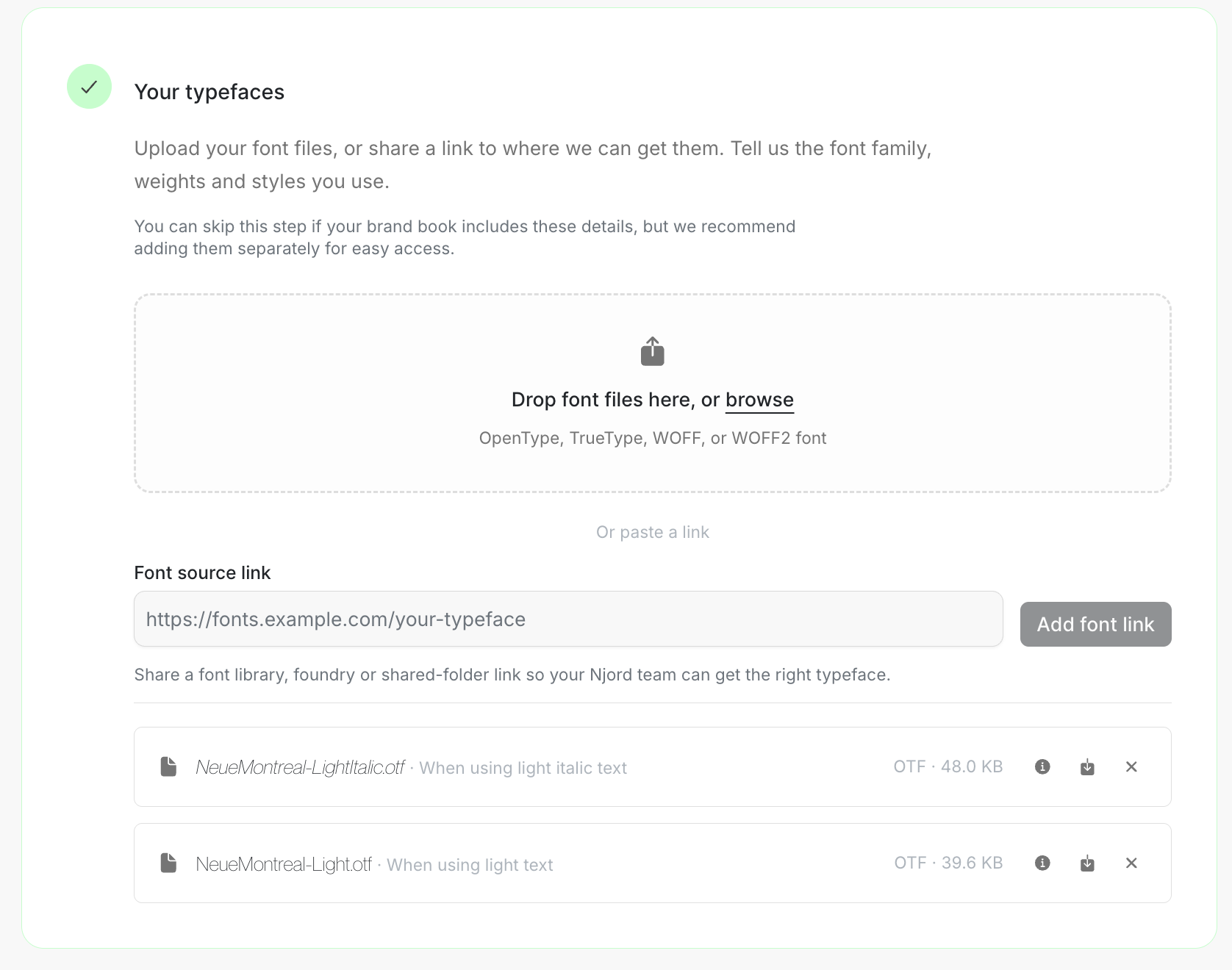
Your typefaces
Save the fonts your brand actually uses so a teammate can find the family, weights and styles without searching through old files.
Image guide: Upload a font file, or paste a link to the place where the team can get it.
Where it sits in DOE: Our company > Brand > Your typefaces.
What belongs here
Add the font family and only the weights and styles the brand uses. For example: Regular for body copy, Medium for controls and Bold for headings. Include a short description so people know where each font belongs.
Add a typeface
- Drop the font files in the upload area, or browse for them.
- If you cannot share the file, paste a link to an approved source.
- Name the font family.
- List the weights and styles the team uses.
- Explain where the typeface belongs.
- Save and check the preview.
You can leave this step for later when the brand document already names the fonts. Adding the files or source link here still saves the next person from hunting for them.
If the font does not look right
- If the link is rejected, use the full address to the approved font source.
- If the preview still looks like DOE's usual typeface, wait briefly and reopen it. If it still looks wrong, check that you uploaded a font file rather than a document about the font.
- If only one weight appears, add the other weights as separate files.
- A font saved only as a link has no file to download; the link remains the place to get it.
Typefaces do not have a share button. Ask the person to open Brand and scroll to Your typefaces.