Brand document
Brand document
Your brand document is the starting point for the rest of Brand. Upload the best guide you have, even when it is not perfect. A brand book is ideal, but a visual identity guide, tone-of-voice guide or a useful collection of reference pages can also help.
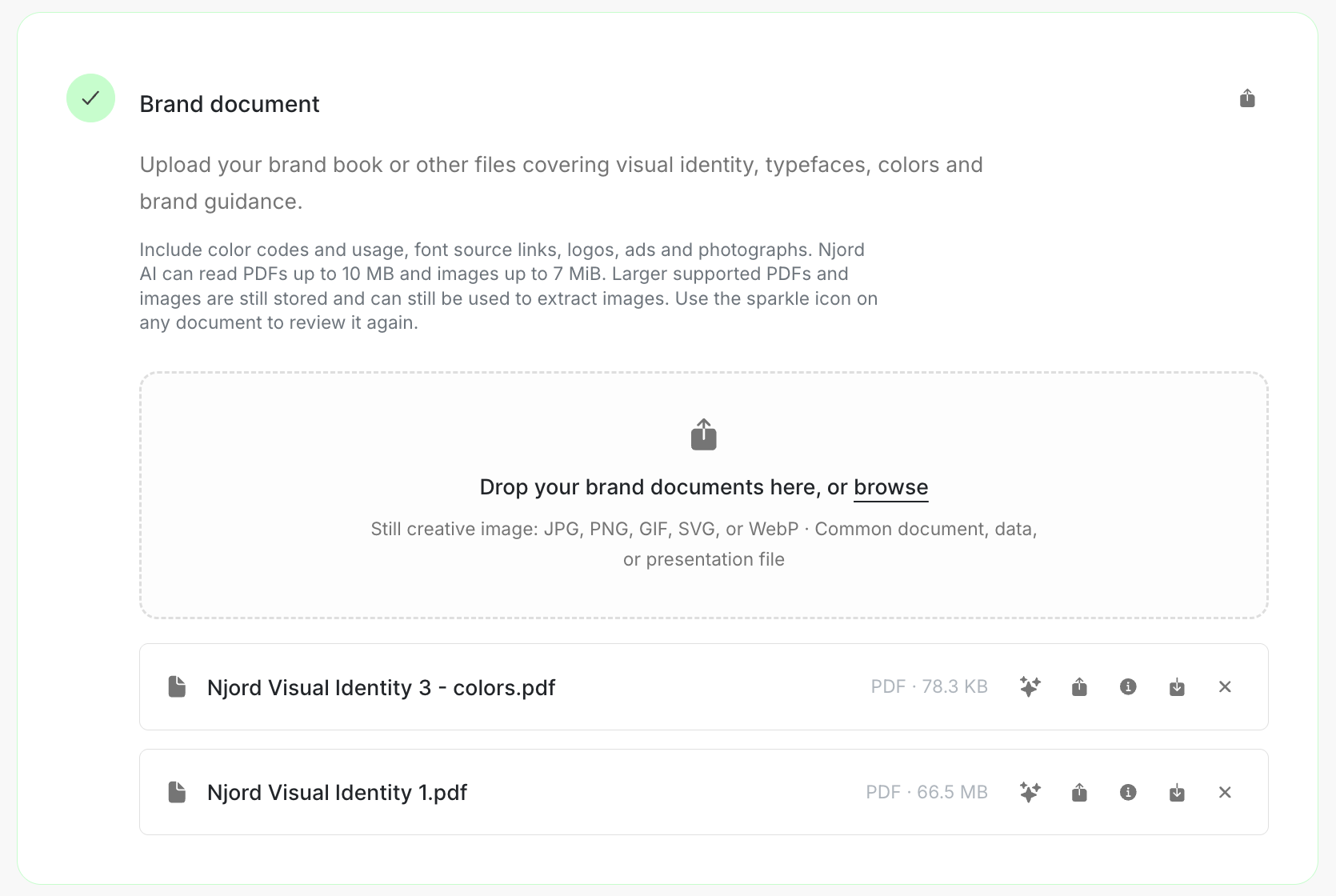
Image guide: Brand document is the first Brand step. Drop a file in the upload area or browse for it.
Where it sits in DOE: Our company > Brand > Brand document.
What belongs here
Choose material that helps a new teammate understand how the company should look and sound. Useful details include:
- logo rules,
- color names and uses,
- typefaces and font links,
- imagery and photography direction,
- examples of language or campaigns that feel like the brand.
You can add more than one document when the guidance is split across files.
Upload a document
- Open Brand and find Brand document.
- Drop the file in the upload area, or browse for it.
- Wait for the file to appear.
- Add another document if it covers a different part of the brand.
- Open the saved file once to check that it is the right version.
Review useful details
After an upload, DOE may offer Review brand details and extract images. This can help you move useful colors, font links and images into the correct Brand steps.
- Choose Continue when you want to review the file now, or Skip to return later.
- Read each suggestion rather than confirming the full list at once.
- Confirm only the current colors, font links and images.
- Skip an old logo, campaign-only color or unclear image.
- Choose Done when the useful items have been confirmed.
Nothing from the review is added until you confirm it. Use the sparkle control on a saved document when you want to review it again.
If the review misses something
The document can still be useful even when the review is incomplete. Add a missing color, logo or typeface directly in its Brand step. For an image inside a document, use Select area from page when DOE offers it, then confirm the selected area.
If the document is difficult to read, upload a clearer or smaller copy and keep the original for reference.
Keep the current version clear
Download the original from its details when you need it. Add a new version when the guide changes so teammates can find the current file without losing the history. Share the DOE link with people who already have workspace access.