Add, import, and export accounts
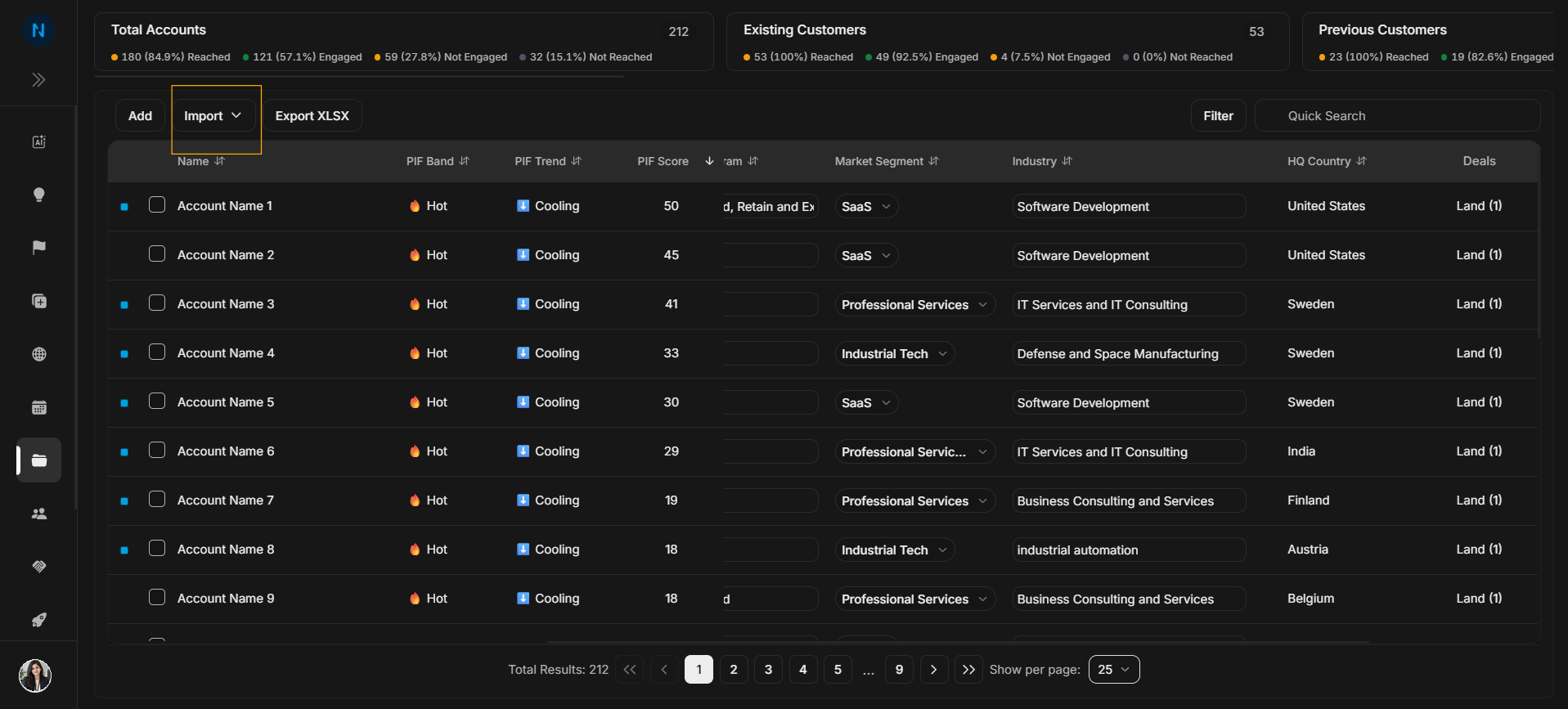
Add, import, and export accounts
Use this page for account data actions. These are separate from review controls such as filters and table columns.
Add one account
Image guide: The Add button starts manual account creation.
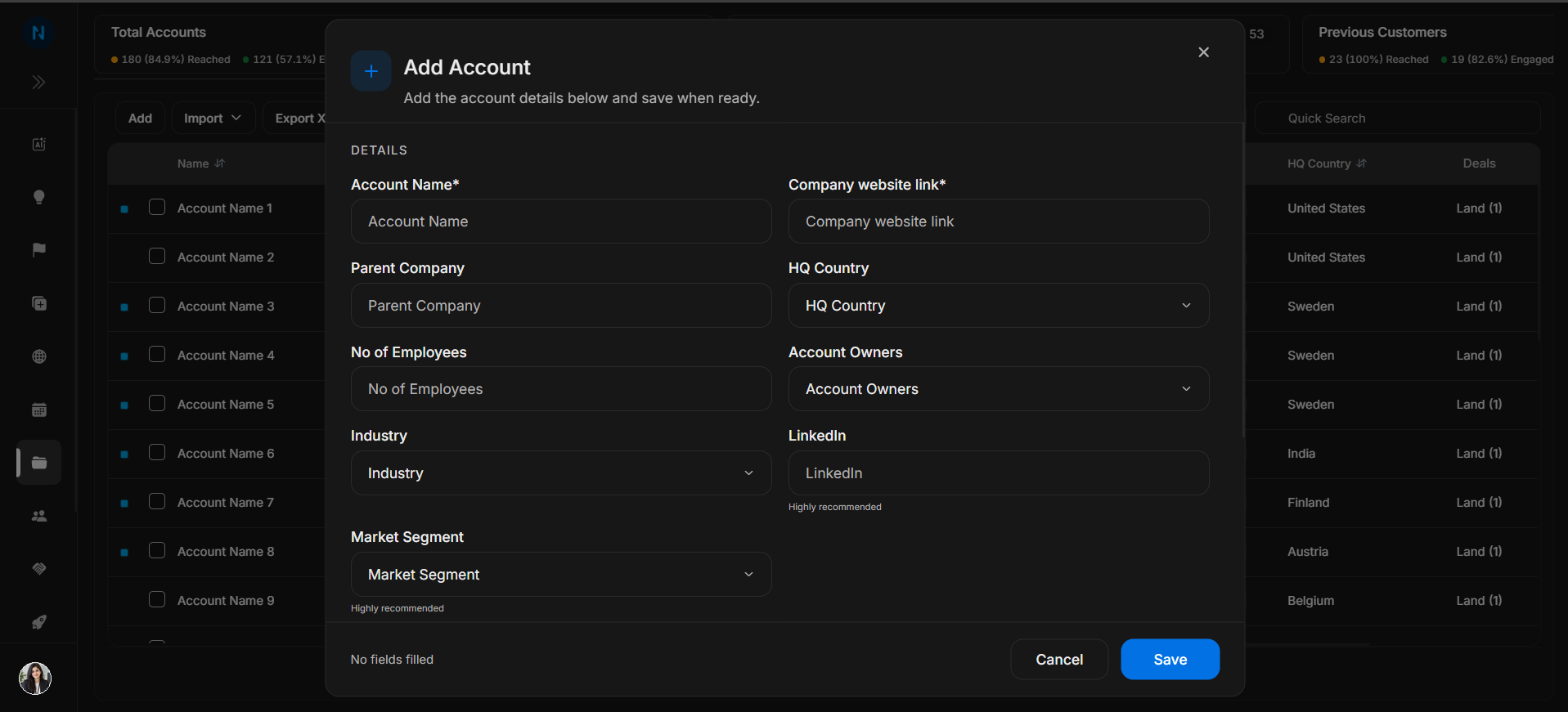
Image guide: The first Add Account step captures company identity and profile fields.
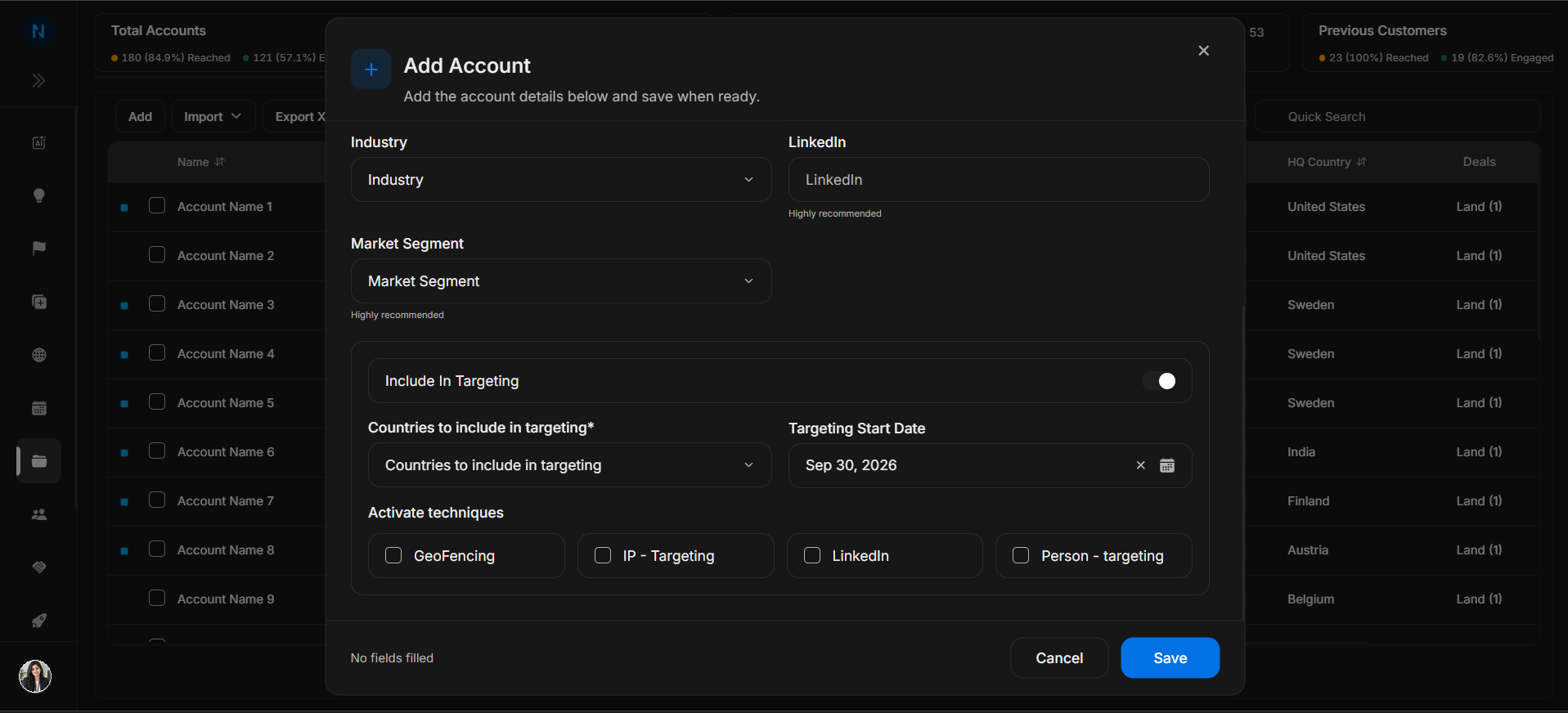
Image guide: The targeting step records whether the account is included in targeting and which countries apply.
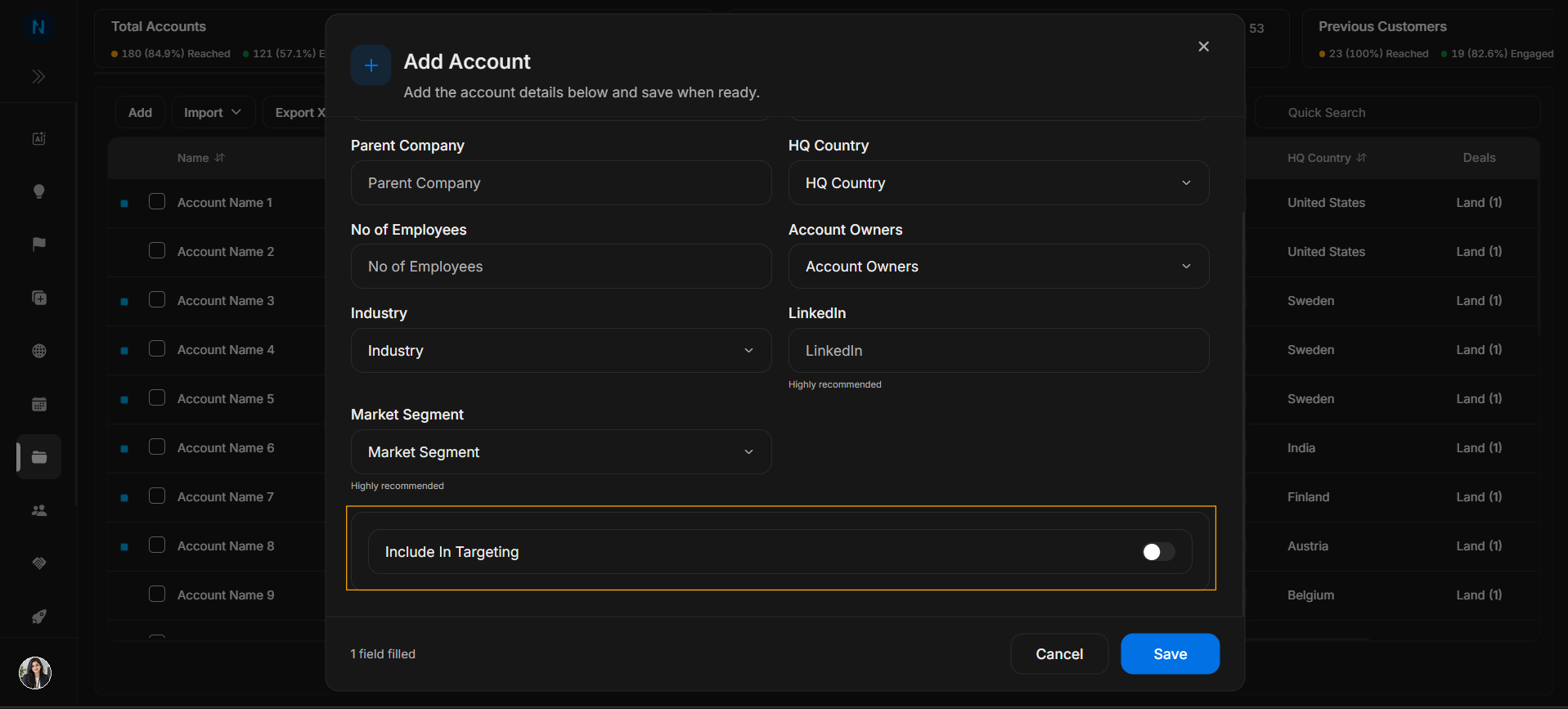
Image guide: Activation techniques describe which targeting methods apply.
Import accounts
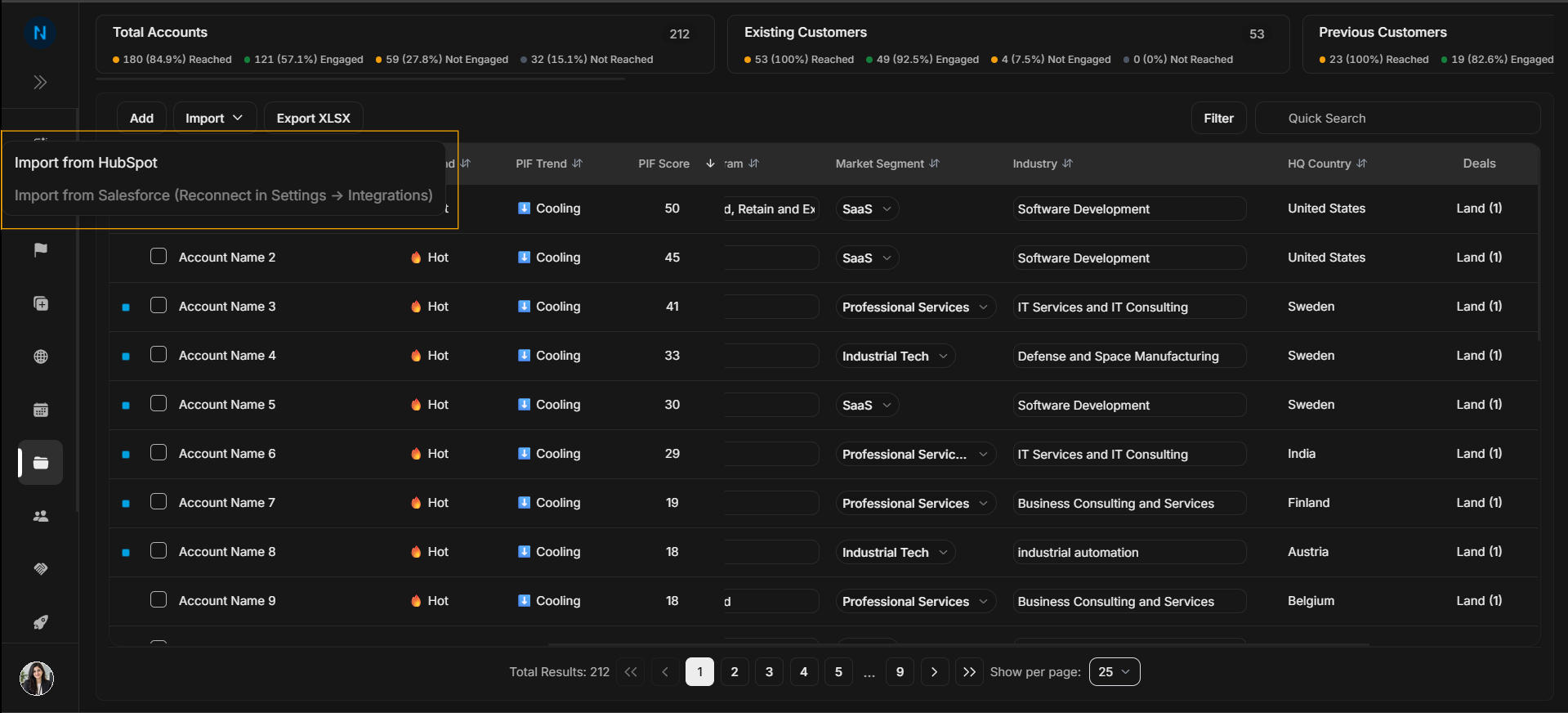
Image guide: The Import menu contains import options available to the workspace.
Use Import when you are bringing account data in bulk or from a connected provider.
Export accounts
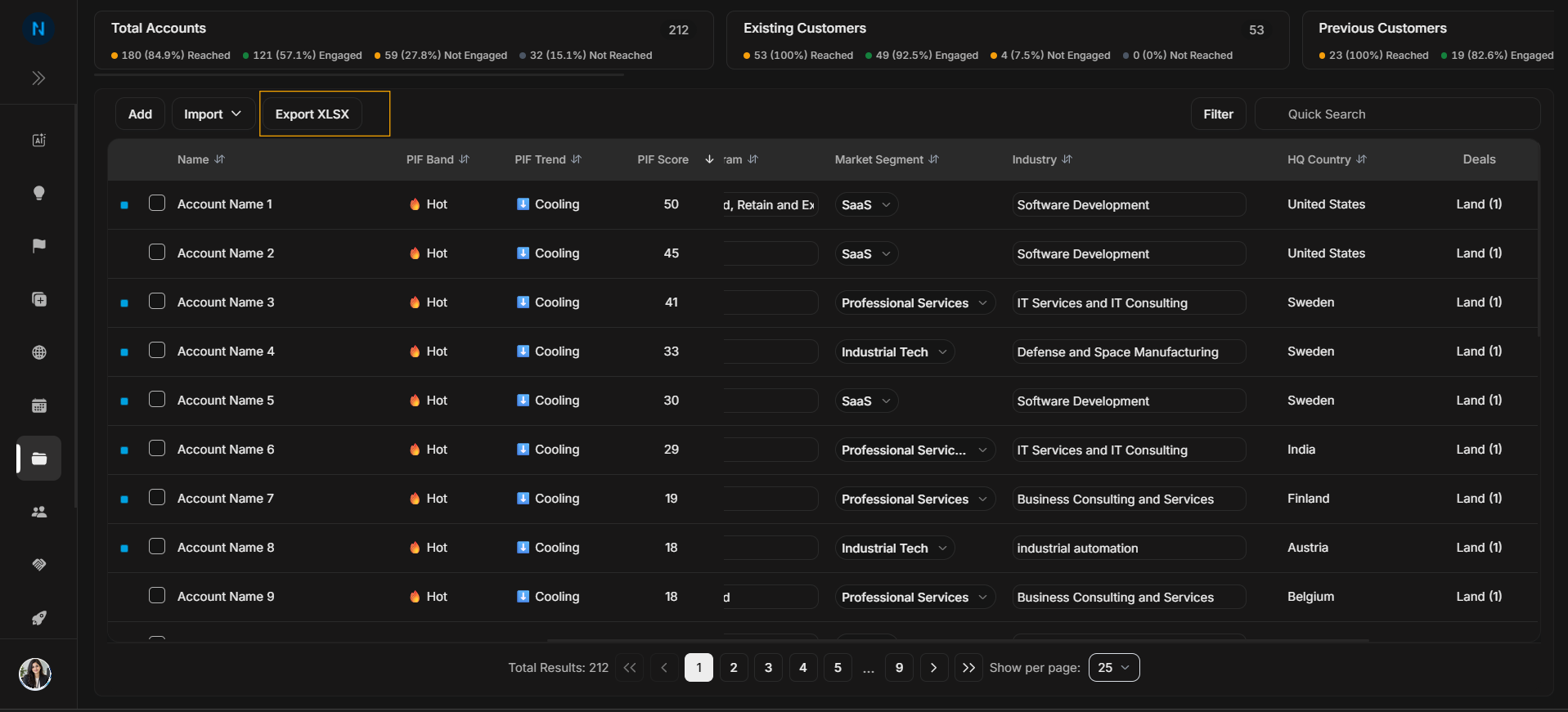
Image guide: Export XLSX downloads account data from the current account list.
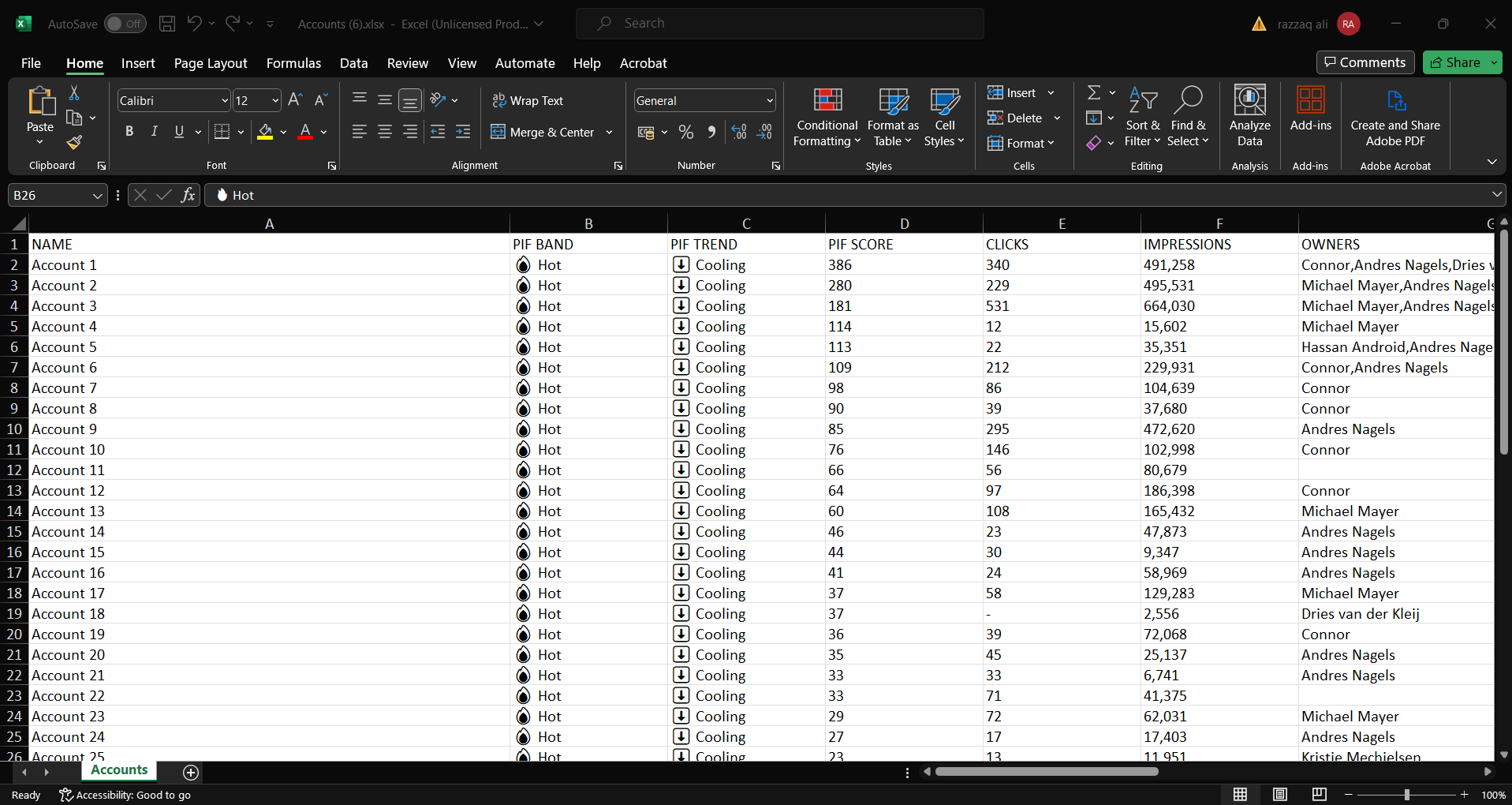
Image guide: The exported spreadsheet is a snapshot for offline review or handoff.
Before you act
- Check whether search or filters are active.
- Confirm the visible account group is the group you intend to use.
- Use Add for one record.
- Use Import for many records.
- Use Export only after checking the list context.