Stakeholder events and deals
Stakeholder events and deals
Events and Deals connect a stakeholder to commercial activity. Use them to see where the person has appeared in meetings, notes, follow-ups, and opportunity work.
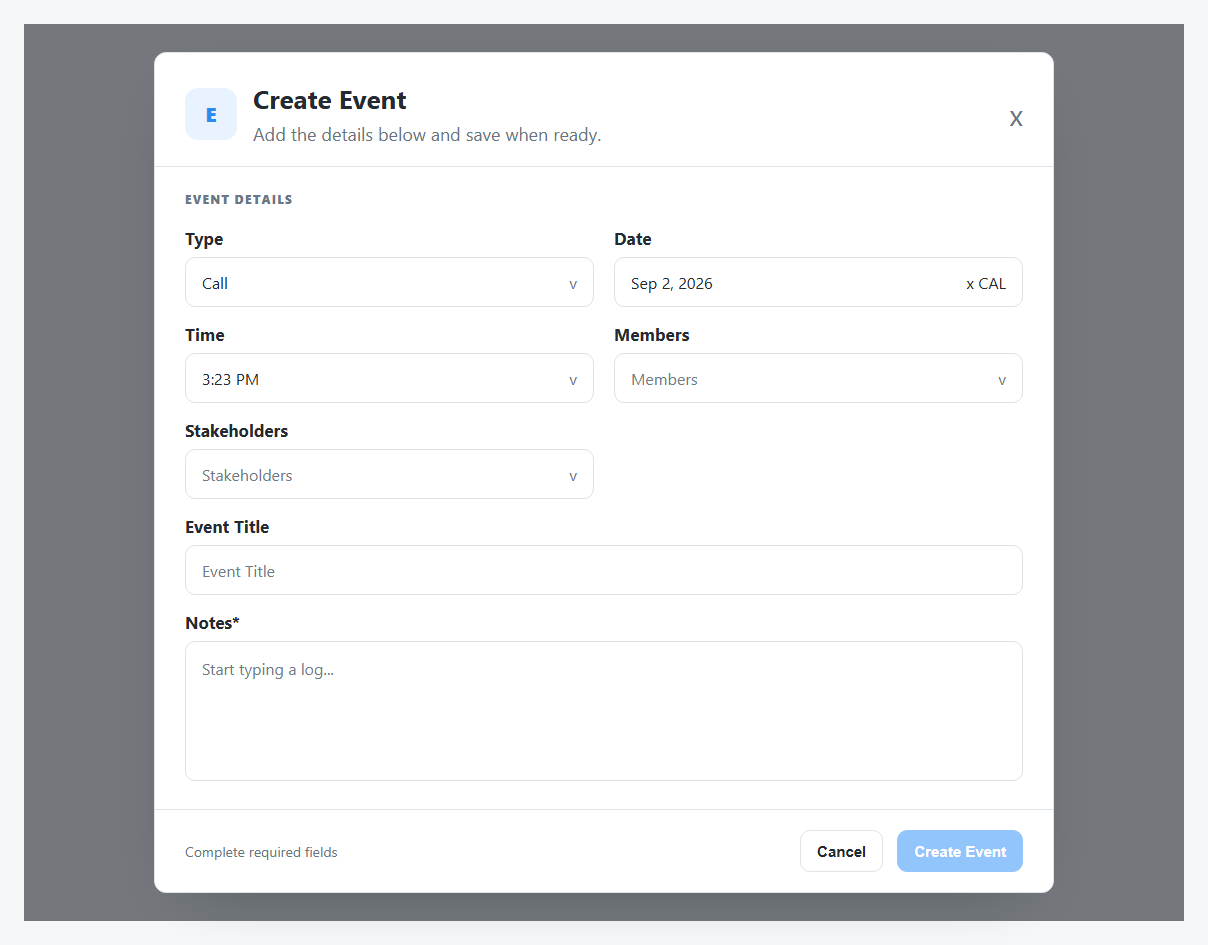
Create Event can prefill the current stakeholder so the activity is connected to the right person.
Events
Events can include calls, conferences, emails, events, LinkedIn messages, meeting notes, notes, postal email, SMS, WhatsApp, and follow-ups.
Use event filters to narrow by:
- Date range.
- Type.
- Owners.
- Stakeholders.
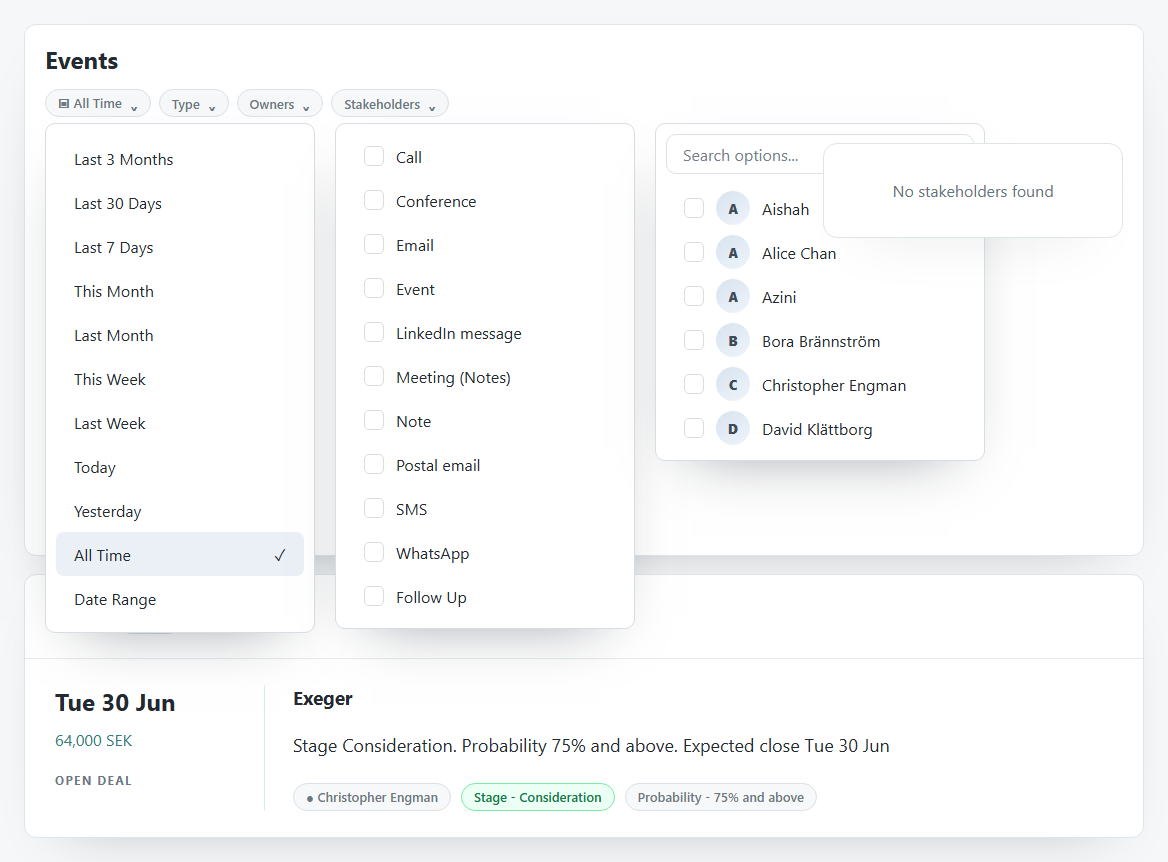
The stakeholder filter may show an empty state when no matching stakeholders are available for the current event context.
Create Event
Common fields:
| Field | Meaning |
|---|---|
| Type | Activity type, such as Call or Note. |
| Date | Activity date. |
| Time | Activity time. |
| Members | Internal members connected to the event. |
| Stakeholders | People connected to the event. |
| Event Title | Activity title. |
| Notes | Required event notes or log text. |
The Create Event action stays disabled until required fields are complete.
Deals
The Deals card shows open or related opportunities tied to the stakeholder. It can include expected close date, value, stage, probability, owner, and account or deal name.
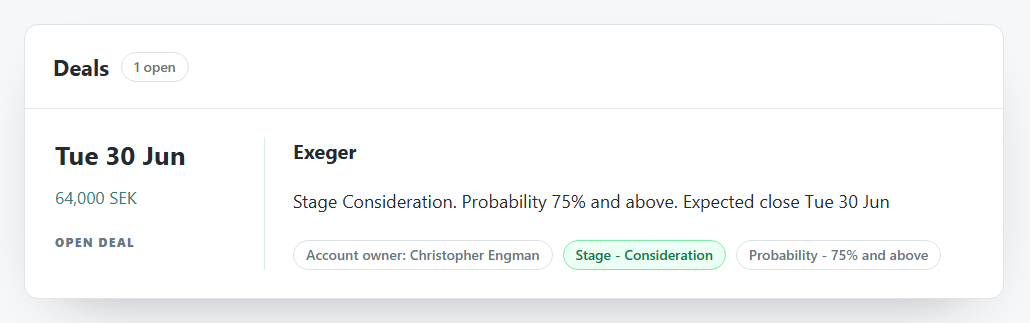
Use Deals when:
- You need to know whether the stakeholder is connected to an opportunity.
- You want to see stage and probability context before follow-up.
- You need to move from person evidence to commercial pipeline context.