Select Facts and Knowledge for one AI answer
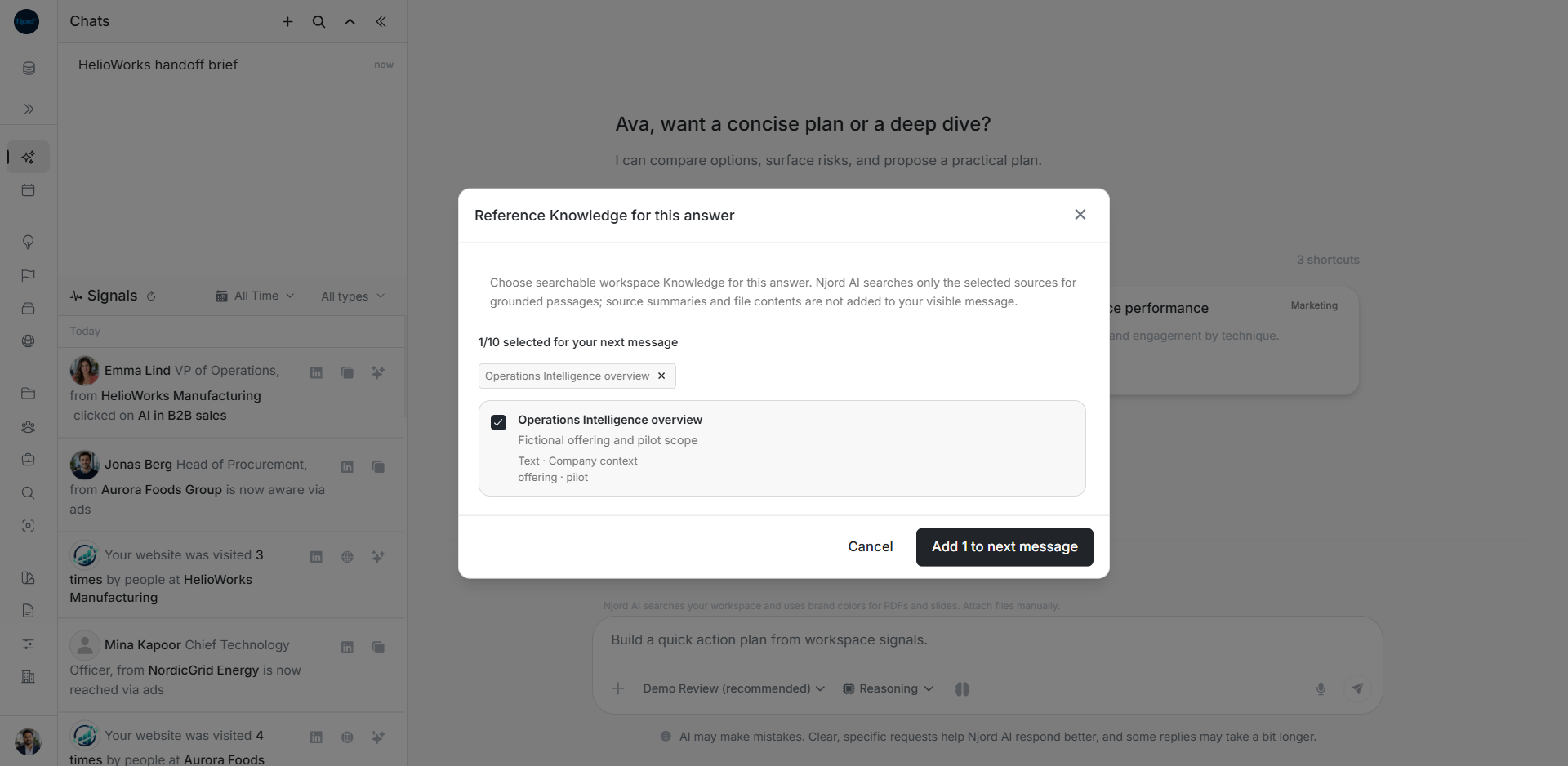
Select Facts and Knowledge for one AI answer
Use Choose facts to include approved workspace claims. Use Reference knowledge to direct Njord AI to search particular workspace sources for relevant passages.
- In the composer, choose Add to message → Use workspace context.
- Open Choose facts or Reference knowledge. Search for the claims or sources that answer your question.
- Select up to 20 confirmed Facts and 10 searchable sources. Click a selected label above the composer to preview it, or remove the wrong one.
- Write your question and send it. For example, ask for a short customer briefing based on an approved rollout claim and a selected pilot guide.
- Check the selected source labels on the sent message. If the next question needs those sources again, select them again before sending.
If a Fact is missing, check that it was confirmed. If a source is missing, check that it finished processing and is searchable in the workspace. For a specific image or a document you want the model to read as a file, use Add files to Njord AI.
If you queue the question, the queued turn retains the Facts and Knowledge you selected. For a separate follow-up that needs them again, select them again.