Stakeholder ad preview
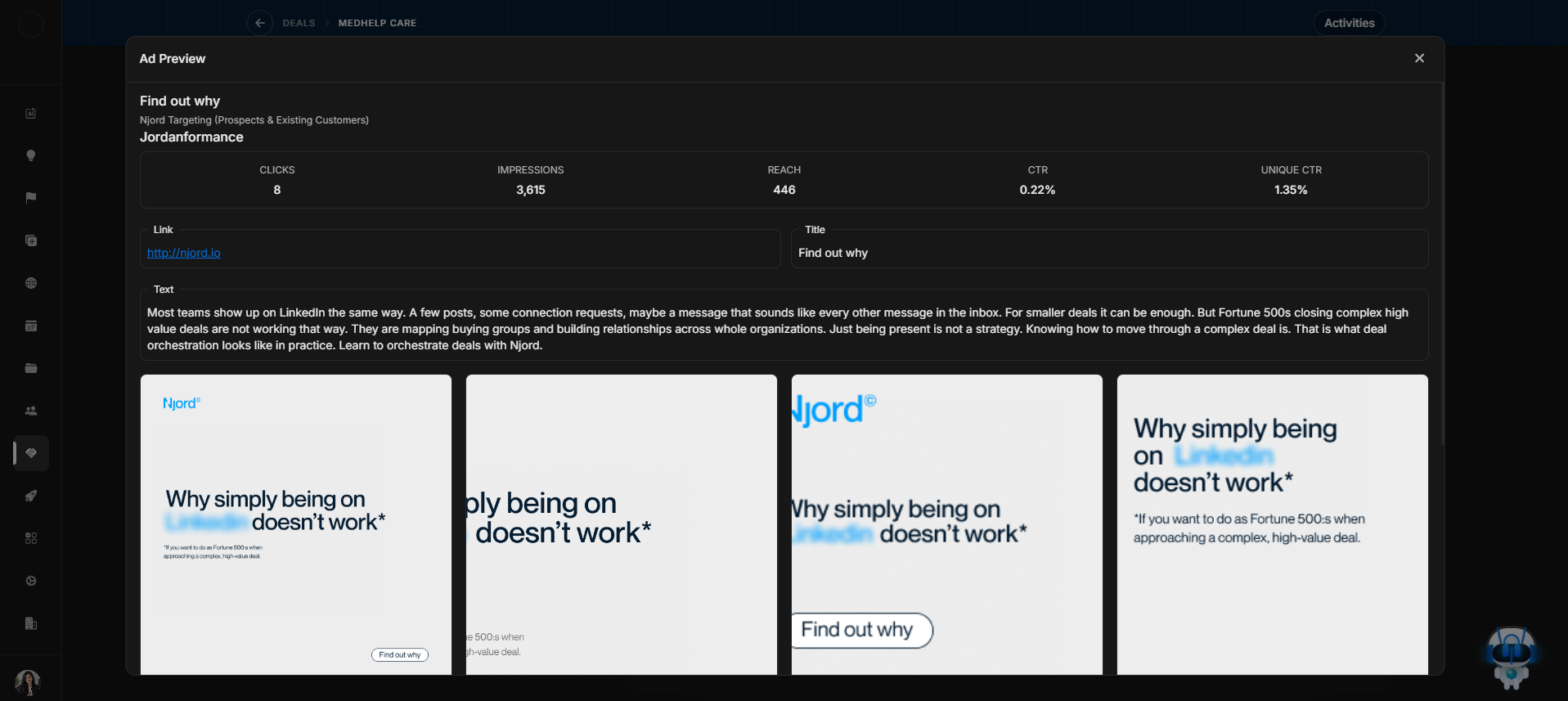
Stakeholder ad preview
Use Ad Preview when a stakeholder row shows media or CTA evidence and you need to inspect what was actually shown or clicked.
Ad Preview window
Image guide: The preview shows creative and performance context behind a media interaction. It helps you verify evidence before using it in follow-up or forecast decisions.
Use it when
- A stakeholder has recent media impact.
- The Last CTA Clicked column needs inspection.
- You want to confirm the message or creative behind engagement.
- A signal needs evidence before changing deal next steps.