Deal stakeholder columns
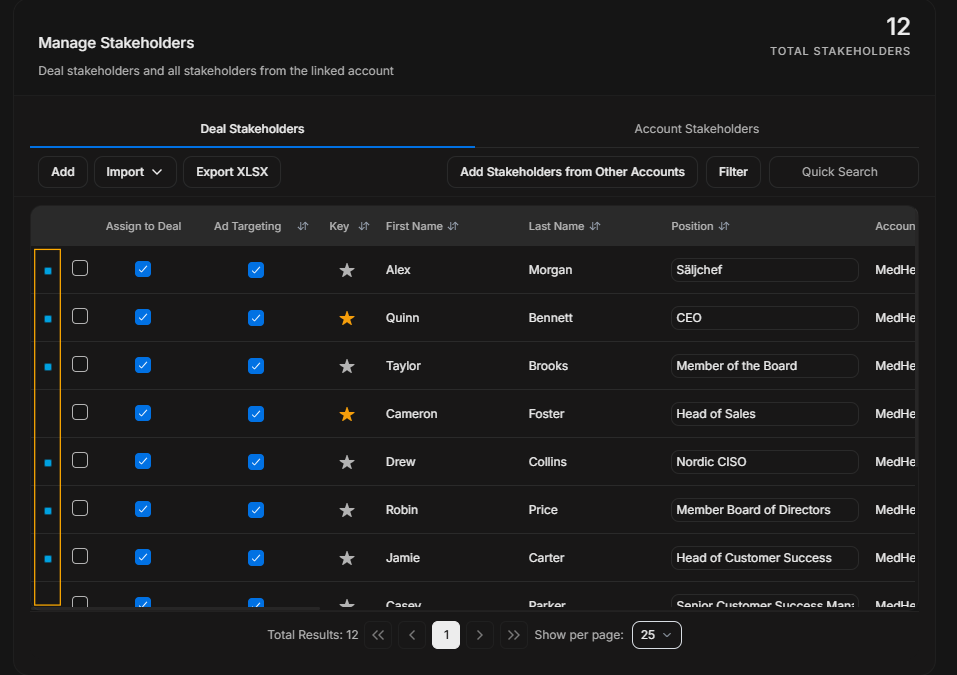
Deal stakeholder columns
Read Deal Stakeholders columns from left to right. The goal is to confirm assignment first, then identity, then account context, then engagement evidence.
Assignment and targeting
Image guide: Assign to Deal shows whether a person belongs to this opportunity.
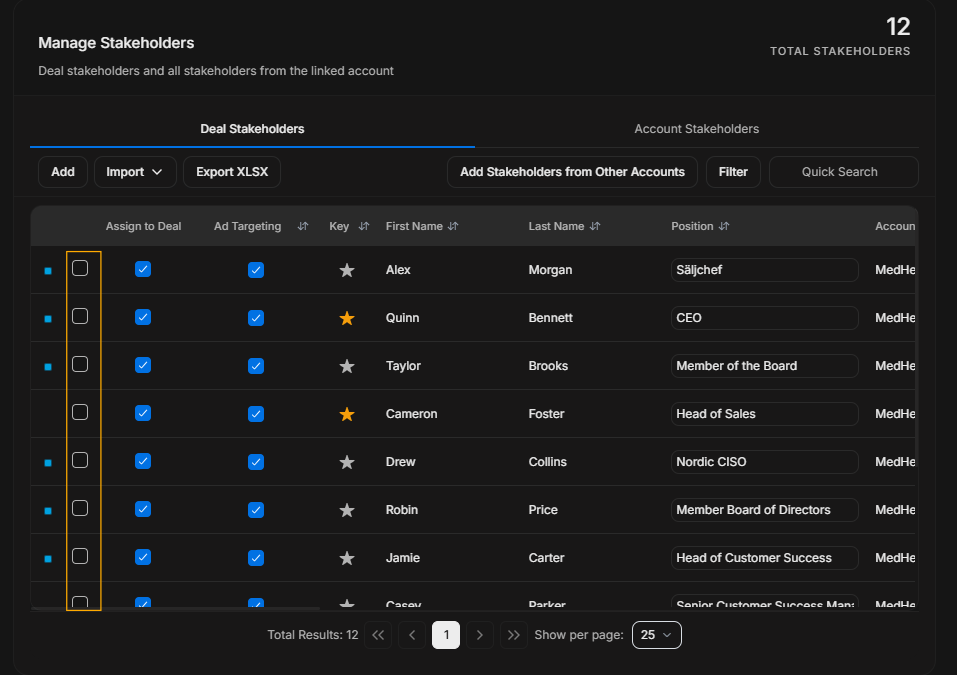
Image guide: Use checkboxes carefully. Assignment changes who belongs to the deal.
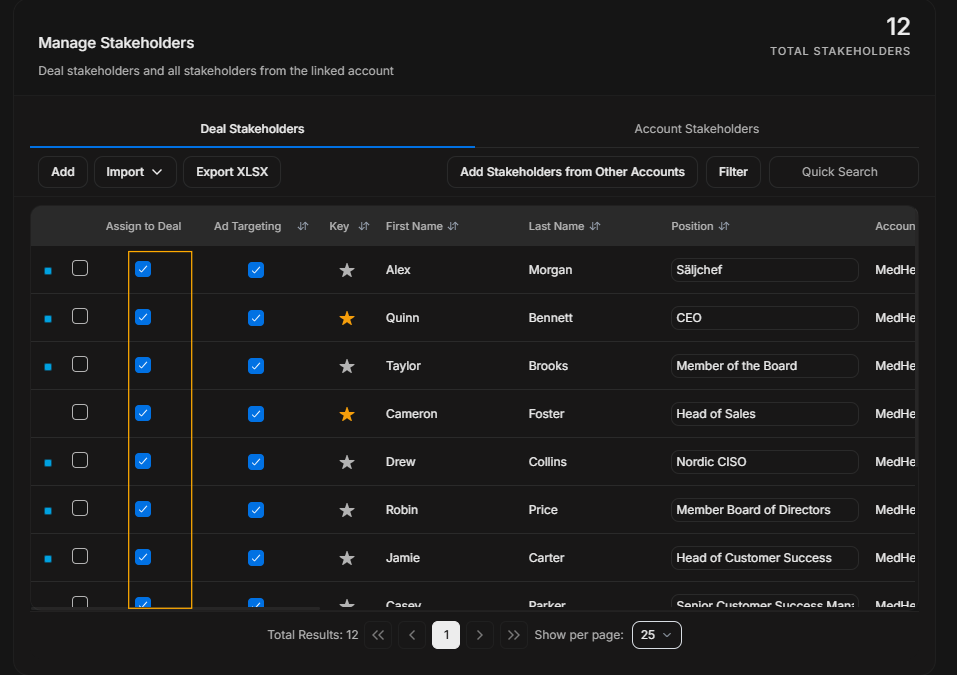
Image guide: Ad Targeting is separate from assignment. A person can be assigned to a deal without automatically being in ad targeting.
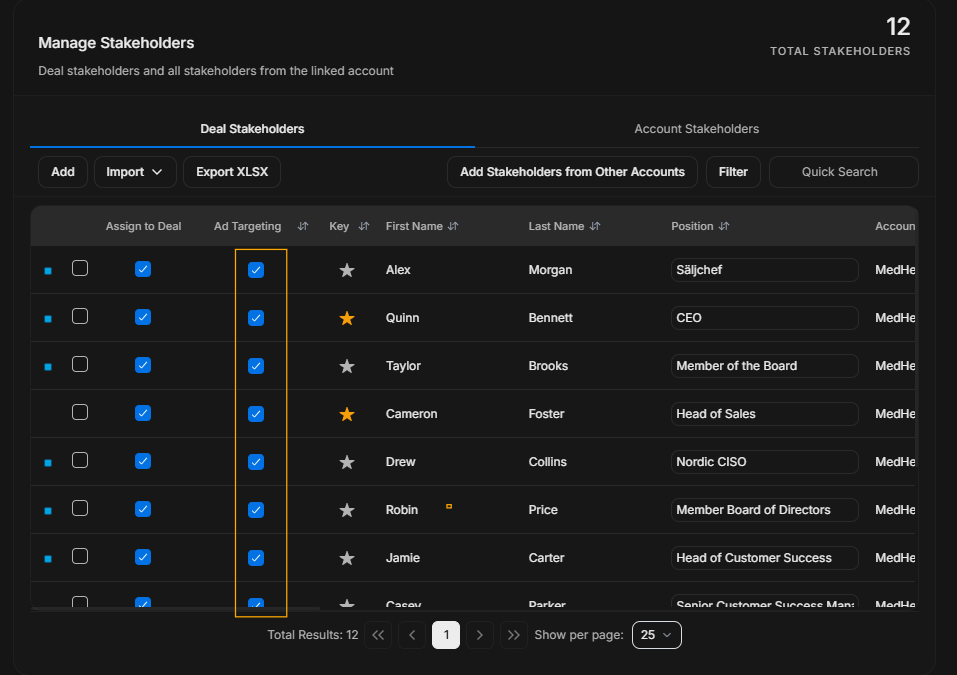
Image guide: Key marks important people in the buying group.
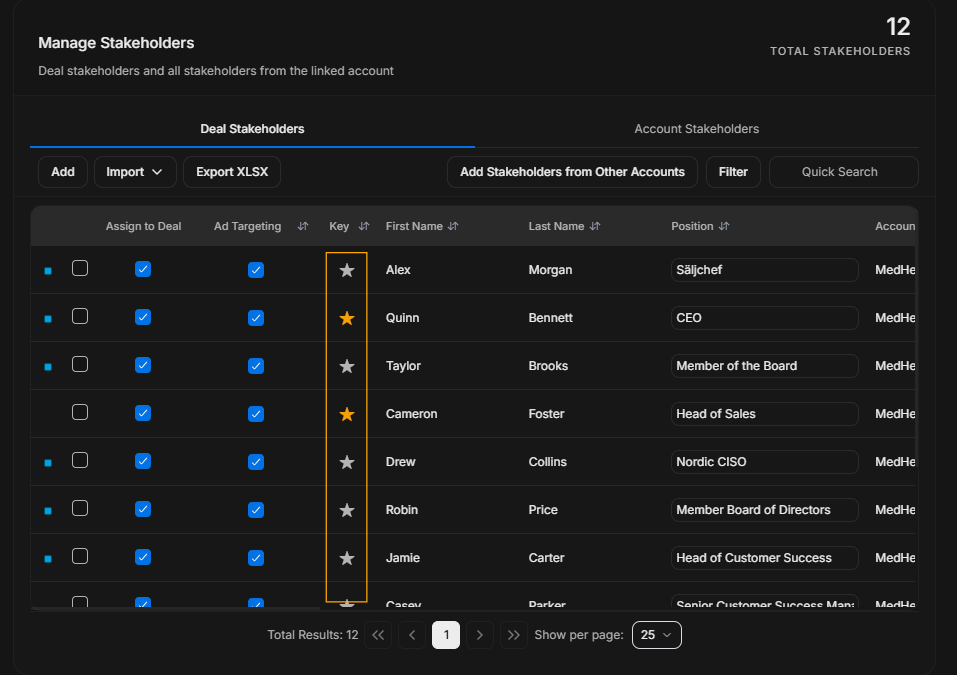
Image guide: The star helps users spot priority stakeholders quickly.
Identity columns
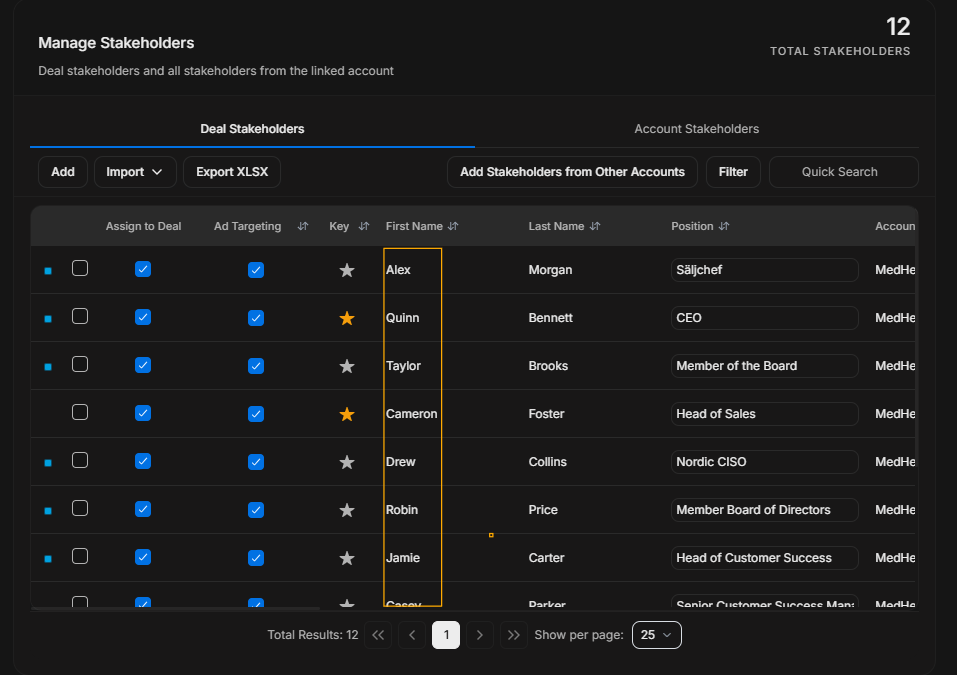
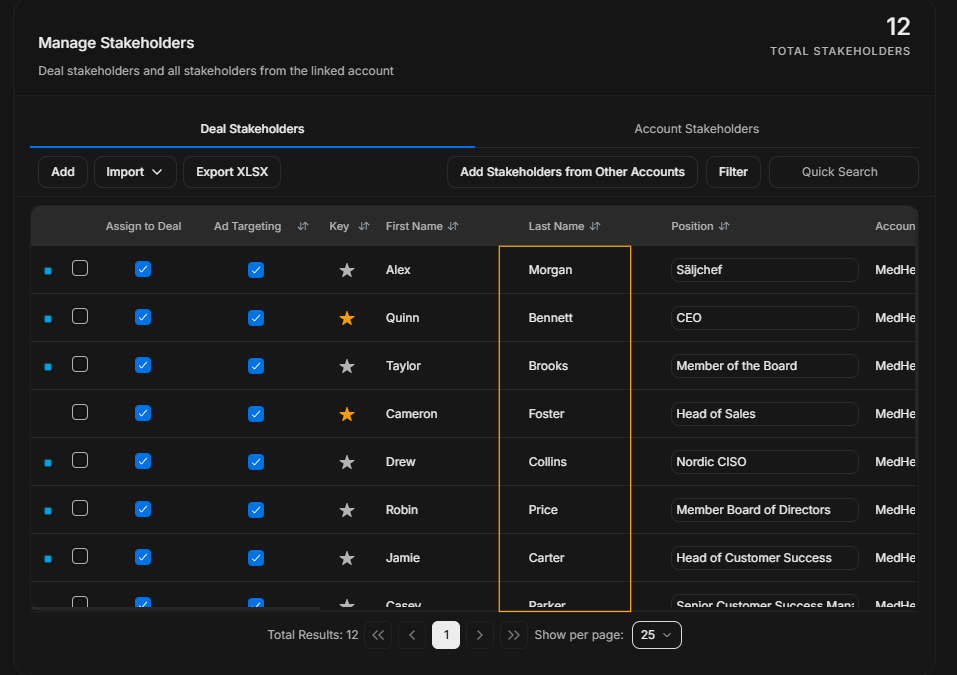
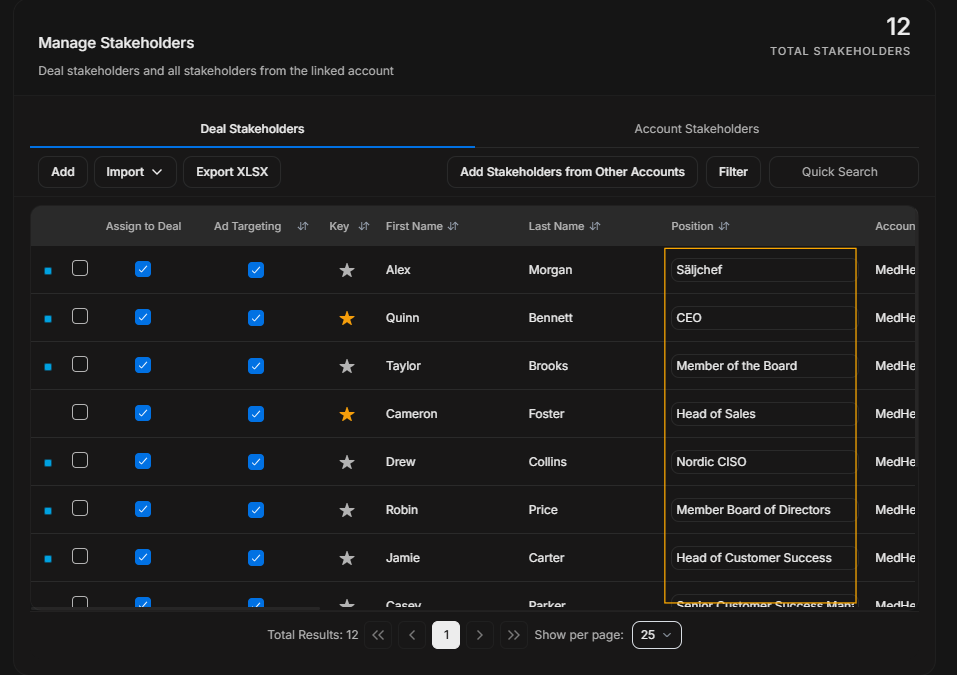
Image guide: Name and position confirm the person before any assignment, targeting, or bulk action.
Table navigation
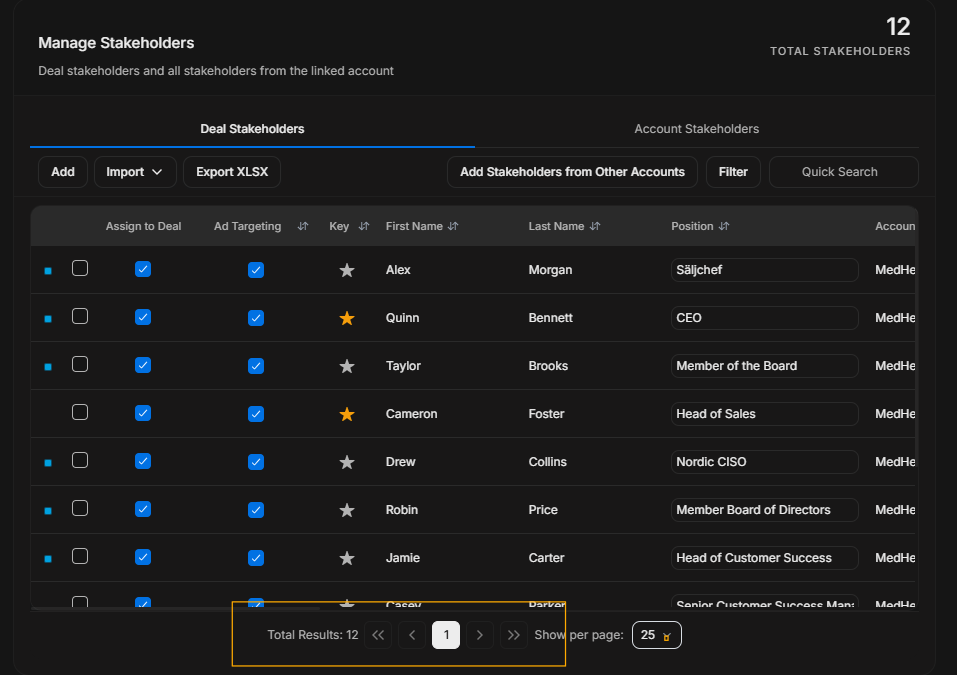
Image guide: Pagination belongs to table navigation. Use it when more stakeholders exist than the current page shows.
Account and segment context
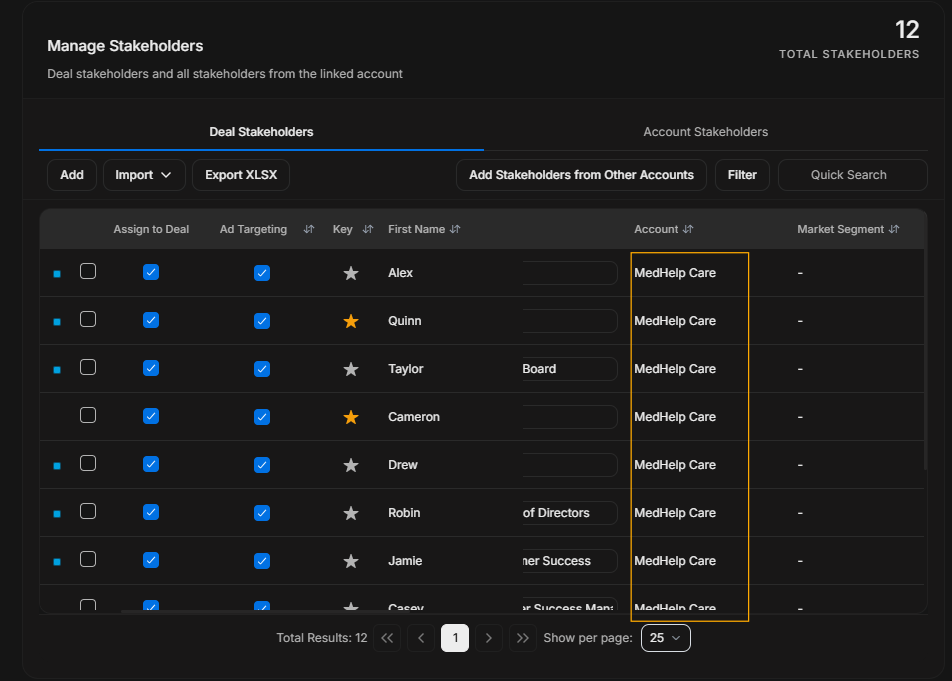
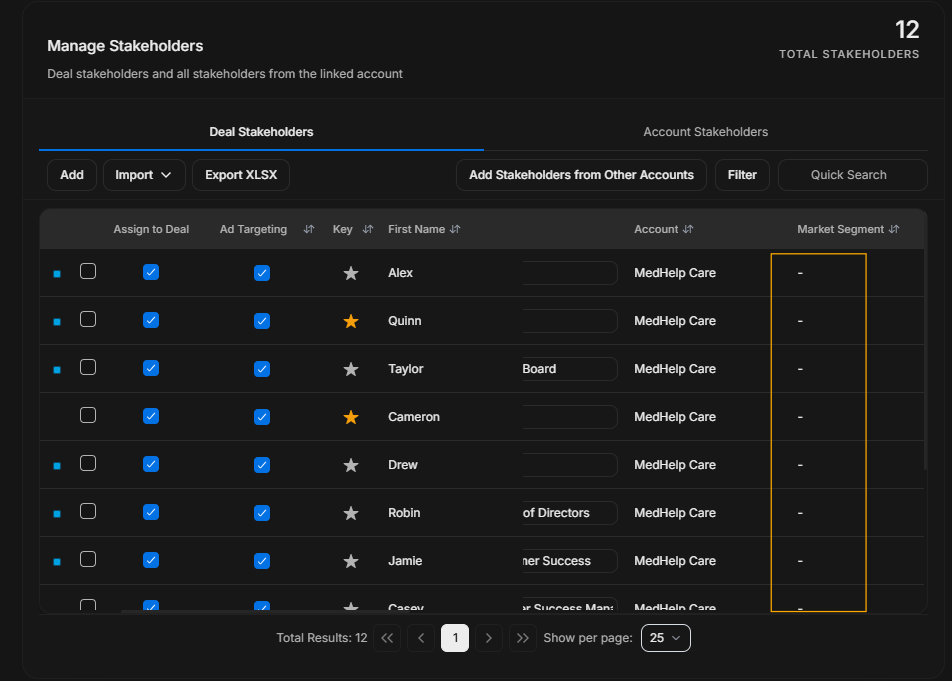
Image guide: Account and segment help the user confirm where the stakeholder belongs.
Engagement and row context
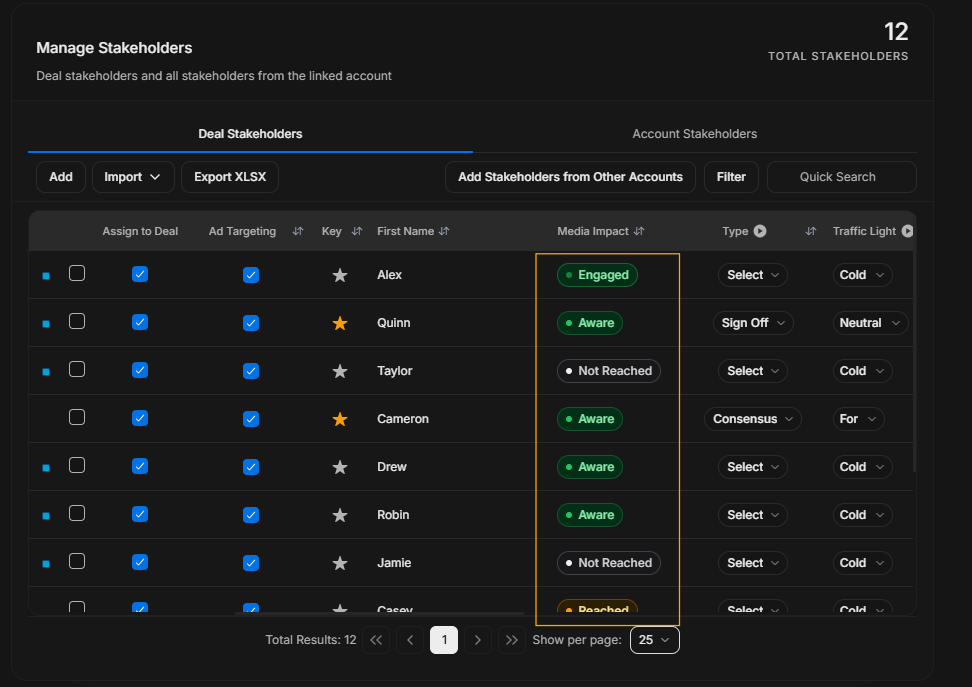
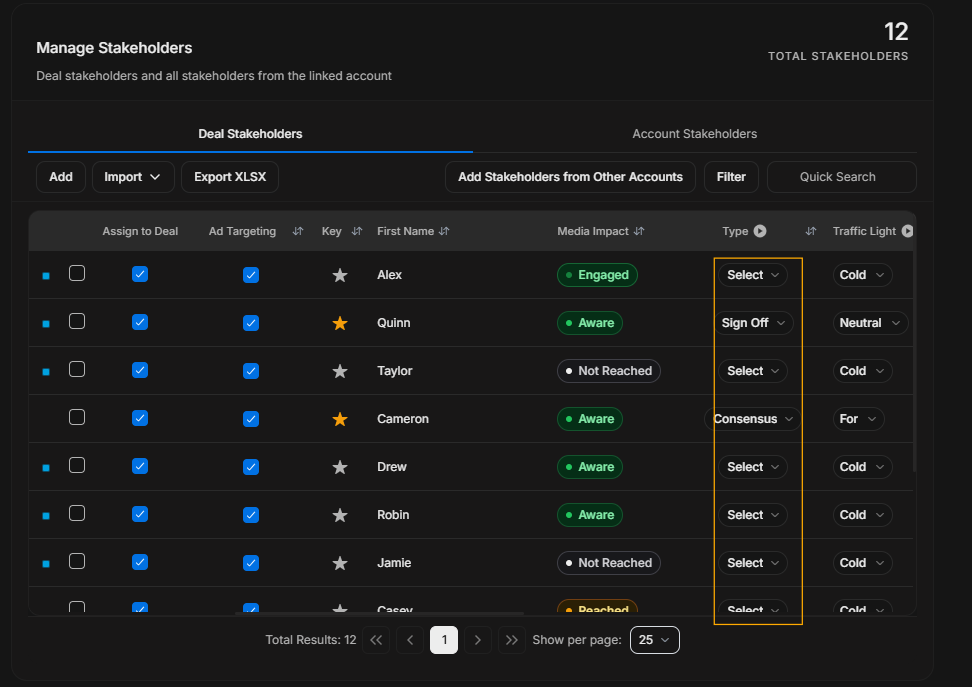
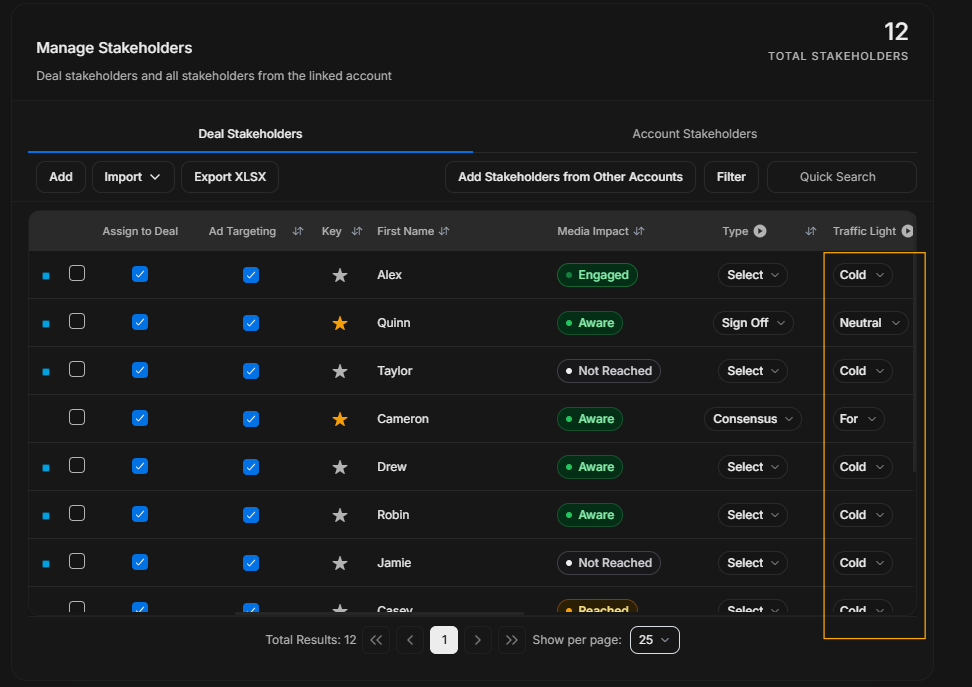
Image guide: Media Impact and Traffic Light explain engagement and buying stance. More Options exposes row-level actions where available.
Media evidence columns
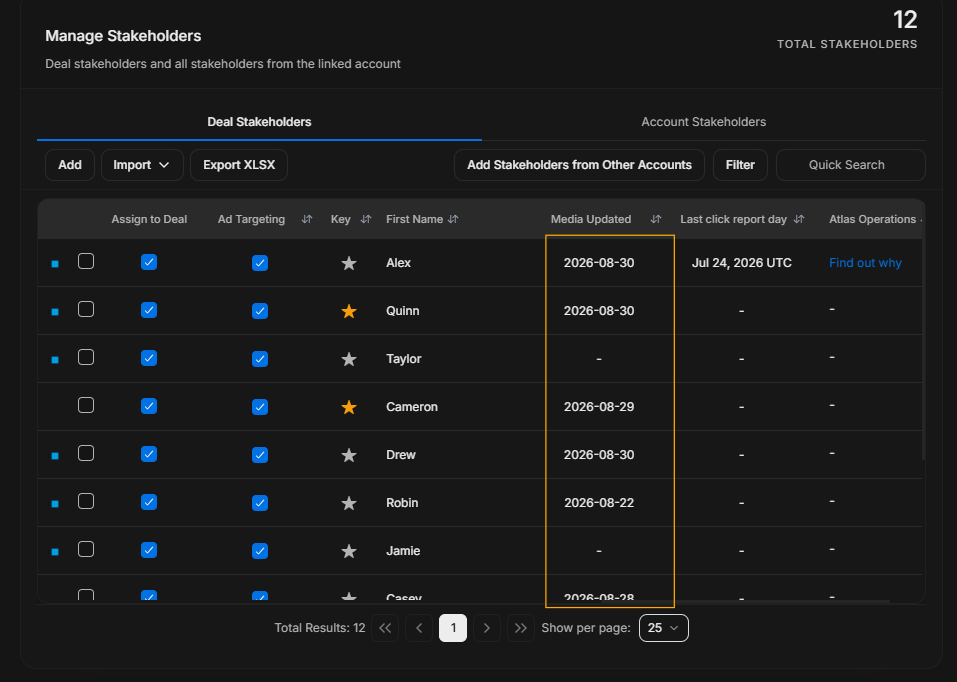
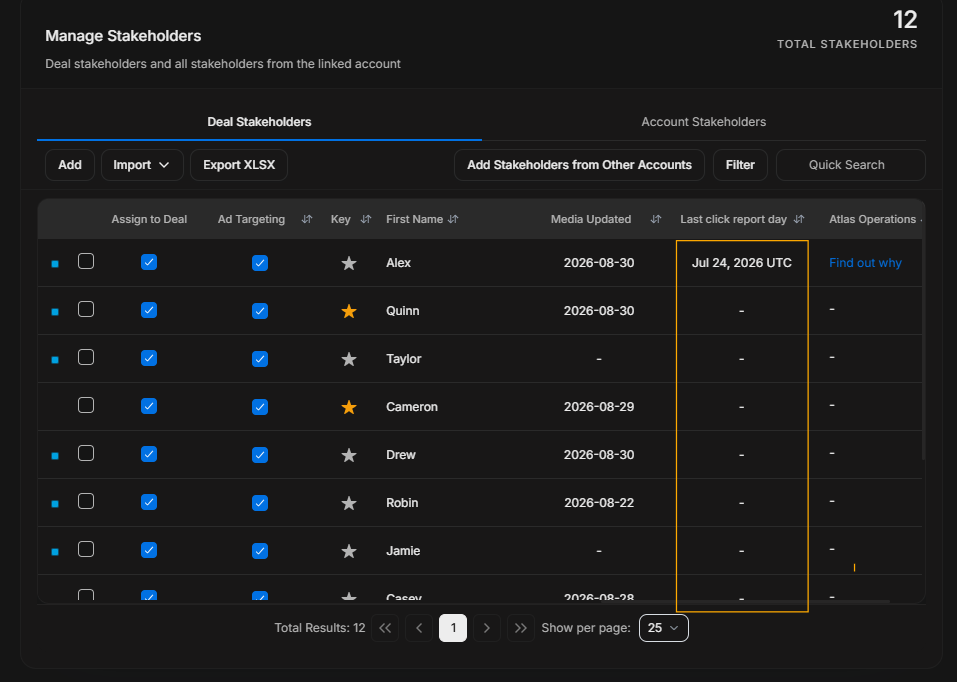
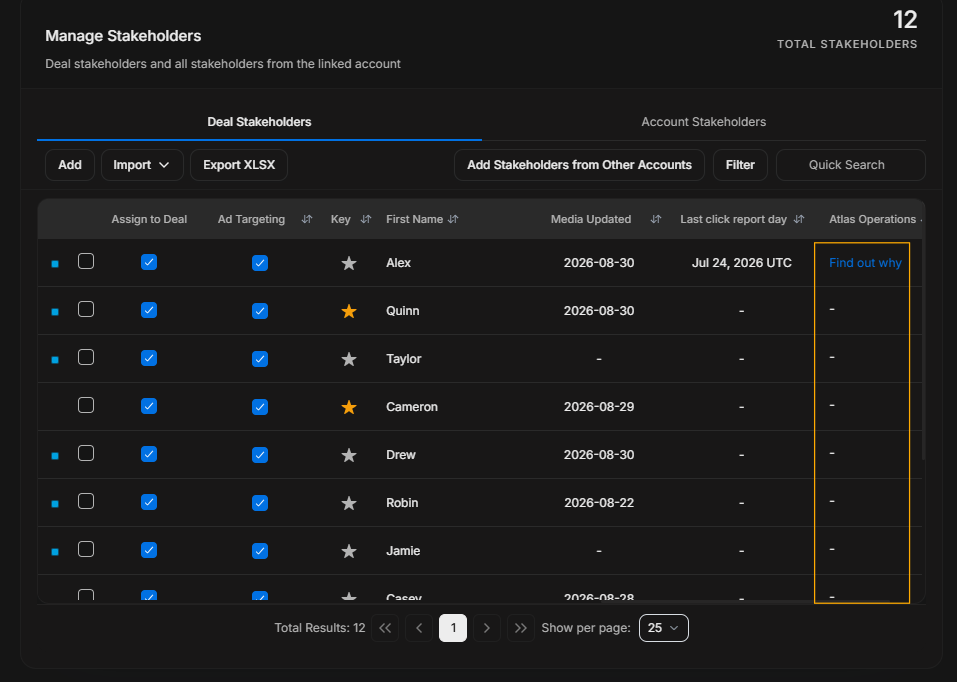
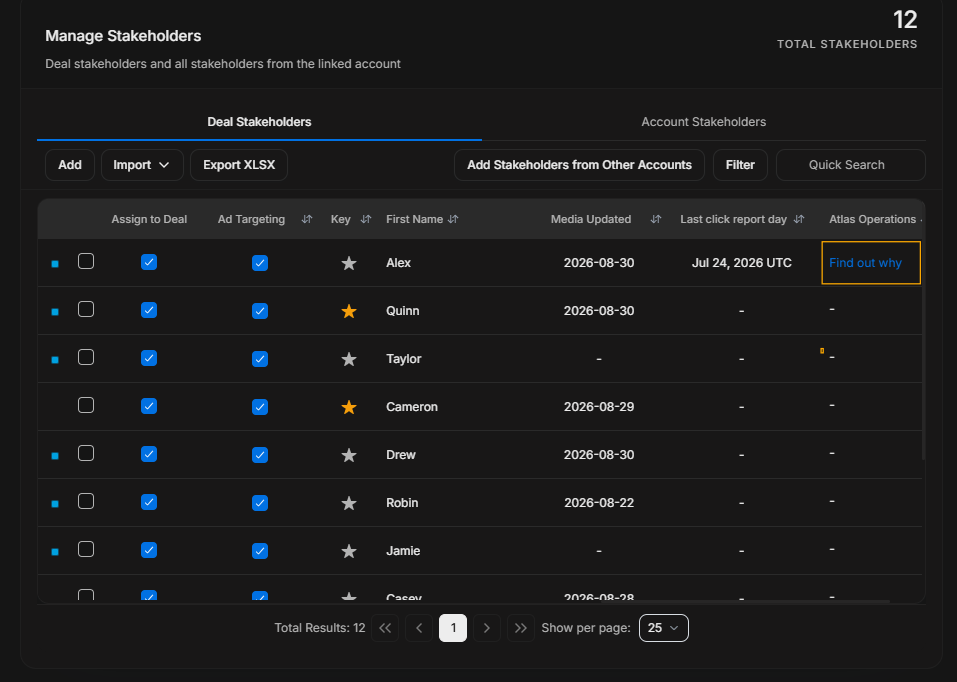
Image guide: These columns explain the latest ad/media evidence connected to the stakeholder.