Stage cards
Stage cards
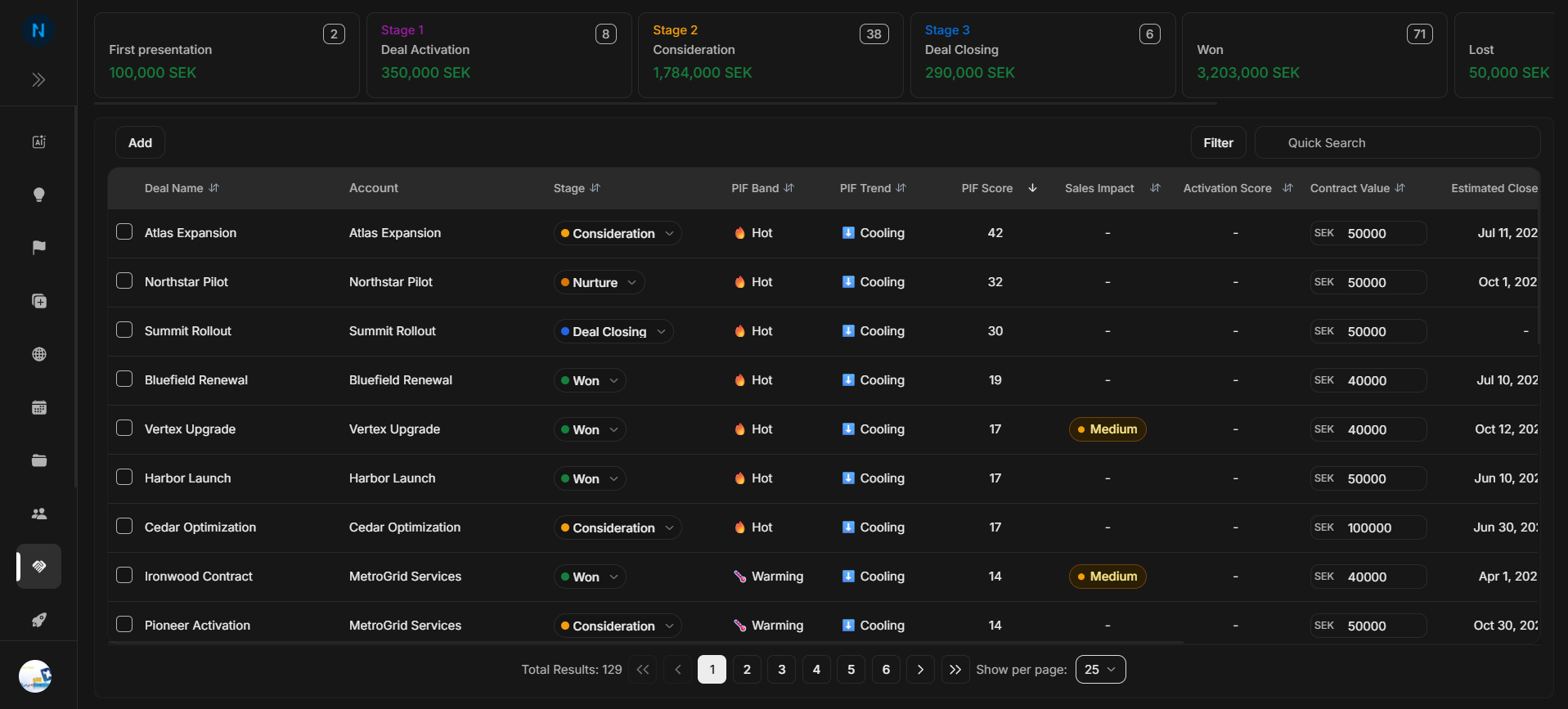
Stage cards sit above the Deals table. They give the user a quick pipeline summary before they inspect individual opportunities.
Where the cards sit
Image guide: The cards are the first decision area on the Deals page. Review them before using the table, because they show where the opportunity volume and value are concentrated.
Consideration
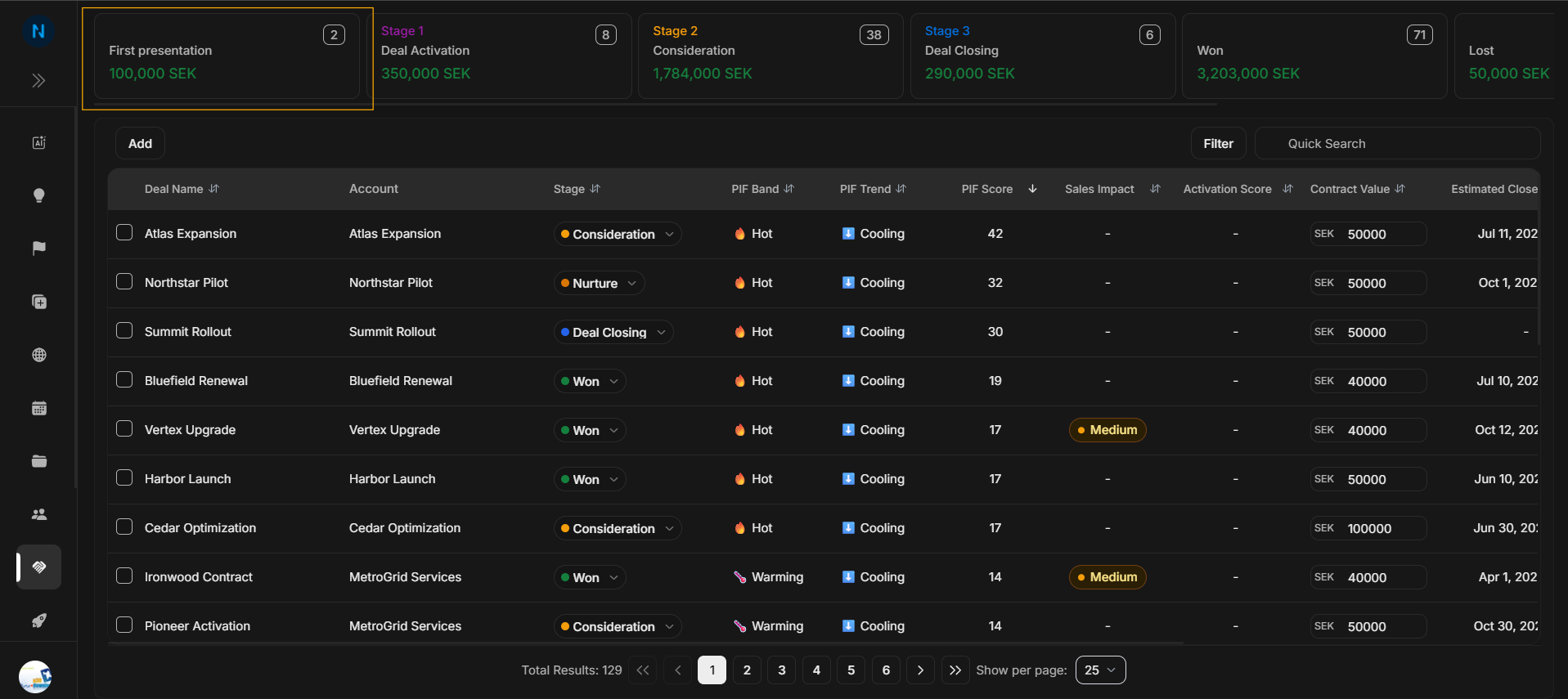
Image guide: Consideration is the early review stage. Use it to spot deals that are being evaluated but are not yet in a stronger sales motion.
Deal Activation
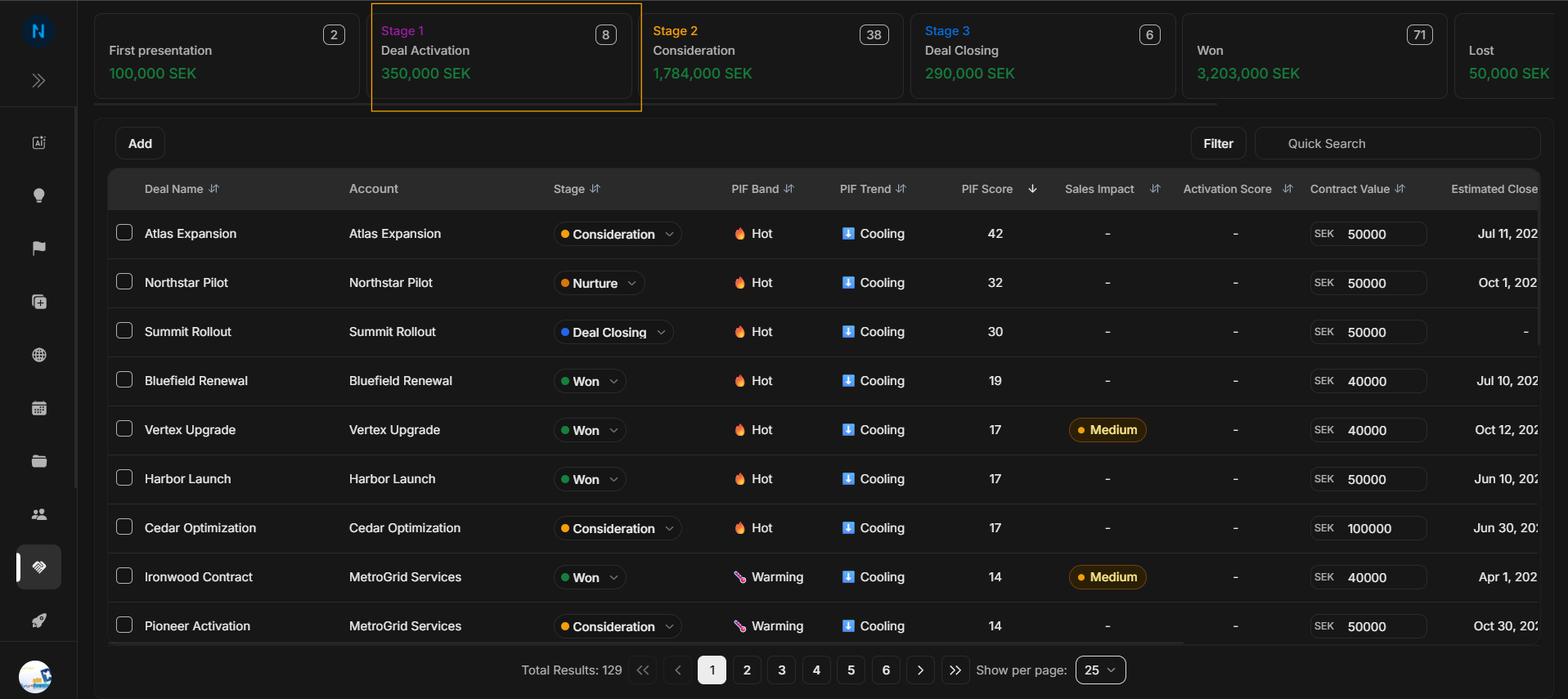
Image guide: Deal Activation means the opportunity is active enough to require sales follow-up. After reading this card, use the table to check owner, probability, close date, and recent updates.
Deal Closing
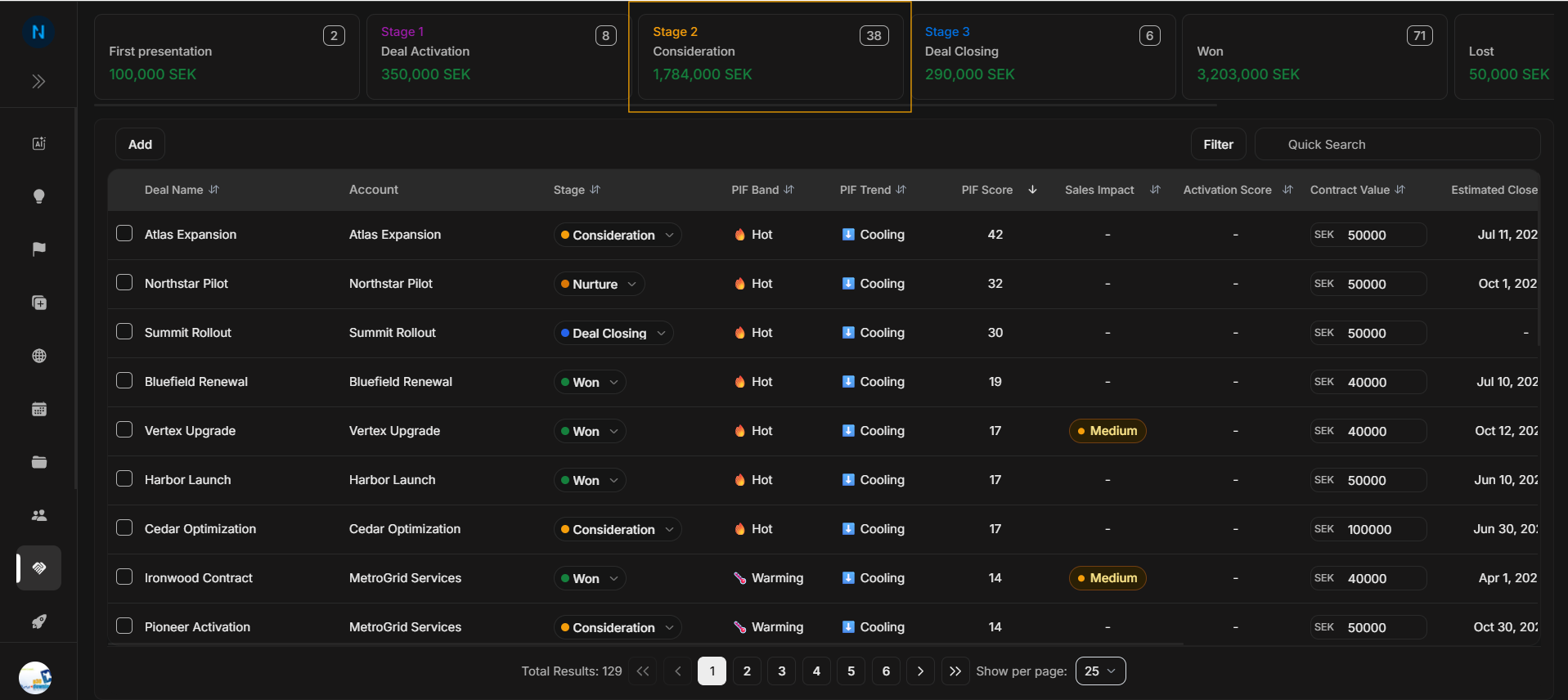
Image guide: Deal Closing highlights opportunities nearest to a decision. Users should check probability, value, close date, and owner before planning the next action.
Nurturing
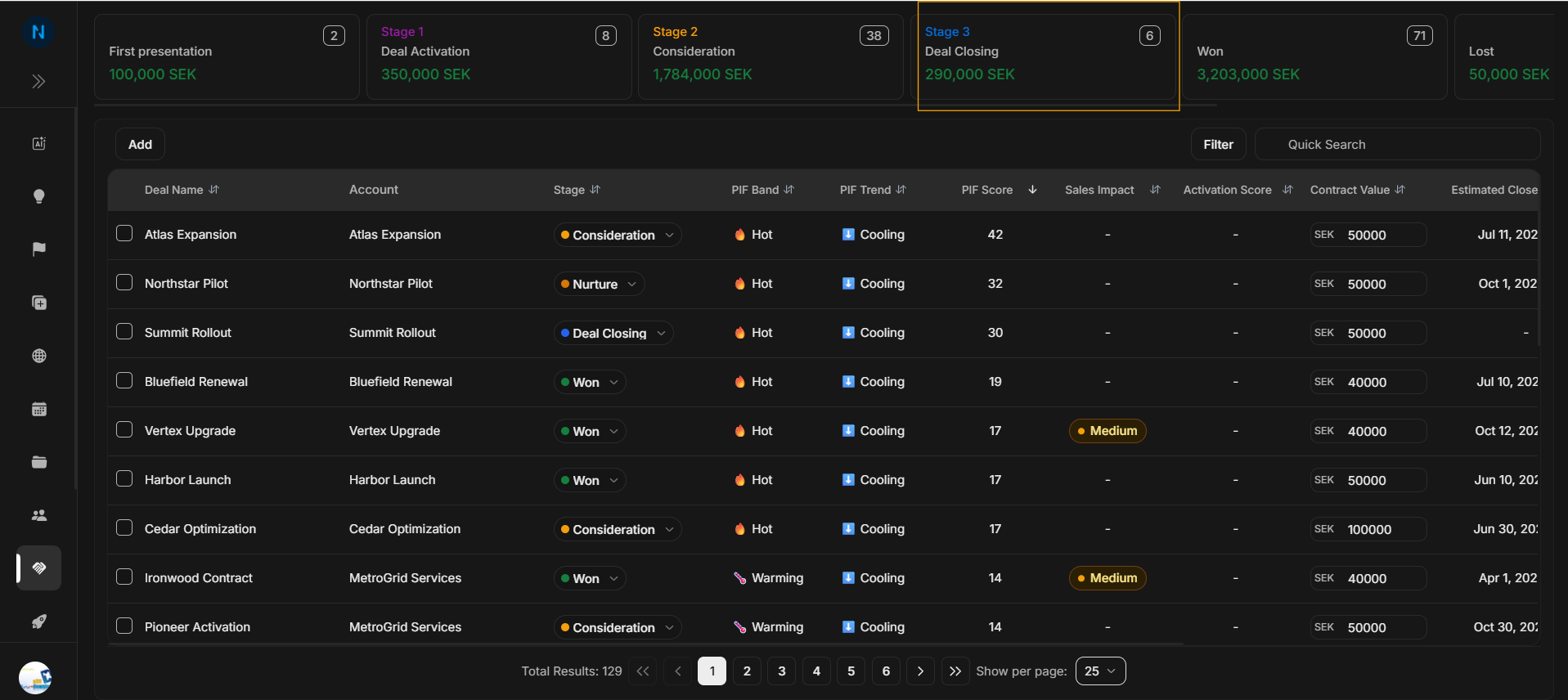
Image guide: Nurturing holds deals that need continued relationship work or better timing. A high count here can mean follow-up work is needed before the pipeline moves forward.
Won
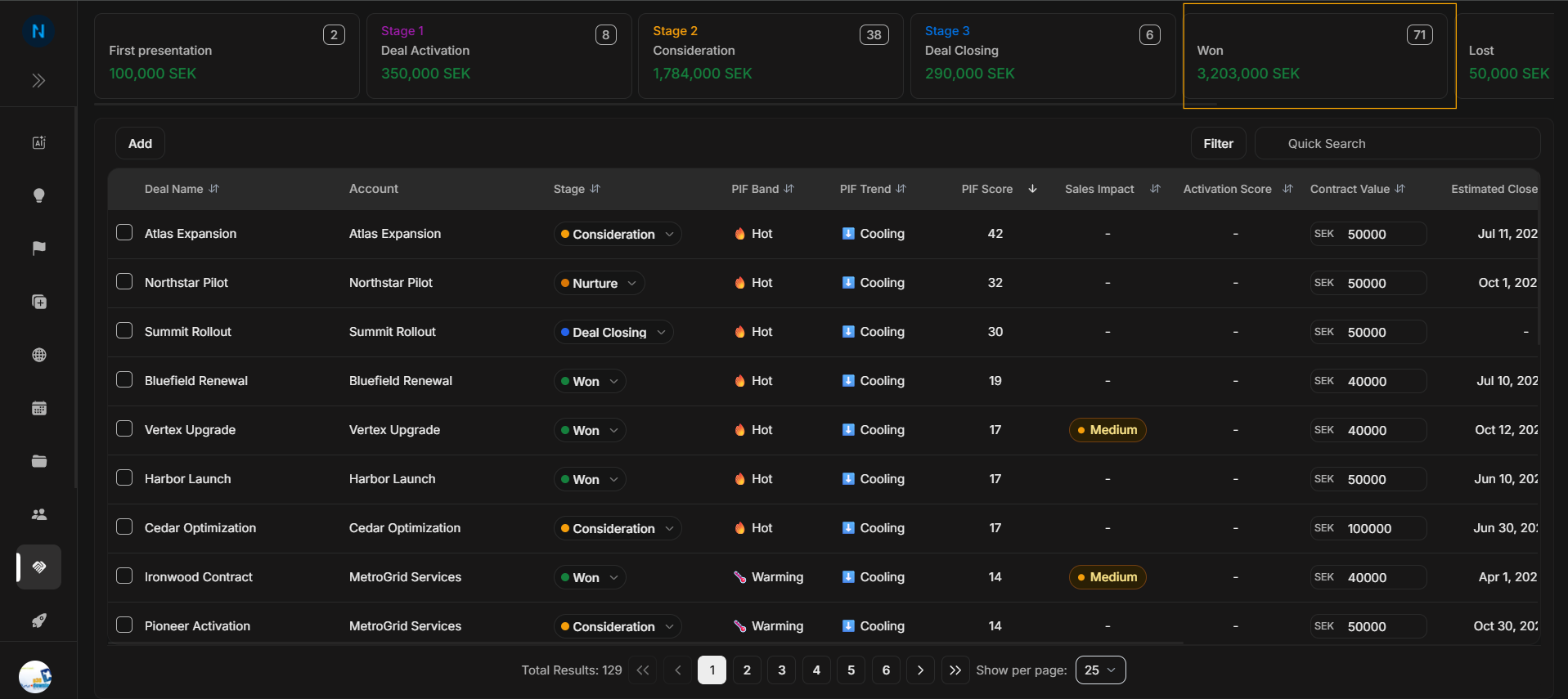
Image guide: Won shows opportunities that closed successfully. Use it for pipeline context, reporting, and comparing closed value with open stages.
Lost
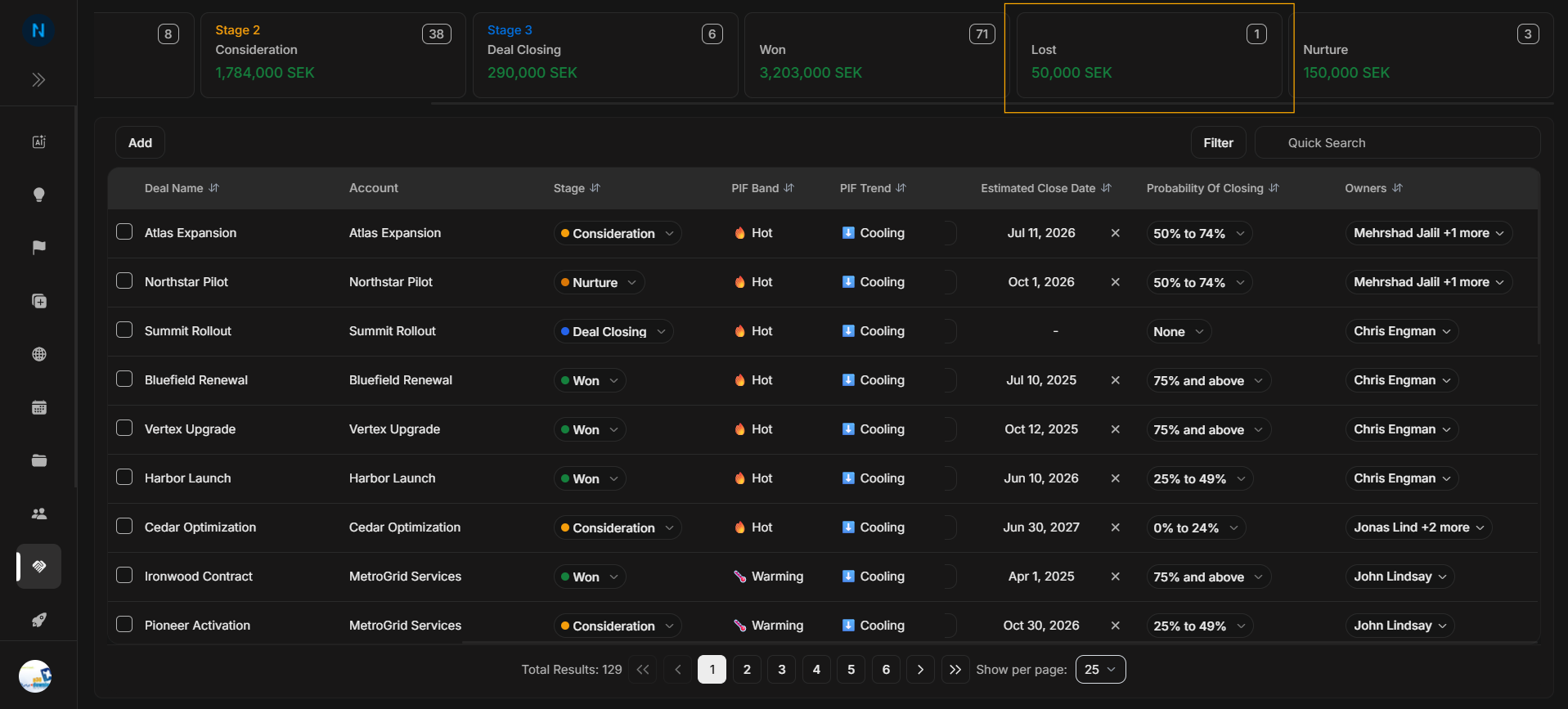
Image guide: Lost shows opportunities that did not close. Users should not treat these as active pipeline, but they may still matter for historical analysis.
Implementation
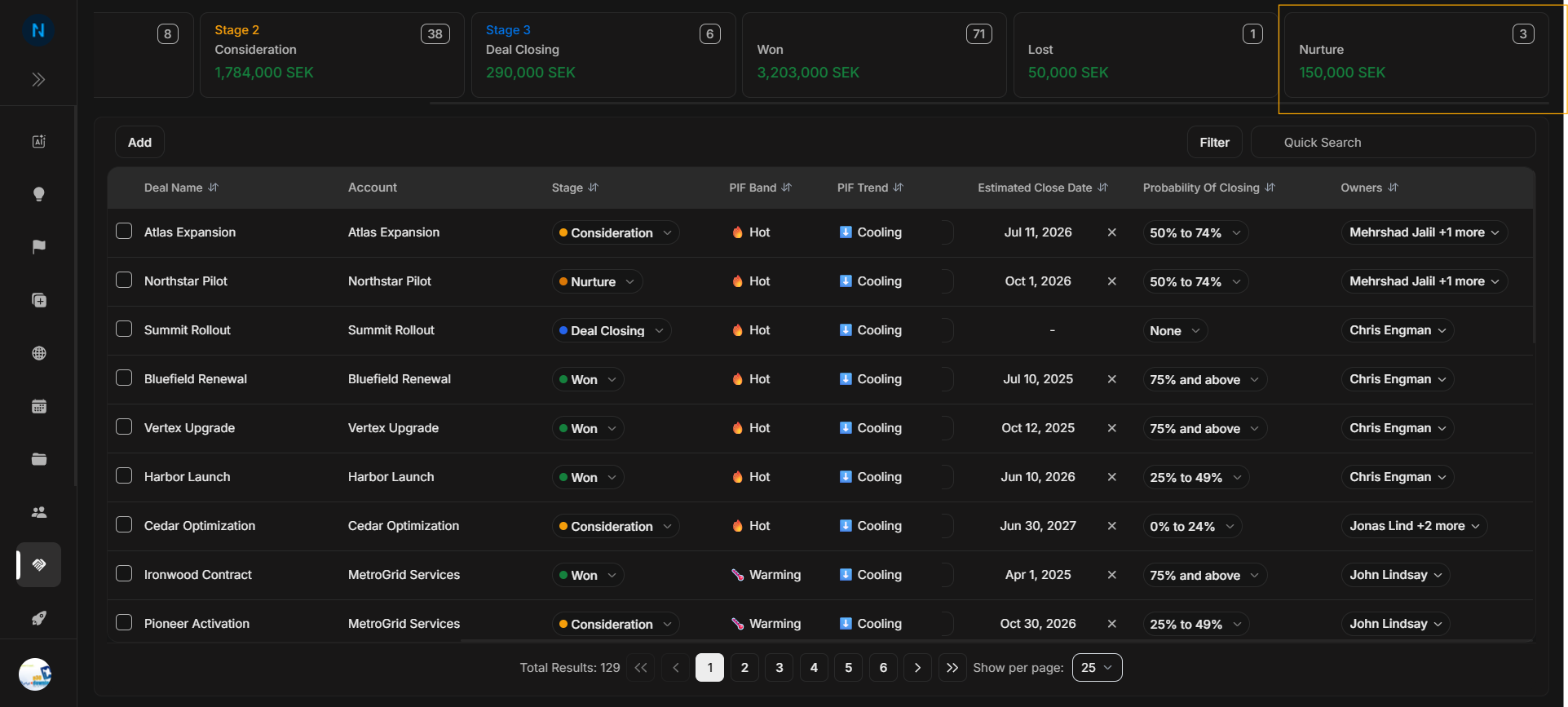
Image guide: Implementation represents post-close delivery or handoff work where the workspace uses that stage. It helps users separate active selling from follow-through work.
How to use the cards
- Read the count on each card first.
- Read the value second.
- Compare neighboring stages to understand where work is building up.
- Select search or filters only after the stage context is clear.
- Use the table to inspect the actual deals behind the stage.
The cards do not replace the table. They tell users where to look next.