Deals pagination
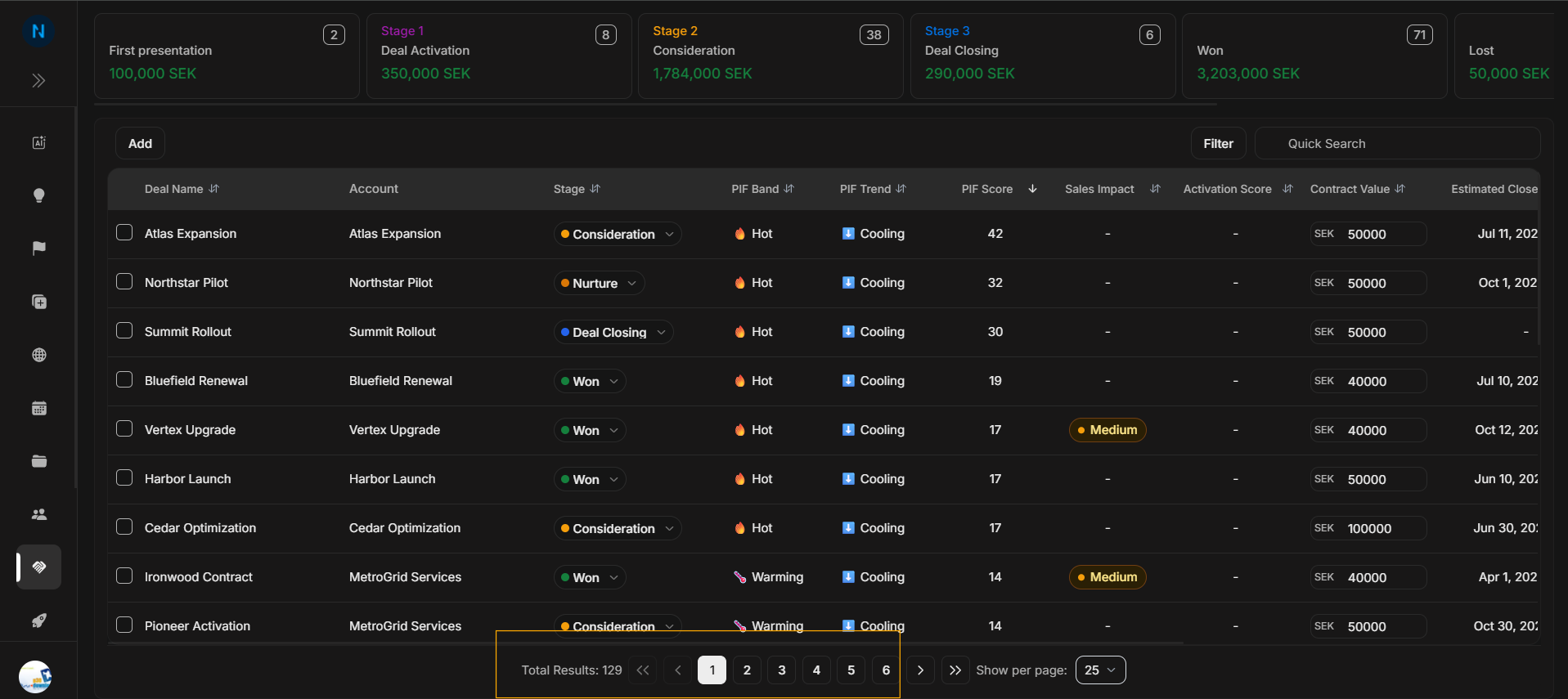
Deals pagination
Use pagination when the Deals table has more matching rows than the current page can show. Pagination helps users avoid assuming a deal is missing when it is simply on another page.
Pagination footer
Image guide: The footer shows total results and page navigation. Use these controls to move between pages after filters or search have returned many matching deals.
Show per page
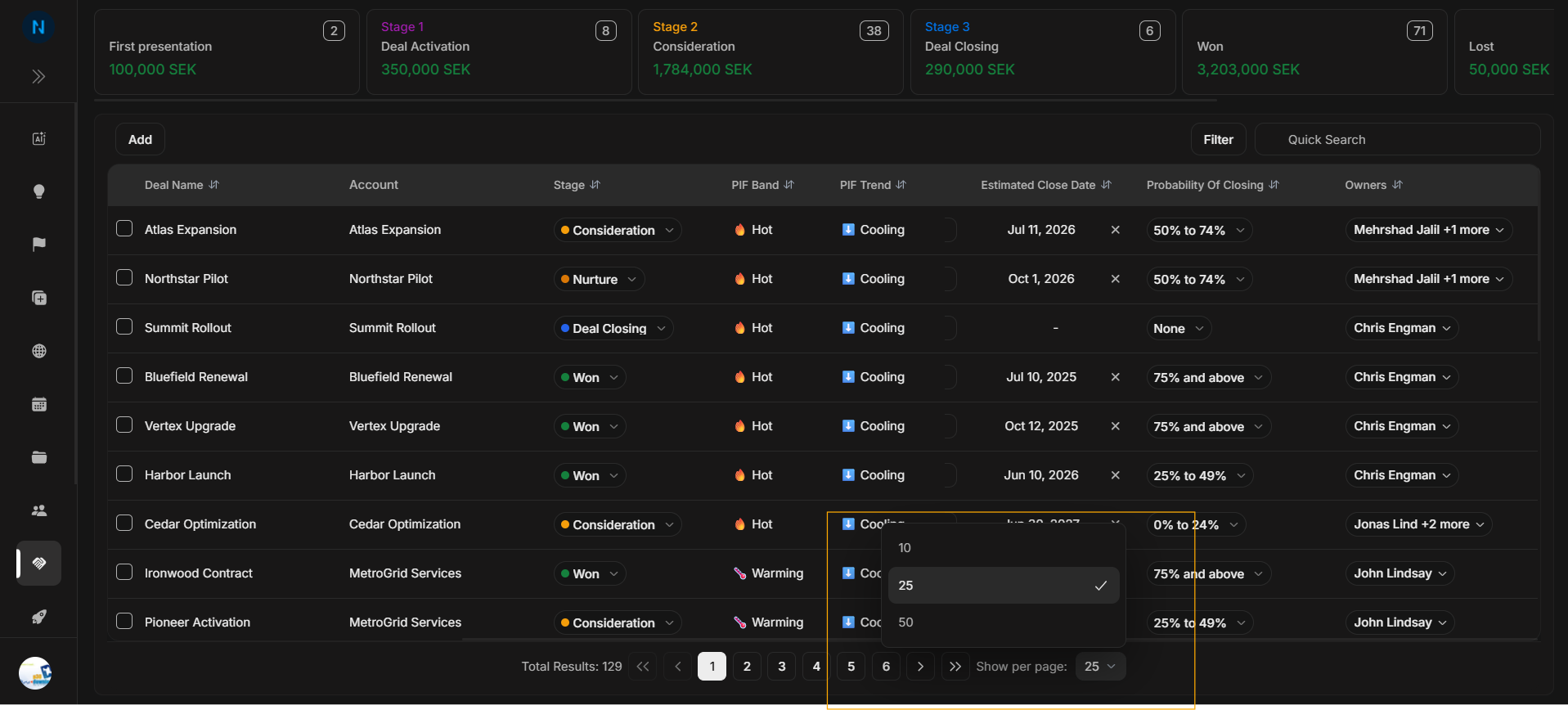
Image guide: Show per page controls how many rows appear at once. Use 25 for normal review, 50 when scanning more rows, and 10 when the user wants a tighter page.
Correct pagination journey
- Check Total Results.
- Check the current page number.
- Move to the next page if the result count is larger than the visible page.
- Open Show per page when the user wants more or fewer rows visible.
- Clear search or filters only after checking pagination.
If a deal appears missing
| Check | Why it matters |
|---|---|
| Quick Search | A previous search can hide most rows. |
| Filters | Active filters can remove the expected deal. |
| Land or Expand | The opportunity may be in the other Deals area. |
| Current page | The deal may be on another page. |
| Show per page | A small page size can make the list look incomplete. |