Stakeholder toolbar actions
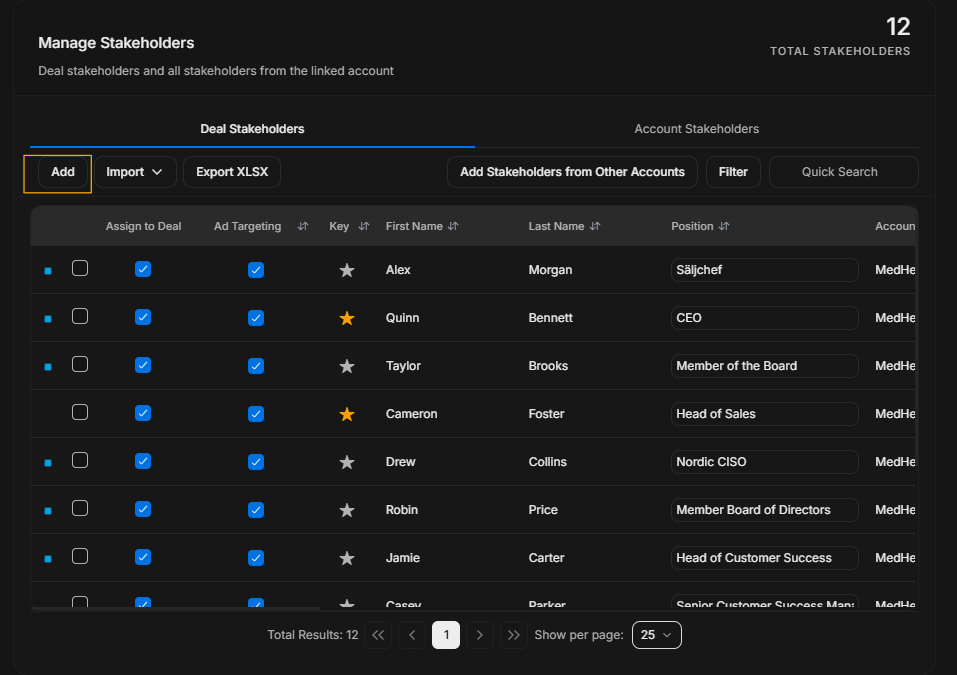
Stakeholder toolbar actions
The toolbar actions sit above the stakeholder table. Each action should be used for a different job.
Add
Image guide: Use Add when a stakeholder needs to be added to the deal manually.
Import
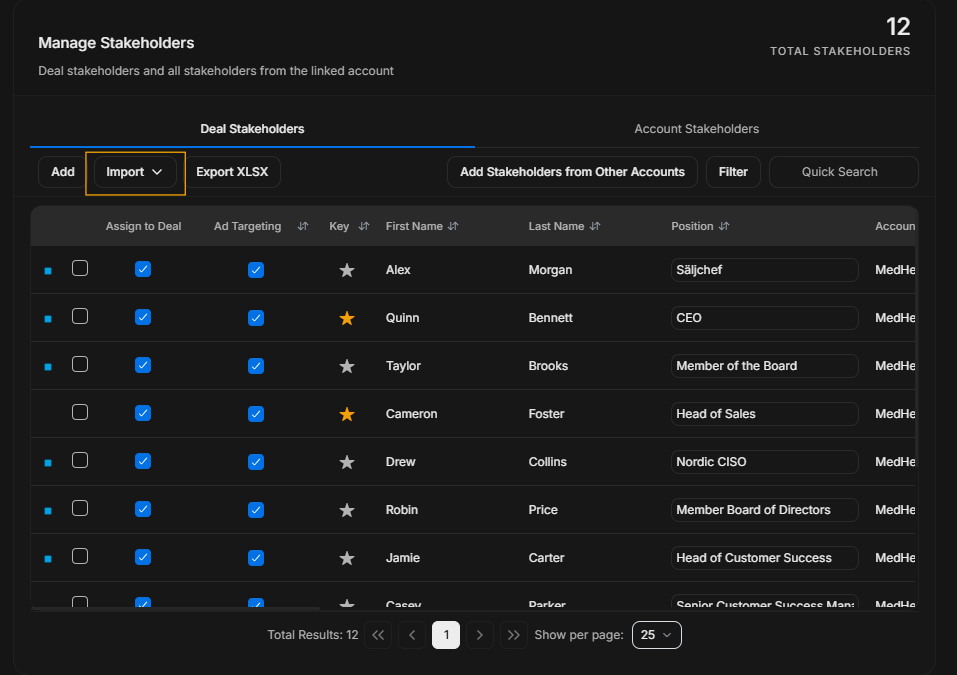
Image guide: Use Import when stakeholder data needs to come in bulk. This is different from adding one person manually.
Export XLSX
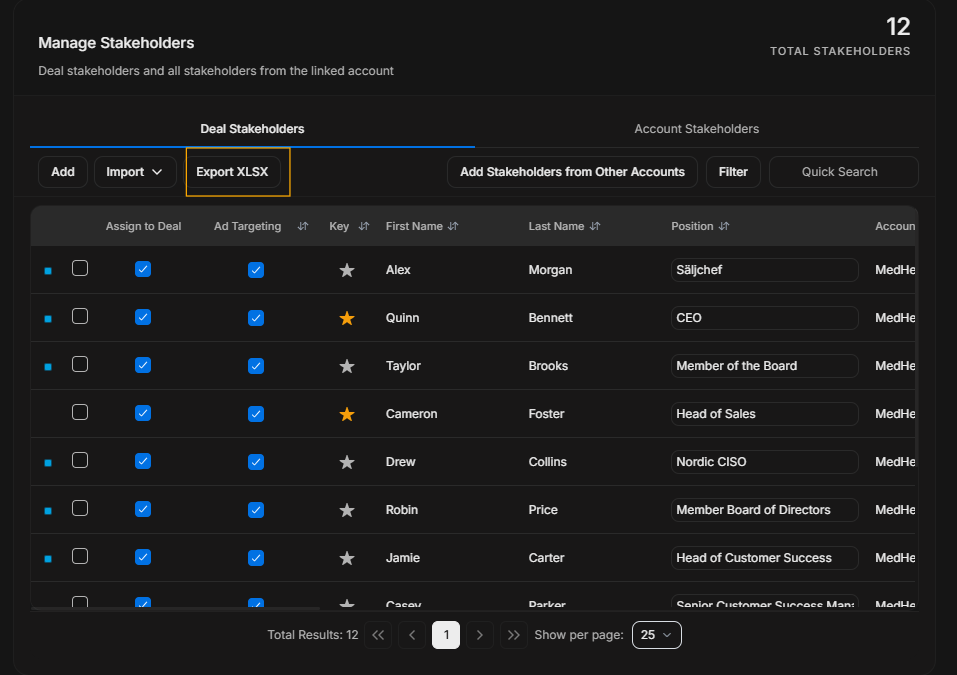
Image guide: Export XLSX downloads the stakeholder table for external review. Check filters and tab before exporting.
Add stakeholders from other accounts
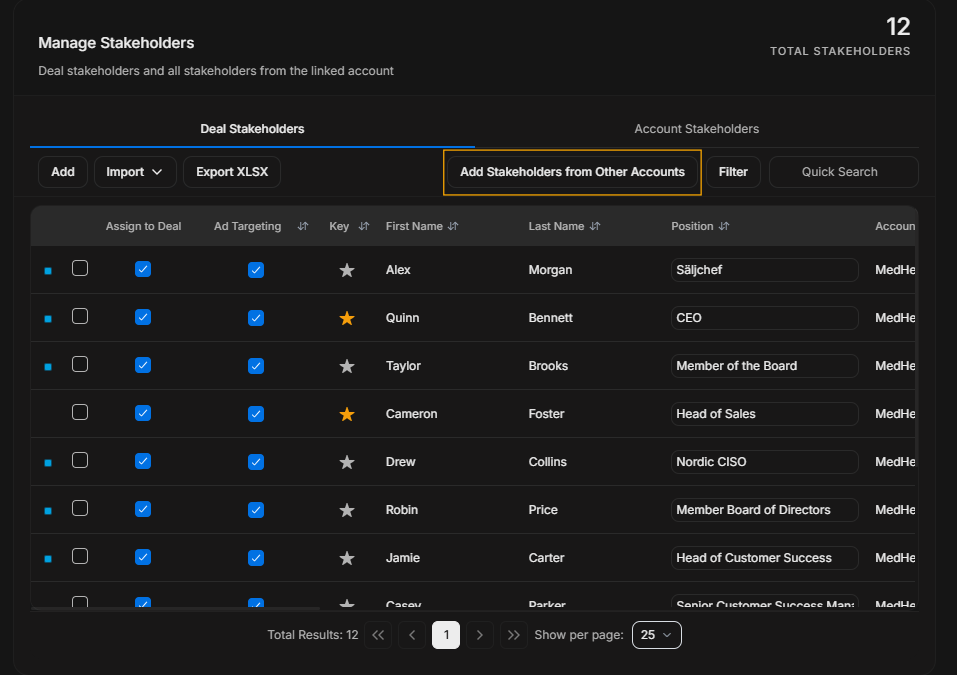
Image guide: Use this when a person belongs to another account record but should still be attached to this opportunity.
Filter
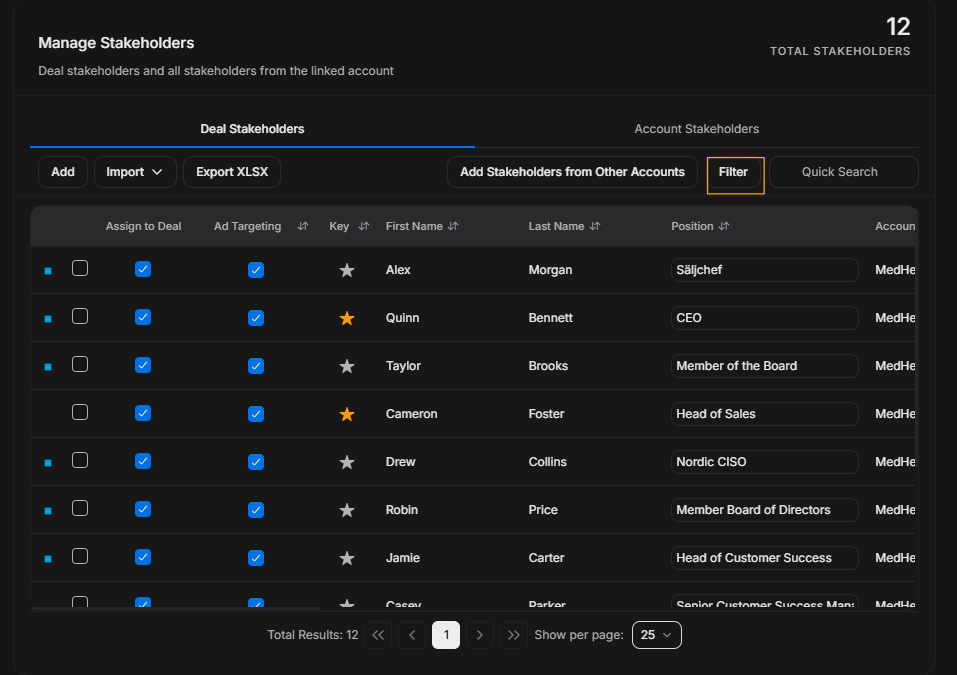
Image guide: Filter is for structured narrowing. Use it for fields and statuses, not simple known names.
Quick Search
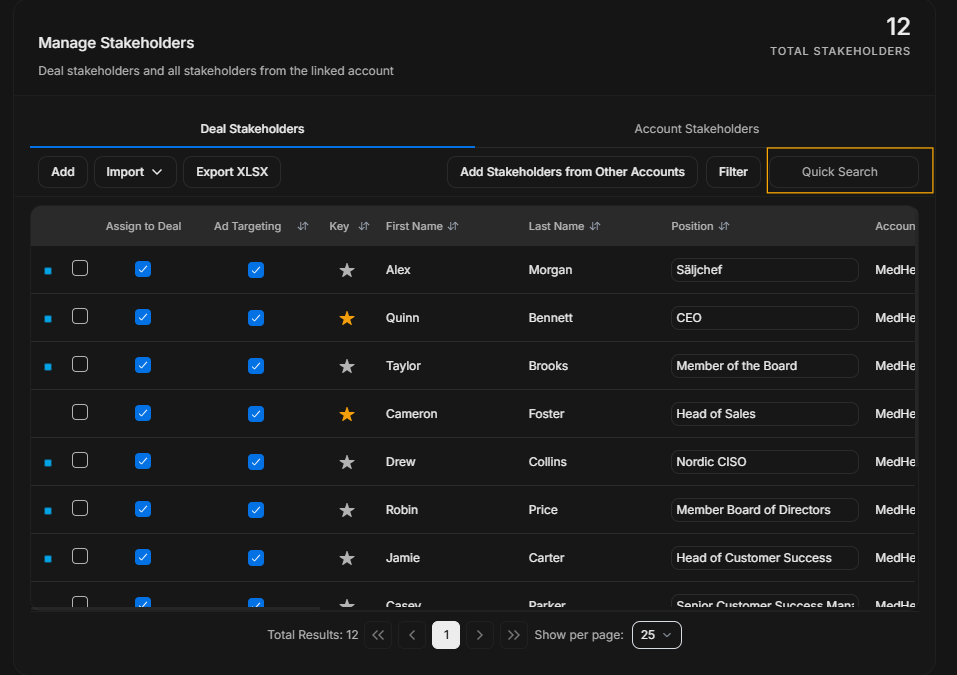
Image guide: Quick Search is for known text such as a person name, position, or visible row value.
Toolbar decision table
| Need | Use |
|---|---|
| Add one known person | Add |
| Bring many people in | Import |
| Download the current table | Export XLSX |
| Add someone from another company record | Add Stakeholders from Other Accounts |
| Narrow by field/status | Filter |
| Find known text quickly | Quick Search |