Header actions: Activities
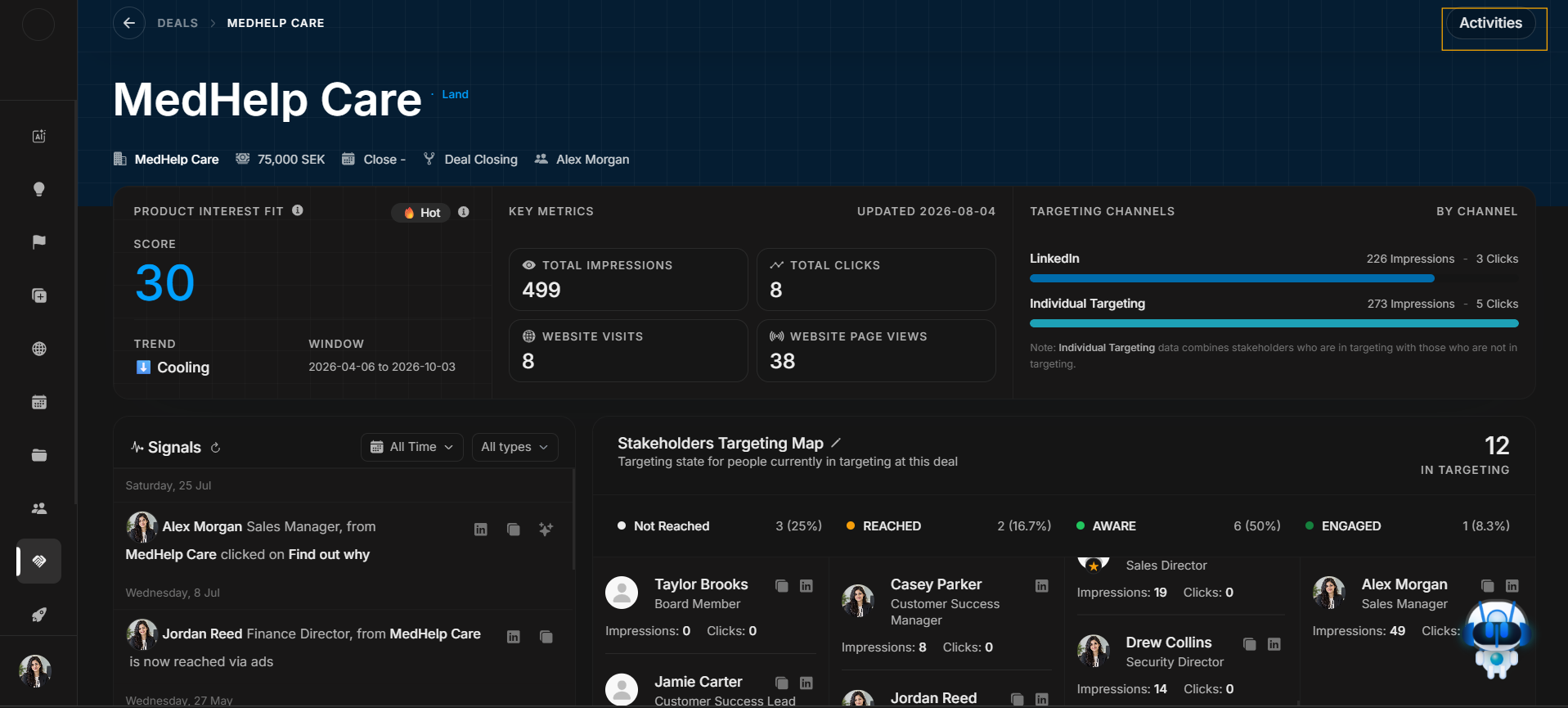
Header actions: Activities
Deal Detail has an Activities action in the header. This is only for record change history. It is not Events, Signals, or Manage Stakeholders.
Select Activities in the header
Image guide: The highlighted header button is where the journey starts. Select it when the user needs to know what changed on the deal.
Activities drawer opens
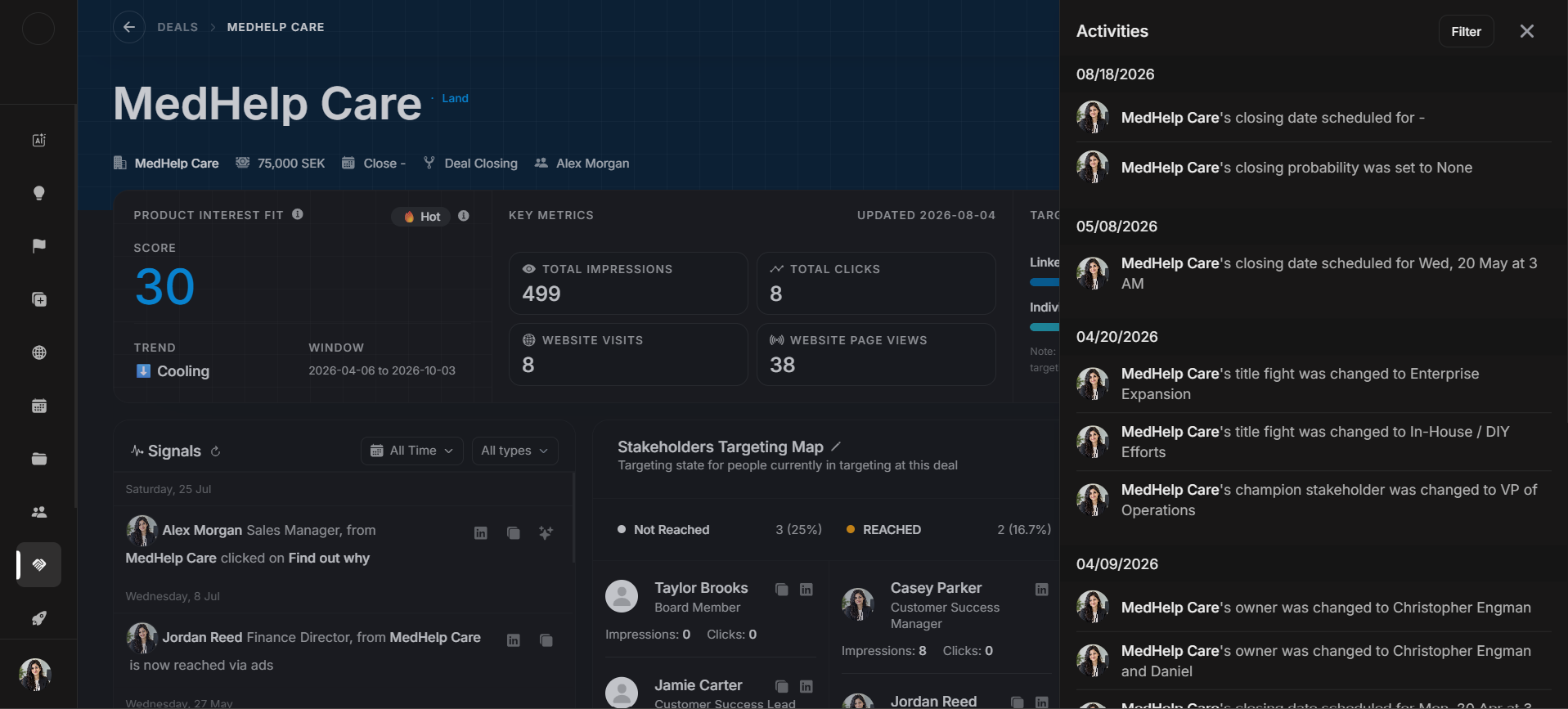
Image guide: After selecting Activities, the side drawer opens. It lists deal-specific changes such as owner, stage, probability, close date, title fight, champion stakeholder, and other field updates.
Then filter if needed
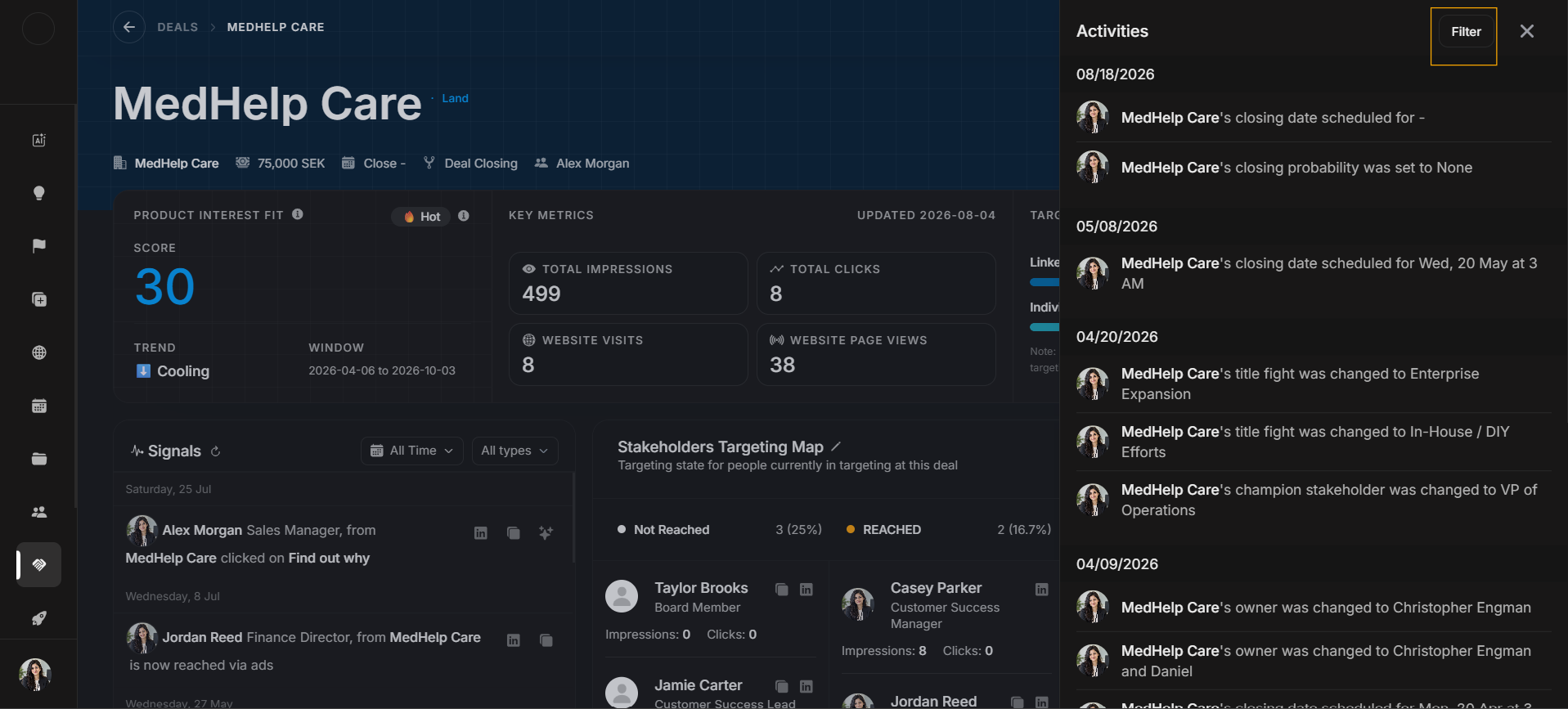
Image guide: The Filter button belongs to the opened Activities drawer.
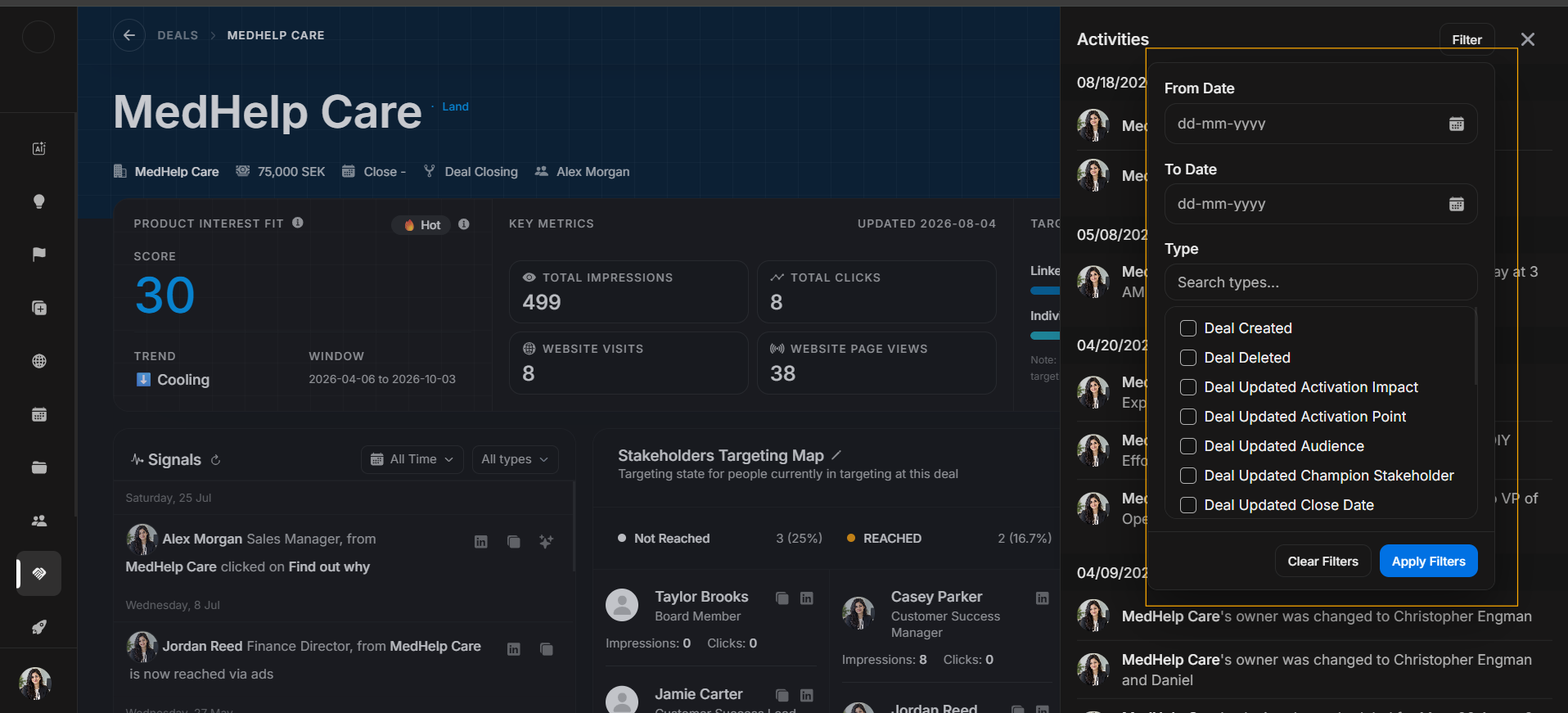
Image guide: The filter panel narrows history by date or activity type. Clear filters before deciding no history exists.
Correct journey
- Confirm the deal in the header.
- Click Activities.
- Read the opened drawer from newest to oldest.
- Use Filter only when the drawer has too many records.
- Return to Deal Details after understanding the change history.