Delete one or more deals
Delete one or more deals
Delete an opportunity only when its saved record should be removed. To clear checkmarks and keep the opportunities, use Deselect. Record-management permission is required for deletion.
List: select and review the deals
Switch to List, check the intended row boxes, and confirm the Deal Name, Account and selected count before choosing Delete. The example uses two rows and begins with 35 results. The selected rows are HelioWorks Manufacturing Strategic Expansion and Aurora Foods Group Transformation Program.
List: review the confirmation or cancel
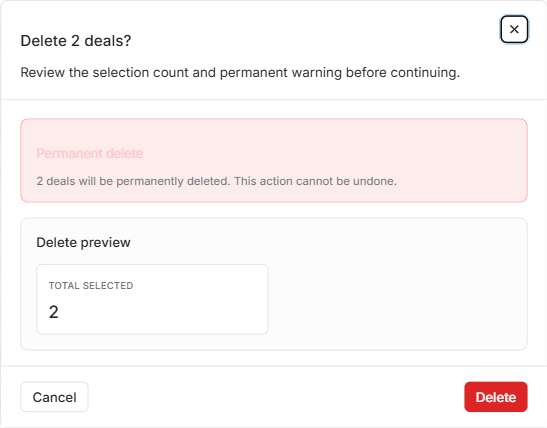
Choose Delete in the toolbar. Delete 2 deals? displays Permanent delete, the warning that the action cannot be undone, and Total selected: 2. It does not list every deal name here, so review the names in the List first.
Choose Cancel or the close control to leave the confirmation. The records remain, the footer still has 35 results, and the two rows stay selected. If the selection was wrong, uncheck the incorrect row or choose Deselect before continuing. Opening the confirmation alone does not delete anything.
List: confirm and read Deal delete result
- When the selection is correct, open Delete again.
- Confirm with the dialog's red Delete action.
- Wait for Deal delete result. During submission, controls can be disabled and Delete can show Deleting....
- Compare Total selected, Succeeded and Failed.
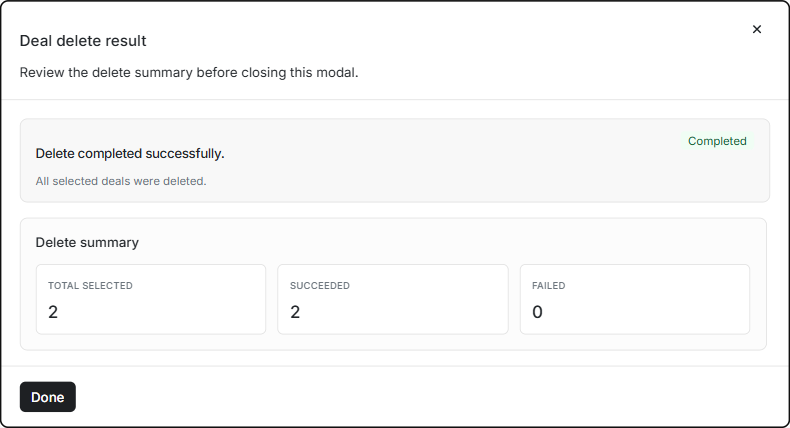
The example reports Completed: two selected, two succeeded and zero failed. Choose Done to return to the List. Do not infer success from the confirmation closing; use the result summary.
List: verify the records were removed
After Done, the deleted rows are absent, row selection is clear, Add returns, and Total Results falls from 35 to 33 in the unchanged unfiltered scope.
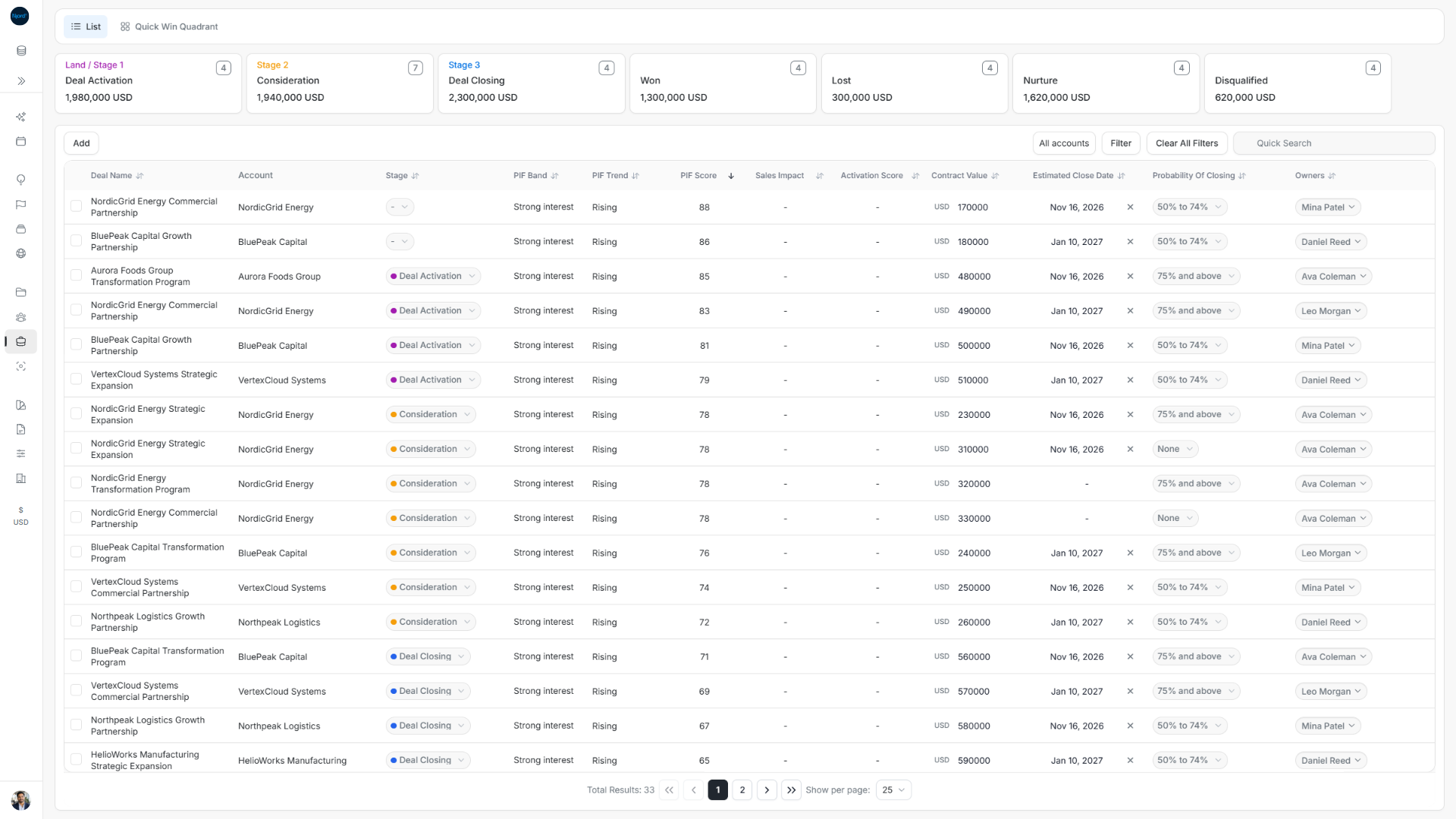
With filters active, compare results in the same scope. A partially completed delete may reduce the total by fewer than the requested count.
Pipeline: open one card's Delete action
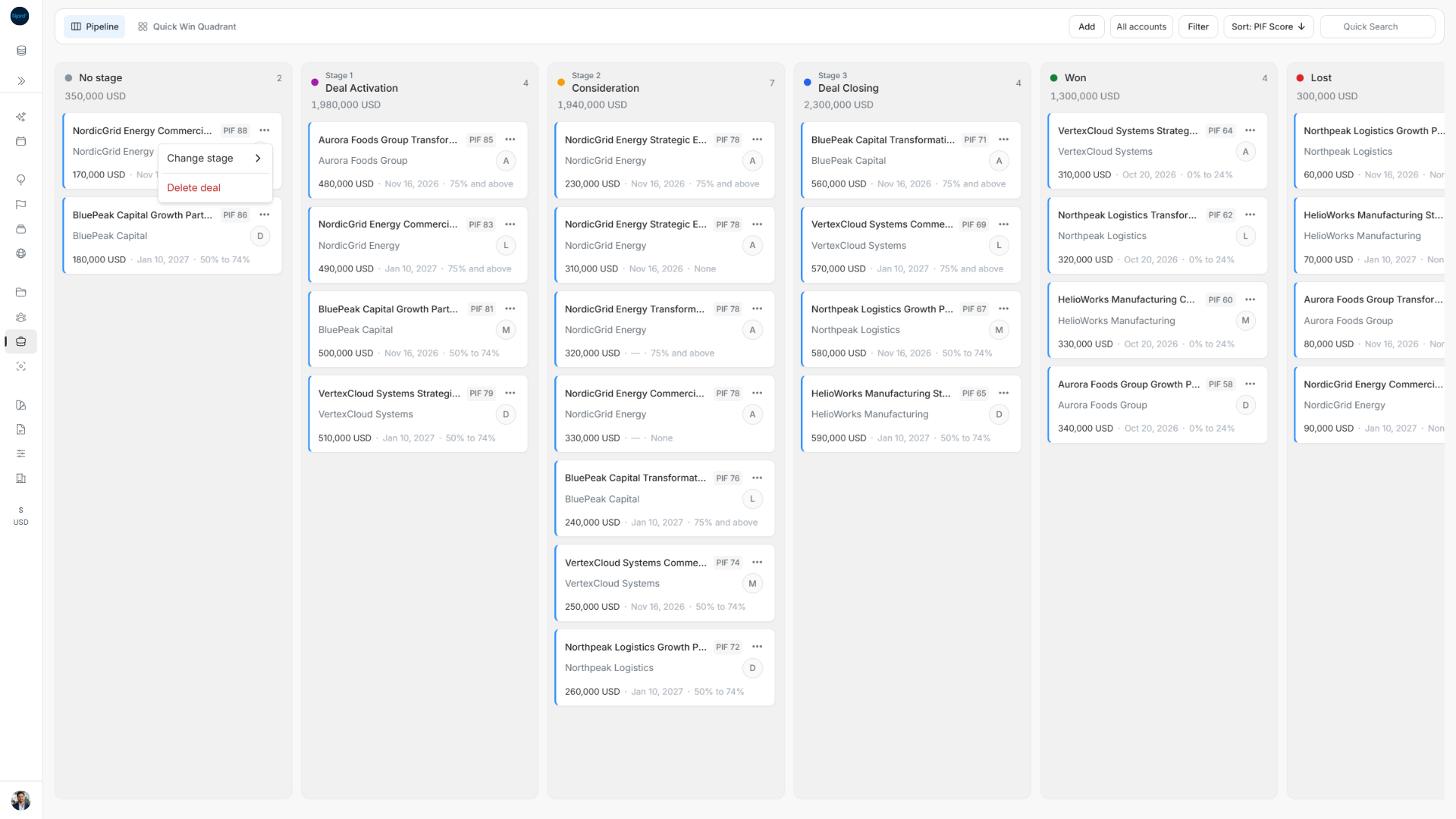
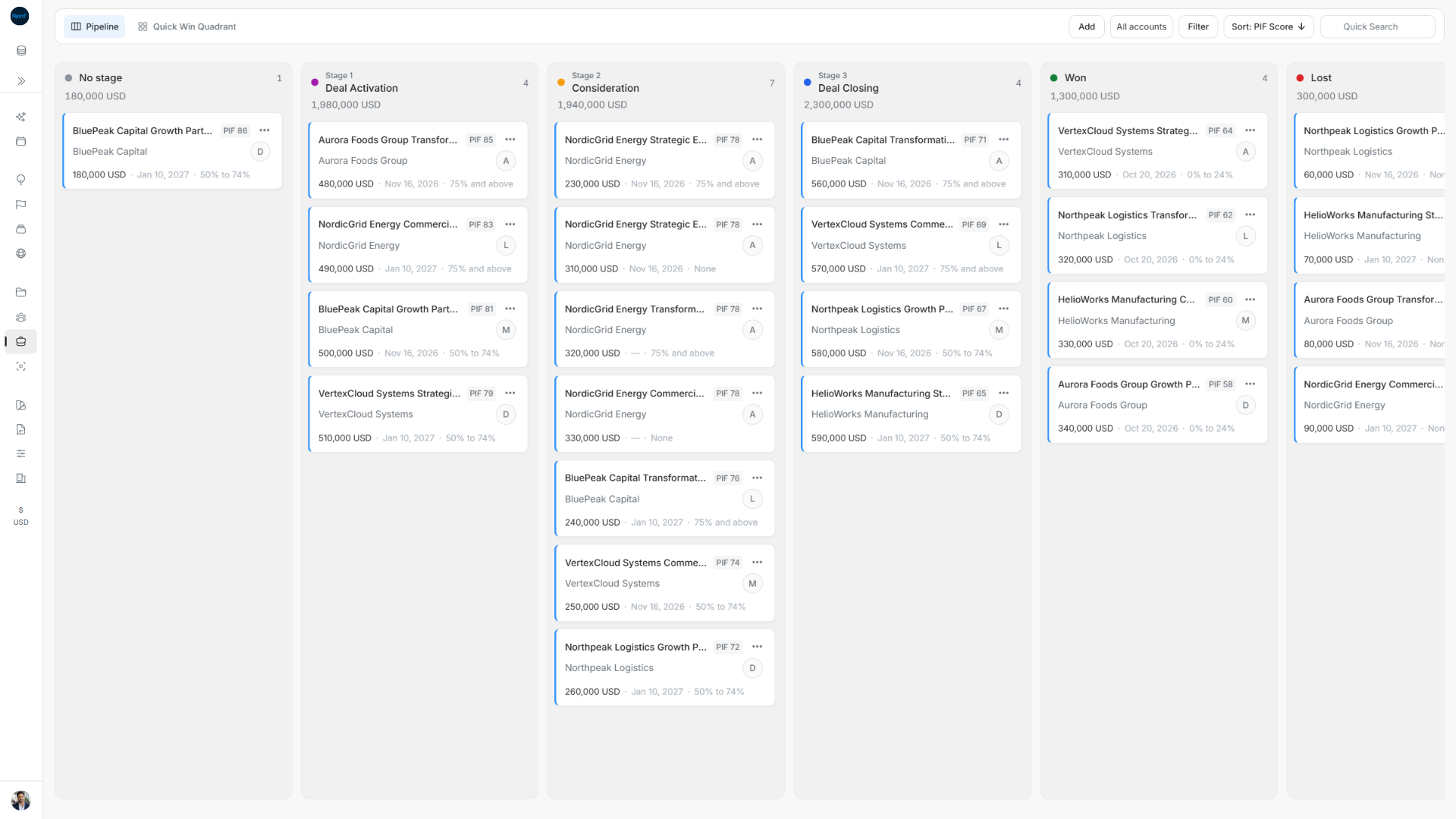
Find the correct card in its stage, check its account and amount, and open that card's three-dot Actions menu. Choose Delete deal. The example targets the 170,000 USD NordicGrid Energy Commercial Partnership card in No stage, which currently has two cards totalling 350,000 USD.
Pipeline: cancel or confirm the single deletion
The single-card confirmation asks Are you sure you want to delete this deal? It uses No, Cancel and Yes, delete it, rather than the List bulk-delete dialog.
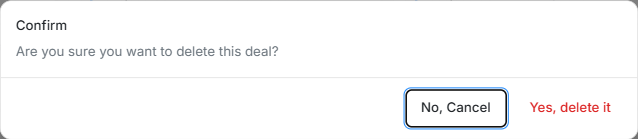
Choose No, Cancel to keep the card. The same two cards and 350,000 USD lane total remain.
To complete deletion, reopen the intended card's Actions → Delete deal and choose Yes, delete it. Check that this card disappears and the lane count and value update. Here only BluePeak Capital's 180,000 USD card remains in No stage, with count one.
If deletion fails or only partly completes
List can report Completed with failures or Failed. Read the failed items and reasons before closing the result. A failure to start leaves an error in the confirmation. Check access and current records, then select only the unresolved records for another attempt. The result labels for deletion are Succeeded/Failed; Update uses Done/Not updated.
For Pipeline, read an error or refresh the lane when the saved result is uncertain. A card disappearing because a search or filter changed is not proof of deletion. Keep the same scope when checking the result.