Add deal
Add deal
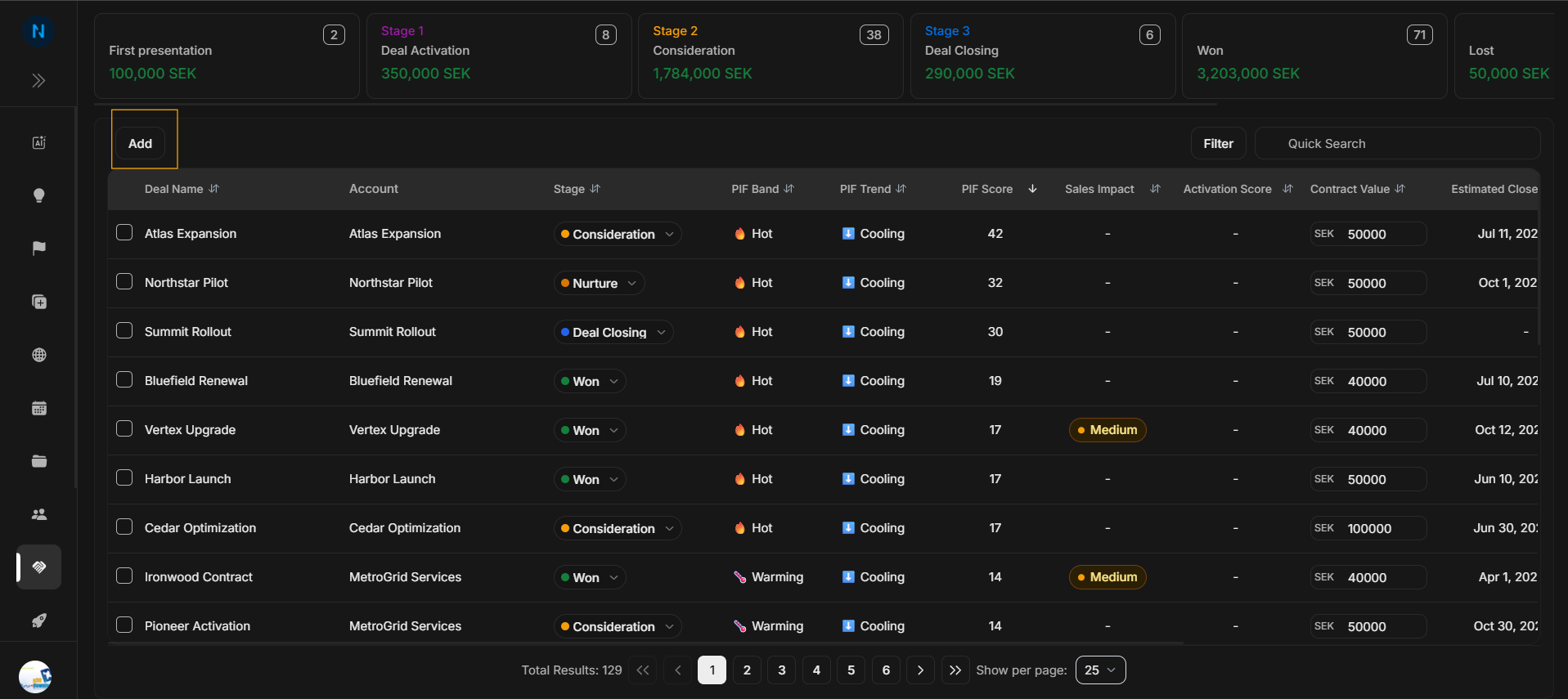
Use Add when a new opportunity needs to be created from the Deals list. The user should first confirm the correct Deals area, because Land and Expand represent different motions.
Add button
Image guide: The Add button belongs to the Deals toolbar. It is separate from Filter and Quick Search, and it starts the create-deal journey.
Add Deal modal
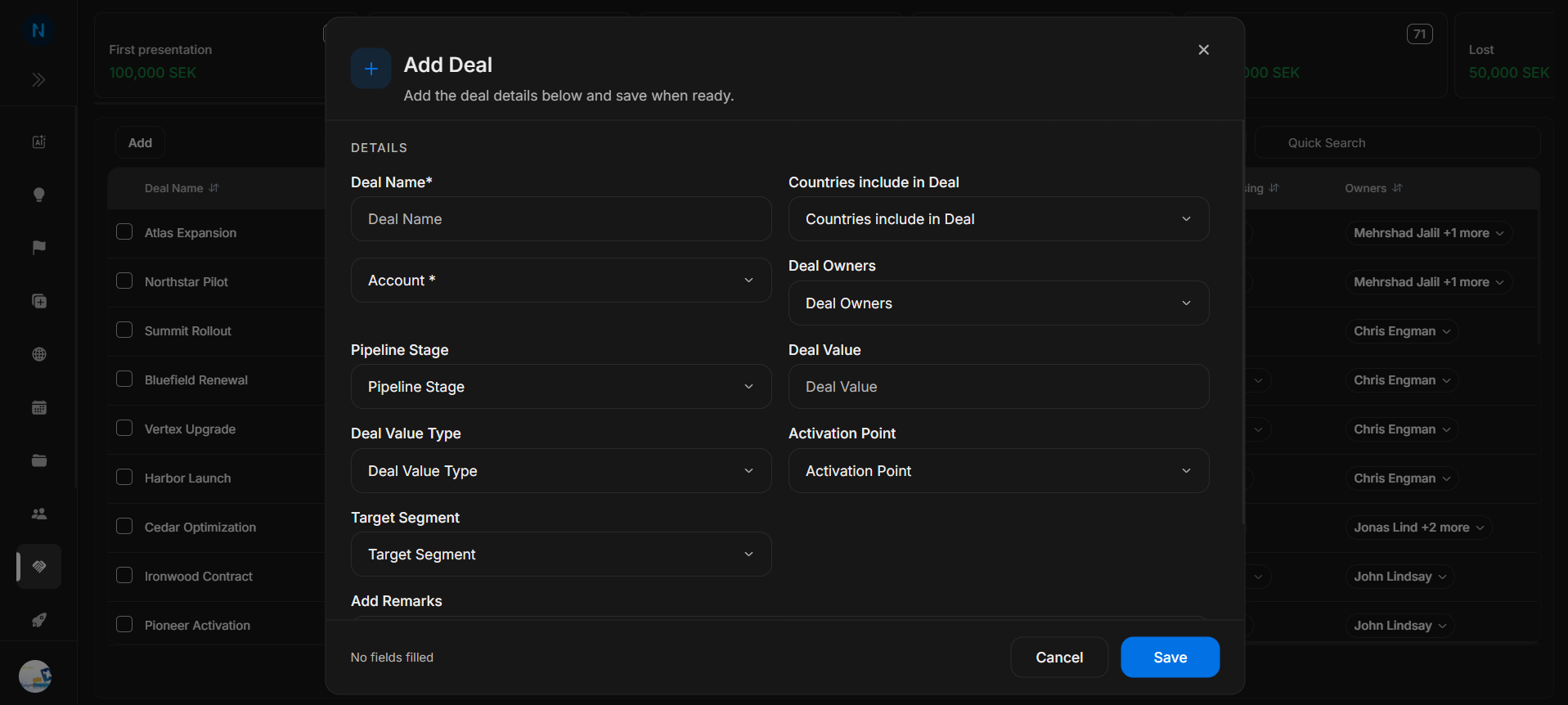
Image guide: The modal is where the opportunity is created. Fill the deal identity, account, owner, stage, probability, value, dates, and any supporting fields shown by the workspace.
Correct journey
- Confirm whether the user is creating a Land or Expand opportunity.
- Select Add from the Deals toolbar.
- Enter the deal name clearly so it can be found later.
- Connect the correct account.
- Assign the owner responsible for follow-up.
- Choose the stage that matches the current sales reality.
- Add probability, value, close date, and supporting details where available.
- Save, then use Quick Search to confirm the new deal appears.
Do not use Add for updating an existing row. If the opportunity already exists, use inline updates or filters to find it.