Select companies or people to add to an audience
Select companies or people to add to an audience
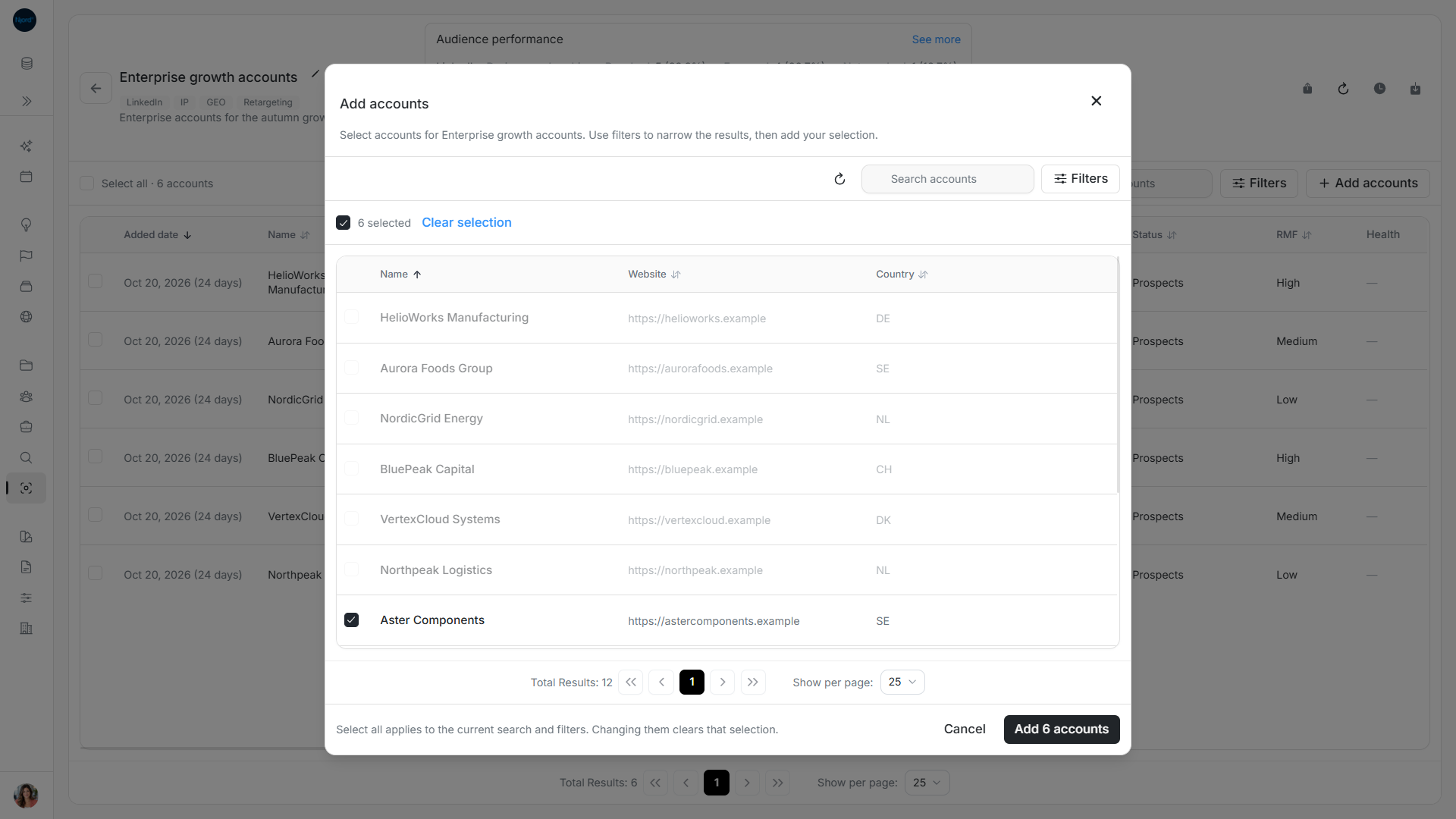
Open an audience and choose Add accounts or Add stakeholders. The candidate picker has its own filters and choices. Start with the workspace, audience name and member type you intend to update.
Find eligible candidates
- Use Quick Search with at least two characters after spaces are trimmed. Wait for the new matches before choosing rows.
- Choose Filters to find accounts by company fields such as country, industry and owner. Use GTM context for saved Offerings, Segments and Buying Logics. For people, choose fields such as Position, Buying roles or Account to filter by their company.
- Choose Apply Filters to use the draft, Cancel to keep the previous criteria, or Clear all and apply to remove them. Choose an explicit owner filter if you need one.
- Check the company and country on an account row, or the account and role on a stakeholder row. Rows marked Already in this audience remain visible and are unavailable for selection.
Select a few candidates or all available matches
Check individual candidates to build a list across searches and pages. The selected count includes checked rows that are hidden by a later filter. Use Clear selection to start over.
Use Select all N available matches for eligible candidates across pages, up to 100,000 records. For example, if 580 records match and 180 are already current, 400 are available. Uncheck exceptions before you submit. Changing search or applied filters clears an all-matching selection and its exceptions. Page and sort changes retain them. Refreshing the candidates or closing Add clears the draft.
Read the count on Add N accounts or Add N stakeholders. The request resolves matches when it is accepted. A record that matches later can be added in a later update.