Activate or deactivate an audience
Activate or deactivate an audience
Activate an audience to include its saved members in targeting. Deactivate it to stop this group's contribution while retaining the members.
Activate a prepared group
- Open the Draft or Inactive audience.
- Check its members and configured techniques.
- Choose Manage audience → Activate audience. Draft audiences also offer an inline activation action beside their status.
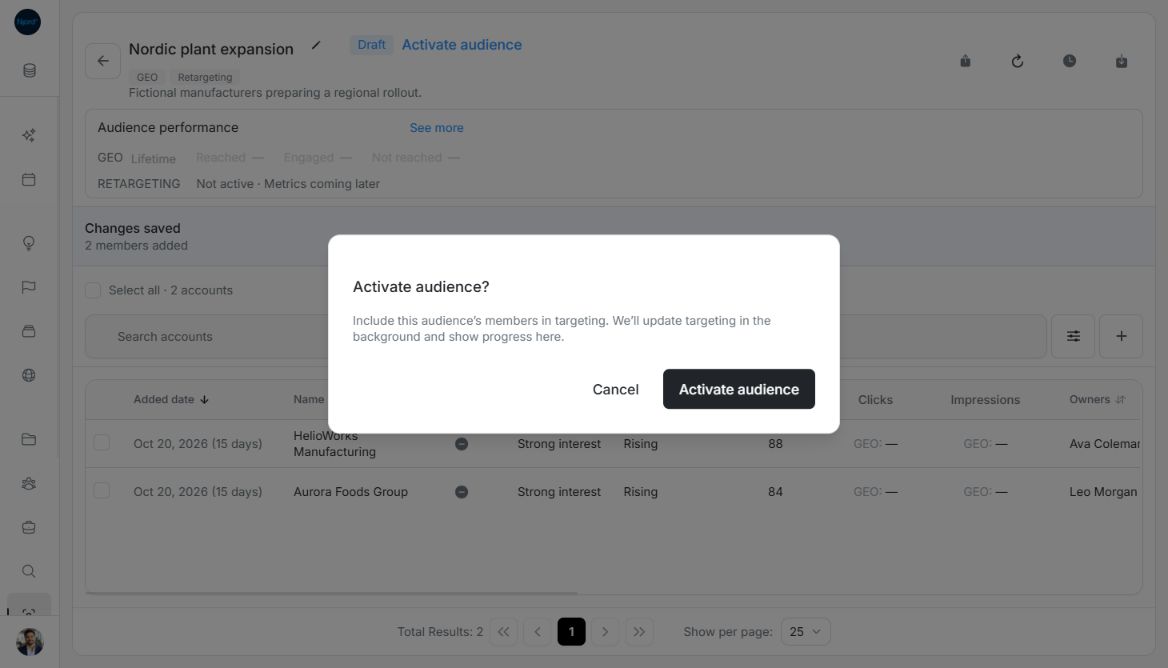
- Read the confirmation. Choose Activate audience to start or Cancel to leave its current state.
- Follow progress and check the final Active status and saved roster.
Image guide: Activation confirms that the audience members will be included in targeting. Fictional sample data, shown in light mode.
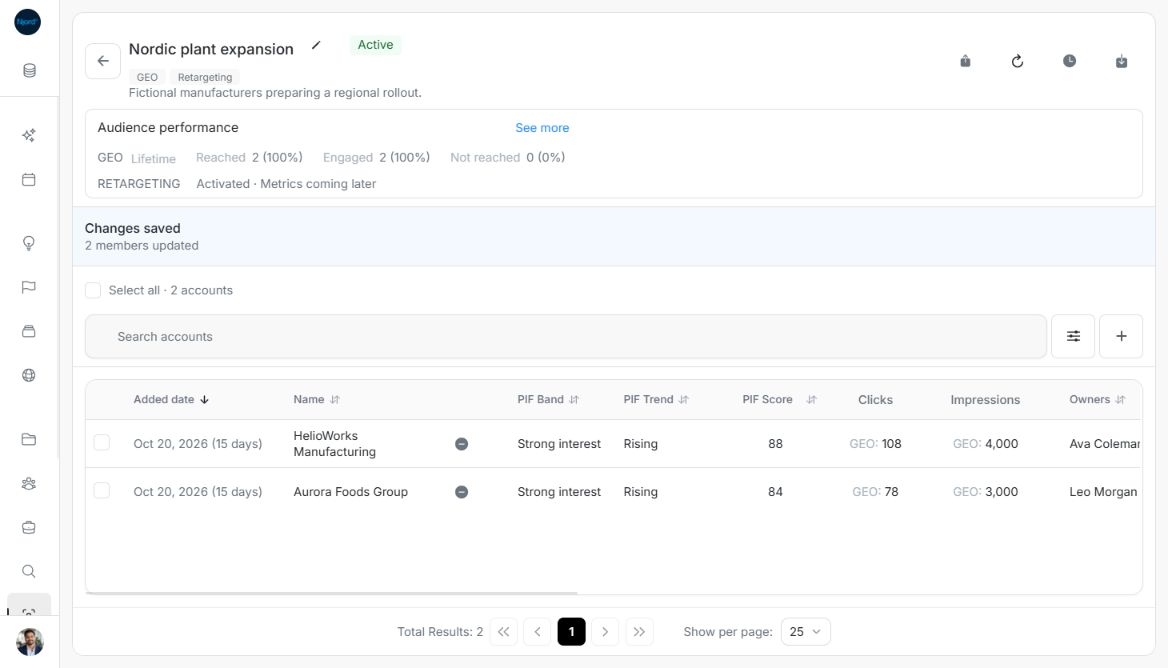
Image guide: The Active account audience retains its two saved members. Fictional sample data, shown in light mode.
Deactivate an Active group
- Open Manage audience → Deactivate audience.
- Read the explanation about saved members and overlapping audiences.
- Confirm Deactivate audience or choose Cancel.
- Follow the update and check Inactive. The member roster remains saved.
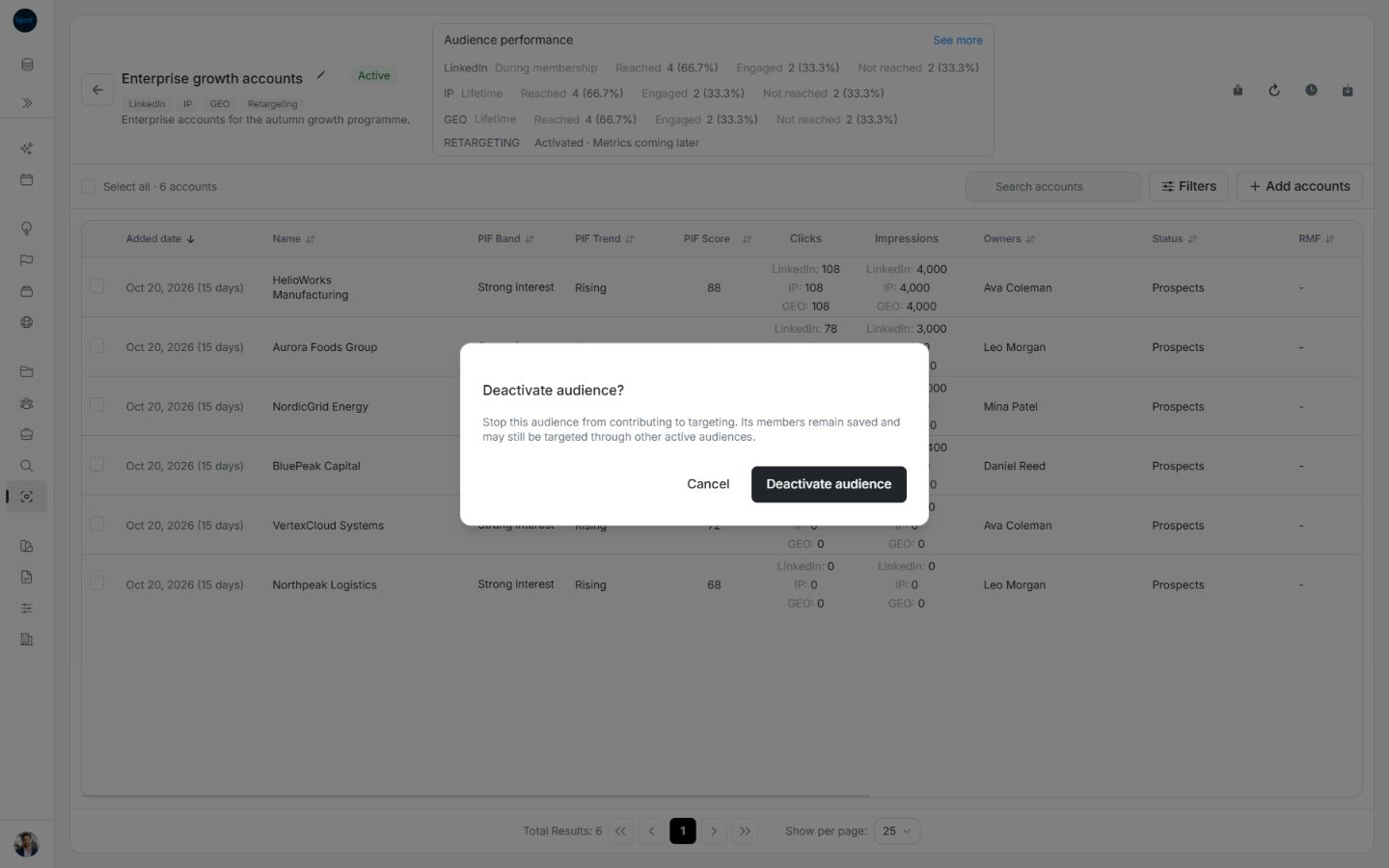
Image guide: Deactivation explains that another active audience can continue targeting the same members. Fictional sample data, shown in light mode.
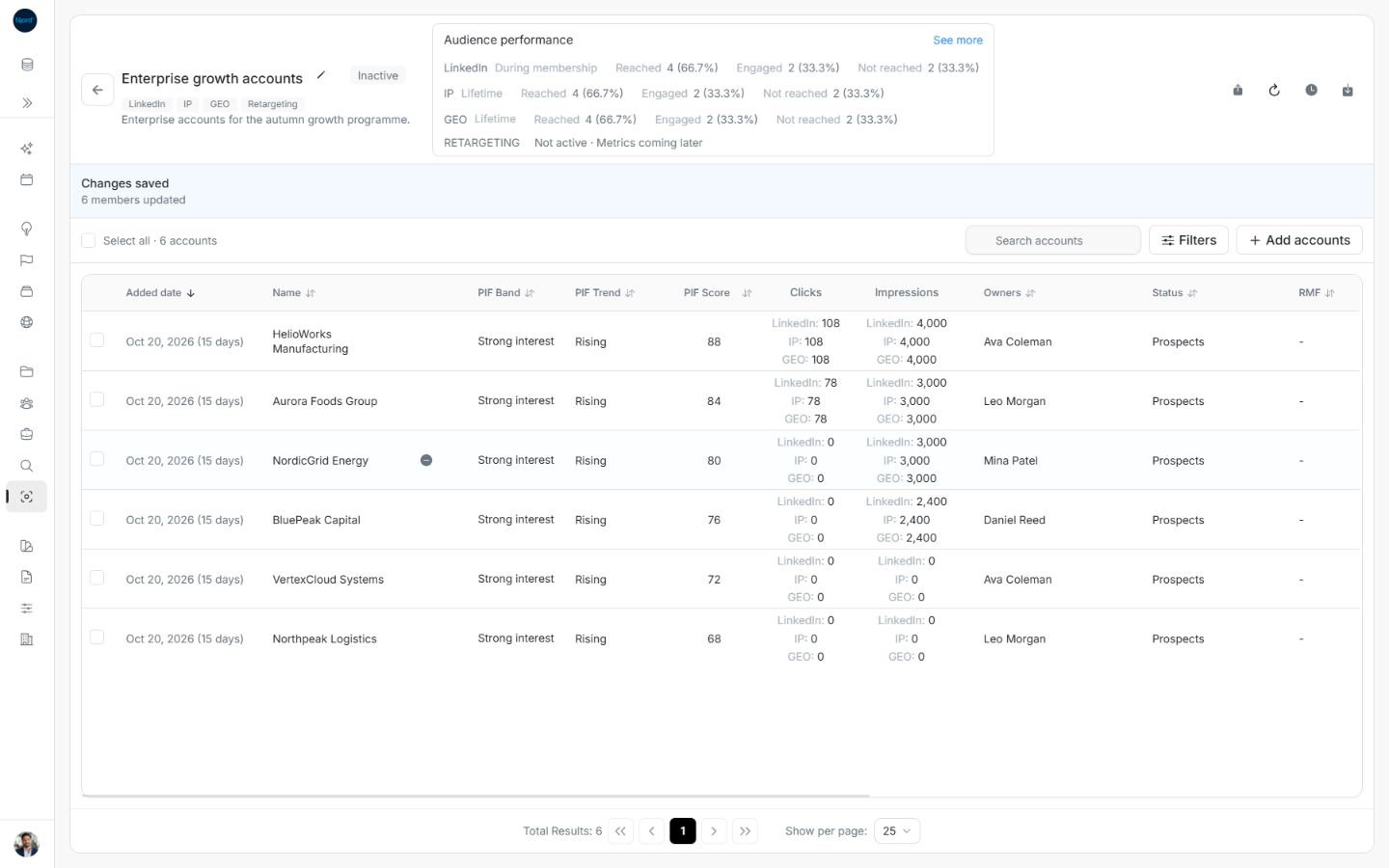
Image guide: An Inactive audience retains its current members. Fictional sample data, shown in light mode.
Check the combined targeting result
Draft, Inactive and Archived audiences do not contribute to targeting. Another Active audience can keep an account or stakeholder targeted. Configured technique chips and historical performance do not prove this group is delivering ads now.
While Active, the menu disables Archive (deactivate first). Deactivate before archiving. If an update fails or only partly completes, inspect the progress and offered recovery action; do not infer completion from the status badge alone. Completed changes remain saved.
Separate acceptance from completion
Confirmation starts or queues a background targeting update. An accepted request is not its completion. Follow the saved/checked counts and any recovery message. Deactivation retains membership, and the Inactive group can later be activated again. Other Active audiences may continue targeting shared companies or people throughout this change.