Open landing pages and original posts
Open landing pages and original posts
Choose Landing to check the page an ad takes someone to. Choose View in LinkedIn to open the available original post. These actions serve different purposes.
Open the ad destination
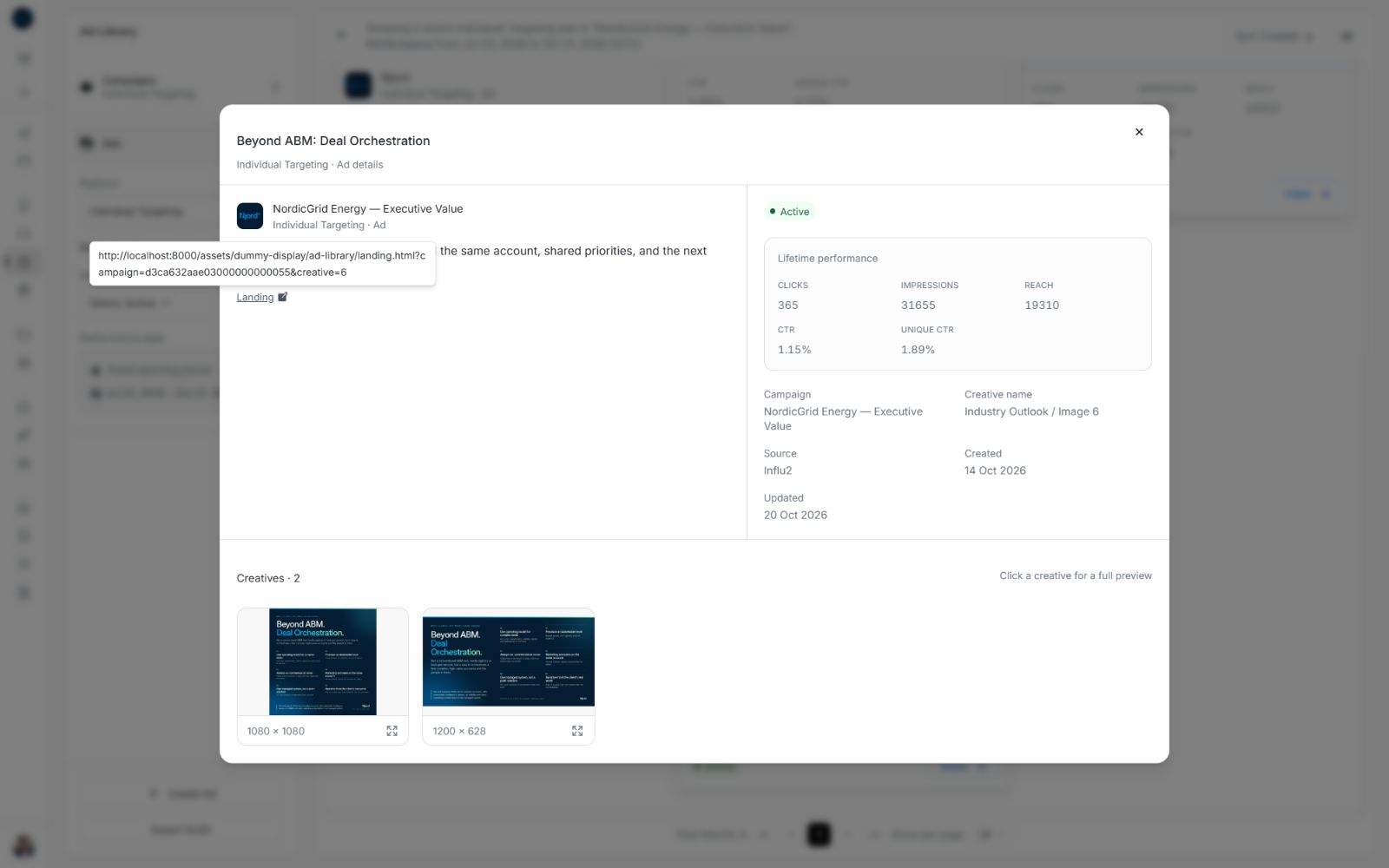
Landing opens the ad's destination in a separate tab. You can find it beneath the ad title in list view, in full-copy information and in the full ad preview. On an ad card, the headline and website strip also open the destination.
- Identify the ad and its campaign.
- Use Landing, or the card's headline and website strip.
- Check the destination in the new tab.
- Return to the Ad Library tab to continue comparing ads.
Image guide: Point to or focus the destination action to inspect its full address. Opening it keeps the Ad Library review available in its own tab.
The screenshots use local sample destinations. In your workspace, the action uses the destination returned for that ad. If no destination is available, the card's headline can remain plain text and the action may be absent.
Open the original LinkedIn post
For LinkedIn ads, View in LinkedIn opens the available original-post address in a separate tab. If the source has no post address, the available ad destination may be used instead. An absent usable address can hide this action.
The card's top-right eye is a quick post preview inside DOE. Its footer View, title or thumbnail opens the full ad preview with performance and details. Choose View in LinkedIn when you need to inspect the original outside DOE.
If a link or preview is unavailable
Return to the original DOE tab and check whether the other actions are available. A LinkedIn post can be unavailable while the ad's performance or destination remains available. If the full ad itself cannot be found, check access and workspace before concluding that the link is broken.
For a saved DOE ad-details link, see Read ad details and full copy. For MEDIA URL in a workbook, see Download an XLSX spreadsheet.