Read ad details and full copy
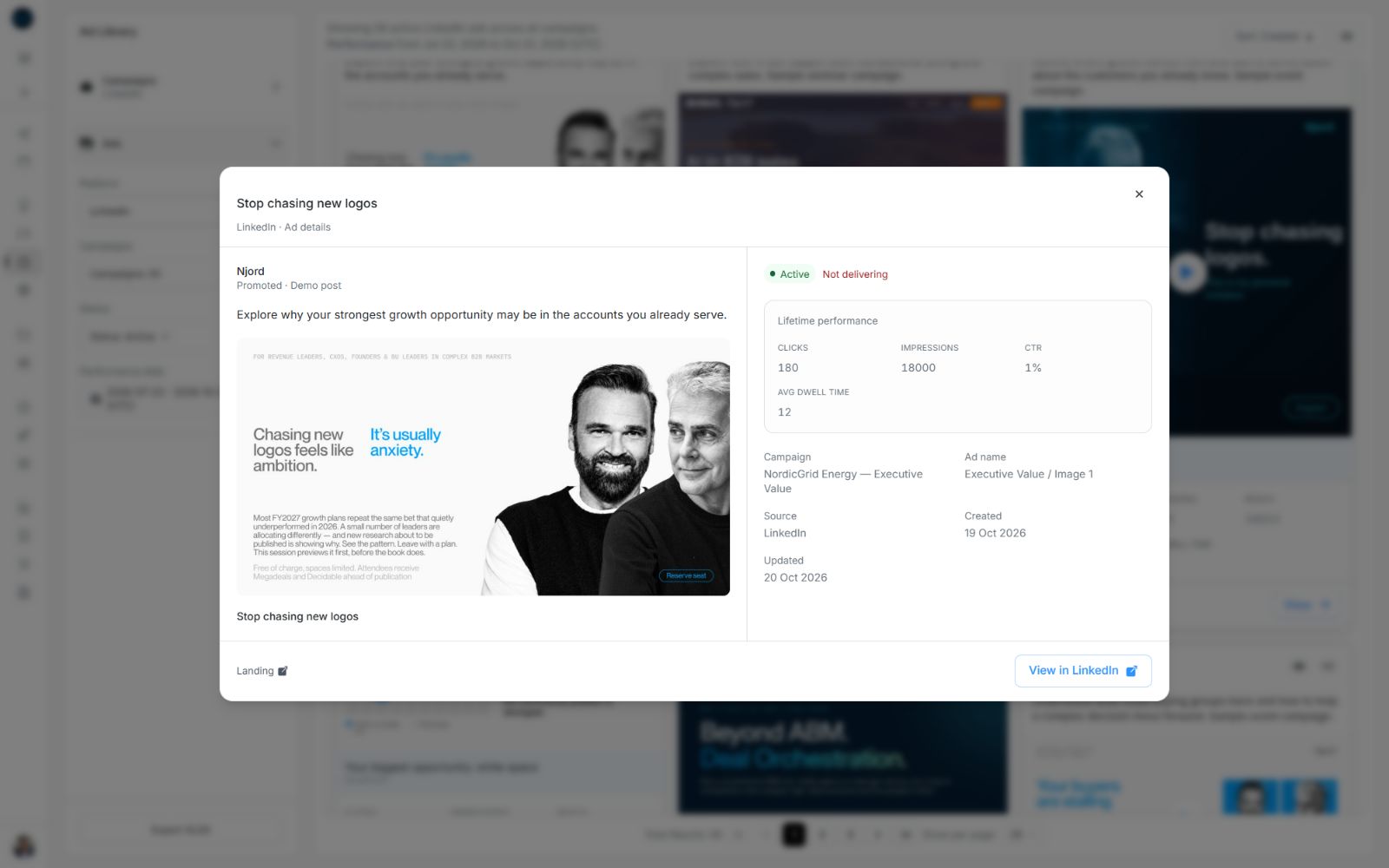
Read ad details and full copy
Open an ad when you need the full message and identity behind a result. This guide covers the full ad and copy; creative playback and external destinations have their own guides.
Open the full details
From an ad card, choose its lower View button or select the creative. In a list, select the ad title, thumbnail or row. Links to an ad from a report or another DOE view can open the same details. A saved ad-details link opens the same information on a page with Back to ads.
The LinkedIn eye-shaped View control is the quick post preview. Use the lower View action when you need performance and the rest of the ad details as well.
Image guide: The full preview places the ad beside its lifetime results and details. Landing and View in LinkedIn are available when their links exist.
Read the copy without opening everything
In a list, choose View copy. In card view, select the text excerpt. The small window shows the creative name, full creative copy and landing-page link when supplied. This is useful when you want to compare messages quickly while staying in the results.
Close it with its close control, Escape or a click outside. You can scroll inside long copy without closing the window.
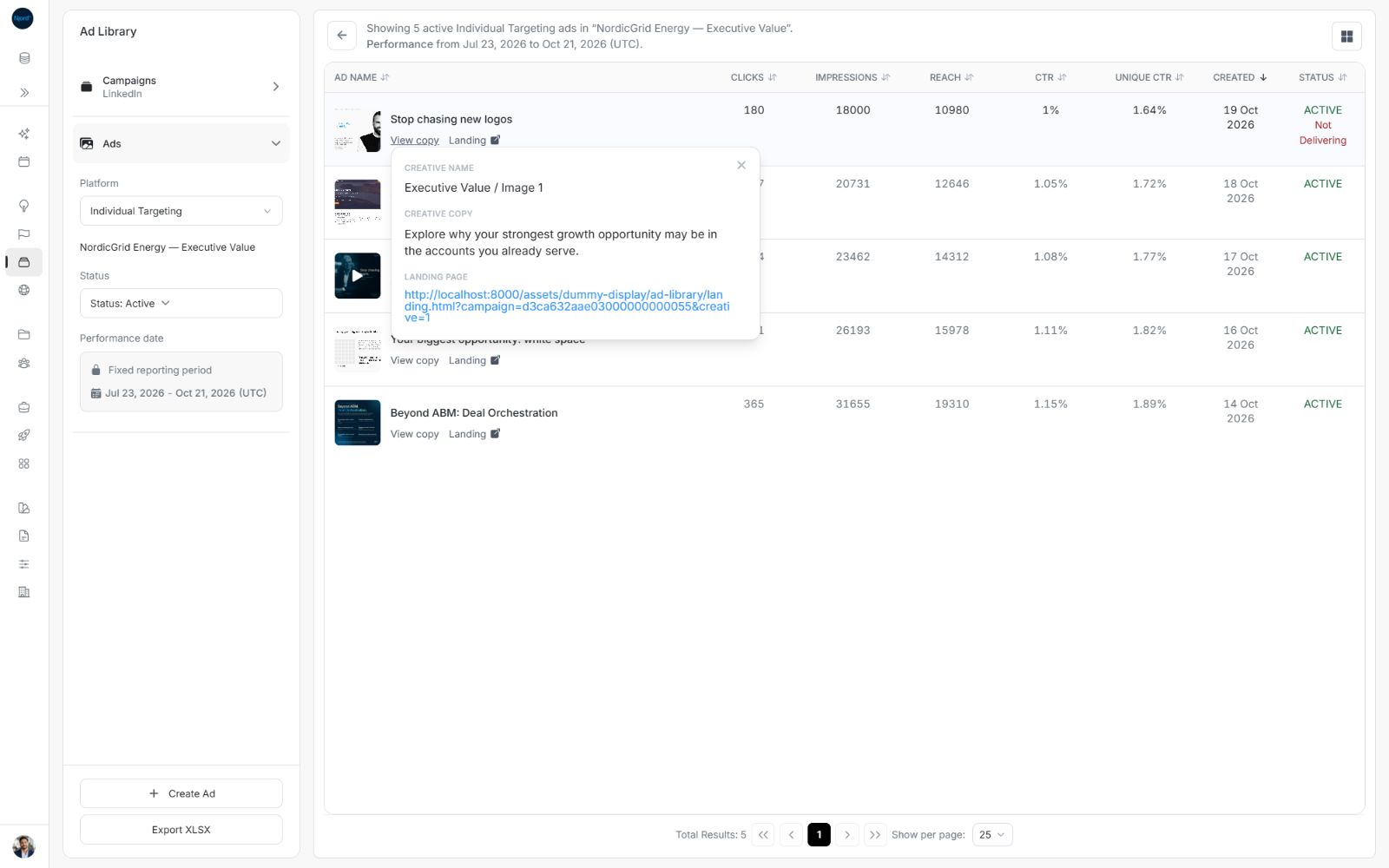
Image guide: Use this view for the complete message rather than relying on a shortened card excerpt.
Understand the details
| Area | What to check |
|---|---|
| Headline and creative/ad name | The message and internal creative identity. A title can differ from the creative name. |
| Copy | The complete text used for the creative, when available. |
| Campaign | The parent campaign when that context is available. |
| Source | The source supplying the ad. Individual Targeting can show Influ2 here. |
| Created and Updated | The dates available for the ad record. |
| Status and delivery note | The ad's reported state and any Not delivering note. |
| Lifetime performance | The available results over the ad's lifetime. |
| Creatives | The image sizes or videos available for Individual Targeting. |
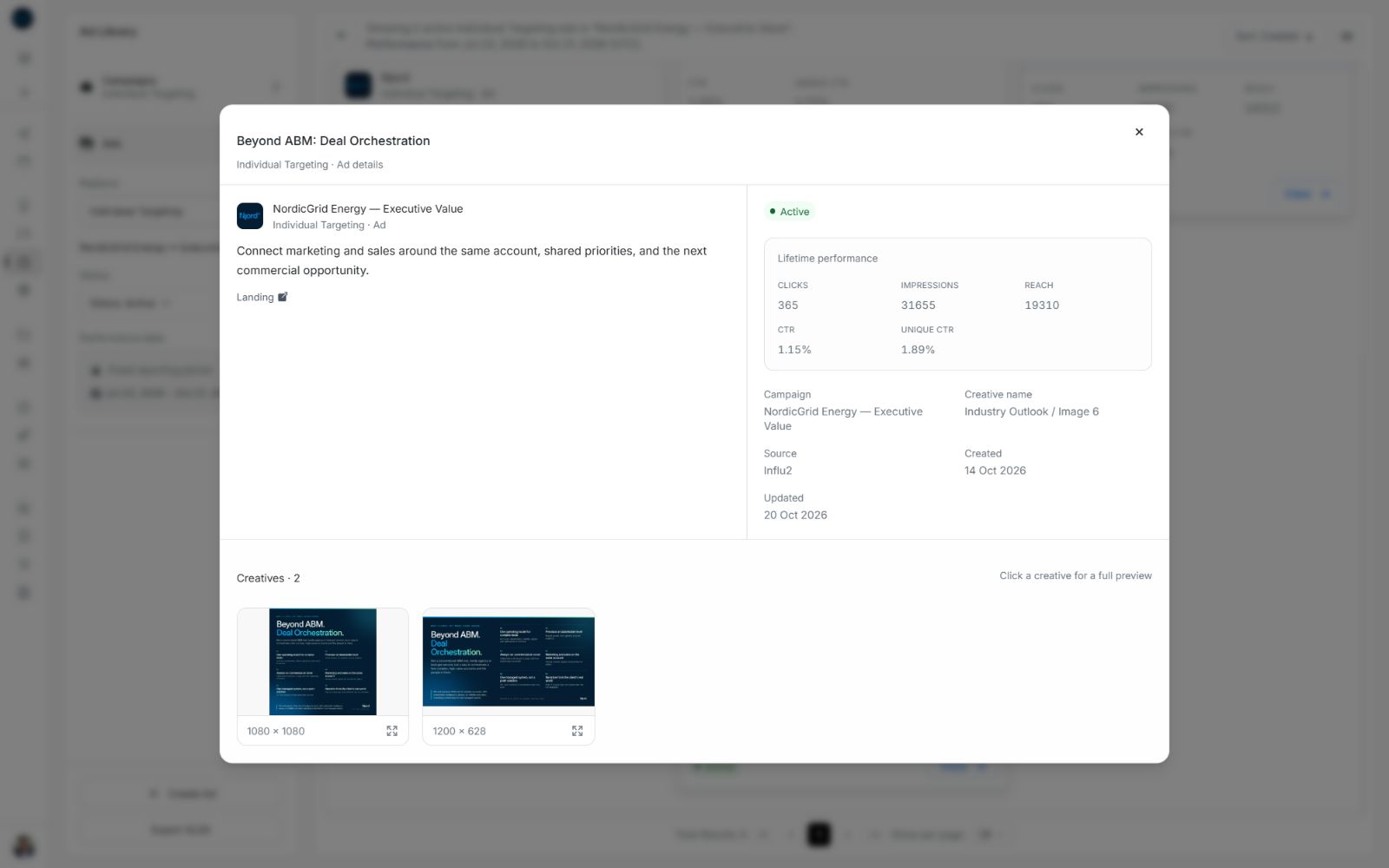
Image guide: Copy and identity appear beside Lifetime performance. Available creative variants are below them; scroll within the preview if needed.
Open a saved ad-details link
A saved ad link can open a separate details page with the same information and Back to ads in its header. Confirm its workspace, platform and ad identity before using the results.
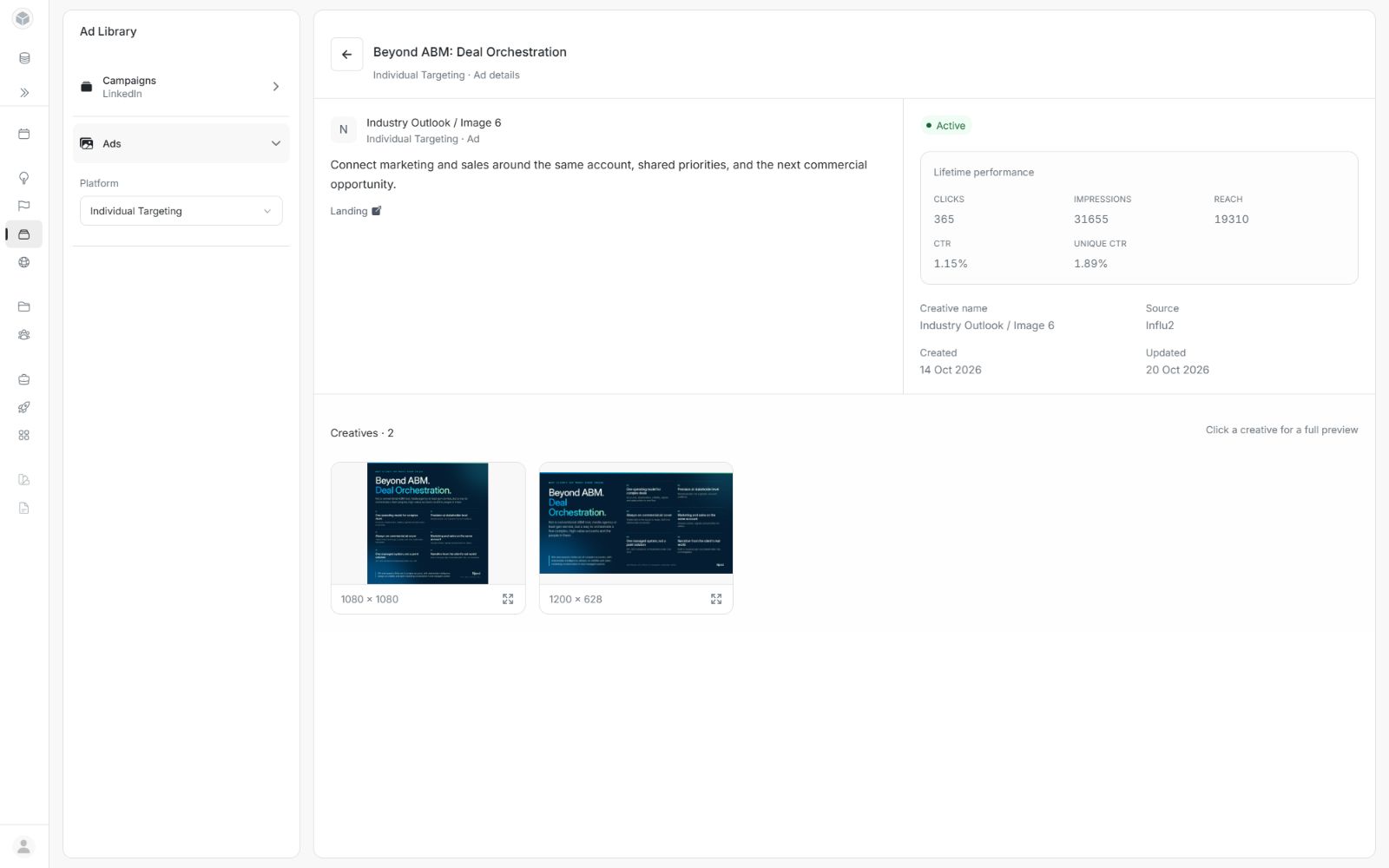
Image guide: Use Back to ads on a separate details page. Use Close preview when the ad is open over a listing.
Return to the results
Use Close preview, Escape or the surrounding background. If an enlarged creative is open, close that creative first to return to the ad details. A separate details page uses Back to ads.
Use the metric guide to distinguish Lifetime performance from the listing's selected dates. For an unavailable ad or failed details request, follow the troubleshooting guide.