Stakeholder bulk actions
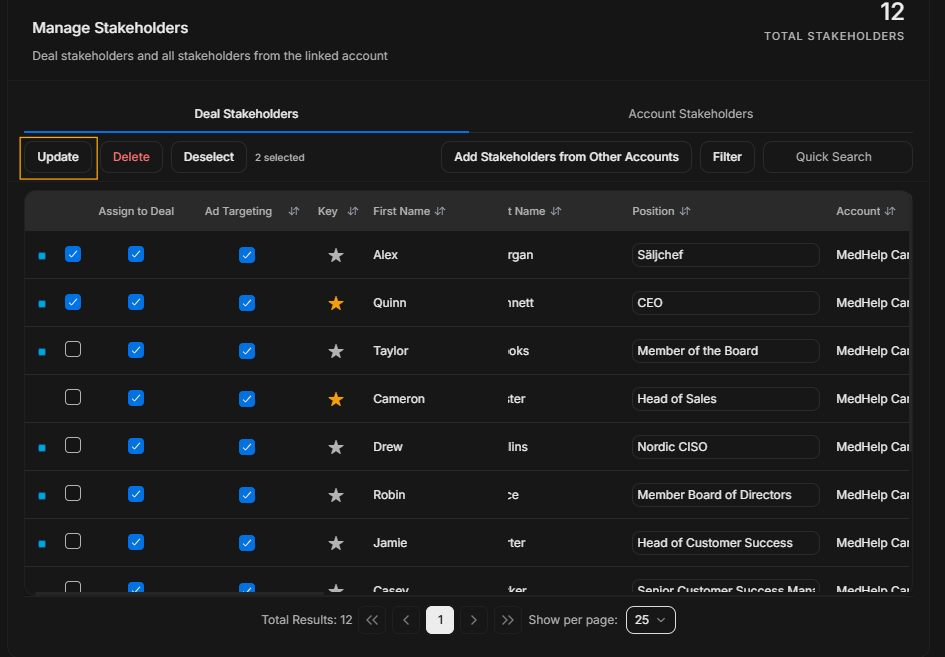
Stakeholder bulk actions
Bulk actions appear only after rows are selected. Use them carefully because they can affect multiple stakeholders at once.
Bulk toolbar
Image guide: The toolbar appears after selection. Confirm the selected rows before using any bulk action.
Delete
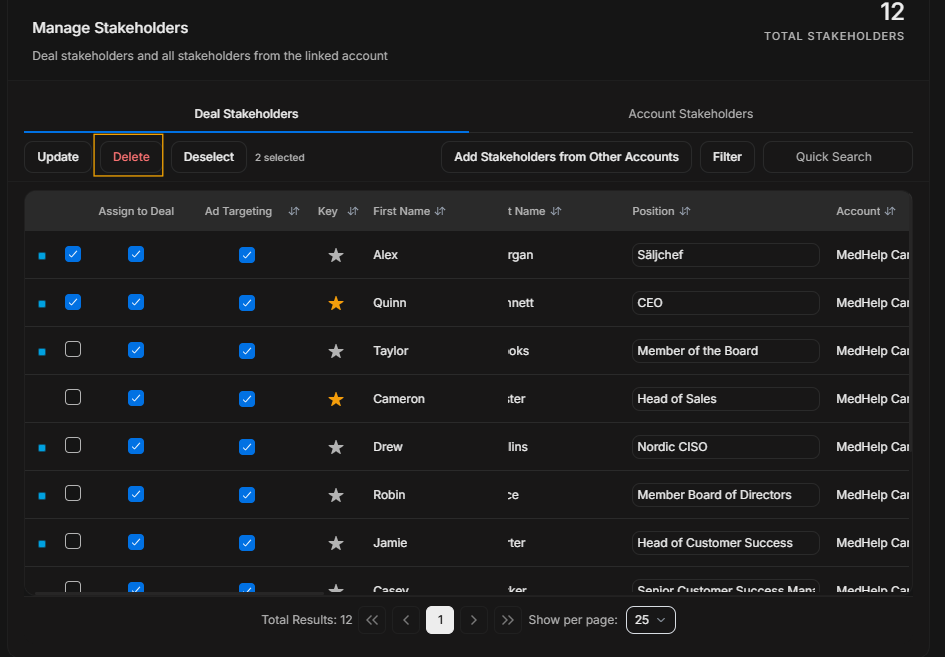
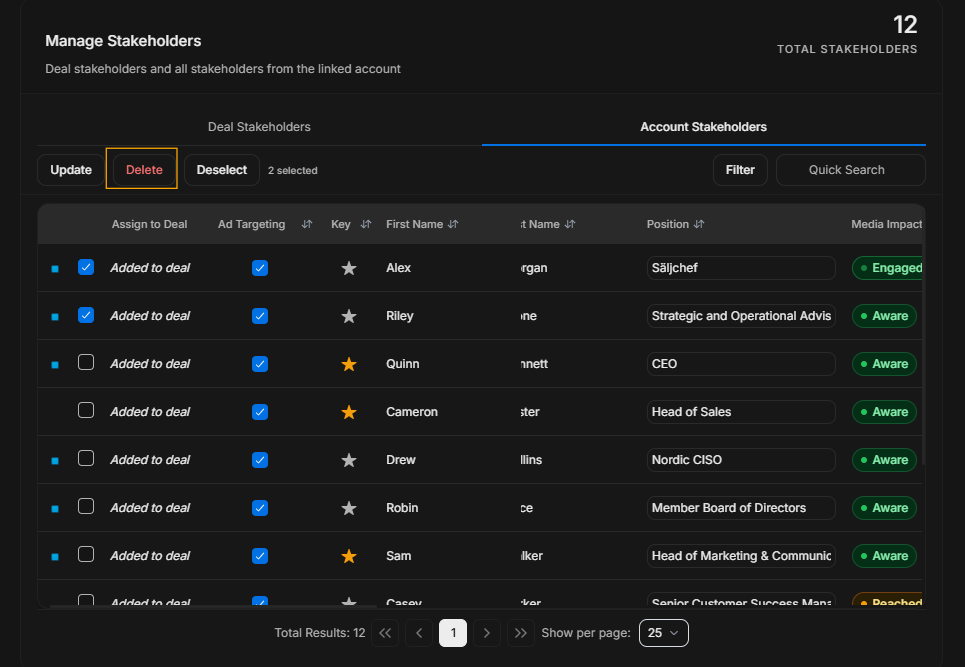
Image guide: Delete removes selected stakeholder records or associations depending on the current table context. Confirm the tab and selection first.
Deselect
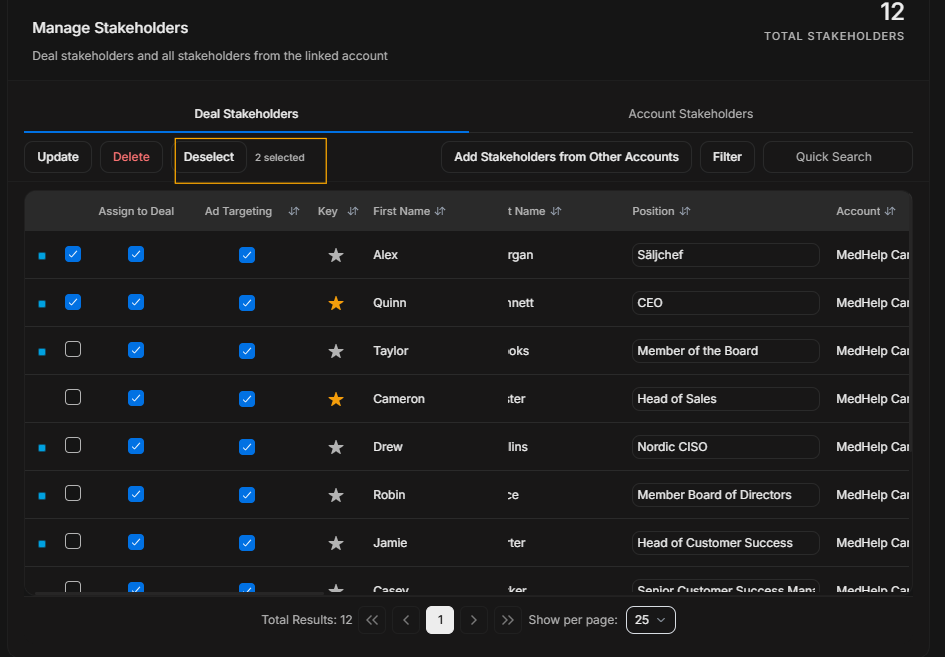
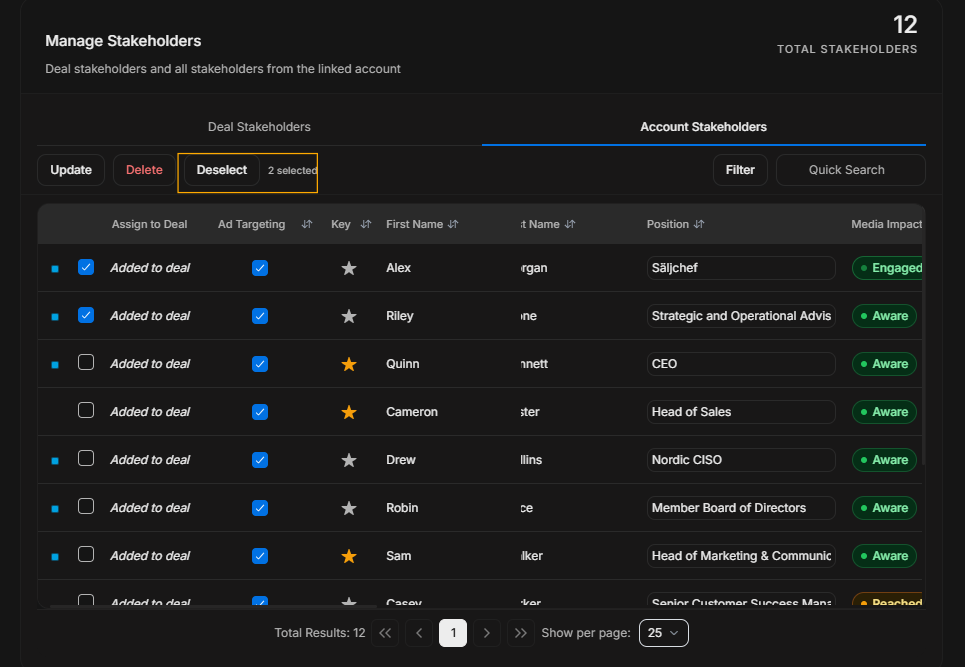
Image guide: Deselect clears the current selection when the user does not want a bulk action anymore.
Update
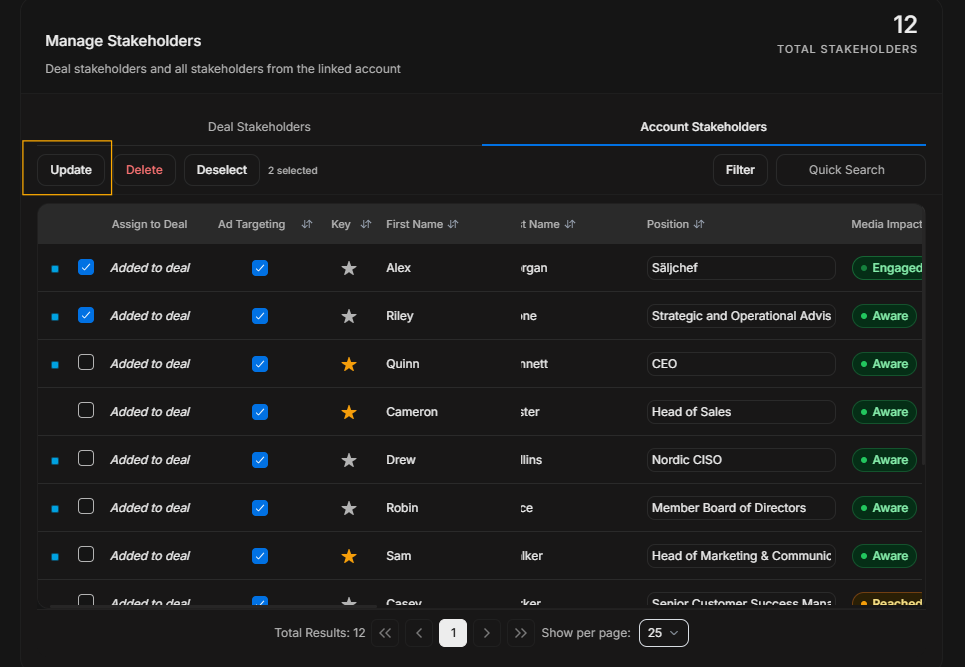
Image guide: Update applies a bulk change to selected stakeholders. Use it only when every selected row needs the same change.
Safe pattern
- Select only the rows that should change.
- Confirm the selected count.
- Choose Update, Delete, or Deselect based on the exact task.
- Apply one action at a time.
- Recheck the table after the change.