Account stakeholders on a deal
Account stakeholders on a deal
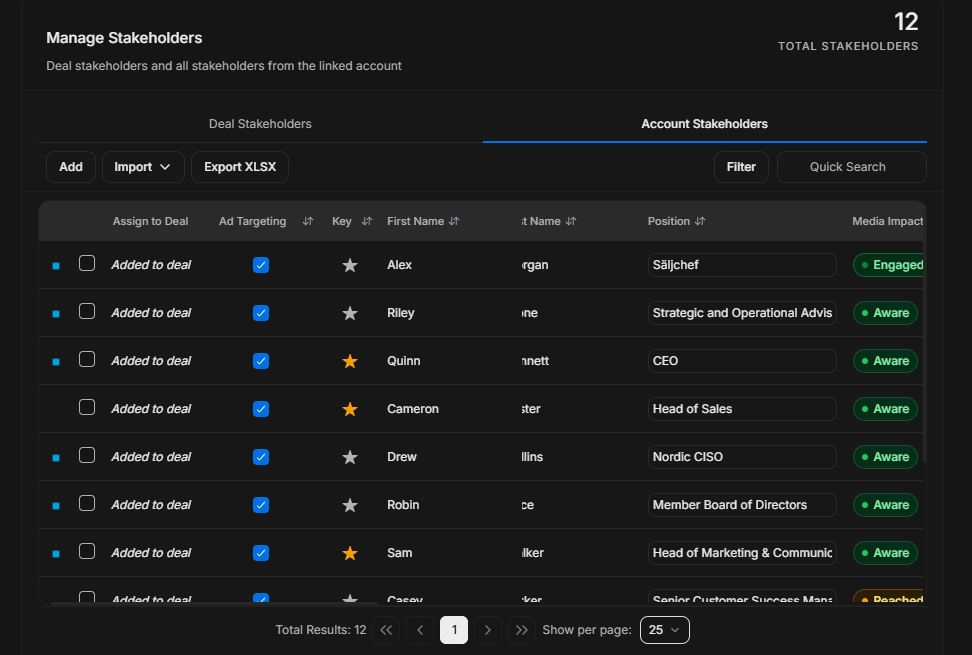
Account Stakeholders shows people from the linked account. Use it when the user needs to add someone to the deal who is known at the account level.
Account Stakeholders tab
Image guide: This tab is separate from Deal Stakeholders. It shows account people, including those not yet added to the opportunity.
Add
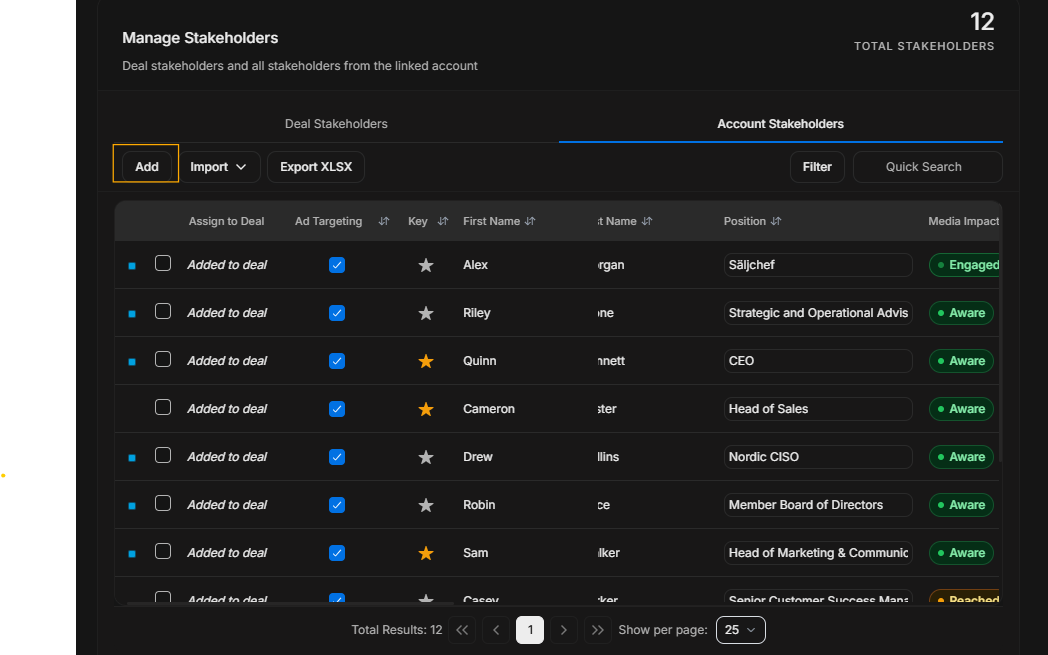
Image guide: Add starts a person-add flow from the account stakeholder context.
Import
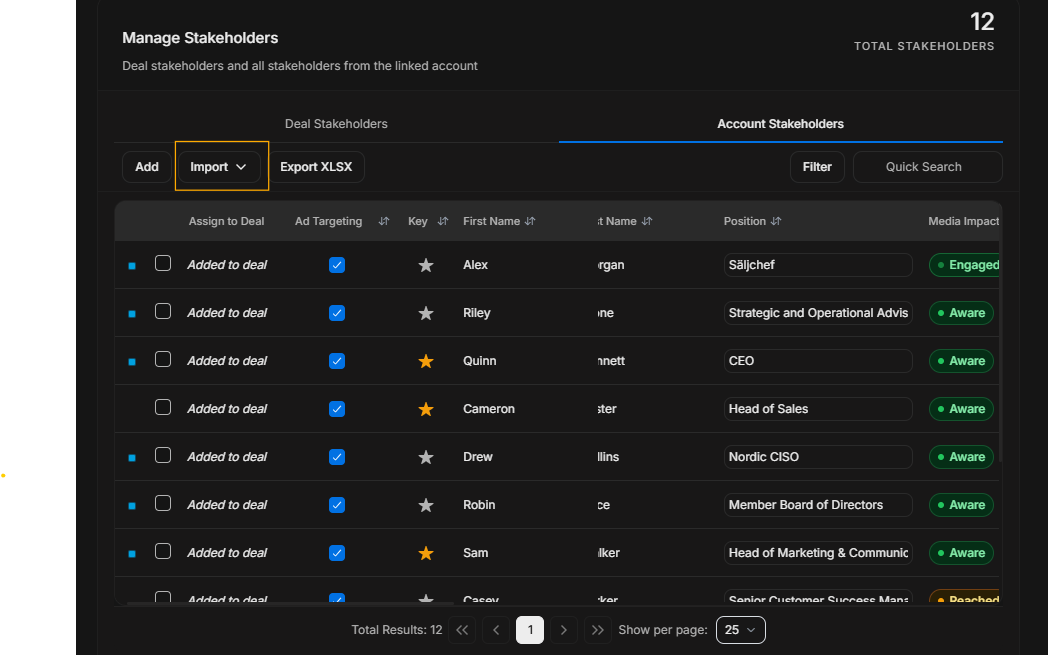
Image guide: Import is for bringing in stakeholder data in bulk.
Export
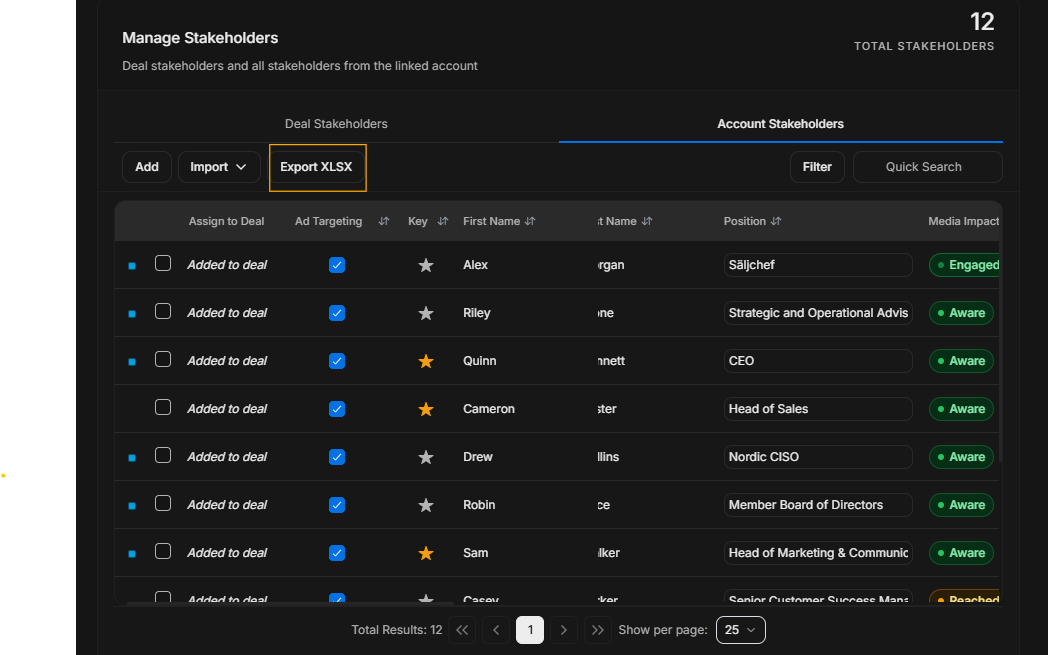
Image guide: Export downloads the current account stakeholder view.
Filter and search
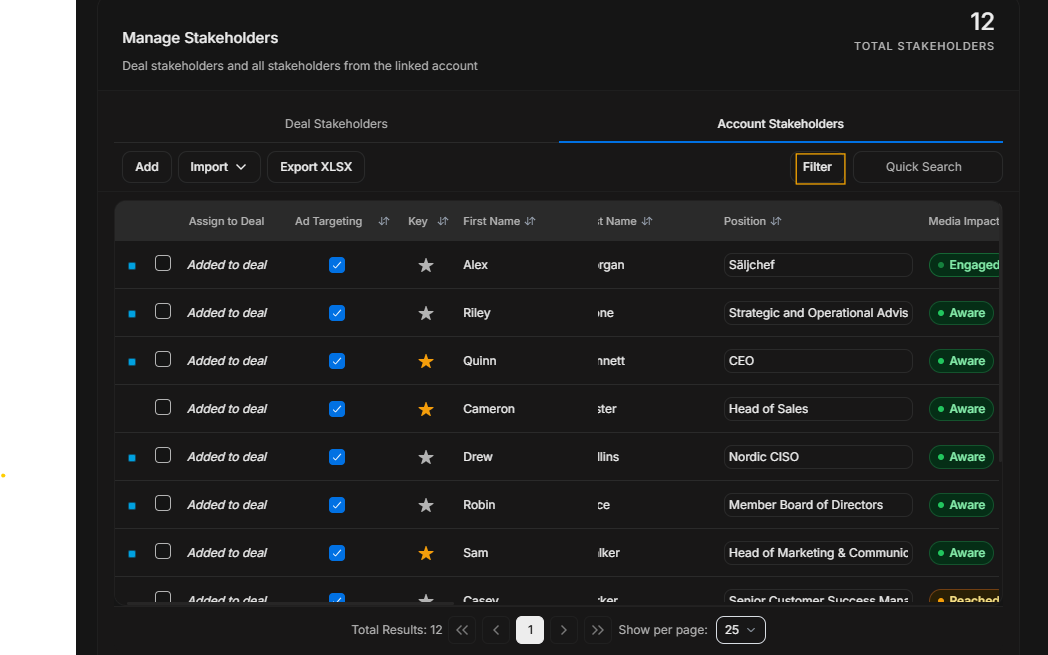
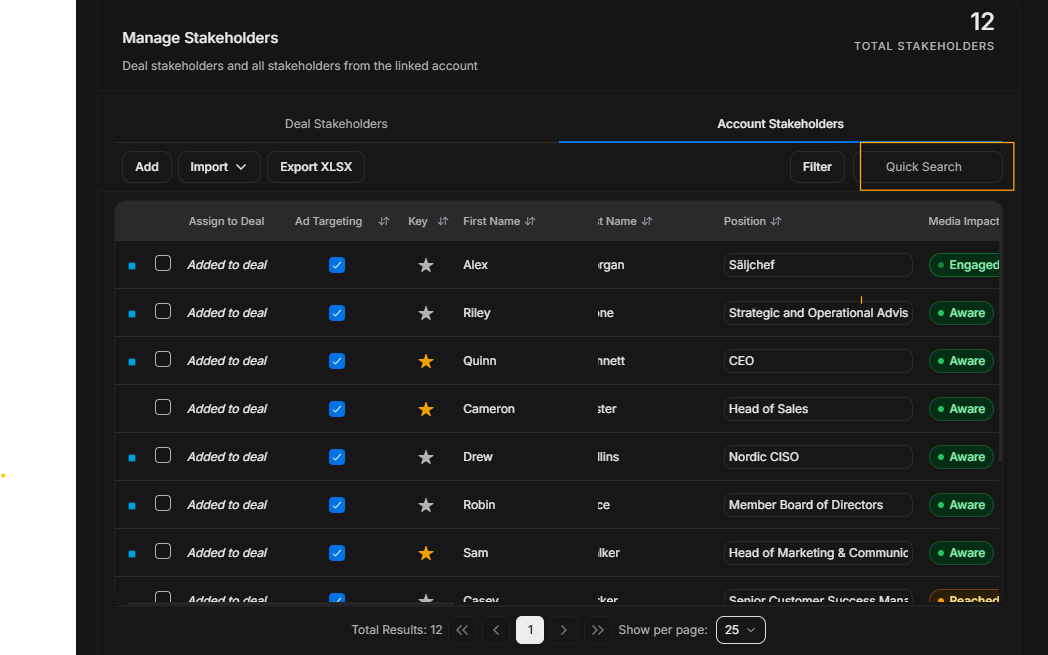
Image guide: Use Filter for structured narrowing and Quick Search for known text.
Pagination
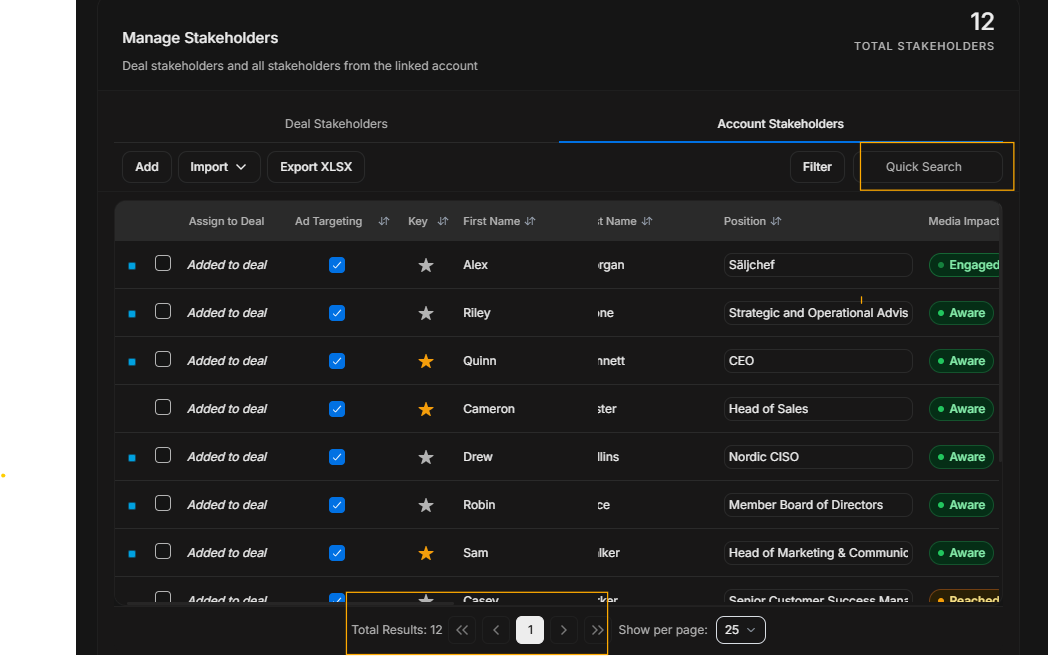
Image guide: Pagination controls the visible page of account stakeholders.
Review pattern
- Open Account Stakeholders only when the person is not already in Deal Stakeholders.
- Search or filter before adding.
- Confirm the account and role.
- Add the person only when they belong to the opportunity.
- Return to Deal Stakeholders to confirm assignment and targeting.