Reorder deals within a Pipeline stage
Reorder deals within a Pipeline stage
Open Deals → Pipeline and choose the relevant deal type and filters. Use manual order to put the deals you are reviewing at the top of a stage.
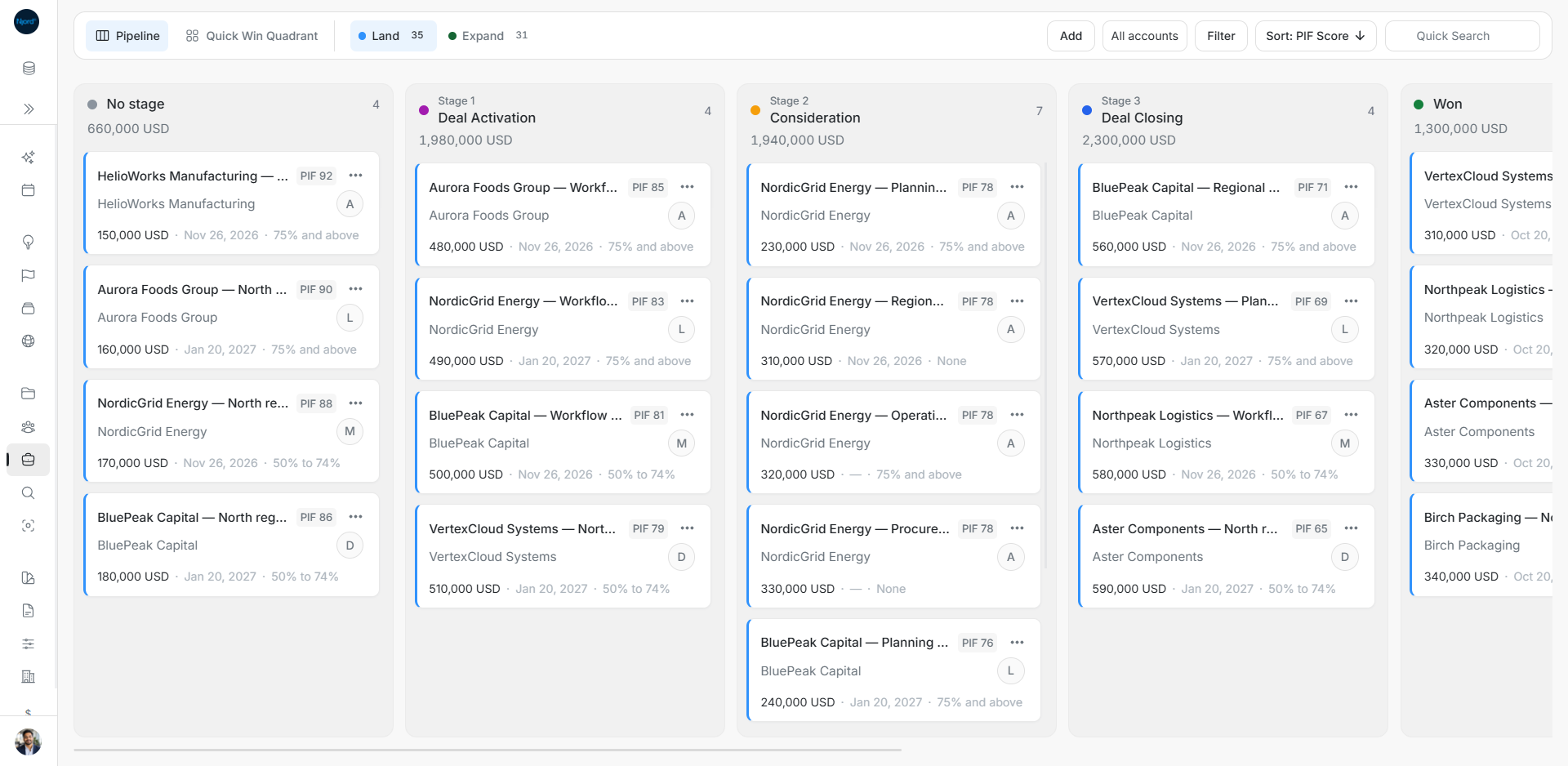
Image guide: Open Pipeline and find the stage containing the two deals before you change their order.
Move a card within its stage
- Grab the card’s drag handle and move it above or below another card in the same column.
- Read the insertion line and release the card there. Use Escape to cancel an active drag.
- Check its position. The deal keeps the same stage and stage date.
With keyboard focus on the handle, use Alt + Up Arrow or Alt + Down Arrow to move the card within its column. A drop into another column opens the stage-change confirmation. Follow the Pipeline stage-change steps when you intend to change its stage.
Understand where the order applies
Your browser remembers manual positions for the current workspace, data scope, filters and sort. Teammates and other devices have their own order. To go back to a field-based order for the current board, choose a field in Sort, then check the first cards in each stage.