Breadcrumb
Breadcrumb
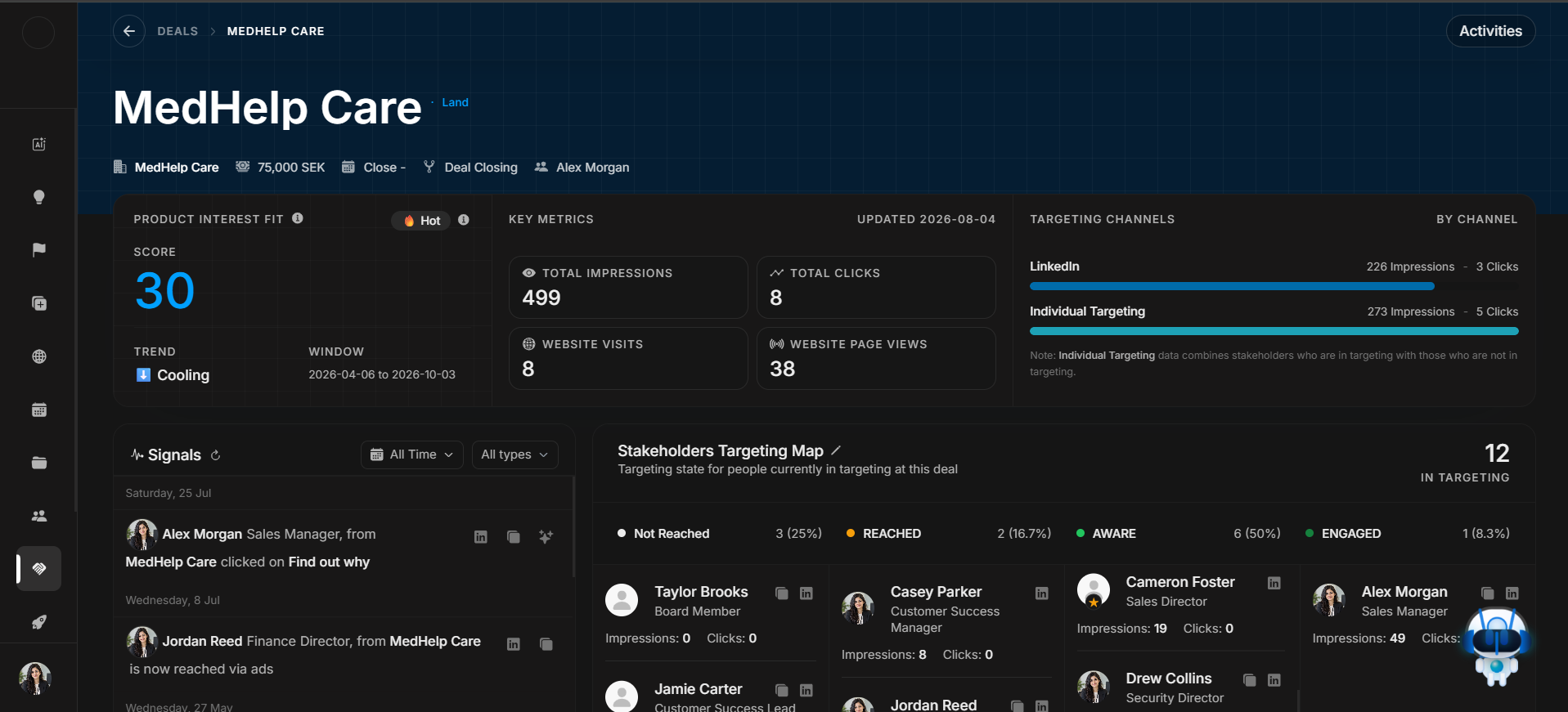
The breadcrumb is the first check on Deal Detail. It tells the user where they are and which record is open.
Deal page navigation
Image guide: The breadcrumb sits above the deal content. Confirm the user is in Deals and that the open record is the intended opportunity before reviewing fields or making changes.
How to use it
- Confirm the page is under Deals.
- Confirm the deal name beside the breadcrumb.
- Use the back/navigation control only when the user needs to return to the deal list.
- Do not edit fields until the record identity is confirmed.