Connect account to CRM
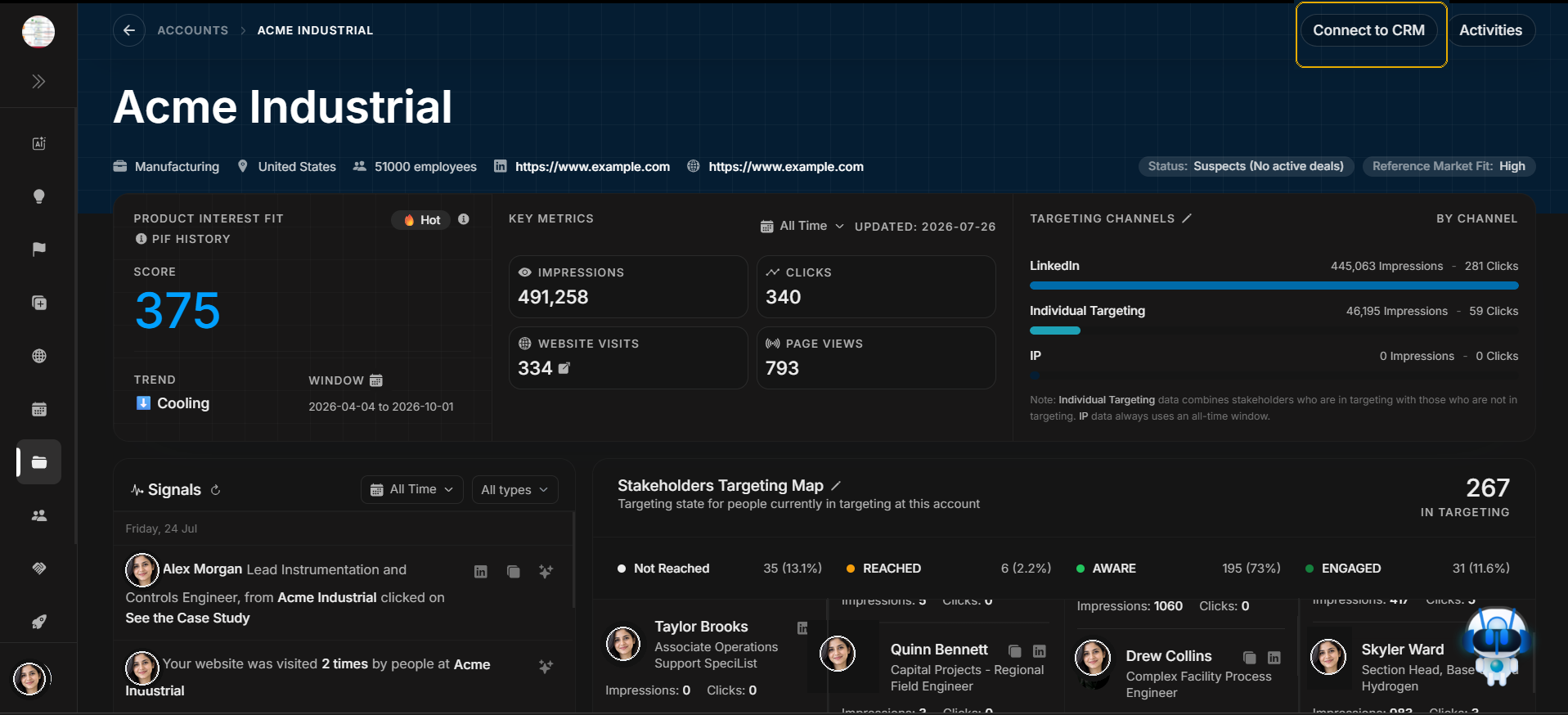
Connect account to CRM
Use Connect to CRM when the account should be linked to an external CRM record. This is a header action because it affects the account record itself.
Image guide: The highlighted button is the entry point for connecting this DOE account to CRM. Use it only after confirming the account identity.
Open the CRM connection modal
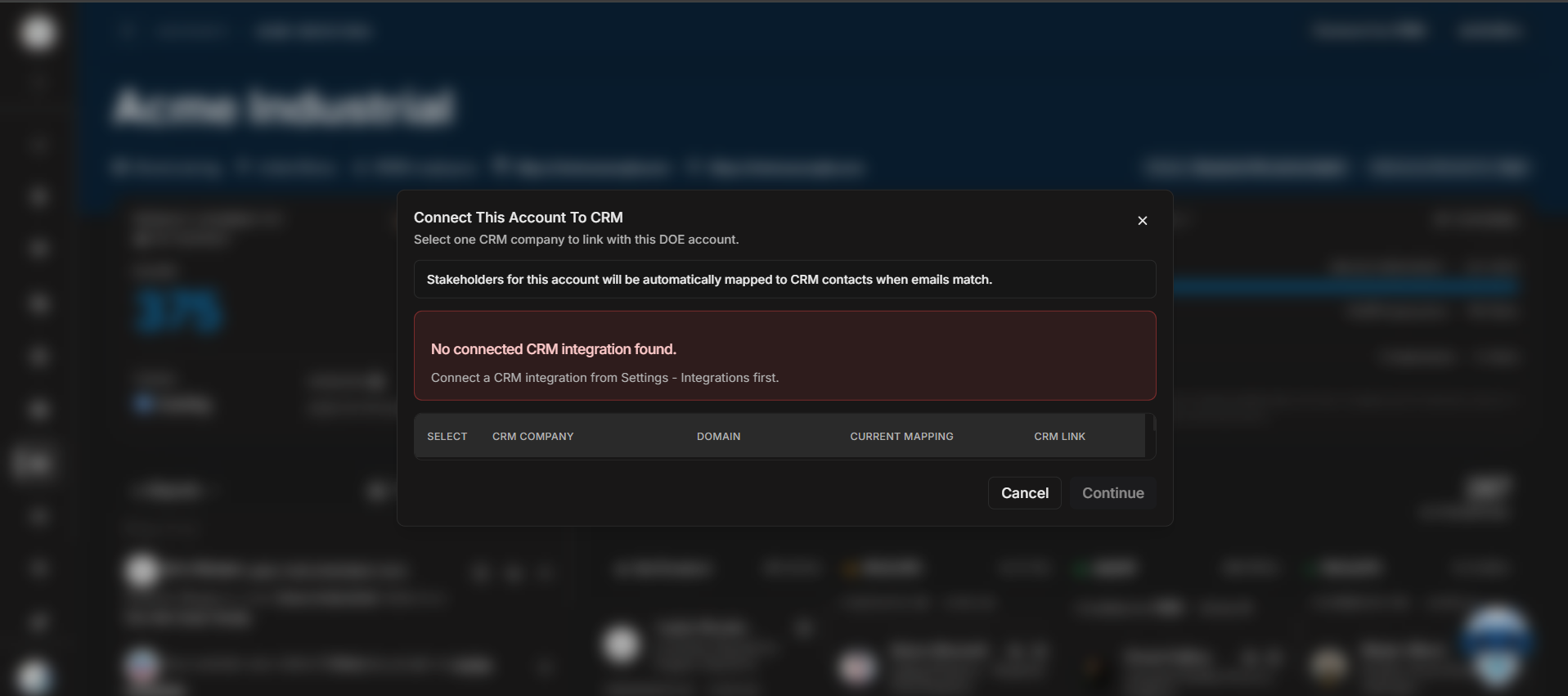
Image guide: The modal is where the user searches or selects the matching CRM account. The goal is to connect DOE's account record with the correct external CRM record.
Step-by-step
- Confirm the account name in the header.
- Select Connect to CRM.
- Search for the matching CRM account.
- Review the CRM result before saving.
- Close the modal if the match is not clear.
Important distinction
CRM connection is not the same as adding a stakeholder, importing a stakeholder, or changing ad targeting. It connects the account record to CRM context.